
Child lock on a Bosch washing machine
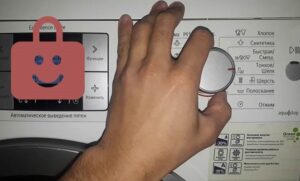 Having the child lock enabled on a Bosch washing machine is a lifesaver – it protects the machine from small children and runs the wash cycle set by adults. The problem is that many people accidentally activate the lock and then fail to disengage it. As a result, the machine remains locked, unresponsive to user commands. Disabling the child lock by trial and error is virtually impossible. There are specially designed algorithms for this.
About the standard control panel lock
There are several reasons why your washing machine may become locked, and the child safety feature is just one of them. As a rule, there are no problems with the standard use of this option: the dashboard is “frozen” only during the wash cycle. Only the start button remains active, allowing you to pause a cycle if necessary. It's important to use the panel lock strictly in the specified sequence:
- turn on the washing machine using the start button;
- use the toggle switch to select the desired program;
- activate blocking;
- start the cycle by pressing "Start";
- wait until the cycle is complete;
- remove child protection;
- turn off the machine.
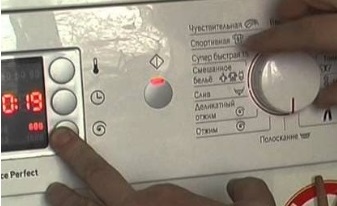
If the circuit is disrupted, the washing machine becomes more heavily locked. If you turn off the machine without first disabling the child safety lock, starting a new cycle will be problematic: the system won't allow you to set a program. Deactivating the function also won't work—pressing the same buttons will no longer work.
Even a child can turn off the machine with the protection enabled. When activated, the circuit board stops responding to all buttons except the power button. Therefore, the machine is not protected from being completely turned off or from subsequent blocking.
On Bosch washing machines, the child safety lock must be removed before turning off the appliance, immediately after the end of the cycle.
However, there's no need to panic. To unlock the washing machine, you need to return it to its previous mode. Once the programmer has reset to the previous program, a "key" will appear on the display. Then, press and hold the keys used to set the lock.
Which keys to press to unlock depends on the Bosch model:
- Bosch Logixx 8 (open the drum, press “Options” and hold until you hear a characteristic beep and the protection is removed);
- Bosch Maxx 5 (press and hold the “Start/Pause” button for 6-8 seconds and wait until the key image on the display goes out);
- Bosch WAS 20443 (hold “Start/Pause” until you hear a beep and the lock is released).
Some Bosch models have different buttons to activate the accidental key combination. To avoid wasting time trying to find the right combination, it's best to consult the relevant section in your washing machine's manufacturer's manual.
Fixing the error on the Bosch Classixx
A system error can also cause the dashboard to lock. In this case, the child combinations won't work, so the error code must be reset using another method. What's more complicated is that each Bosch product line has its own algorithm. For example, on Bosch Classixx washing machines (Classixx 5, Classixx 4, and Classixx 3), the reset process is as follows:
The Bosch washing machine locks the dashboard when the self-diagnostic system is activated – the error code that has occurred is displayed on the screen.
- press and hold the "Start/Pause" button;
- without releasing the start button, turn the programmer from the “Off” position counterclockwise by two points (to the “Intensive” mode);
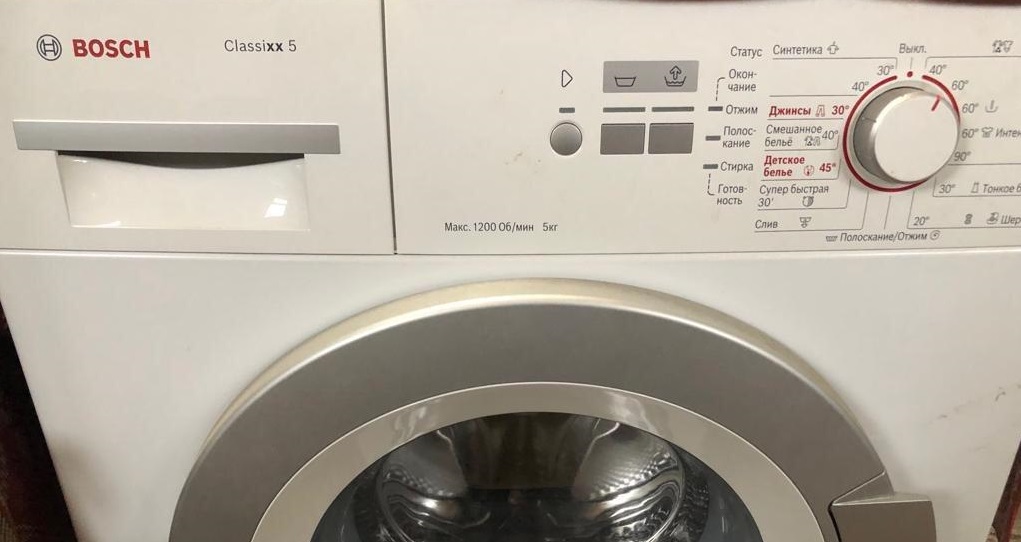
- after 2-3 seconds, release the start button;
- look at the instrument panel (all the dashboard lights should flash, or the display should show the duration of the selected mode).
Models in the Classixx series are considered quite finicky. Sometimes the board installed on them will miss user commands, responding with a delay. If the error doesn't clear on the first try, you should try again until you succeed.
Fixing an error on Maxx 5
To disable the panel lock on Bosch Maxx 5 washing machines, you need to follow a different procedure. The presence of a display doesn't matter—the error is reset the same way on any model in the series. The main thing is to start the reset with the machine connected to the power supply: the code on the display or all the indicators on the dashboard should light up. The procedure is as follows:
- set the programmer to the “Off” or “0” position;
- move the selector to the “Spin” position;
- press the “Drum speed” button (located under the spin speed scale) and hold it;
- without releasing the “Turns” button, move the toggle switch to the “Drain” position;
- wait 3-5 seconds and release the “Speed” button;
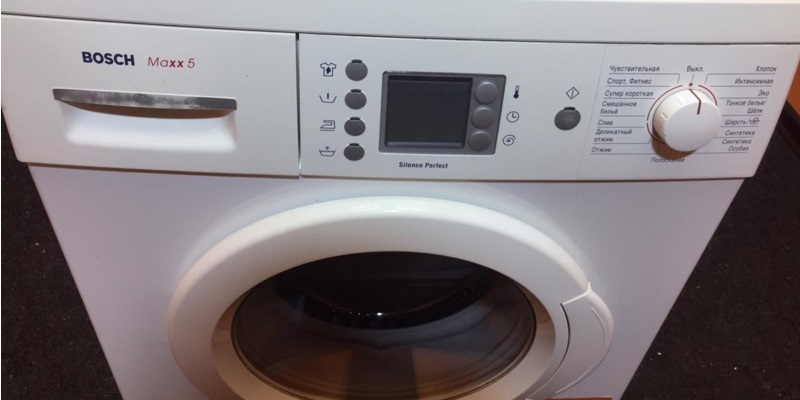
- immediately scroll the selector to the “Super Fast 15” program;
- After 2 seconds, return the programmer to the “Off” (“0”) position by turning the toggle switch counterclockwise.
On Bosch Classixx series washing machines, the lock is removed via the start button and programmer!
Eventually, the error will be reset and the dashboard will unlock. If the reset doesn't work the first time, it's recommended to repeat the process until the error is cleared.
Clearing errors on Logixx 8
The dashboard locks when the diagnostic system is activated on Bosch Logixx 8 washing machines. After the code appears on the display, the machine won't start a wash cycle, even after the cause of the malfunction has been corrected. To start a new cycle, you'll first need to reset the error. Here's the instruction:
- connect the machine to the power supply;
- press the power button;
- set the programmer to the “Spin” position;
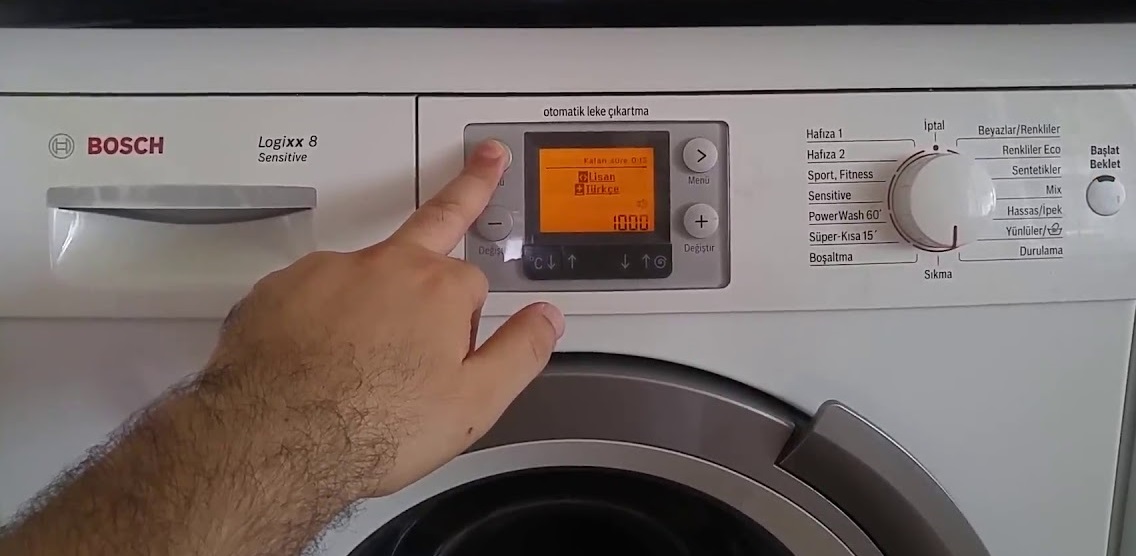
- wait 2 seconds, after which the machine will beep and the error code will appear on the display;
- press the button with the arrow pointing to the left (it is located near the display) and, holding it, count down exactly 4 seconds;
- without releasing the arrow, quickly turn the program selector to the left to the “Drain” position;
- release the arrow and turn the programmer to the “Off” position.
Usually, the error clears the first time if everything is done correctly. Afterward, it's recommended to reset the system—unplug the washing machine and restart it. The machine will then be ready for washing.
Attempting to reset a Bosch washing machine error without fixing the underlying cause can lead to serious system failure.
It's important to understand that resetting an error is only effective if the underlying problem is corrected. It's necessary to run diagnostics, identify the cause of the malfunction, and repair the machine. Attempts to reset the self-diagnostic system without repair will worsen the situation - the board may experience a serious failure.
The dashboard on Bosch washing machines locks when the child safety lock is activated or when a system error occurs. In either case, ignoring the problem is impossible—you'll first need to "wake up" the dashboard.
Interesting:
Readers' comments
Headings
Washing machine repair




For buyers




For users


Dishwasher




Add a comment