
Child lock on a Siemens washing machine
 Washing machines are always particularly intriguing for little ones, as they can do so many things with them. They can ride on the door, climb inside, press buttons, spin the wheel, and even lick the glass. Of course, you can't protect both children and the washing machine from everything, but you can at least lock the control panel during the wash cycle to prevent your little one from interfering with the process. Siemens washing machines have a special feature: a child lock. What is it and how do you use it?
Where do I click to lock the control panel?
Young mothers have enough to worry about, but they simply don't have the time to spend up to an hour over the washing machine, making sure their child doesn't accidentally press anything. The control panel lock feature comes to the rescue. If used correctly, it shouldn't cause any complications; everything will go smoothly:
- turn on the washing machine and add the detergent into the dispenser;
- select the appropriate mode;
- find the "Options" or "V" key and hold it for 5-10 seconds;
- activate the wash cycle;
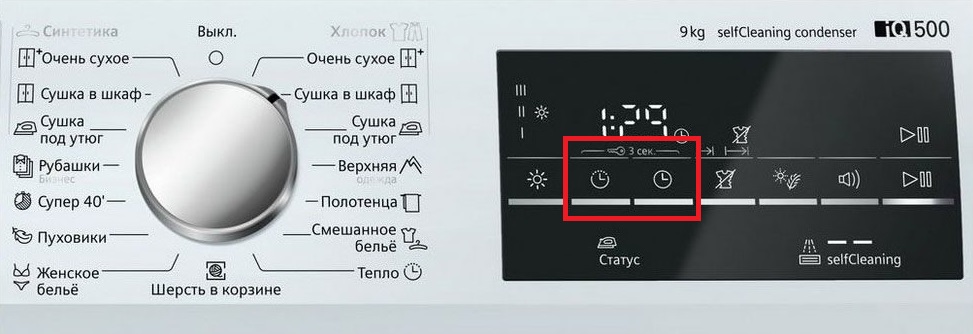
- After completing the process, disable the lock using the same method;
- Turn off the washing machine.
Important! The lock does not affect the on/off button of a Siemens washing machine.
However, this doesn't mean the washing machine will turn off without a problem if the lock isn't removed. Everything may seem fine at first, but after restarting, you'll notice the machine is behaving strangely. You won't be able to select a wash program, and the usual unlocking method won't work. But don't worry, there's a way to open the door and remove the laundry.
What should you do in this case? Try to remember which mode you activated the last time you washed. For this model, the name of the last activated mode is displayed on the screen. Turn the dial to that program, and the previously mentioned method for removing the unit will work without any problems. Open the door, press and hold the V (Options) key for 5-10 seconds until the washing machine beeps to indicate that the operation was successful.
Maybe it's not a child lock issue.
Sometimes the control panel locks automatically, without user intervention. This may be due to a brief malfunction, the washing machine generating an error, but the user fails to reset it, causing the unit to automatically block access to the control panel. It will remain locked until the error is reset. The algorithm varies from unit to unit, but generally looks like this: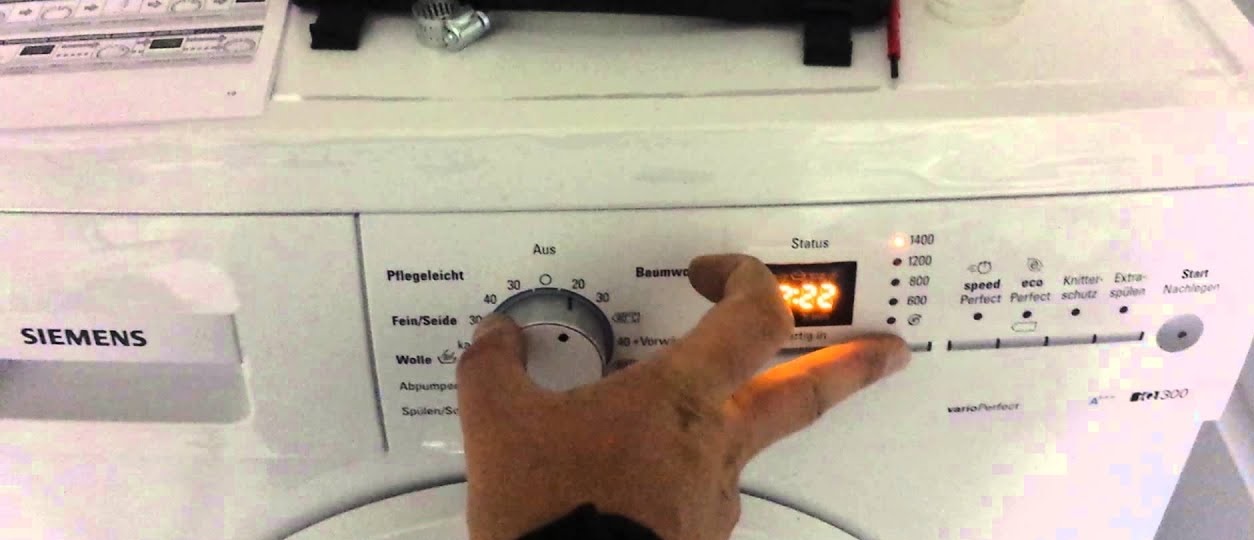
- set position 0 using the programmer;
- turn the selector one notch to the left;
- press the start button and hold it for a few seconds;
- Place the selector in the previous position.
Sometimes the algorithm has to be repeated several times because the machine is unexplainably slow. Some models require pressing the "Spin" button instead of "Start." And in some models, the lock must be turned on and off using the clock button instead of the "Options" button. If none of these methods work, consult the washing machine's user manual. This information is usually located in the "Custom Settings and Additional Functions" section, under "Lock."
Interesting:

Readers' comments
Headings
Washing machine repair




For buyers




For users


Dishwasher




Add a comment