
Candy Washing Machine Diagnostics
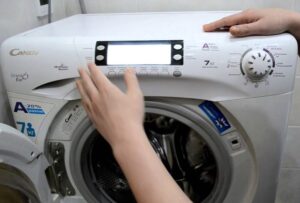 There are several situations that require diagnostics on a Candy washing machine, but the most common is when the appliance stops working without cause. If the machine stops mid-cycle, you should enable the test mode option, determine the cause of the malfunction, and assess the extent of the damage. Knowing how to perform a self-diagnosis allows you to do this without the help of a specialist.
Why search for an error manually?
A modern Candy washing machine is a fairly "smart" appliance, capable of automatically activating a self-check mode whenever any of its systems malfunctions. However, any appliance can occasionally malfunction, requiring the owner's "help" to initiate a manual diagnostic. The program will check the operation of all the device modules and display the error code on the display screen.The equipment owner will only need to analyze the information received.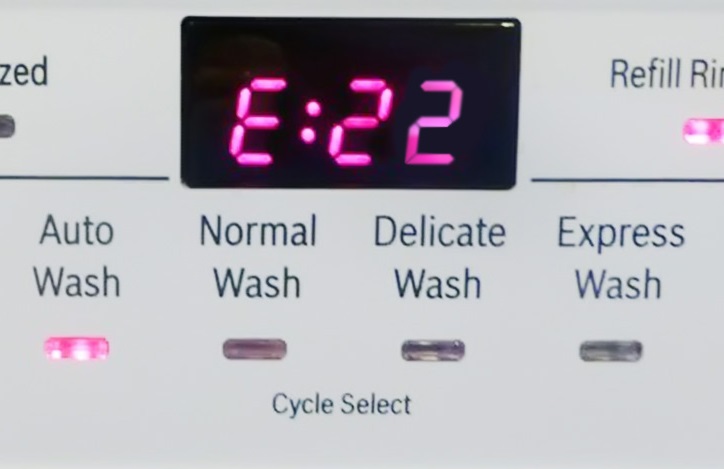
The washing machine will indicate a malfunction and fail to initiate self-diagnostics by stopping operation at any stage of the cycle: wash, rinse, or spin. The electronic control panel will simply freeze and stop executing any commands.
To understand what happened to your home assistant, you will need to enable the "Service Center" option.
Preparing for testing
Diagnosing a Candy washing machine requires some preparation. First, you'll need to use a digital ammeter with a 20 A/AC measurement range: connect it in series to each power cord of the appliance. This will allow you to assess the power supply and determine the current. If all electromechanical components meet 220V specifications, you can proceed to the next step: removing the washing machine drum.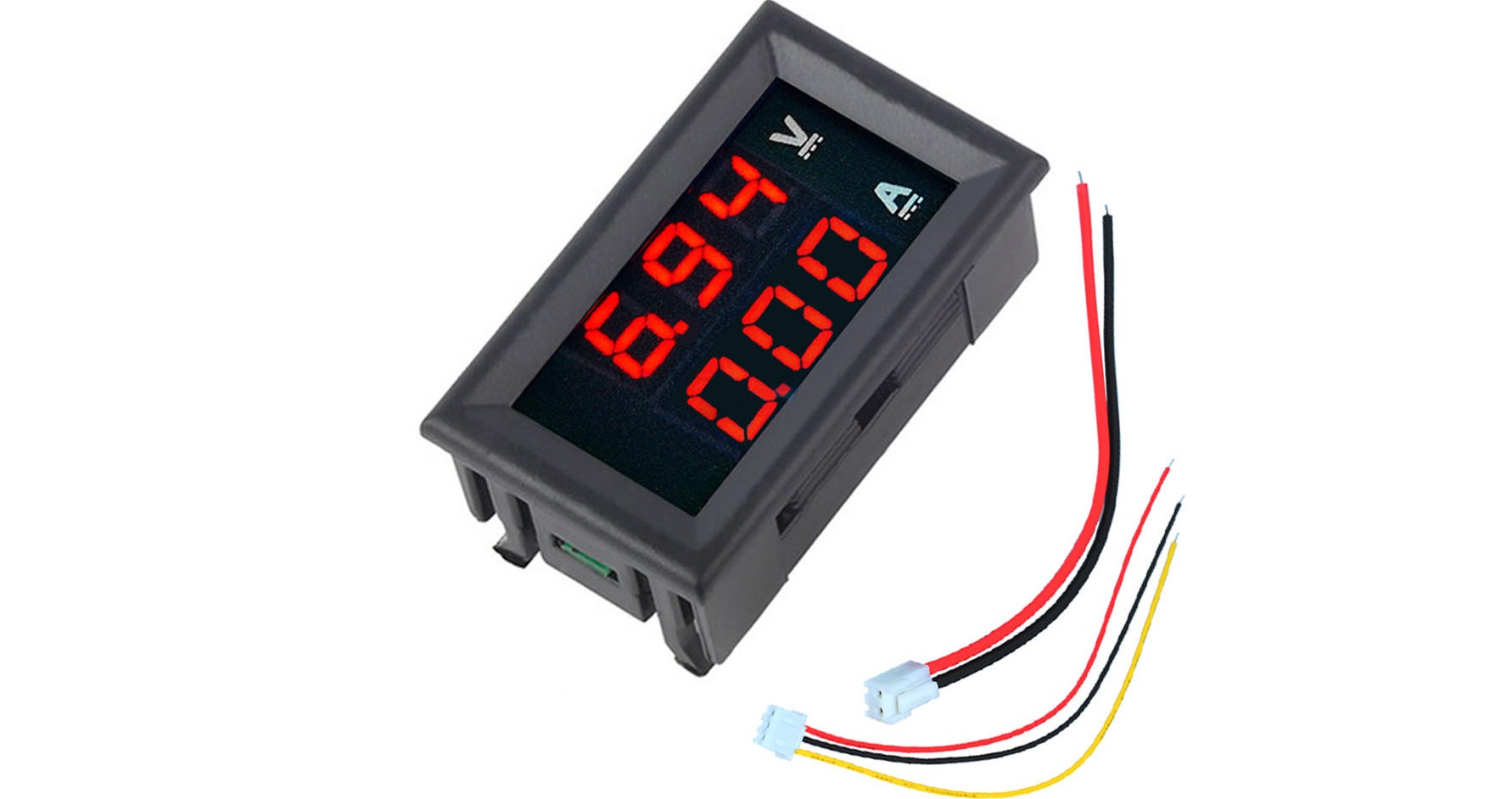
The water should be drained and the laundry removed, as their presence in the appliance can cause additional diagnostic errors. Now set the programmer to the "OFF" position.
How to run and perform diagnostics?
Now you can begin diagnostics and troubleshooting. To start the service test, locate the first button on the left side of the control panel, which is responsible for selecting additional functions, and hold it down. Without releasing the button, turn the programmer two positions clockwise, setting it to the COTTON 60° program.
Once the LED lights up, wait 3 seconds before releasing the first button, which controls additional functions. You'll know you've performed the action correctly when all the buttons' LEDs light up, including a light indicating the remaining time and spin intensity.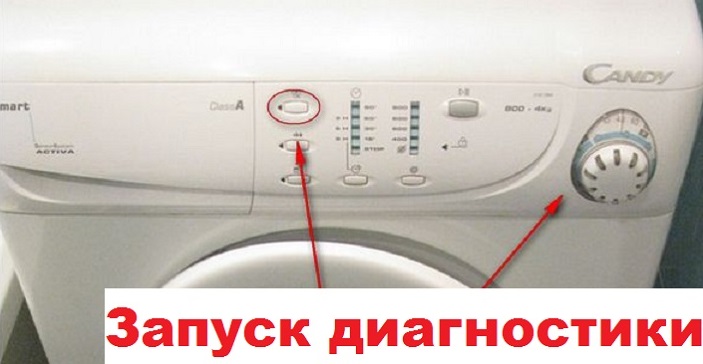
- MDL module: pause for 3 seconds, then press the Start/Pause button for 5 seconds.
- INVENSYS module: hold the button for 5 seconds and press Start / Pause.
The activation of the self-diagnostic program will be indicated by the flashing of the LEDs: the spin speed and the remaining time indicator will start flashing together, and the buttons for additional options will flash alternately with them.
The self-diagnosis process for Candy washing machines is as follows: A small amount of water, approximately 5-6 liters, is added to the drum. It first enters the pre-wash compartment. Once the water level reaches the base level, there is a one-second pause. Water supply is provided by cold and/or hot water electromagnetic valves (depending on the configuration). Next, diagnostics are gaining momentum.
- After the pause, water is supplied through the detergent drawer designated for the main wash. The heating element also turns on for 20 seconds, and the cold water solenoid valve, recirculation pump (if equipped), and main motor continue to operate.
- The drum rotation is checked for 15 seconds at a speed of 55 revolutions per minute, the movement is counterclockwise.
- After the required testing time, the motor will stop running for another 4 seconds. After this, the water supply will resume and the same manipulations as in the previous step will be performed, but the drum will move clockwise for 10 seconds.
- The drain pump will then begin operating. Draining will continue until the pressure switch signals "tank empty."
- This will be followed by a test of the spin function – the machine will operate at half the maximum speed for about 15 seconds.
After completing these steps, the appliance will indicate completion of its self-diagnosis and display a fault code. The first LED indicating the remaining time and the first button for additional functions will begin flashing again. The error display period is 15 seconds. The error code will correspond to the number of LED flashes, after which the indicator light will turn off until the corresponding 15 seconds have passed. The cycle will then repeat and continue until the appliance is turned off or the user resolves the issue.
Interesting:


Readers' comments
Headings
Washing machine repair




For buyers




For users


Dishwasher




Add a comment