
Check the dryer for faults
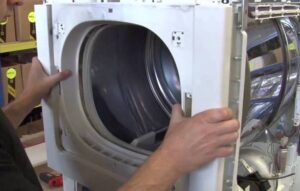 Today, users can diagnose their dryer themselves without calling a professional. This can be done using the "Service Test" feature found on all modern dryers. We'll explain how to test the unit, what common problems occur, and how to use it correctly.
How are we going to test?
A service test can help identify problems with your dryer. This is a special algorithm that checks all of the dryer's components. The procedure for starting self-diagnostics is described in the equipment instructions.
Before using your tumble dryer, please read the instructions carefully. The manual describes all the details regarding the operation and maintenance of the appliance.
A service test doesn't always accurately identify the problem. In some cases, the self-diagnostic system identifies a range of possible faults. To determine which component needs repair, it's necessary to pay close attention to the behavior of your "home assistant."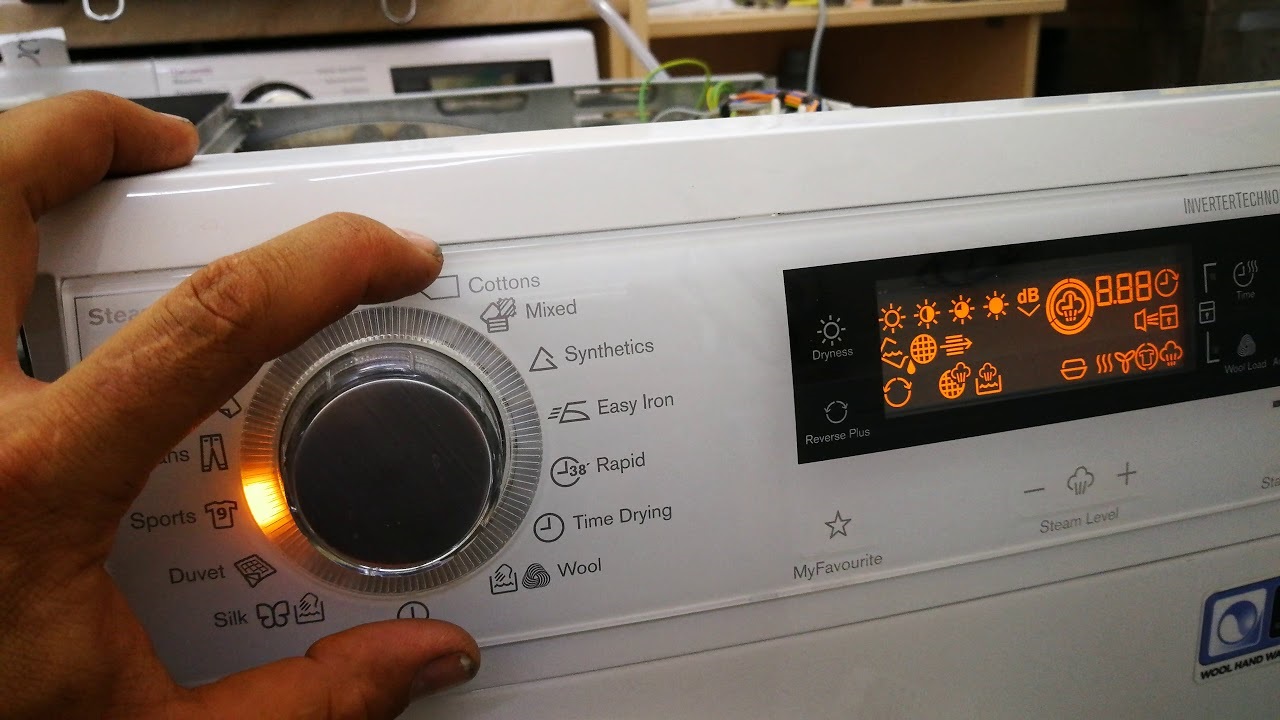
Symptoms of malfunctions can vary. If the dryer freezes during operation or stops spinning, pay close attention to the specific stage of the cycle. This will be crucial for diagnosis.
"Symptoms" and the breakdowns that caused them
A service test alone may not be enough to fully and effectively diagnose a dryer. The same error message often indicates multiple issues. Assessing the dryer's behavior can help determine the cause of the malfunction. What are the most common malfunction symptoms users encounter?
- The washing machine isn't drying laundry completely. This behavior could indicate a clogged lint filter or an overloaded drum. What should the user do? Clean the filter element and all ventilation openings to remove dust. Another cause is an overflowing condensate collection container. Check the container and drain the water. Alternatively, the lack of drying could be caused by a damaged control module. This would require diagnostics of the circuit board and replacement of the semiconductors. Finally, a faulty thermostat can also cause this problem.
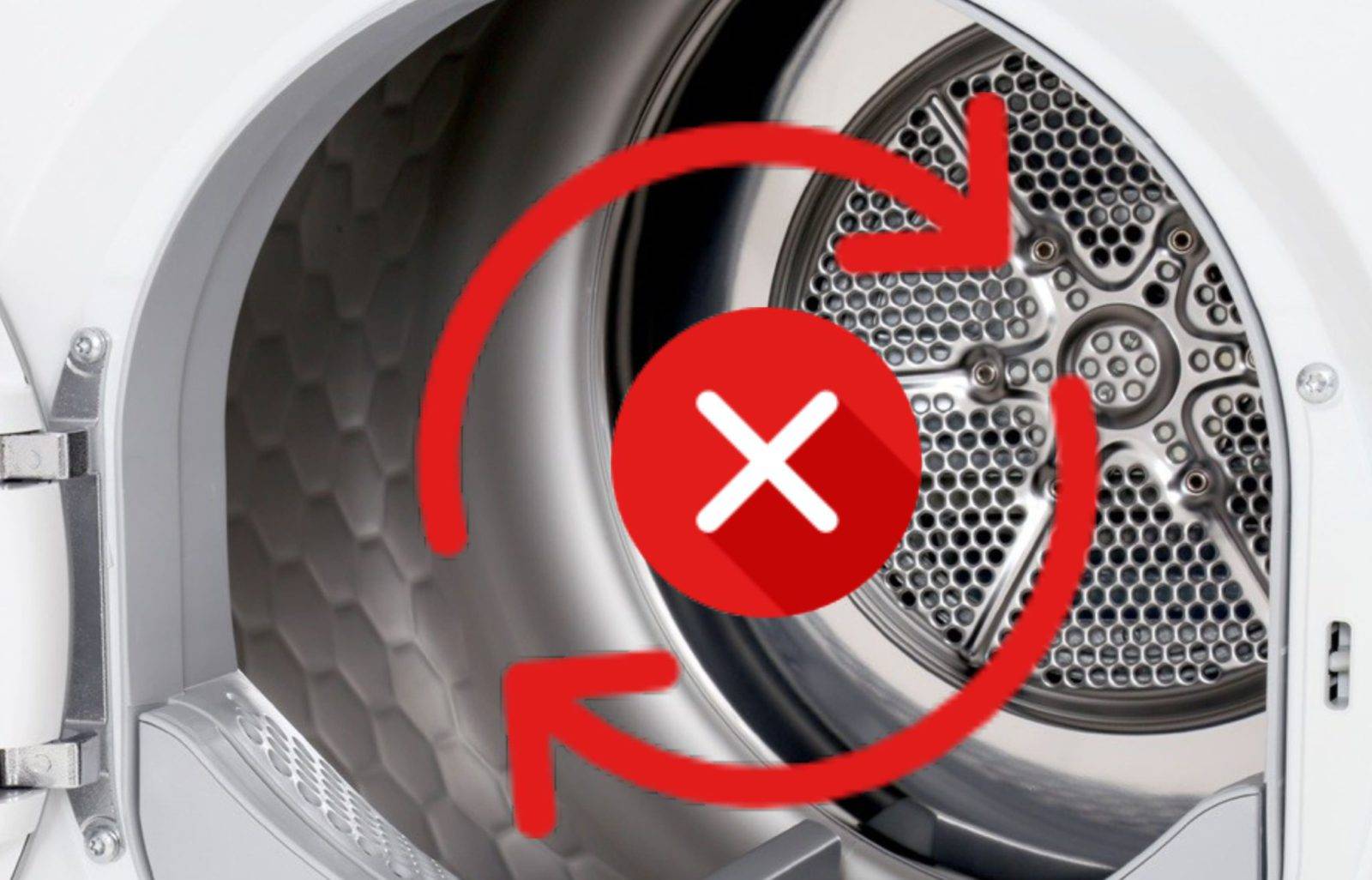
- The drum won't spin. If the machine detects this problem, it will display an error code. However, there could be various causes for this problem: a foreign object stuck inside the dryer blocking rotation, a broken drive belt, motor problems, worn bearings, or a damaged control module.
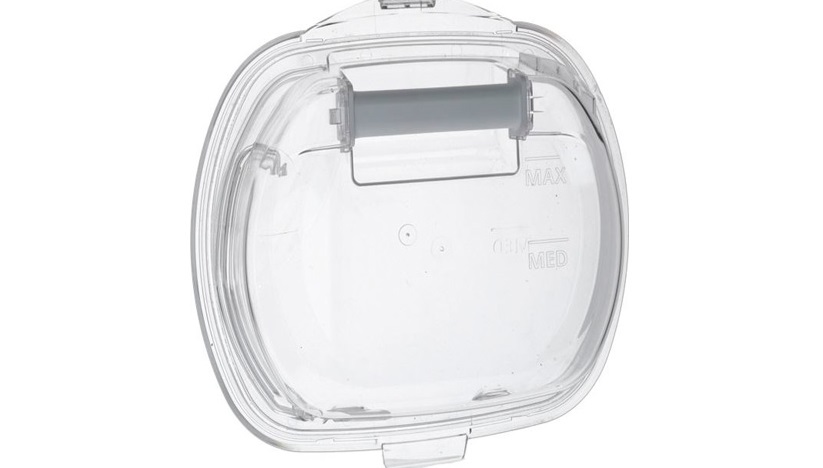
- The condensate container isn't filling. There are several possible causes for moisture not draining into the tray. First, the container may be overfilled. This can cause liquid to collect in the tray. Second, the air intakes often become clogged, preventing proper air circulation. In this case, they will need to be cleaned. Third, the compartment's full sensor may be faulty, requiring dryer repair.
- The control panel isn't responding to inputs. In this situation, check the electrical outlet the machine is plugged into. Also, inspect the dryer's power cord. If these issues are ruled out, the problem may be the buttons on the dashboard sticking. If this is also correct, you'll need to diagnose the electronic module. The unit is usually damaged by moisture on the circuit board, power surges, or a short circuit.
- The machine is leaking. A leak can occur for several reasons. It could be a damaged drum seal, a clogged pump, or an overflowing condensate container. If the dryer is connected to a sewer line, be sure to check the integrity of the drain hose and the tightness of its connection to the body and pipe.
- The drum door won't close. The most common cause is items getting stuck between the machine's body and door. Sometimes the hinges are misaligned or the door latch is deformed. In other cases, the lock itself is at fault, possibly due to mechanical or electronic damage. If you can't identify the problem yourself, contact a professional.
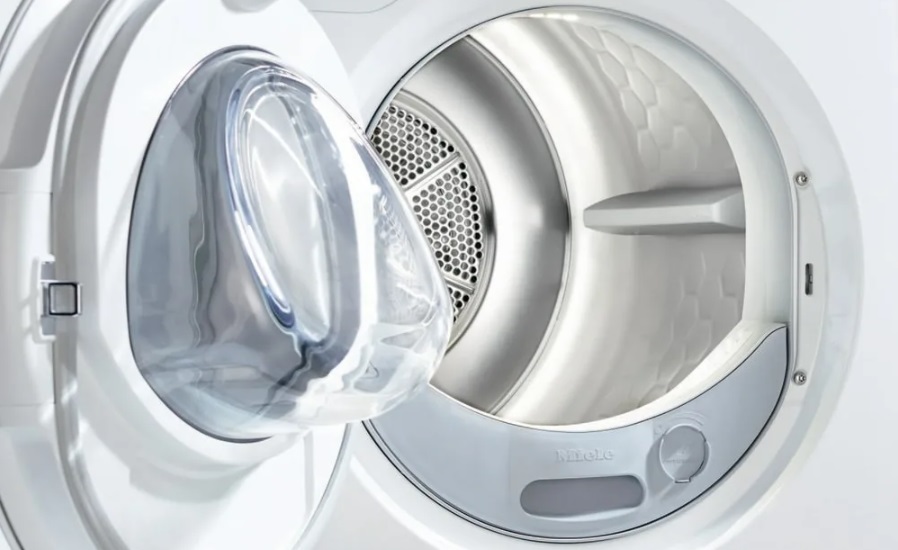
- The door may also close, but the hatch locking device won't engage. Until the module receives a signal that the system is sealed, the cycle won't begin. You can test the locking device with a multimeter. Repairing the lock isn't practical; it's easier to buy and install a new one.
- The dryer is making a lot of noise. Any machine makes noise during drying, and this is normal. This noise is caused by the heating element, the warm air system, the drum movement, and other factors. However, excessively loud operation should alert the user. To identify possible problems, pay attention to the nature of the noise.
Listen to the dryer's operation:
- Squeaking, rattling, and increased vibration indicate problems with the drive mechanism and bearing assembly. If you've had your dryer for a while, it's likely the bearings or shock absorbers are worn out. Damaged components will need to be replaced.
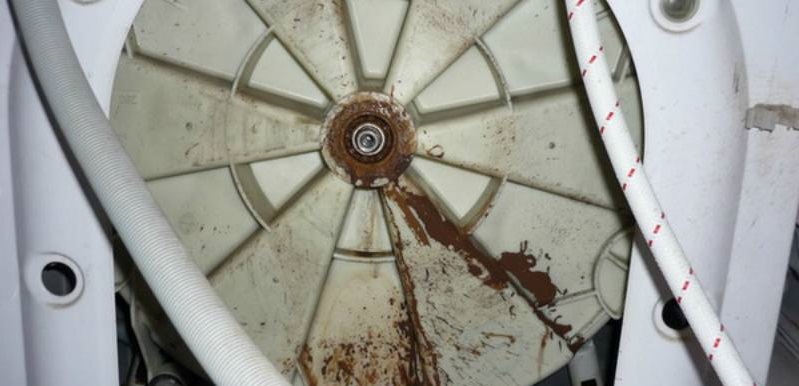
- a repeated knocking sound may indicate a foreign object has entered the space between the tank and the drum;
- A grinding noise is a clear sign that the washer's drum is rubbing against other internal components. The pulley should be inspected for deformation. This could also be due to worn bearings or damaged dampers.
Sometimes a dryer trips the RCD, causing the cycle to stop. This usually happens mid-dry. A possible cause is a faulty heating element. After several years of use, the heating element becomes damaged. Condensation gets into cracks in the element, causing a short circuit.
If the dryer trips the RCD, immediately de-energize the equipment and do not turn the appliance on until the fault is fixed.
What should a user do if their dryer is behaving abnormally? Everything will depend on the symptoms of the malfunction. If there is a leak or a power problem, the equipment should be de-energized immediately.
When your dryer freezes during the drying process and displays an error message, you need to decode the code. To do this, consult your machine's manual. Once you've identified the possible issues, unplug the dryer and begin troubleshooting.
System error
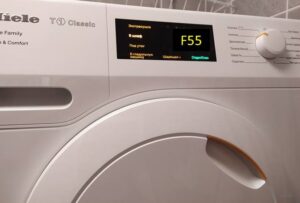
As already mentioned, modern dryers are equipped with a self-diagnostic system for detecting malfunctions. Models with a display show the code on the screen, while devices without a display notify of a malfunction by flashing indicators on the control panel. The user's task is to decipher the error message.
The list of possible error codes varies from brand to brand. Therefore, be sure to consult your user manual. For example, Miele dryers display the following codes:
- F1, F2, F3, F4 – indicate a temperature sensor malfunction. In this case, the chamber does not maintain the temperature required for drying laundry. The problem may also be caused by damage to the semiconductor on the control board that coordinates the thermostat.
- F11 – indicates a blockage in the filtration system. This code may also indicate an inability to drain water. Check the lint filter, the condition of the ventilation openings, the condensate collection container, and the drain hose (if the machine is connected to a sewer system).
- F10, F13, F15 – errors indicating problems with water drainage in dryers connected to the sewer or independently removing condensate;
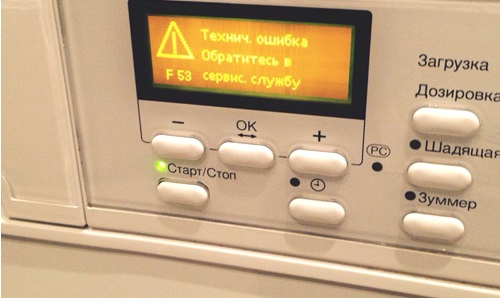
- F20, F29 – inform about the failure of the heating element of the dryer;
- F32, F33, F36 – indicate that the dryer's loading door is open. The lock or interlock may be damaged. Sometimes the problem lies with the control board itself;
- F38, F39, and F41 are errors indicating problems with the control module. Diagnosing and repairing the electronic unit requires specific knowledge and skills. Therefore, it's best to entrust this work to service center specialists.
- F51 – indicates incorrect operation of the tachometer sensor;
- F66 – informs about air leakage from the system;
- F156, F157 – errors indicating a faulty temperature sensor.
Sometimes dryers indicate a problem with just a single letter, without a corresponding number. This means the intelligent system can't determine which component is faulty. Restart the machine—it could simply be a system error. If the general error persists, contact a service center for assistance.
Use the equipment correctly
It's easier to prevent any problem than to fix it later. That's why it's so important to follow the basic rules for using your tumble dryer. Following a few recommendations will significantly extend the life of your "home helper."
- Choose your dryer's installation location carefully. The floor should be level and solid to prevent the dryer from tilting and causing excessive vibration during operation.
- Don't overload the dryer—strictly adhere to the maximum load capacity. Overloading can cause premature wear of the bearings, drive mechanism, and damage to the shock absorbers.
- Use the machine only for drying clothes, the device is not intended for any other purposes.
- Monitor the condition of the sunroof seal. A damaged seal will cause leaks, so it's important to replace it promptly.
- Before loading laundry into the dryer, it's best to spin it in the washing machine at the maximum spin speed allowed for the item. This will reduce drying time and, consequently, energy consumption.
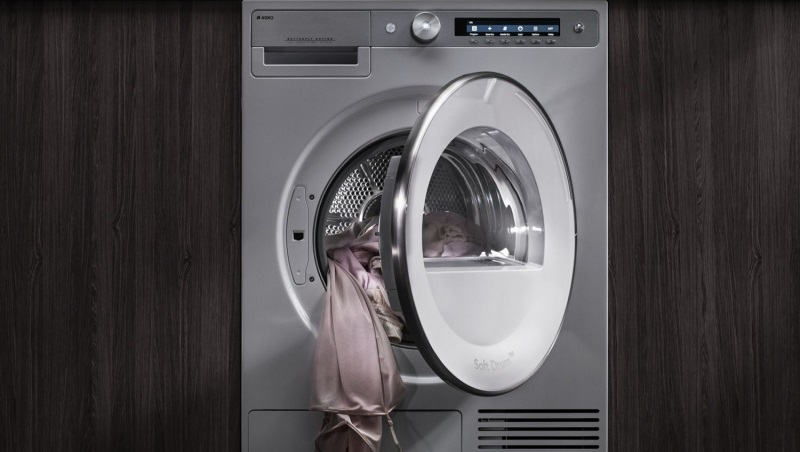
- Choose a washing mode based on the type of items you're loading. Delicate programs are designed for delicate fabrics, while intensive programs are suitable for durable, multi-layered clothing. This will help preserve your laundry while ensuring maximum drying results.
- Don't forget about maintenance. Regularly clean the machine of dust, empty the lint filter, ventilate the drying chamber, and wipe the drum walls with a clean, damp cloth.
It is recommended to clean the lint filter after each use of the dryer.
It's also a good idea to install a voltage stabilizer upstream of the dryer. This device will protect your "home helper" from power surges and fluctuations. This precaution will also help protect the control module from premature failure.
Therefore, any user can check their dryer for faults by running a service test. Most problems can be resolved without the help of a technician. For more complex issues, it's best to contact a professional to avoid further damage to your "home helper."
Interesting:
Readers' comments
Headings
Washing machine repair




For buyers




For users


Dishwasher




Add a comment