
The key light on my Bosch washing machine is on.
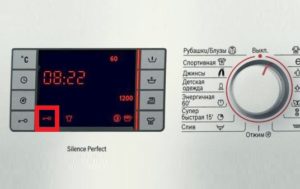 The indicators on the machine's dashboard help monitor the washing process. Many lights are separate and illuminate only in certain situations. For example, if the key light on a Bosch washing machine is lit, it means the door is locked. Let's take a closer look at why this happens and when it's acceptable.
Purpose of the key
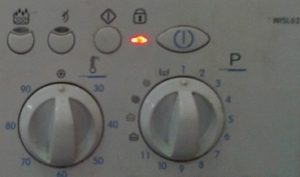
The indicator with the image of a lock or key on Bosch washing machines is responsible for the electronic locking of the hatch door.This light bulb has three states: off, flashing, or constantly on. This time we will pay attention to the last situation, when the LED lights up and remains that way for a long time.
The “key” indicator lights up when the hatch locking device (abbreviated as HLD) is activated.
The “key” burns continuously in three cases.
- If the washing machine is in the middle of a wash cycle, the system alerts the user that the machine is in operation. The door is locked and cannot be opened until the cycle is complete. In this situation, there is no problem—the lock will be released automatically at the end of the cycle.
- When the wash cycle is complete and the door is open, the washing machine does not respond to user commands and is frozen. This is abnormal; the door lock, door lock and hinges, as well as the control module, should be checked for proper operation.
- If the washing program has finished but the door hasn't unlocked, this isn't normal; it indicates a problem with the control board or the door lock.
Some modern Bosch machines feature a "lock" light when the Child Lock feature is activated. This locks the entire dashboard and locks the door. Before investigating the cause of a persistent light, it's recommended to ensure this feature is disabled.
Hardware disabling of the lock
If the machine has finished washing but still won't unlock, you'll need to manually disable the key on the display. This is easy: just hold down the "Start" button for 5-6 seconds. Holding down the power key should restart the system and reset all settings. After this, the UBL switches off and the light stops burning.
There is also a more radical way:
- disconnect the washing machine from the power supply by pulling the cord out of the socket;
- wait 10-20 minutes;
- restart the machine.
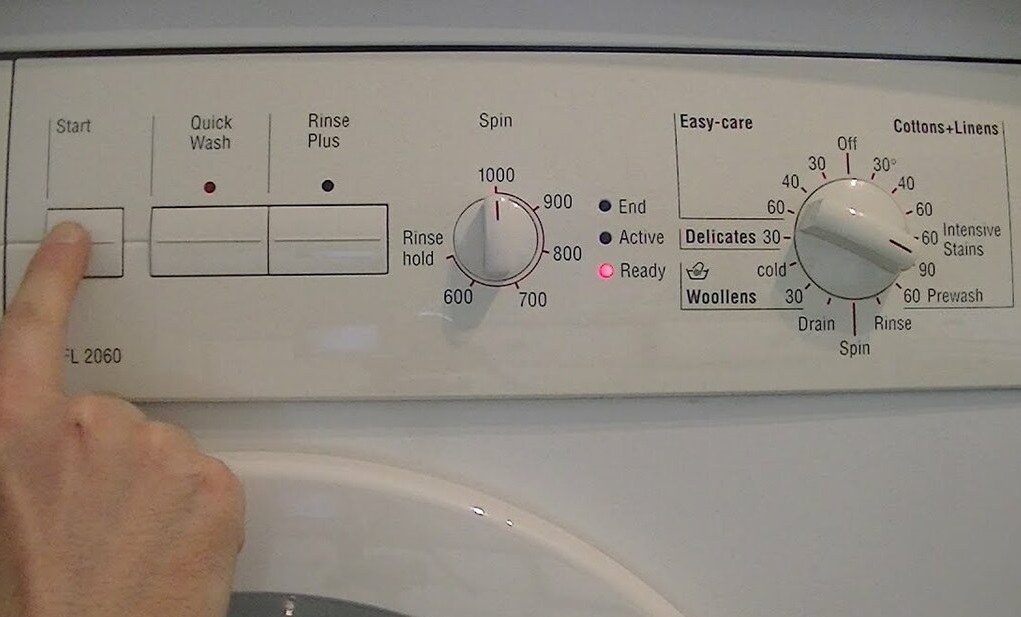
This is an emergency system reset that resets all previously configured settings. This reset is necessary when the washing machine stops responding to button presses.
If the reboot doesn't work, and the key lights up again when the system starts, there's a problem. The door mechanism needs to be checked and the door lock system and control board tested.
Checking and replacing hatch parts
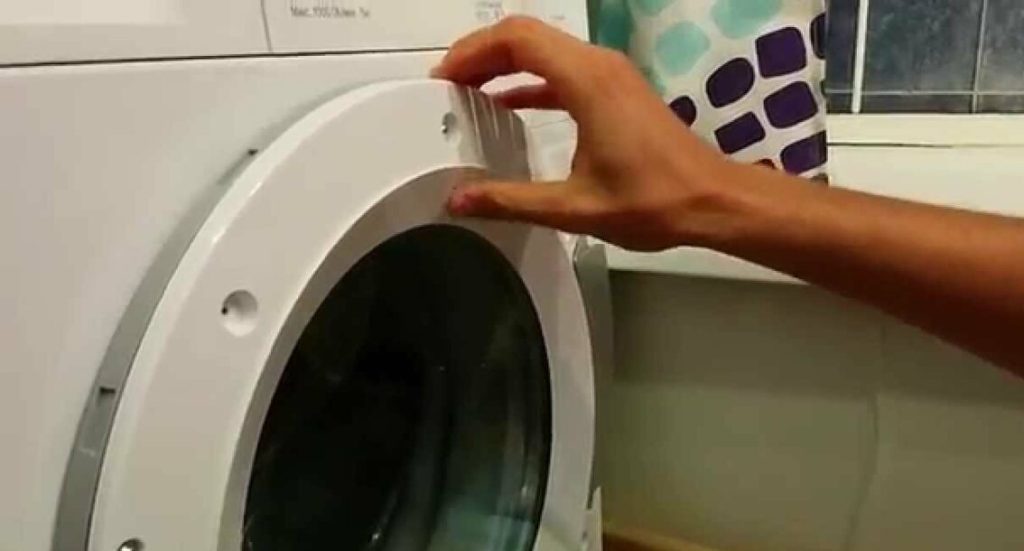
Don't rush into the electronics: first, it's recommended to check the door mechanism. Often, problems with the key indicator are caused by door malfunctions: a misaligned lock tongue or warped hinges. Most likely, the hatch was not closed carefully, was used as a hanger, or was used as a child's swing. In any case, the entire structure will need to be checked.
It is recommended to proceed in the following order:
- disconnect the washing machine from the power supply, water supply and sewerage system;
- find the clamp on the hatch cuff, pry it up with a flat-head screwdriver, loosen it and tuck the rubber band inside the drum;
- disconnect the wiring from the UBL;
- open the service hatch door and unscrew the bolt holding the filter housing;
- unscrew the screws holding the top cover from the back panel of the case and remove the “top”;
- remove the powder receptacle by holding down the central button and pulling it towards you;
- in the vacated seat, find and loosen the two screws securing the instrument panel;
- unscrew the screws located around the perimeter of the dashboard;
- lift the dashboard and push it from left to right, removing it from the plastic latches;
- release the fasteners around the perimeter of the front panel, unhook the “end” and put it aside;
- unscrew the plastic cover covering the door hinges;
- detach the hinges from the body;
- install new hinges instead of old ones;
- Assemble the machine in reverse order.
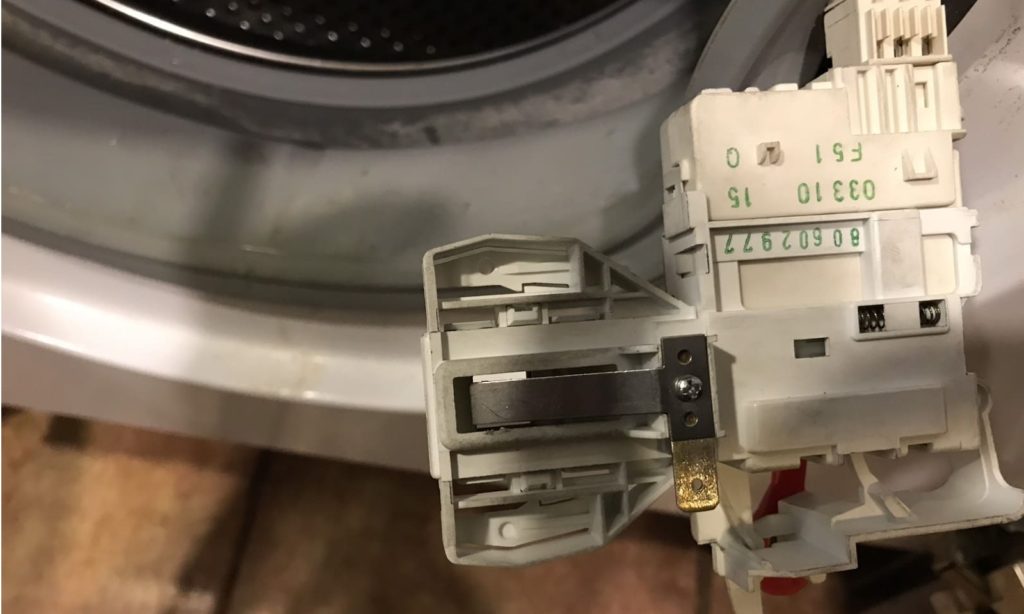
Repairing a hatch lock at home is very difficult. It's easier and quicker to purchase a new hatch lock and install it in its place. Simply remove the faulty lock, removing the existing fasteners, and install a working replacement using the same template.
Replacing the door lock becomes more difficult if the door won't open and remains locked. In this case, you'll first need to remove the top cover, tilt the washing machine forward, then reach inside along the body, feel for the lock, and slide the latch. Then, follow the instructions described earlier.
The control module has failed.
If the door lock, hinges, and lock are working properly, the problem lies with the control board. Water may have spilled on the microchips, or a sudden power surge may have caused the system to freeze. In this case, the module is unable to transmit cycle completion information to the locking device, the door remains closed, and the washing machine does not respond to user commands.
It is almost impossible for an ordinary person to diagnose a control board. Checking all contacts and microcircuits requires certain knowledge, experience and special equipment. Without them, there is a high risk of making a mistake and worsening the situation, even to the point of a fatal outcome.
Interesting:


5 reader comments
Add a comment
Headings
Washing machine repair




For buyers




For users


Dishwasher




Thank you! You helped!!!
Thank you so much. Great article, really helpful.
Not all methods are listed. You need to press the key and the start button simultaneously while the program is already running. Ours washed and washed, and then stopped. The key lit up and nothing worked, but this method helped.
Thank you for your comment, the method worked.
Thank you, kind person! Seriously! I almost started taking the car apart 🙂