
How to turn on a Samsung washing machine?
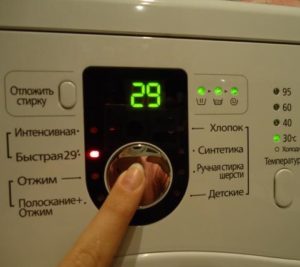 It's not enough to simply turn on your Samsung washing machine by pressing the "Power" and "Start" buttons on the control panel. You also need to thoroughly prepare, select a wash program, sort your laundry, and remember to take care of it afterwards. It's best to take your time and carefully review all the recommendations and tips.
Turning on and starting the wash cycle
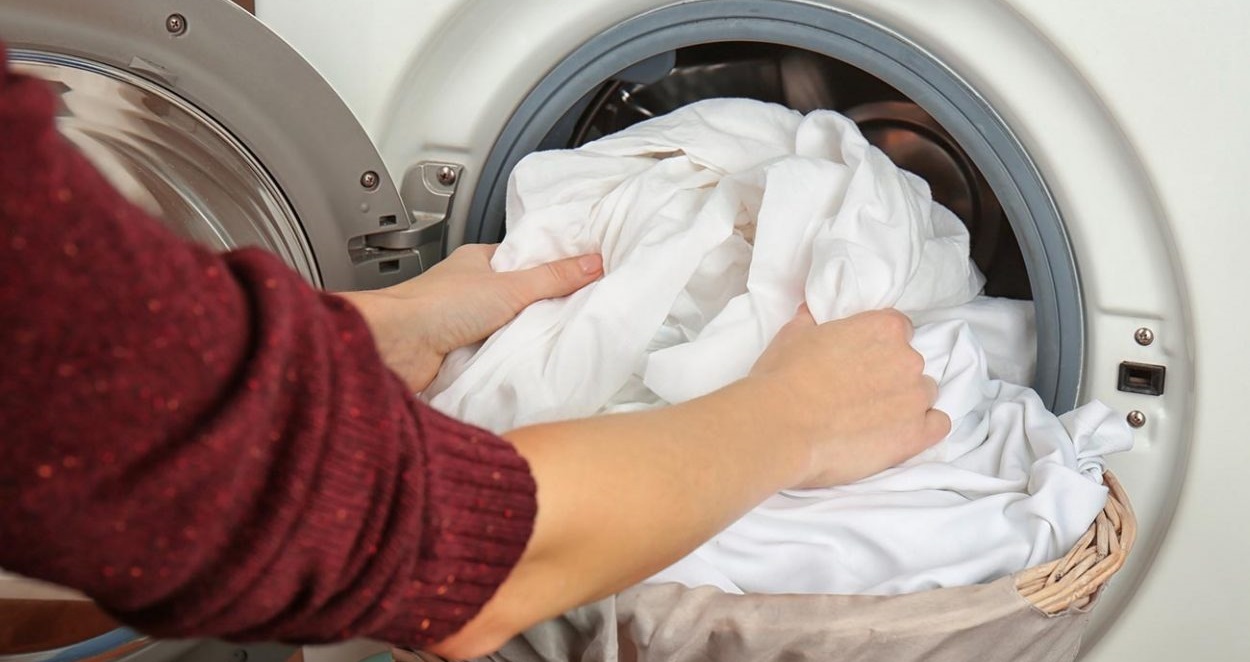
At the start, we check the machine's readiness for the upcoming wash. First, check to see if the water supply is open and the machine is plugged in (we also check for power in the room, just in case). If there are no problems with the power supply, sort the laundry, load a portion of the laundry into the drum, and close the door tightly. Be sure to listen carefully – there should be a click, indicating that the hatch has been successfully locked.
Next, start the washing machine by pressing the "Power" button. While the machine is waking up, add detergent, powder, or gel to the dispenser. If necessary, add fabric softener or stain remover to the middle compartment marked with a "*" or "flower." Now, select the wash cycle.
- We study the labels on the clothes and, having looked into the Samsung user manual, we select the appropriate program.
- If the desired mode is not available, set the cycle parameters manually: adjust the spin speed, temperature, turn on rinsing, and specify the time.
- Let's check if the correct mode is selected.
- Press the "Start" button.
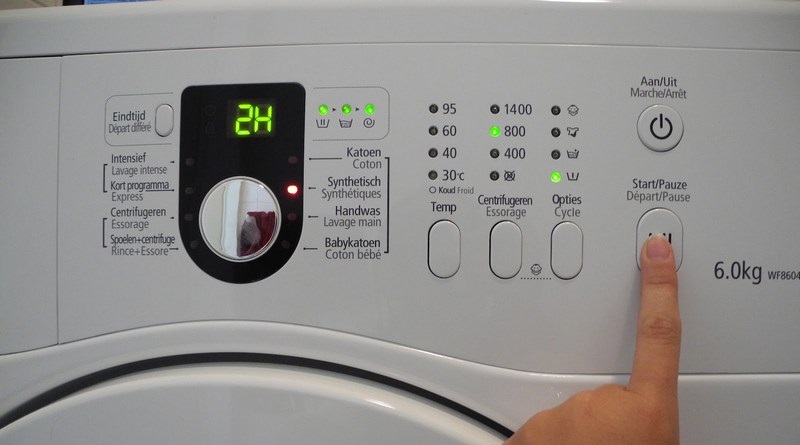
That's it! The beauty of an automatic washing machine is that after pressing the "Start" button, you don't have to do anything. The machine automatically switches from wash to spin and rinse, and then proceeds to drain. There's no need to stop the Samsung or stand nearby. Even if the power goes out, the washing machine will "remember" where you stopped and continue the cycle as soon as power is restored. If you need to urgently interrupt the program and open the drum, simply press the dedicated "Pause" button.
Choose the program carefully
Modern Samsung models offer a dozen different washing programs. With just one button, you can quickly and easily select the optimal spin and temperature for your laundry, without worrying about the results. However, to choose the right program, you need to understand the characteristics of each one.
- Cotton. One of the longest and highest-temperature programs, designed for dense and natural fabrics.
- Synthetics. This cycle is selected for fabrics that fade and deform easily, so set the temperature to medium and spin to low.
- Children's underwear. Characterized by high temperatures and extensive rinsing.
The "Children's" program is suitable not only for washing babies' clothes, but also for caring for clothes of allergy sufferers.
- Wool. Low temperature and minimal spin are required for woolen items.
- Intensive. Helps remove stubborn and difficult-to-remove stains.
- Quick 29. Lasts only 30 minutes, so it doesn't tackle heavy stains, but only freshens things up.
- Spin. Allows the drum to spin again and dry clothes more thoroughly.
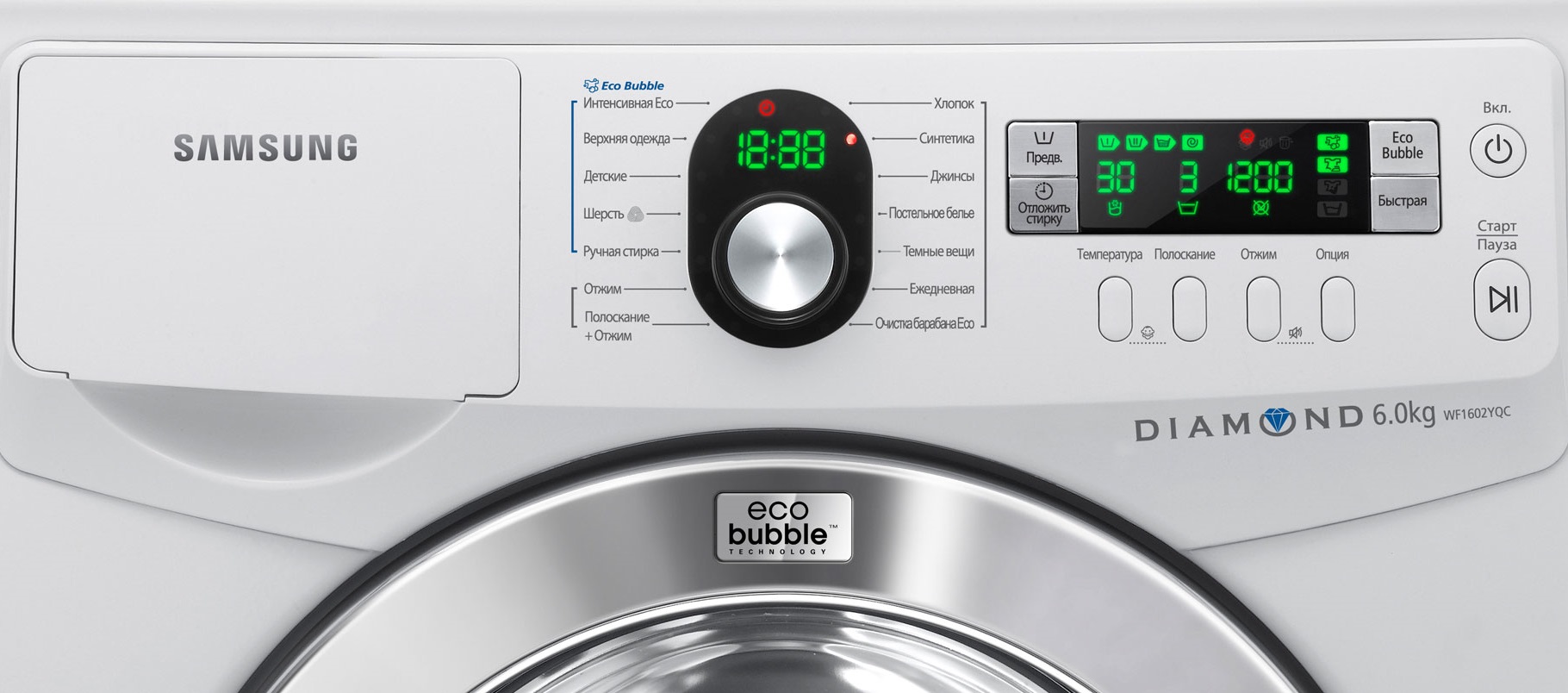
- Economical. Reduced temperature and no rinse cycle means the machine uses fewer resources.
- Pre-wash. Items are soaked first, then the standard cycle automatically starts.
- Rinse and spin. This mode offers a quick refresh of your laundry, which takes no more than 20 minutes.
- Jeans. This program is designed for denim and prevents fading.
- Delicate. A universal program suitable for all delicate and fragile fabrics.
- Outerwear. A special program for washing down jackets, coats, and sportswear.
A detailed description of the modes available on a Samsung washing machine is provided in the machine's factory instructions.
More expensive washing machines may also have additional features. For example, many machines have an "Active Sports" mode, which removes sweat, grass, dirt, and other typical sports-related stains. The Hygiene program is aimed at combating fat and blood, and the Kitchen program is good against oil, berries, and fish.The "Active Children" button is designed for washing off paints, markers, and ink.
Prepare things carefully
The manufacturer's instructions say nothing about preparing laundry for loading. However, experienced housewives know that the quality of the wash and the performance of the machine depend on how the laundry is sorted. Therefore, it's recommended to remember the following "clothing" rules.
- The laundry is sorted into three groups: light-white, dark-black and colored.
- Please pay attention to the material. Cotton, synthetics, wool, and silk should be washed separately and on different programs.
- Don't ignore the labels on your clothes - the manufacturer indicates the maximum temperature and spin cycle for washing.
- Pockets are always checked for forgotten items, coins, keys, and papers. Remember that lost items can fall out of your clothes, damage the drum, or get stuck inside the machine when the drum rotates.
- We shake off dust from the linen and remove hair or wool.
- We fasten zippers, buttons and snaps.
- We turn down jackets, coats and bed linen inside out.
- Pre-soak stubborn stains and treat with stain remover.
- Inserts made of natural fur, if present, are detachable or covered with plastic film.
- Clothes with an abundance of decorative elements (studs, rhinestones, beads, crochet) are placed in a special mesh bag.
- Additional detergents (fragrances, rinses, concentrates) are selected according to the laundry.
Before washing, check pockets - forgotten keys or coins will lead to a clogged drain, jamming or damage to the drum.
Special attention is paid to the shoes loaded into the drum. No more than two pairs are washed at a time, and they are always placed in a protective bag, with jeans or an old towel placed nearby. Laces are removed, and excess embellishments are removed.
Machine maintenance
To ensure your machine is washing efficiently, you need to monitor it. It's best to do this throughout its entire lifespan, but a quick check just before starting a cycle is also a good idea. First, check:
- is the machine level?
- is the drum fully loaded (a full tank means the internal mechanisms of the washing machine wear out more slowly);
- whether the maximum loading weight has been exceeded (overloading is no less dangerous than underloading);
- Do your items need a high temperature (constant operation of the heating element increases energy consumption and puts a lot of strain on the machine, so it is better to wash at 30-40 degrees);
- Is it possible to reduce the spin speed (it is not recommended to constantly accelerate the machine to the “maximum” speed, it is better to limit it to 400-600 rpm);
- How to turn the programmer (manufacturers recommend turning the selector strictly clockwise).
Do not run more than two high-temperature cycles in a row – the Samsung machine should rest for at least 20-40 minutes.
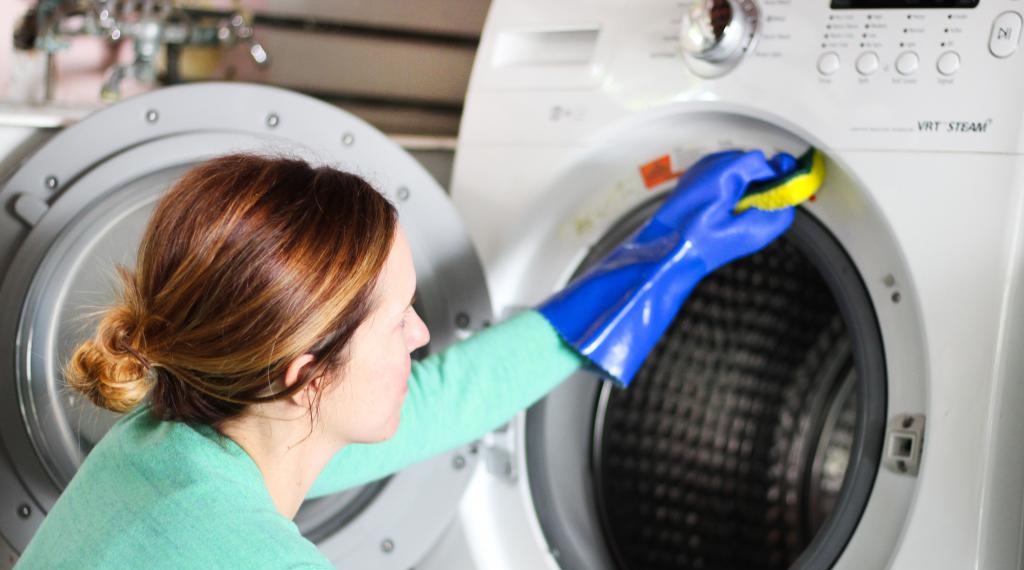
It's a good idea to check the machine after the wash cycle is complete. Dry the drum seal and walls thoroughly, clean the dispenser, and leave the door open. Be sure to unplug the machine and avoid using extension cords. Ideally, perform regular thorough cleanings: run an empty cycle twice a month, rinse the debris filter, and treat the inside of the machine with a scale and mildew remover.
Interesting:
Readers' comments
Headings
Washing machine repair




For buyers




For users


Dishwasher




Add a comment