
How to calibrate a Samsung washing machine
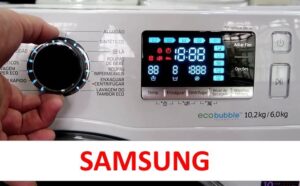 Modern washing machines that can detect the weight of the laundry in the drum require calibration. Once the machine is set up, its measurements will be accurate in the future. How do you calibrate a Samsung washing machine? The process varies depending on the model. Let's look at several models from this brand and others as examples.
Models WF1602XQR and WF1702XQR
Few people know that some washing machine models need to be calibrated before the first use. The process of activating the washing machine calibration is described in the equipment instructions. Therefore, before you begin setting up your washing machine, please consult the user manual. For example, for the Samsung WF1602XQR and WF1702XQR washing machines, the procedure is as follows:
- Plug the machine's power cord into a power outlet;
- make sure that there are no foreign objects in the washing machine drum;
- turn off the machine using the “On/Off” button (there is no need to disconnect the washing machine from the power supply);
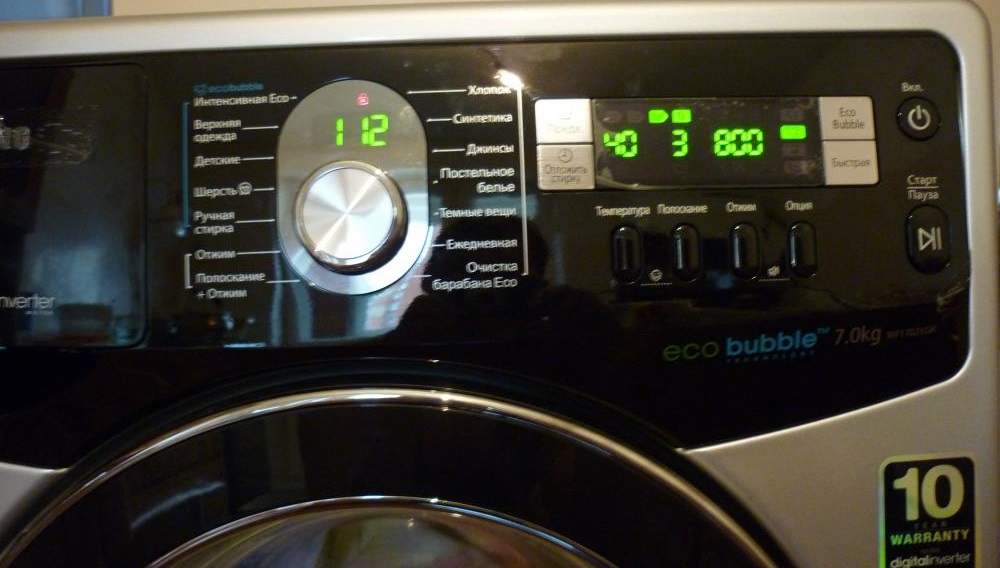
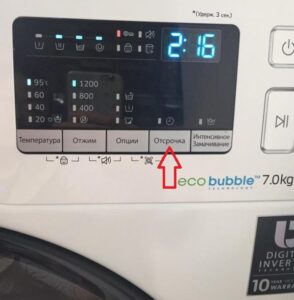
- Press and hold the “Temperature” and “Delay Wash” buttons simultaneously, and without releasing them, press the “On” button;
- make sure that the display of the automatic machine lights up with the inscription “CLB” or “_ _ _”;
- Press the "Start" key (this activates the calibration mode).
Calibrating a Samsung washing machine takes about three minutes.
During calibration, the washing machine's drum rotates in opposite directions. When the calibration is complete, the washing machine's display will show "END." The washing machine will then turn off automatically. You can then start your desired washing program—the machine is ready for use.
WW**H2, 5, 7
Calibration is initiated in almost the same way on Samsung automatic washing machines released in 2014. The difference is just one button, but it's still important to remember. Here's what owners of these Samsung models should do:
- turn on the machine by plugging the cord into the socket;
- check that the washing machine drum is empty;
- turn off the washing machine using the power button (you don’t need to pull the power cord out of the socket);
- press and hold two buttons: “Temperature” and “Delay”;
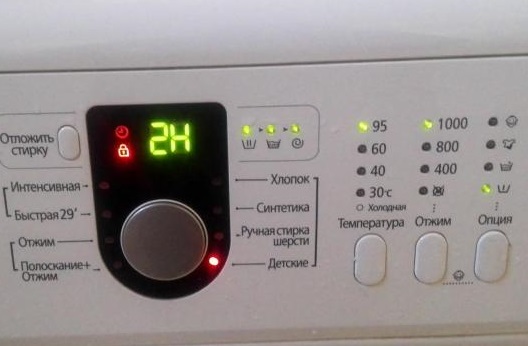
- Without releasing the “Temp.” and “Delay” keys, press the network button;
- wait until the display shows “CLB” or “_ _ _”;
- Press the "Start" key to activate calibration;
- Wait about three minutes – during this time the washing machine will calibrate.
At the end of the cycle, the display will also show "END." This means calibration is complete and the machine is ready for use. You can now load items into the drum and start the desired program.
WW12K8 Series
This is another popular Samsung model. Some users have difficulty using it, finding the interface confusing. In reality, calibration is very simple:
- connect the washing machine to the socket;
- make sure there are no items in the drum;
- press the Power key;
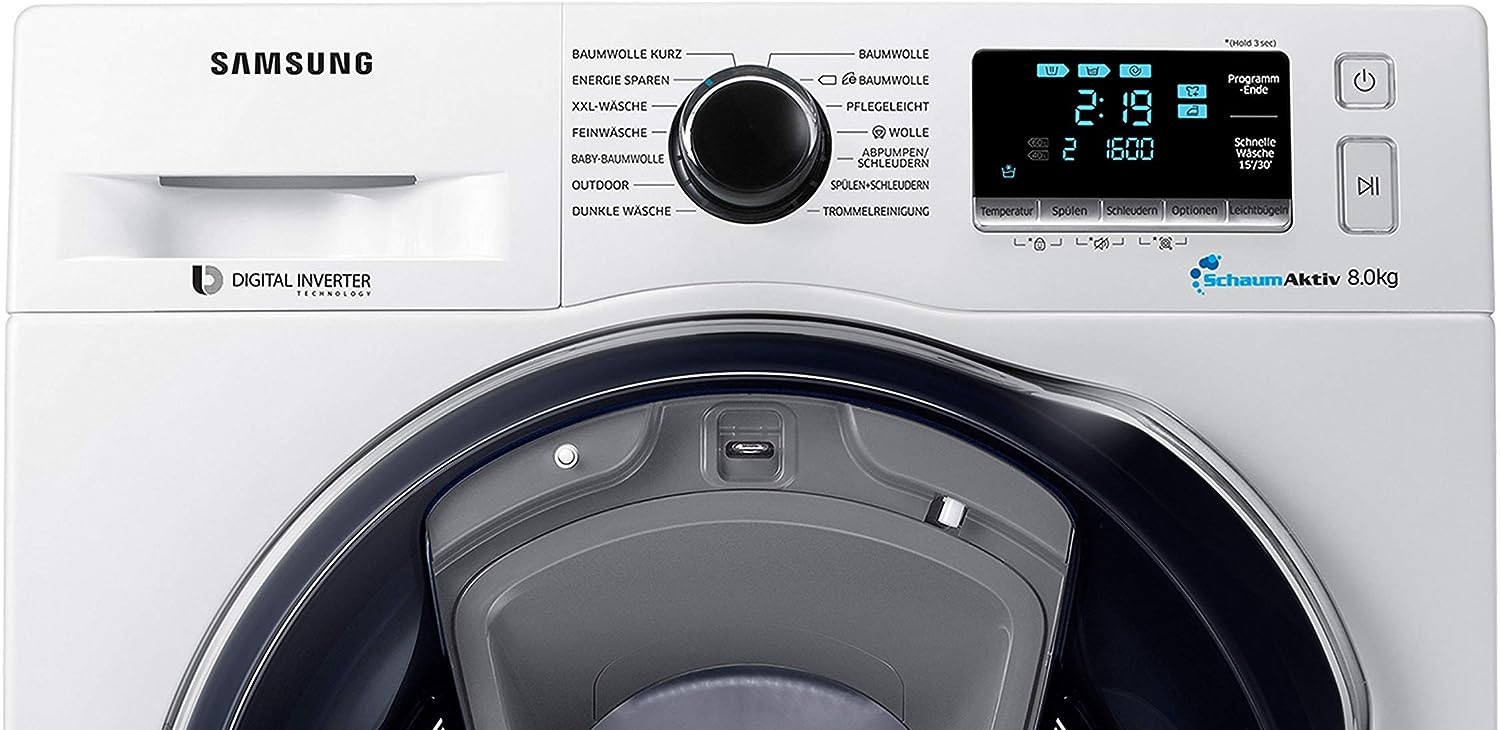
- Press and hold the Power button for a few seconds (until the display shows a menu with available options);
- select the “Calibration” item and click “OK”;
- Press the Start key to activate the option.
The washing machine's drum will rotate back and forth for about three minutes. Once the setting is complete, the washing machine will turn off automatically. The appliance is then ready for use.
How to activate the function on other brands of equipment
Calibrating a washing machine is actually very simple; the entire process takes just a few minutes. The exact steps will vary depending on your washing machine model. Therefore, carefully read your washing machine's manual—it covers all the details for setting it up.
Dexp washing machines are in high demand. They boast excellent software, high-quality construction, and a low price. To calibrate washing machines from this manufacturer:
- plug the power cord into the socket;
- make sure the drum is empty;
- turn off the washing machine, then turn it on again;
- wait until the symbol “_ _ _” appears on the display;
- press the “Spin” and “Delay” buttons simultaneously (you need to do this while the “_ _ _” icon is still lit on the display);
- Click the Start button.
This will start the calibration. Once complete, you'll need to turn off the washing machine. The process is complete—the settings have been applied, and the machine is ready for use.
After resetting the washing machine to factory settings, you will need to repeat the calibration.
Let's figure out how to calibrate a Weissgauff washing machine: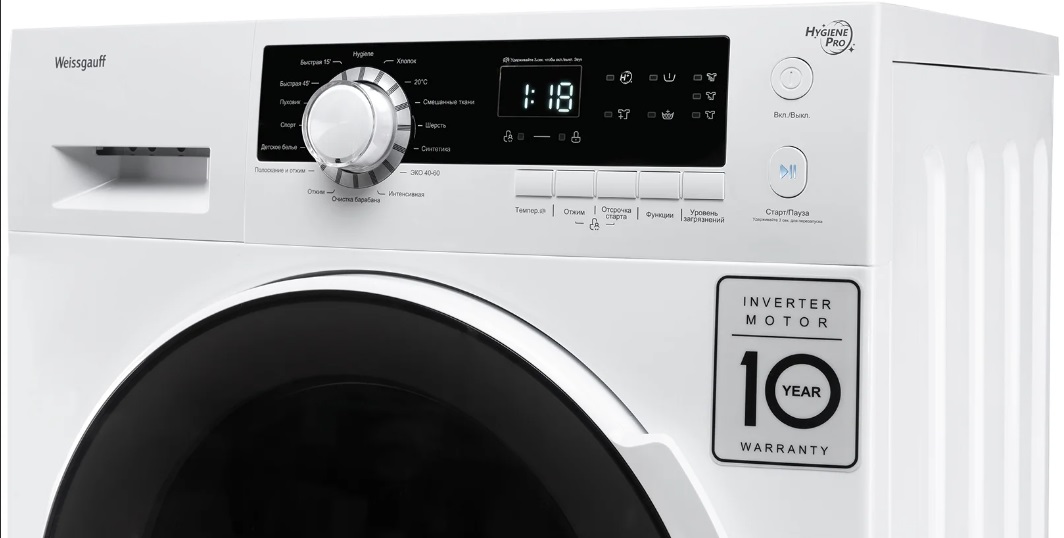
- plug the power cord into the socket;
- make sure the drum is empty, close the hatch door;
- Turn the program selector in any direction (at this time, three horizontal lines will appear on the display);
- while the “_ _ _” symbol is lit on the display, press and hold the “Delay” and “Temp.” buttons;
- wait until the message “t19” appears on the display;
- Press the "Start" button to start the calibration.
Now all you have to do is wait for the Weissgauff washing machine's screen to go dark. Then, turn it off. The machine will then be ready for use.
And finally, for Midea washing machines, the manufacturer strongly recommends that the device be leveled and connected to the power supply before starting calibration. If you move the washing machine from one place to another or adjust the feet of the housing, you will have to repeat the calibration.
To set up a Midea washing machine with the auto-weighing option:
- empty the drum and close the hatch door
- connect the washing machine to the network;
- turn on the machine and hold down the “Spin” and “Extra Rinse” buttons;
- wait until the message “t19” appears on the display;
- Start calibration by pressing the "Start" button.
After a few minutes, the washing machine will calibrate. After this, the auto-weighing sensor will function correctly. You can load the machine with laundry and start the desired wash cycle.
Interesting:
Readers' comments
Headings
Washing machine repair




For buyers




For users


Dishwasher




Add a comment