
Electrolux Dryer Error Codes
 Every modern Electrolux dryer is equipped with a self-diagnostic system. If a malfunction is detected, the system immediately notifies the user, displaying the corresponding error on the display. Deciphering the code will help determine what's wrong with your "home assistant."
Let's look at the codes programmed into Electrolux dryers. How are each error code deciphered? What problems are most likely with this brand's dryers? What should a user do if their machine freezes?
Recognizing dryer codes
The self-diagnostic system helps detect serious problems with the dryer early. The error is displayed on the display. The code decryption can be found in the instructions for a specific model. Electrolux or on the Internet.
The user manual describes not only the malfunctions the dryer indicates but also how to troubleshoot them. Some problems can be resolved without the need for a professional. Often, an error message indicates several possible issues, so you'll need to check each one.
Sometimes the error is caused by a random failure in the electronics and does not indicate any problem.
Therefore, first, you need to make sure that the dryer's freezing is not a temporary glitch. A complete reset of the machine will help confirm this. Here's how to proceed: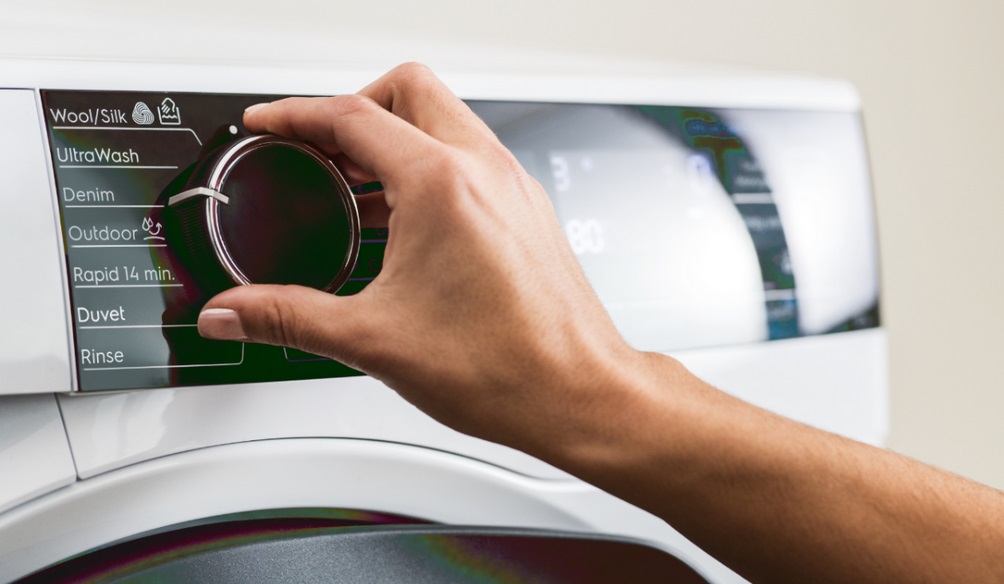
- De-energize the "suspended" dryer by unplugging the power cord from the outlet;
- leave the machine for 15-20 minutes;
- Plug the power cord into the socket and turn on the dryer;
- try running the drying program.
If the machine starts and finishes drying normally after rebooting, it's likely a one-time issue. In this case, no further diagnostics are necessary. Monitoring the dryer for a while, just a couple of cycles, will suffice.
If the error persists after a reboot, there's a real problem. Use your Electrolux dryer manual to decipher the code. This will help you determine which components to check during diagnostics.
- E21. Drain pump malfunction signal. This could be due to a disconnected wiring harness, a faulty element, or a problem with its triac on the control board.
- E22. This code indicates a problem with the drain pump sensor. A fault in the element's circuit is likely the cause, or damage to a separate group of triacs on the control board may be the cause.
- E23. This is how the washing machine reports that the frequency of the capacitive level sensor is outside the acceptable range. This could be caused by disconnected contacts, a broken element, or damaged semiconductors in the control module.
- E24. The error indicates a fault in the compressor cooling fan sensor circuit. Damage to the main board may also be the cause.
- E31. Notifies of an excessively high conductivity sensor signal frequency. This code is only displayed if the humidity sensor is short-circuited.
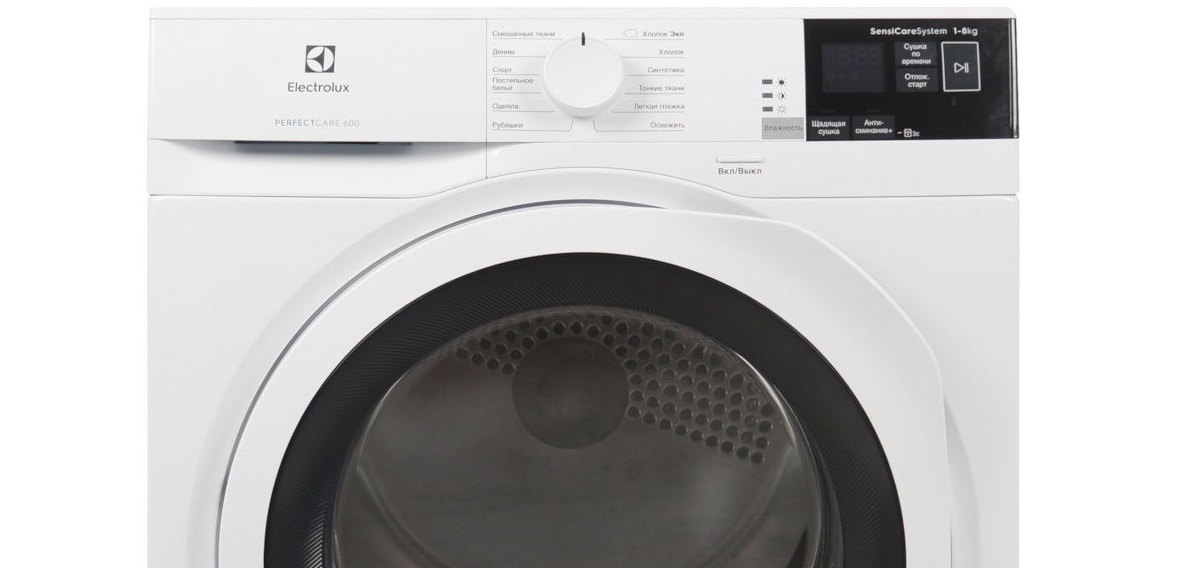
- E32. Indicates that the conductivity sensor signal frequency is too low. It is also activated when diagnosing a short circuit in the humidity sensor.
- E45. This is the dryer's way of reporting a faulty door closing sensor. It's important to check the sensor itself, as well as the triac on the control board that controls its operation.
- E51. This code is specific to Electrolux dryers with an asynchronous motor. It indicates a short circuit in the motor circuit.
- E58. FCV overcurrent signal. May indicate damage to the motor winding, motor connector, mechanical engine blockage, or a faulty FCV board.
- E59. Indicates that the FCV engine is not working. The probable causes are the same as for E58.
- E5A. Indicates that the FCV board is overheating.
- E5B. Indicates insufficient FCV voltage. The FCV board itself and its power supply wire need to be checked.
- E5C. Indicates that the FCV voltage is too high. The board will need to be repaired or replaced.
- E5E. This code indicates an unknown FCV message. This could be caused by a broken signal wire or a faulty main module or FCV board. Another possible cause is the dryer motor shutting off due to overheating.
- E5F. General error indicating damage to the FCV board.
- E61. Compressor hardware malfunction signal. The VSC board needs to be checked and repaired.
- E62. Notifies about a short circuit of the heating element or compressor.
- E63. Indicates a heater or compressor failure. It's worth checking for loose wires; an open circuit is often the cause.
- E64. This symbol indicates a faulty heating element or compressor sensor.
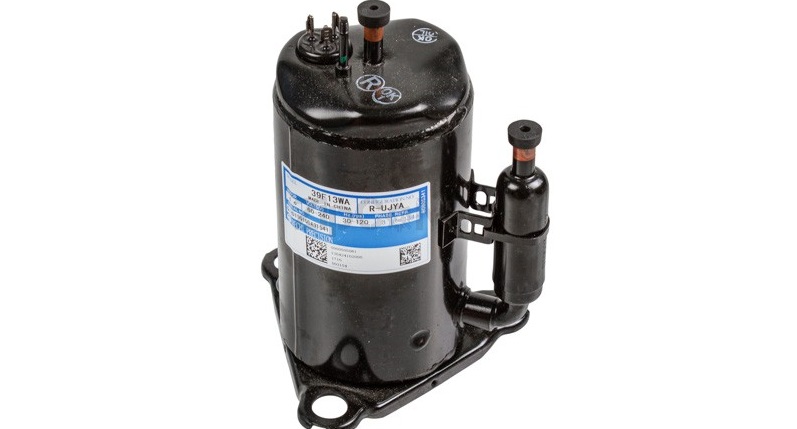
- E65. Signal about incorrect operation of the VSC safety system.
- E66. The VSC motor connector is not connected. The wiring, motor winding, and the VSC board itself need to be checked.
- E67. Indicates a VSC current protection violation.
- E68. Indicates FCV overcurrent protection. This may be caused by a broken motor winding, a loose motor connector, or a mechanically locked engine.
- E69. Signal about incorrect operation of VSC engine.
- E71. Indicates damage to the NTC dryer. The wiring, sensor, and NTC indicator circuit need to be checked.
- E72. Indicates a problem with the NTC heater. It's worth checking the wiring in the circuit and the sensor itself.
- E73. NTC steam generator malfunction signal.
- E83. Error indicating a selector position error. In this case, you'll need to run diagnostics on the control board.
- E86. Incorrect selector setting signal. This may indicate either a problem with the board or a malfunction of the instrument panel components.
- E87. Control panel board microcontroller self-test error.
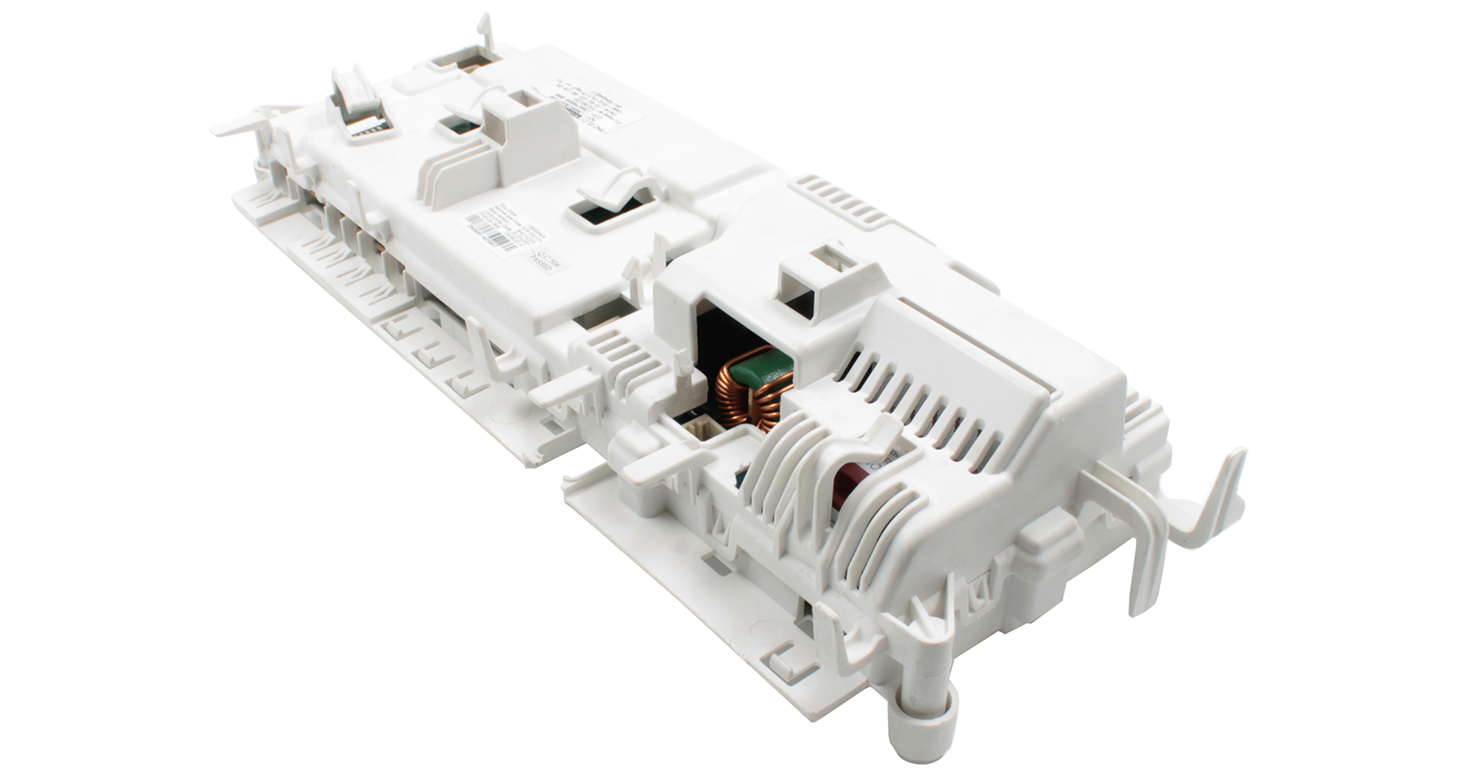
- E91 Indicates a loss of communication with the user interface. This could indicate a malfunction in the main module or control panel board. Damaged wiring could also be the cause.
- E92. Indicates a user interface protocol incompatibility. The dryer software will need to be updated.
- E93. MCF checksum error signal. The machine configuration file is invalid.
- E94. CCF checksum error signal. An invalid cycle setup file exists.
- E97. Notifies you of a missing CTF program. This error is caused by either an incorrect selector setting or a missing cycle in the programmed mode table.
- E98. Informs about the FCV board/power supply protocol mismatch.
- E99. Indicates that the coin machine has been removed or that its board is damaged.
- E9C: Reports an invalid user interface configuration checksum.
- E9E. This code indicates that the touchpad on the control panel is not working. This could be due to electrical interference, moisture on the contacts, stuck buttons, or other damage to the instrument panel.
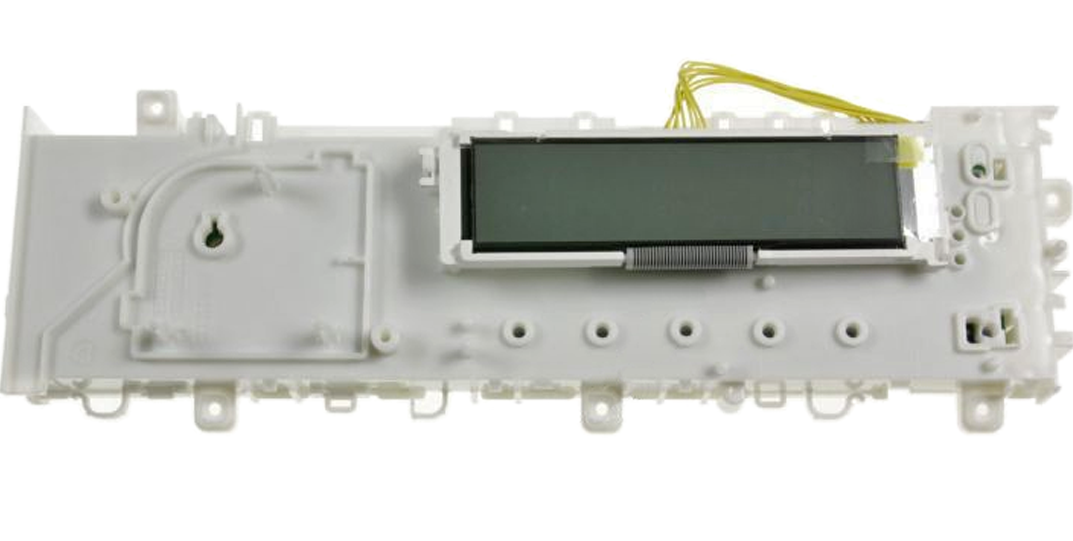
- EAA. Indicates that the dryer's serial number cannot be assigned.
Without sufficient experience and knowledge, it is better not to try to fix any problems with the electronics of the dryer yourself.
The control module of Electrolux dryers is very sensitive to power surges. A sudden surge can cause various problems that can be difficult to fix. Therefore, it is recommended to install a voltage stabilizer upstream of the machine to protect the appliance in emergency situations.
You shouldn't try to repair a new dryer that's still under warranty. If the warranty period has not expired, immediately call a service center technician for free diagnostics and repair of the washing machine. Once you open the case yourself, the coupon will be cancelled and the right to after-sales service will be lost.
It's unlikely that you'll be able to reinstall the software, repair the electronic module, or troubleshoot the FCV, VSC, and other circuit boards at home. For such problems, you'll need to contact a technician. You can also fix sticking dashboard keys, a burnt-out motor, a broken door lock, a non-functioning heater, or an overflowing capacitor yourself.
Why doesn't the drying process start?
Sometimes, a washing machine that was working perfectly just yesterday refuses to turn on today. Moreover, the device doesn't respond to user commands at all. The display also doesn't light up, meaning the dryer isn't displaying any error messages. What should you do in this situation?
First, make sure there's power in the apartment. The washing machine might be silent because there's no power. Second, test the outlet itself—it's likely not providing power. To do this, plug another appliance into it.
Next, inspect the Electrolux dryer's power cord. The insulation may be melted or severely kinked. Pay attention to the plug itself; you'll likely find traces of burning on it.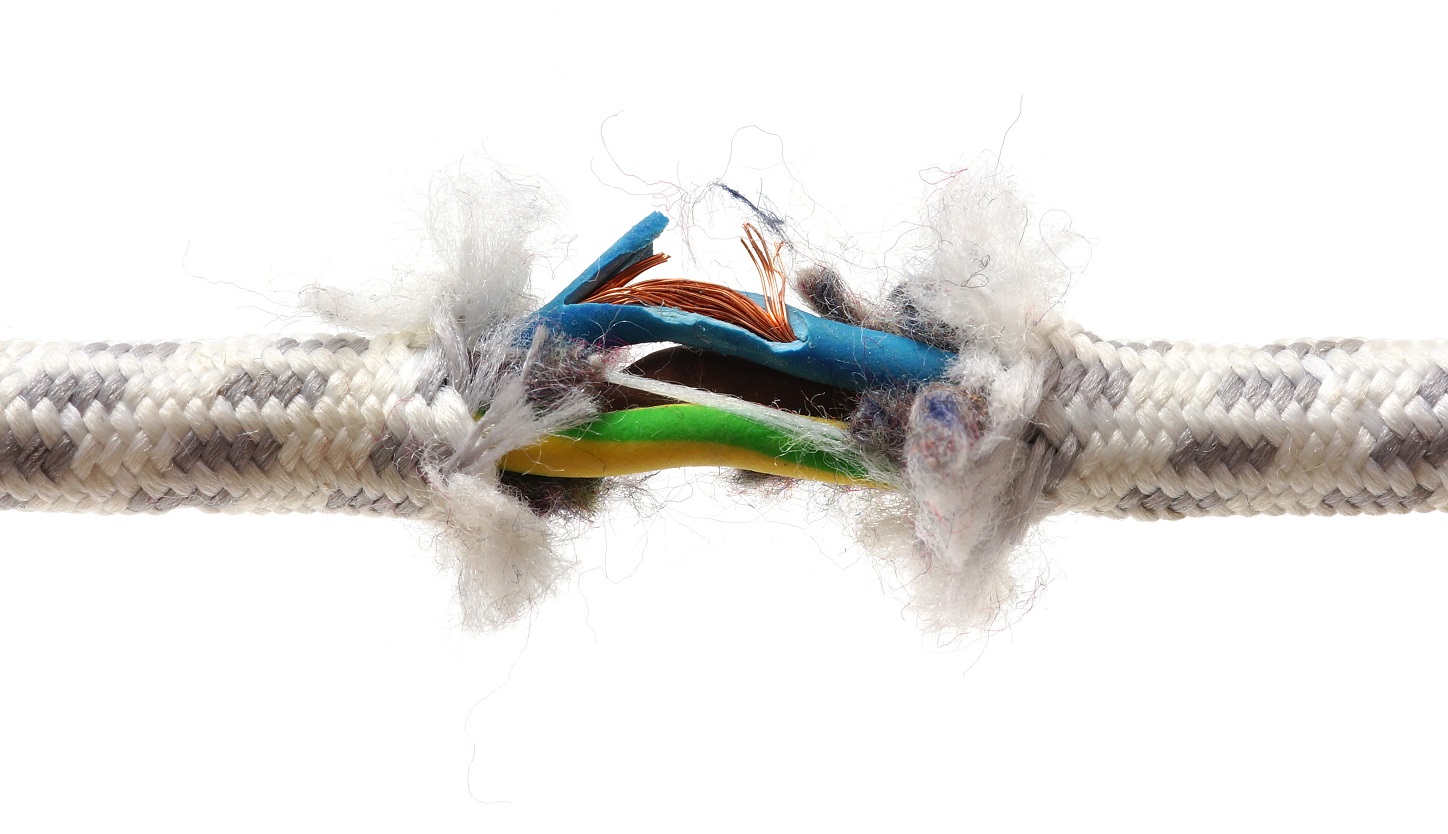
More often than not, my Electrolux dryer starts, but I can't get it to cycle. This could be due to:
- temperature sensor failure;
- failure of the electric motor (either natural wear of the motor or a short circuit as a result of strong voltage surges in the network is likely);
- fuse failure.
Typical failures of Electrolux dryers include the heater, temperature sensor, capacitor and motor.
If the dryer turns on but the dashboard doesn't respond, the keys may be stuck or the contacts may be corroded. In this case, you can repair it yourself. You'll need to disconnect the dashboard, check the wiring, and clean and wipe all terminals.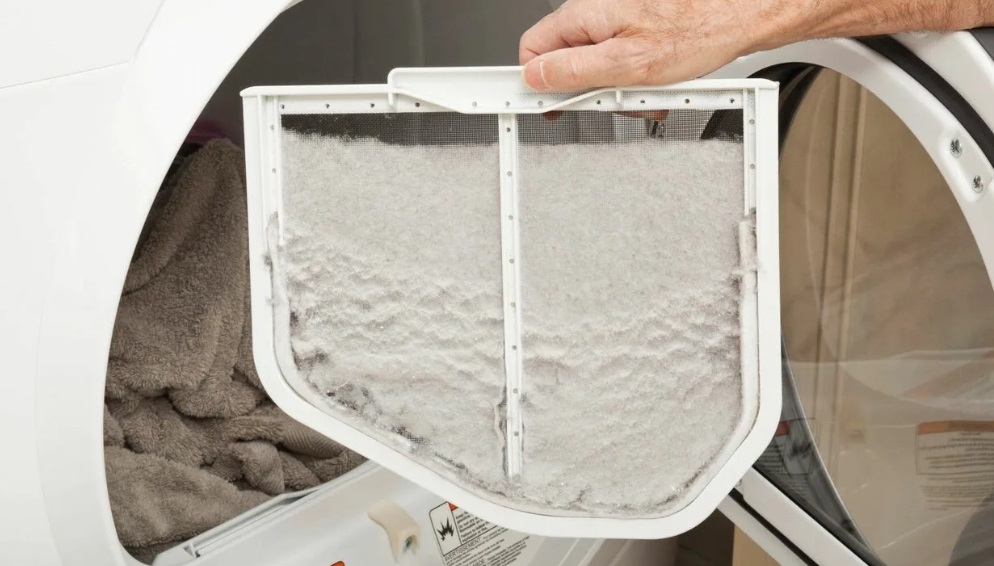
It's easy to fix your washing machine if the condenser is overflowing. Dust accumulates in the tray, impeding heat transfer. This debris prevents moisture from draining smoothly from the system. Cleaning the condenser is all that's needed to fix the problem.
If your Electrolux dryer turns on smoothly and understands user commands without issue, but the cycle won't start, check to see if the door is closed securely. If the door isn't fully closed, the dryer won't start. The dryer will activate as soon as the lock clicks.
Problems may also be with the lock itself, mechanical or electronic. If there is no characteristic click when closing the hatch door, it is worth checking the locking device. The repair will involve replacing the blocker or restoring it.
Finally, the dryer may not start because the delay start feature is enabled. Having the "Delay Start" feature enabled prevents the cycle from starting at the current time. Disable the feature and try again.
Interesting:


Readers' comments
Headings
Washing machine repair




For buyers




For users


Dishwasher




Add a comment