
What is "My Program" on an LG washing machine?
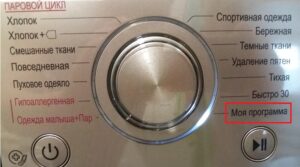 Some modern LG washing machines feature a "My Program" mode. Users don't immediately understand what this feature is, as selecting it and pressing the "Start" button doesn't produce any results. Let's explore what this option does and how to activate it.
Why this mode and how to start it?
I would like to warn you right away that this function will not start with one click. "My Program" on the washing machine LG – this is a special mode without settings. The manufacturer has provided this for the convenience of users – the owner of the device can set their own washing parameters and save them in the intelligent memory.
"My Program" allows users to create their own washing program by adjusting the water temperature, spin speed, cycle time, and other parameters.
How to set the settings is described in the equipment manual. Turn the selector knob to the "My Program" position and use the buttons on the control panel to select the main cycle parameters: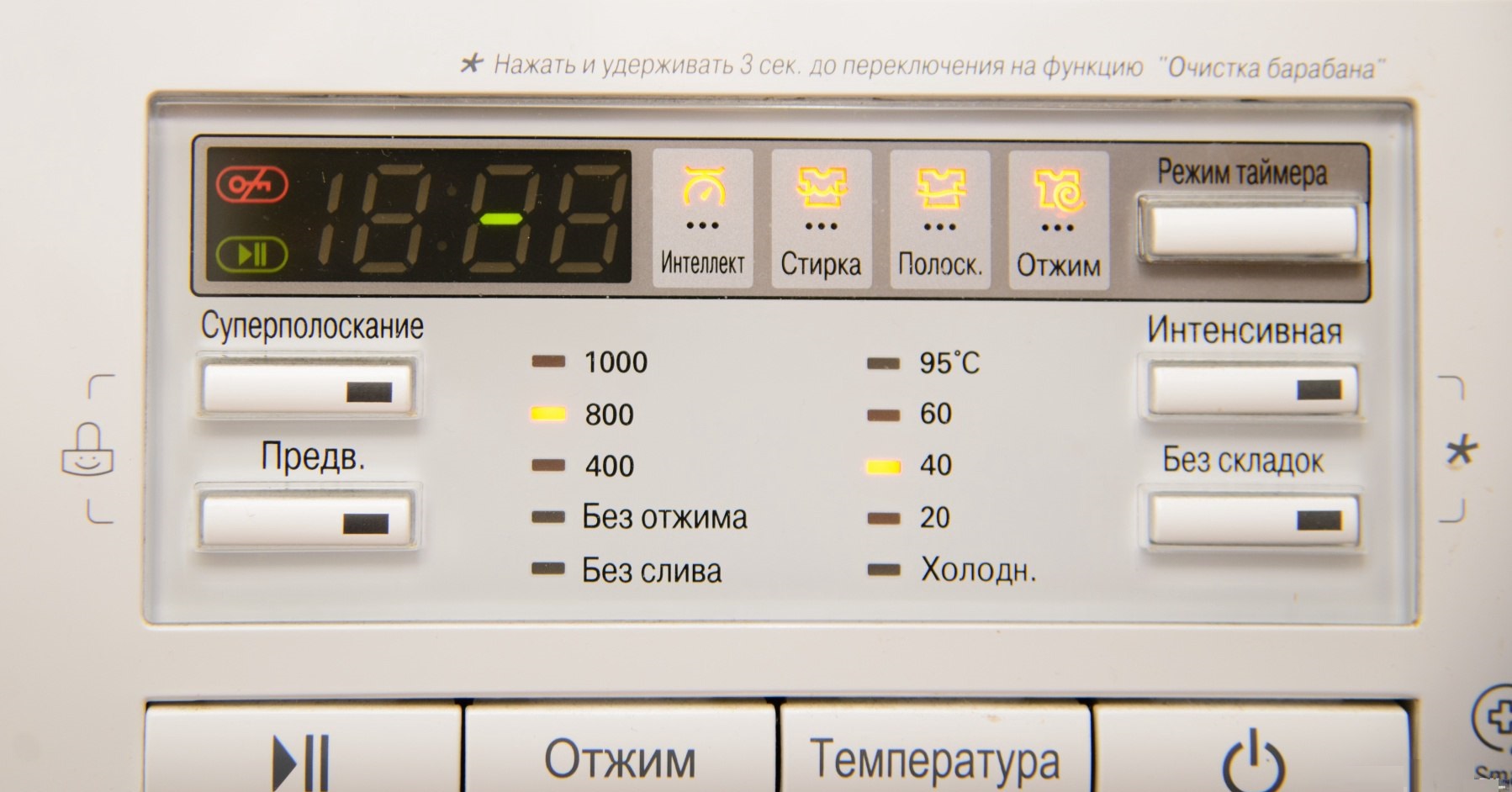
- spin speed;
- water heating temperature;
- number of rinses;
- the need for soaking, etc.
Once the settings are configured, all that's left to do is press the "Start" button. The washing machine will begin washing. This will save your custom program into the intelligent memory.
Once the program has been set, it can be activated as usual. Simply select "My Program" with the selector and press the "Start" button. You can override the cycle settings at any time. This feature has become a favorite among many homeowners. It's very convenient that you can set your own optimal washing settings once and then use them as the factory default. This allows you to customize the machine's operation to your liking.
How to quickly stop the machine and cancel the program?
Some users, unconcerned about the damage they could cause to their "home helper," simply stop the machine by holding down the power button. Others take an even more drastic approach: they unplug the power cord. The manufacturer recommends neither method.
A sudden power outage can cause the washing machine's main electronic module to fail.
How do you terminate a running program? You need to do the following: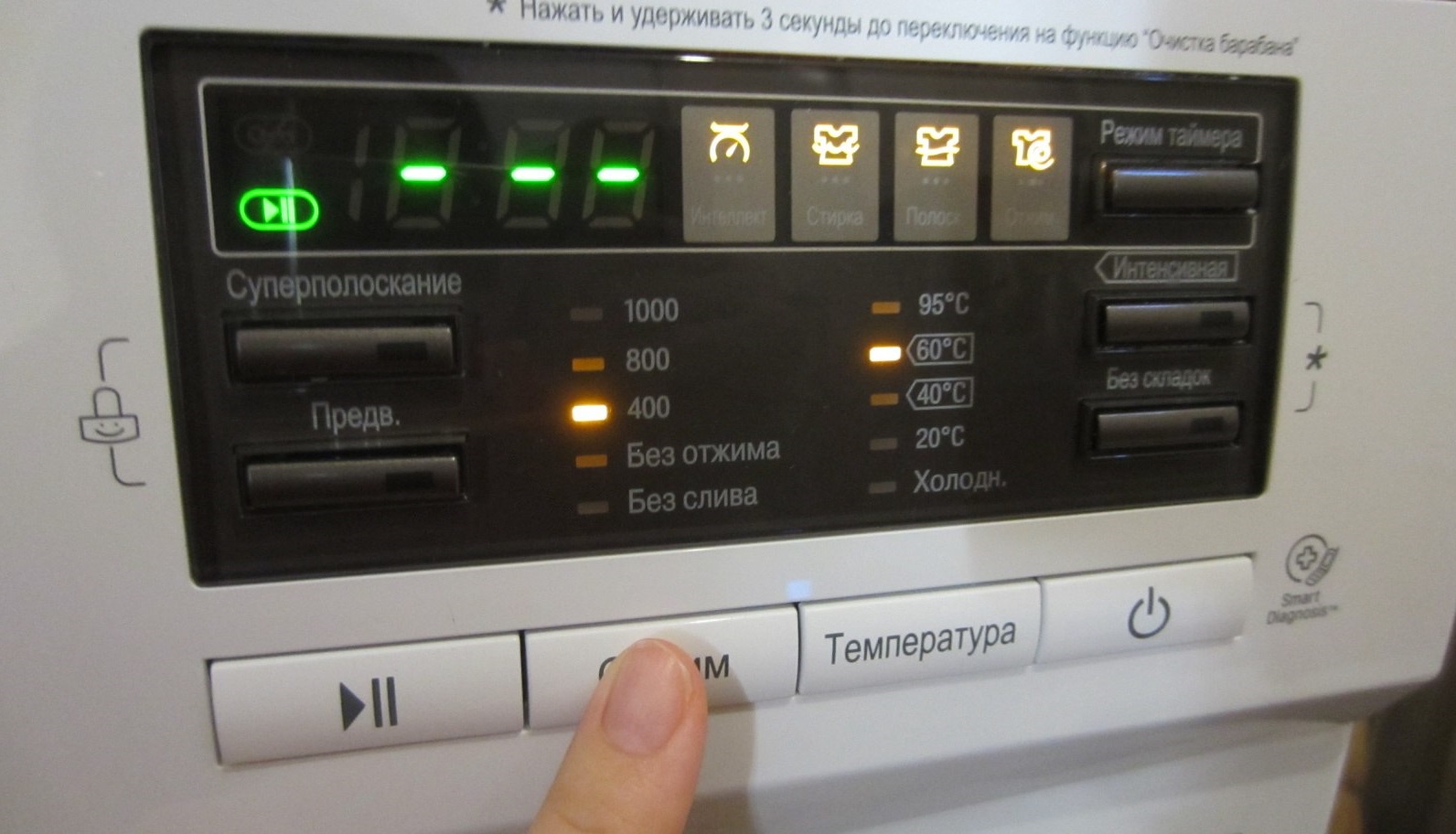
- Press the "Start/Pause" button. This will pause the washing machine, but will still supply power to the control module;
- If you need to change the washing program, select the desired mode using the selector knob and press the “Start” button;
- If you need to cancel the cycle completely, turn the dial to the "Spin" position and use the button to adjust the speed to "No Spin." The display will then show "1," the machine will drain the water, and turn off.
After draining the water, the door will unlock automatically after 2-3 minutes. You can remove the laundry from the drum and leave your "home helper" alone. If the washing machine simply freezes and stops responding to user commands, you'll still need to abruptly turn off the power by unplugging the power cord.
Interesting:



2 reader comments
Add a comment
Headings
Washing machine repair




For buyers




For users


Dishwasher




My program is designed to be installed from a smartphone, not using buttons on the dashboard.
But it’s not clear how to connect.