
Setting up "My Program" on an LG washing machine
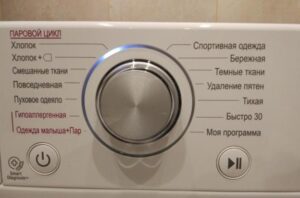 Newer LG washing machines feature a unique feature called "My Program." Simply selecting it and starting a wash doesn't work; the machine doesn't respond. What does this feature do, what is it for, and how can you set up "My Program" on your LG washing machine to make it truly useful? Let's take a look.
Purpose and settings of the program
If I try to run the program immediately after selecting it, nothing happens. Why? This is because the program doesn't have any automatic settings by default. This is designed so that the user can set the desired washing parameters themselves before starting the machine.
Using "My Program," you can select not only conditions like spin and wash temperature, but also cycle duration and all available additional features. You can set all the desired parameters using the corresponding buttons on the control panel after setting the program selector to "My Program." Once everything is ready, press the start button, and the wash cycle will begin.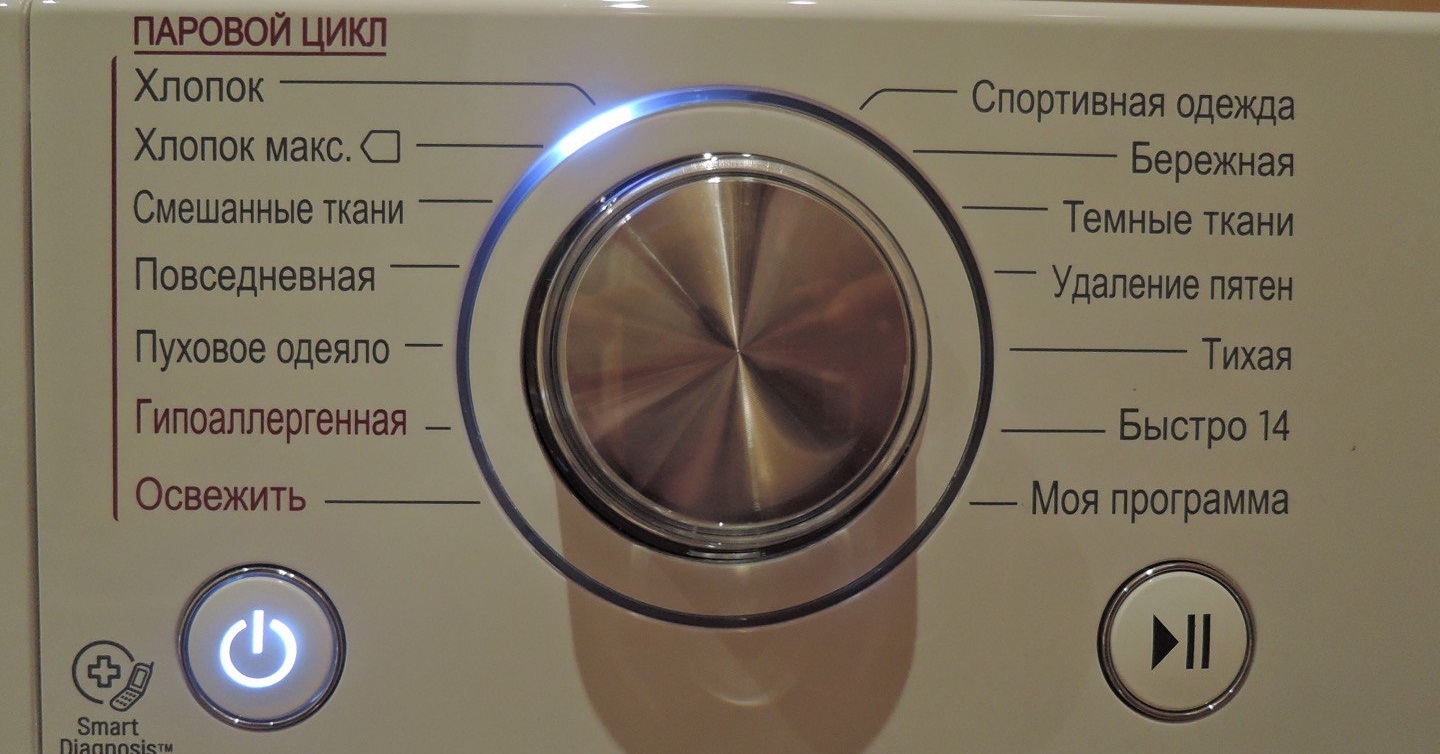
This mode can be very useful if you frequently, or even every time, need to set your own wash parameters instead of choosing one of the preset programs. Once you create your own program, it will be saved in the washing machine's memory and will repeat the settings until you change them. It is also possible to rename the mode; the name and parameters are stored in the CM memory.
Emergency stop and program reset
The instinctive action users take when they need to turn off their washing machine in an emergency is to hold down the power button. Some take an even more drastic approach and simply unplug the power cord to stop the machine. This is absolutely not recommended, as abruptly turning off the machine can damage the electronic components. It's best to follow the manufacturer's instructions.
- Press the "Start/Stop" button. This button not only starts but also stops the wash cycle. Power continues to flow to the control board.
- To select a different mode, set the selector to it and press the "Start" button again. To completely reset the program, set the selector to "Spin."
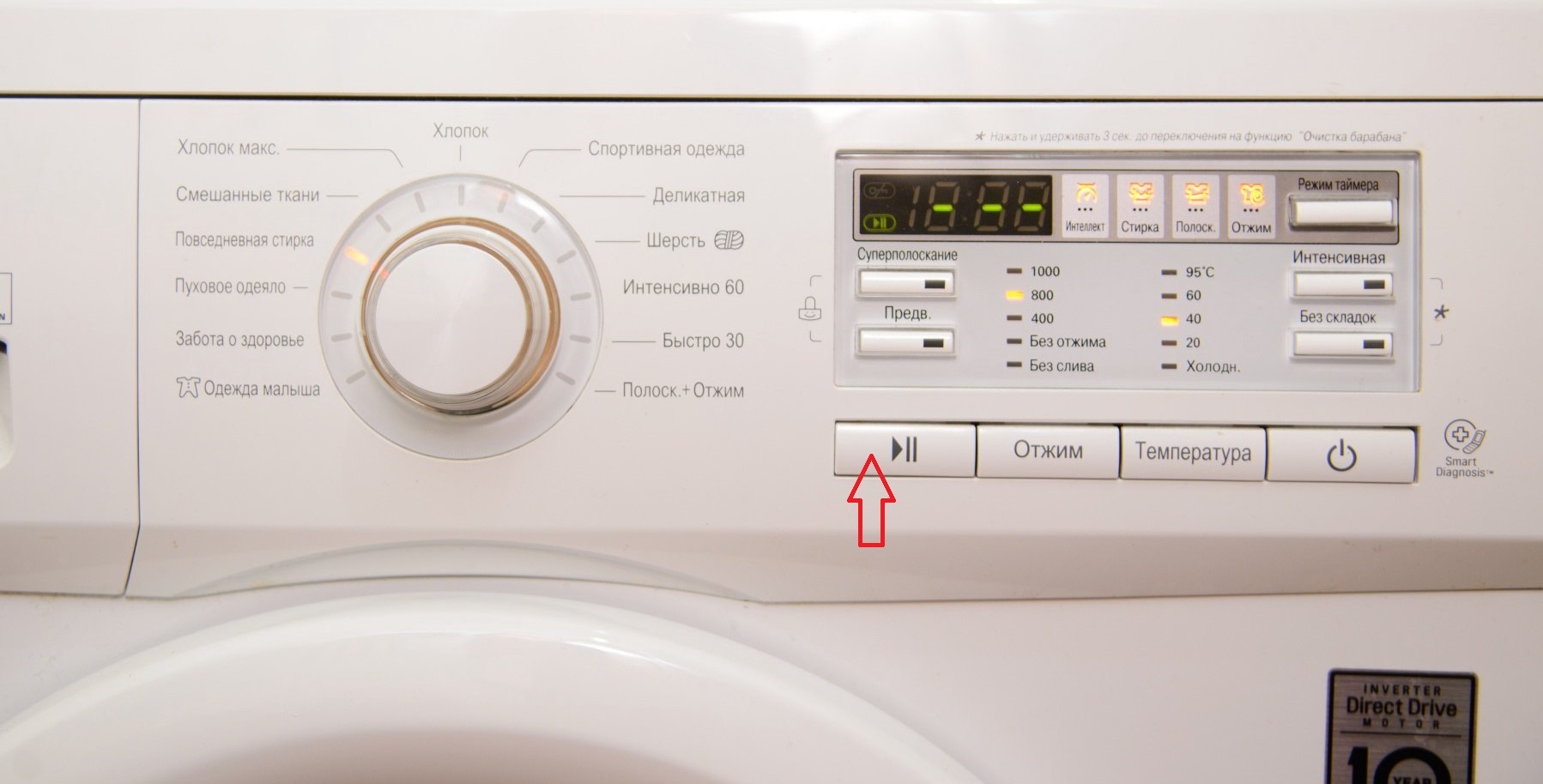
- Next, select the "No Spin" option. The display will show the number 1, indicating that the water has drained and the machine has turned off.
- All the water will drain within 3 minutes.
- After unlocking the hatch, remove the laundry.
Caution! Completely cutting off power to the washing machine when there is water inside the drum risks flooding both your apartment and the neighbors below.
The only time you can press the power button while the washing machine is running is if it's frozen. In this case, you'll need to wait 10 minutes for the machine to reset to its default settings. Afterward, you can turn it on and use it as if nothing happened.
Interesting:

1 reader comment
Add a comment
Headings
Washing machine repair




For buyers




For users


Dishwasher




The flashing sign at the very beginning is not about saving time, but about weighing the laundry, which affects the washing time!!!