
Siemens dishwasher breakdowns
 Siemens is renowned for the high quality and innovative technologies it incorporates into its products. Therefore, after malfunctions or failures, this brand's electronics initiate self-diagnostics to alert the user to an error code. There are so many error codes, it's difficult to remember them all. Furthermore, even if there's no code, problems can be identified by external signs. Today, we'll explain in detail how to identify faults in a Siemens dishwasher and fix them yourself.
What could have broken down at Siemens PMM?
The internal design of a Siemens dishwasher isn't much different from that of other brands. However, there are some errors that are more common with Siemens dishwashers. If the electronic display shows an error, please refer to the manufacturer's official instructions, which describe each code. Most often, the PMM reports the following errors:
- E1 – no water intake into the tank;
- E7 – drying does not work;
- E9/E10 – no heating;
- E15 – the Aquastop system, which is necessary for protection against leaks, has been activated;
- E21/E23/E24 — water does not leave the tank, there may be a problem with the drain pump;
- E27 - problems with the electrical network voltage.
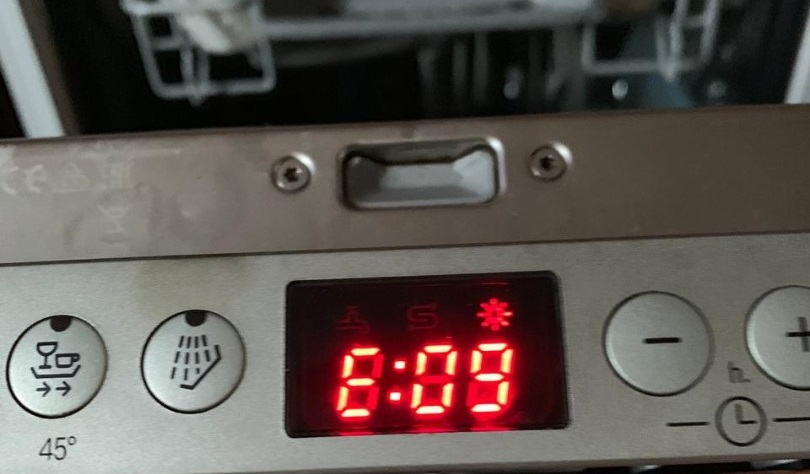
This isn't a complete list of errors, but these are the most common problems. It's much more difficult to fix if the code isn't displayed on the control panel, but something is broken. In this case, you need to carefully inspect the machine. Typically, dishwasher owners seek repairs if one of the following issues occurs.
- The machine is slowly filling with water or freezing mid-run. This could be due to a clogged inlet line or a faulty solenoid valve.
- The dishwasher has stopped cleaning dishes properly. This is most often caused by a clog, operating errors, or a faulty circulation pump;
- Unable to select a wash program; the dishwasher switches off. This is due to a problem with the electronic module.
All of these problems can be fixed at home, without the need for a service center. The key is to follow our instructions carefully.
Water does not flow into the dishwasher
Before starting work, make sure the machine isn't experiencing a system failure. This could be caused by a power outage or sudden unplugging. If there's no problem, you can begin checking the machine's components.
- Turn off the device and unplug it from the power supply.
- Wait about 15 minutes.
- Turn the device on again.
If the error code does not disappear, then a system failure is not to blame, so the problem needs to be fixed.
If your dishwasher has stopped filling with water, you've encountered one of the most common problems with Siemens dishwashers. This can be identified by extremely slow water intake in any selected mode, as well as freezing.
After resetting the fault or rebooting the dishwasher, the control panel will display the E16 code, indicating a clogged inlet duct. This refers to the mesh filter behind the hose, which is necessary to prevent debris from tap water from entering. Unfortunately, the company's equipment is designed for Europe, where purified water is even used for dishwashing. Because of this, all impurities from the Russian water supply completely clog the filter, and water stops flowing into the tank. You can fix this like this: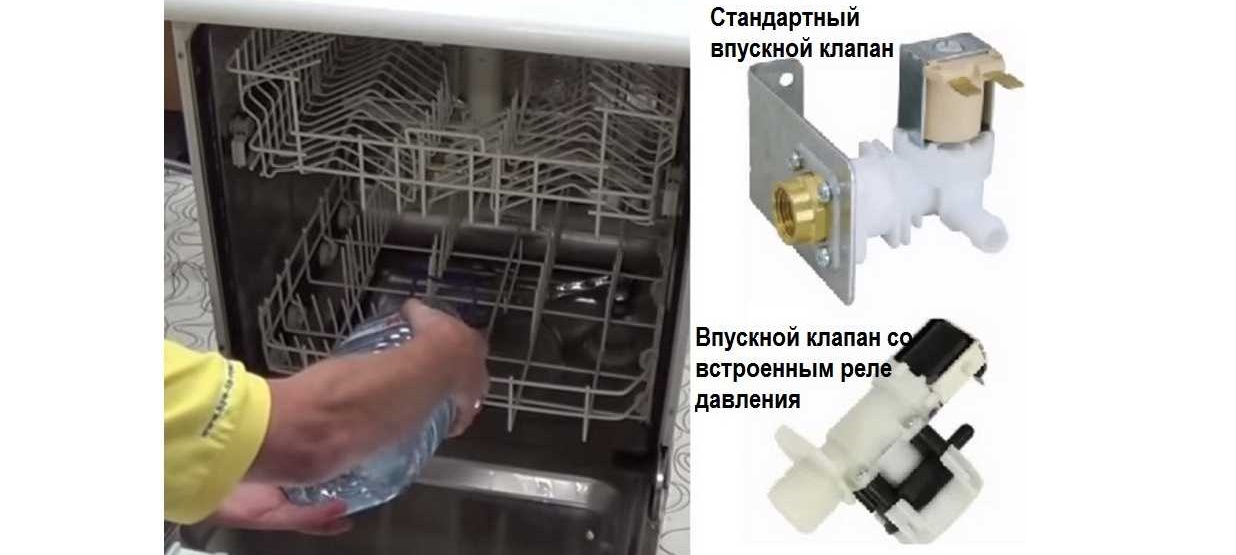
- Close the inlet supply valve tightly;
- Place an empty bucket or basin of water under the hose;
- disconnect the hose to allow all the dirty water to drain out;
- Rinse the hose thoroughly;
- There is a filter installed behind it that needs to be removed;
- remove all dirt from the filter seat;
- Finally, clean the mesh from debris.
If the filter is too clogged with rust, a solution of citric acid (100 grams per 2 liters of water) in which the part should be soaked can help.
To prevent this problem from occurring again, you can install a flow-through filter in front of the dishwasher's inlet hose. You don't need to buy an expensive one, as long as it's capable of filtering out impurities from the water supply.
The dishes remain dirty
Users often encounter a situation where dishes remain dirty after a wash cycle. This unpleasant discovery doesn't necessarily indicate a malfunction. Other issues are possible.
- The wrong cycle was selected. If the plates and pans are heavily soiled and the slow wash cycle was not selected, the machine simply wasn't able to remove the grease and dirt, as the quick cycle uses cold water for a short period of time.
- The dishes were loaded incorrectly. All plates, pans, glasses, and other items should be in their proper places, without overloading the machine. If this occurs, the spray arm may be blocked, or a particularly large dish may have blocked the detergent compartment.
- Not enough detergent was added, so there was simply not enough to wash the dishes.
If, after checking the above issues, the cause of the malfunction is still not identified, the problem may be more serious. The following issues may arise:
- the dishwasher has low pressure due to clogged nozzles;
- the detergent valve is not activated;
- The circulation pump broke down.
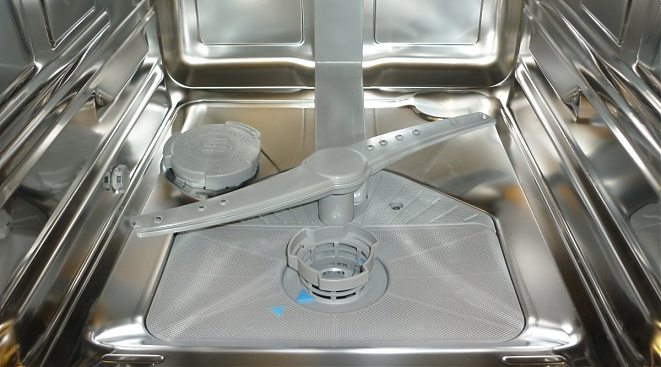
First, let's check the nozzles, which may be clogged with small debris or food particles. If this happens, the spray holes will not spray water. To fix the problem, follow these instructions:
- open the dishwasher door;
- remove all dish trays;
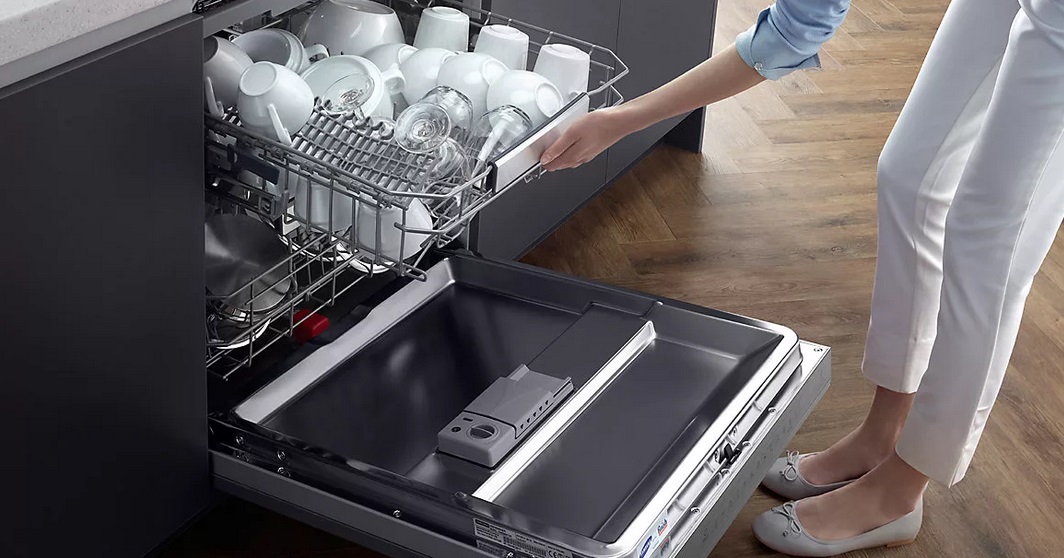
- Pull the rocker arms located at the bottom and top of the chamber towards you to remove them;
- Now you will need a toothpick, needle, or cotton swab to carefully clean the rocker arm holes and remove any dirt from the mounting surfaces.
For an ideal result, the rocker arms can be soaked in a solution of citric acid (again 100 grams per 2 liters of water).
Next, we check the detergent dispenser valve. It should be cleaned regularly after use, otherwise tablet residue can clog the opening. If the valve is clogged, it needs to be thoroughly cleaned.
- Open the dispenser compartment.
- Clean off all build-up.
- Wipe the compartment dry with a dry cloth or towel.
The final step is replacing the circulation pump. If the pump is broken, water will stop flowing to the sprinklers. It is the pump that forces water into the nozzles and then passes it through the heater, so if it fails, the dishwasher will not work. To replace it, you need to carefully disassemble the dishwasher.
- Disconnect the machine from the power supply and water supply.
- Remove all trays from the chamber.
- Carefully turn the device on its side.
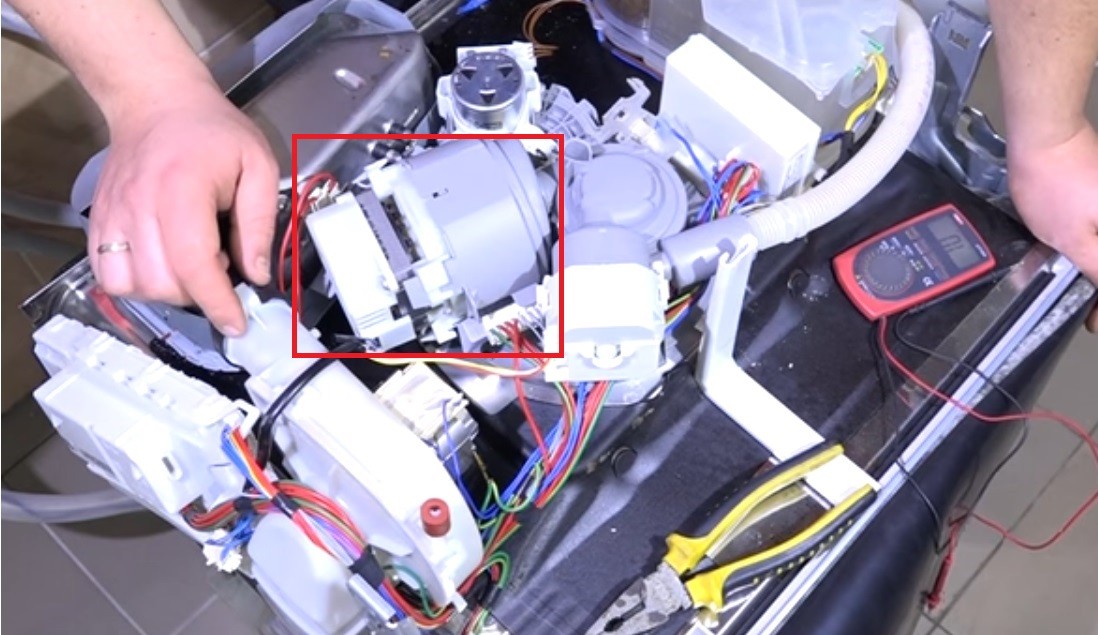
- Remove the bottom.
- Now you need to loosen the hose clamps and then remove them.
- The pump is located at the bottom of the dishwasher, remove it.
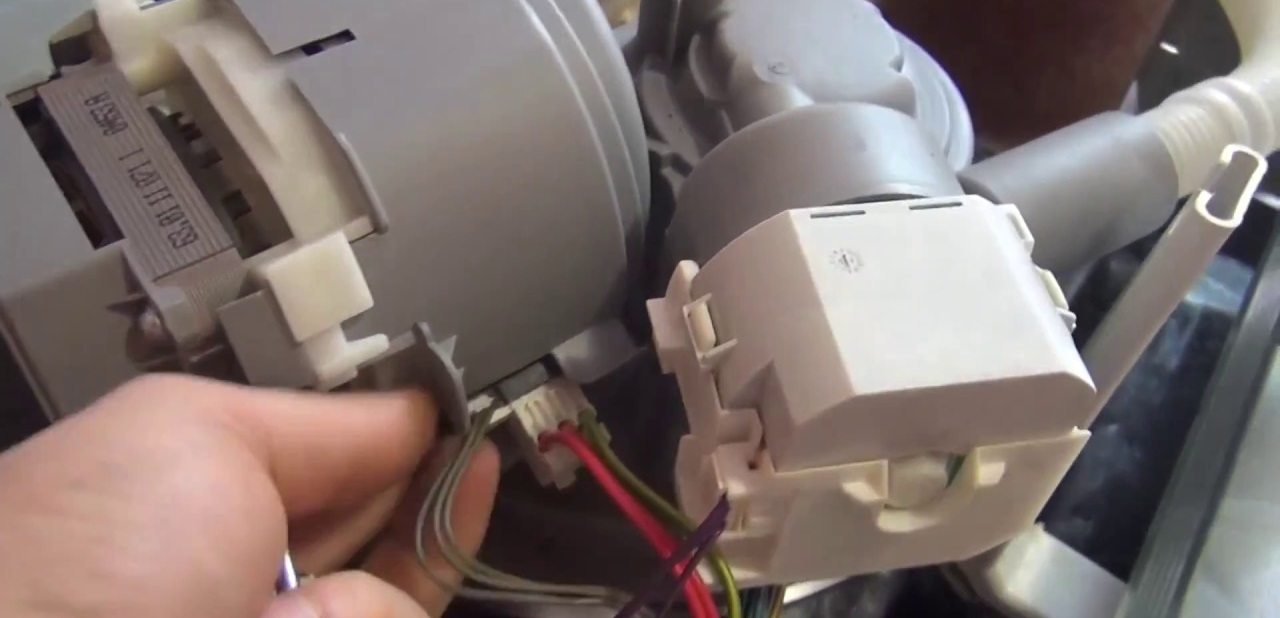
- If there is a malfunction, replace the part.
It's always much easier to keep complex equipment clean than to repair it and clear major blockages later. Rinse your dishwasher and its components to avoid wasting time and money on troubleshooting.
The dishwasher cannot be turned on.
If the device won't turn on, the most common cause is that it's unplugged. Check the power cord and plug—they may be faulty and will need to be replaced.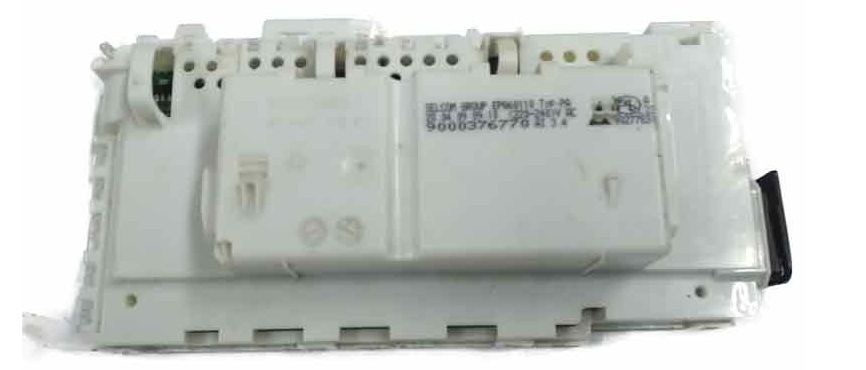
If the connection is fine, but the dishwasher shuts off during the cycle, the electronic module is faulty. The contacts may have oxidized, or the tracks may be burnt. If this happens, repairing the module yourself is impossible—in Siemens appliances, the circuit board is part of a non-separable unit, and therefore only a professional service center can help, so you should contact them immediately.
Interesting:



Readers' comments
Headings
Washing machine repair




For buyers




For users


Dishwasher




Add a comment