
Drum cleaning function in the Dexp washing machine
 In today's world, hand washing is becoming less common, as almost everyone can afford a "home helper." Moreover, many innovative features are commonplace and no longer surprise homeowners. One such feature is the Dexp washing machine's drum cleaning function. Today, we'll discuss this feature specifically, and also explore other useful cycles.
Activating the cleaning algorithm
Let's figure out how to do this type of cleaning. Before you begin, you'll need to empty your "household helper" so that there's no laundry inside. Then, follow this order:
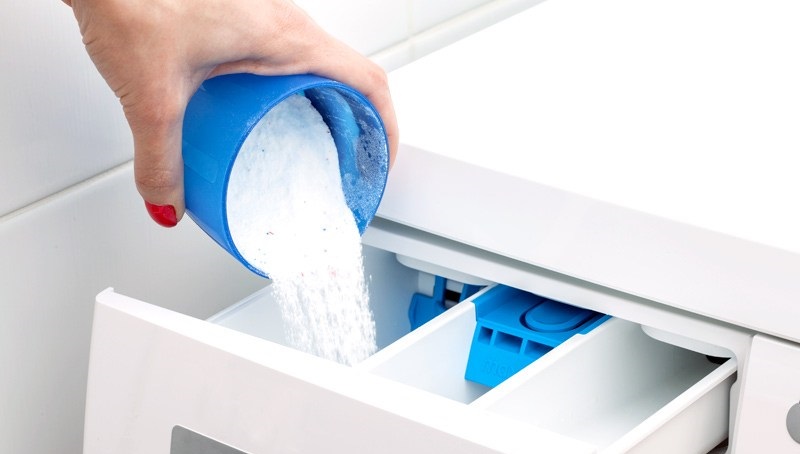
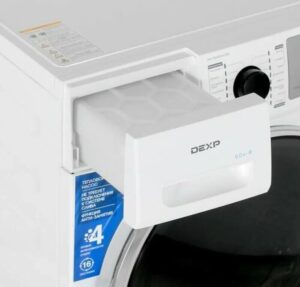
- open the compartment and add the cleaning agent into it;
- do not use detergents (they may form foam);
- Close the compartment, connect the water and open the tap.
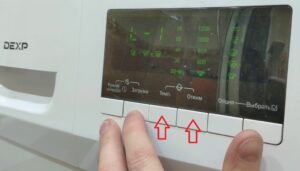
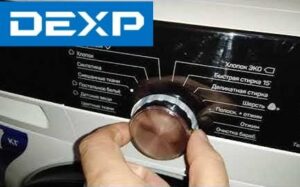
Next, press "On/Off." Once the washing machine turns on, you'll need to hold down the "Temp" and "Spin" buttons for about 3 seconds. Your machine should respond with a beep. Only then can you press "Start/Pause." The door will lock, and the program will begin.
Remember: your washing machine will serve you for a long time if you clean its drum regularly!
At the end of the cycle, the unit will beep again. You can now dry the drum thoroughly. If you have small children in the house, do not allow them to ride on the door. This could damage the hinges, causing it to stop closing.
Why enable this feature?
Housewives often don't understand why they need to clean the drum, as it always looks perfect. However, in reality, it's where mold and various harmful bacteria develop. This happens because, after numerous washes, various contaminants accumulate, causing unpleasant odors and triggering allergic reactions.
In such cases, auto-cleaning comes to the rescue. By eliminating all unpleasant odors and neutralizing mold and potential allergens, it provides your machine with the necessary cleanliness. After this cycle, your "home assistant" will be as good as new and will begin washing your clothes perfectly.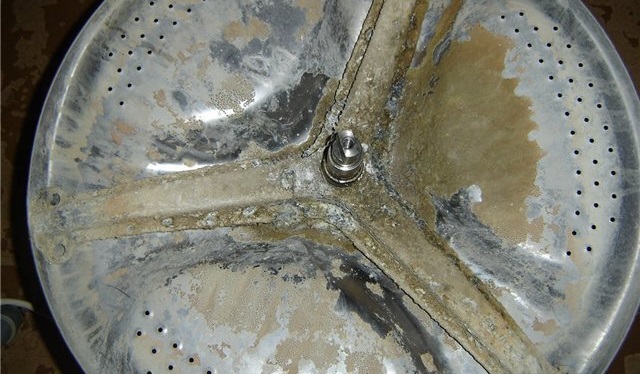
To prevent this from happening, it's important to follow certain rules. Avoid overloading the washing machine whenever possible, check the filter, and clean it if necessary to remove accumulated dirt. Don't leave wet clothes inside the machine, and air it out after each wash. If you find scale buildup inside your machine, use vinegar and citric acid – they will help remove all deposits from the drum. Don't forget to check the water temperature when washing, as too hot or too cold water can also damage the drum.
Auxiliary functions of the Dexp washing machine
In addition to the aforementioned feature, DEXP washing machines come with a number of additional options. Some are well-known, others less so. We've decided to share the most useful ones with you.
These include the "Child Lock" mode. It prevents young family members from tampering with the appliance. To activate this feature while the machine is running, press and hold the "Extra Rinse" and "No Spin" buttons for more than three seconds.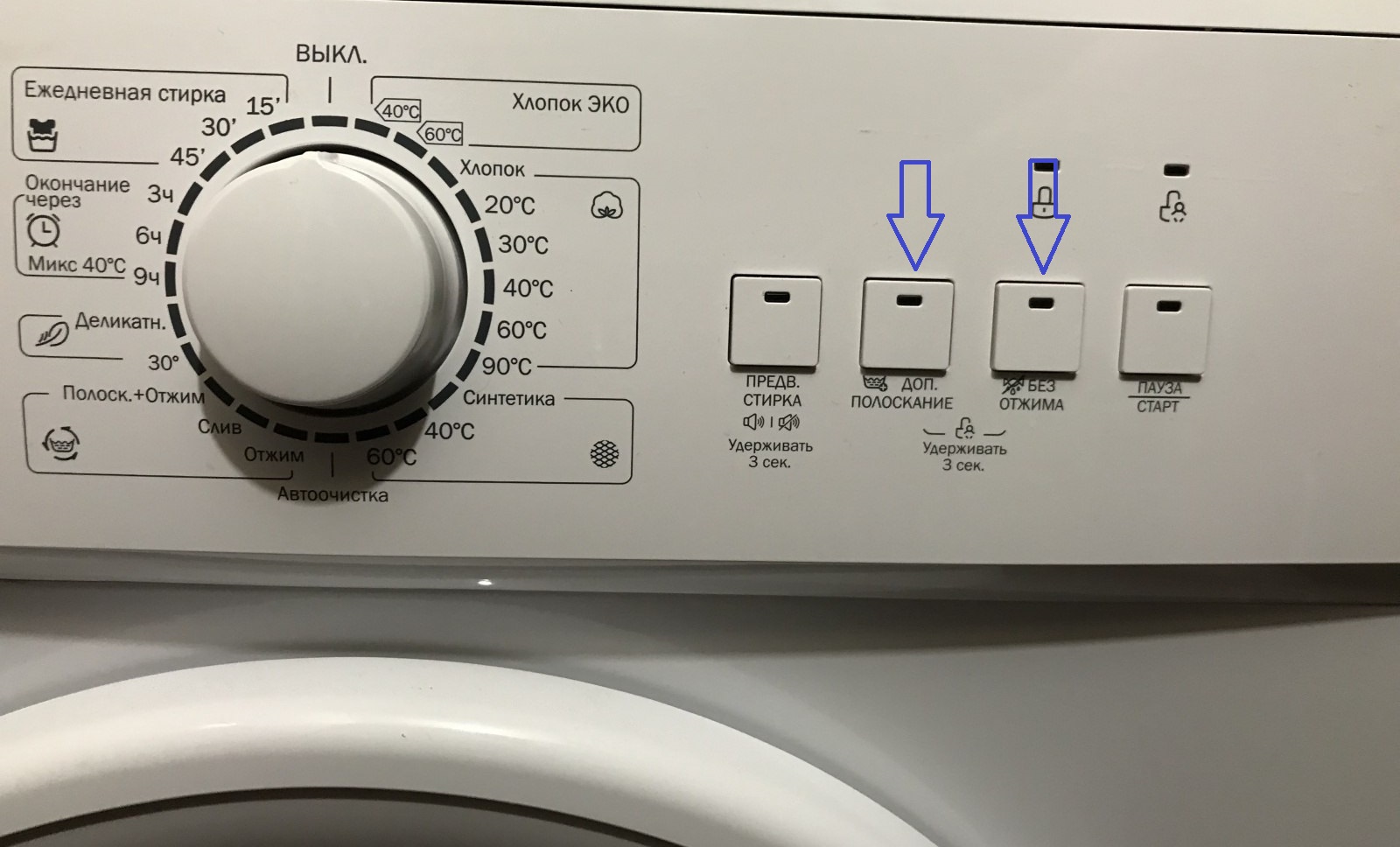
Once the mode is active, only the On/Off button will be functional. If the washing machine has completed its cycle, press this button to turn off the power, and the child safety mode will automatically end. If you want to make changes to this option, first deactivate the child safety mode and only then make the necessary adjustments.
There's also a program called "Spin." Before choosing it, you need to prepare. To do this, you'll need to check your clothes for any foreign objects, such as keys, a phone, or other items. Only then should you follow this procedure:
- open the machine and put the laundry in it;
- Press the On/Off button.
- use the rotary program selector and select “Spin”;
- set the desired speed;
- Click on "Start/Pause".
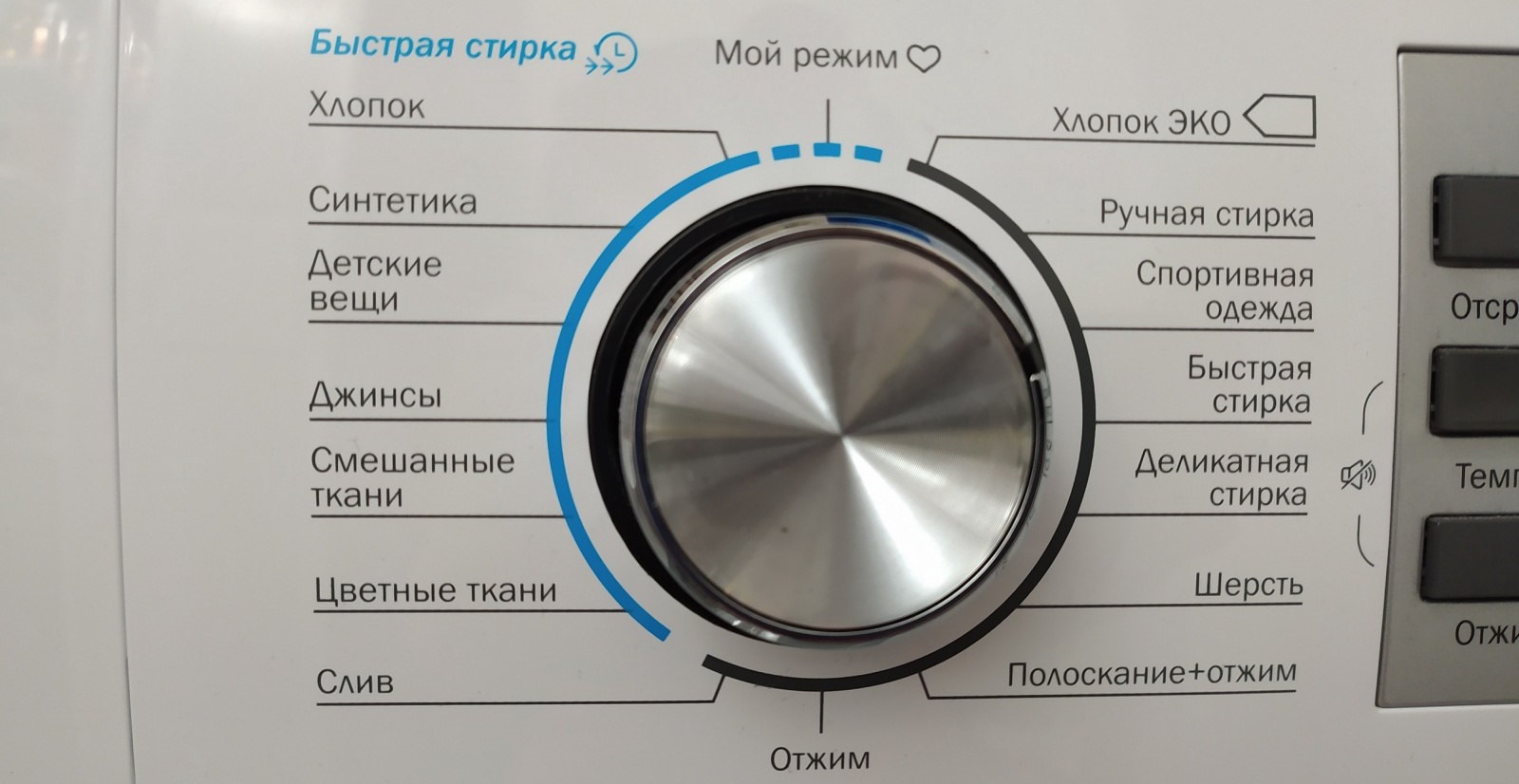
Once the cycle is complete, the washing machine will beep. It's important to note that the spin speed may differ slightly from the one you set. This is because the machine automatically determines the required spin speed for the laundry in its drum.
Additionally, there's a customizable wash program. This is used when you need to manually set the temperature, time, and spin speed. Follow these steps:
- open the machine, put the laundry in it and add detergent into the compartment;
- open the tap;
- Press the On/Off button.
Then select the desired program. To set the temperature, speed, and time, click the corresponding buttons: "Temperature," "Speed," "Delay," and then press "Start/Pause." When the wash cycle is complete, your "home assistant" will beep and the display will show "END." When this happens, you can remove your laundry and unplug the machine.
Interesting:

Readers' comments
Headings
Washing machine repair




For buyers




For users


Dishwasher




Add a comment