
Error 11 on a Hotpoint Ariston dishwasher
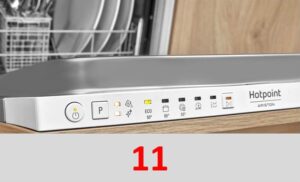 Modern dishwashers have so many errors that users can encounter a new error code literally every month of active use. Error 11 in the Hotpoint Ariston dishwasher indicates poor water circulation in the system. Let's take a closer look at this problem, which can occur even when there are no problems filling the dishwasher.
There is too much dirt in the machine.
When using a Hotpoint Ariston dishwasher, it's important to strictly follow the operating instructions. These instructions state that heavily soiled dishes with large food particles should not be washed in the dishwasher. This is because food particles, tea bags, meat and fruit bones, napkins, and other debris can get caught in the waste filter and cause a blockage.
Therefore, to avoid this error code, you should always remove debris from cutlery beforehand, and also remove dirt from the dishwasher's dust filter at least once a month. This is especially true if your dishwasher doesn't have a self-cleaning program, which is increasingly common in modern dishwashers.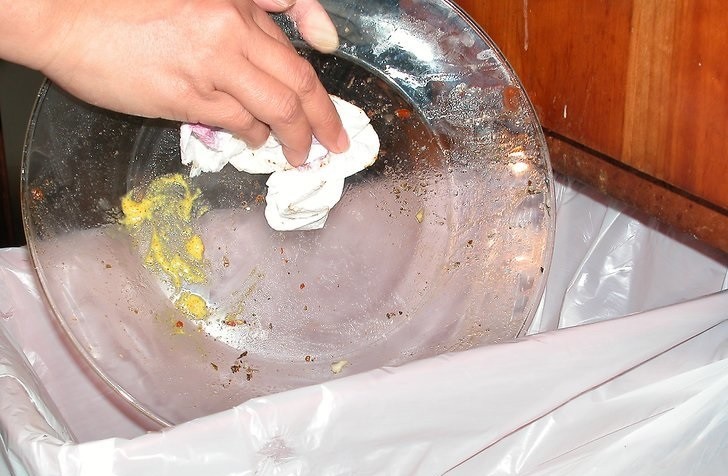
However, appliance manufacturers do not guarantee that the self-cleaning mode will remove all debris from the filter element, which quickly becomes clogged with food, grease, dirt, limescale, and other debris that impede normal water circulation. This is why error code 11 in a Hotpoint Ariston dishwasher primarily indicates a problem with the debris filter.
The filter element must also be cleaned regularly to prevent solid particles from passing through it into the system and damaging key components of the dishwasher.
Often, error code 11 can be reset by completely cleaning the filter element. What should I do?
- Disconnect the machine from all utilities as a safety precaution.
- Open the door and remove the baskets from the chamber.
- Remove the filter from its seat located at the bottom of the bin.
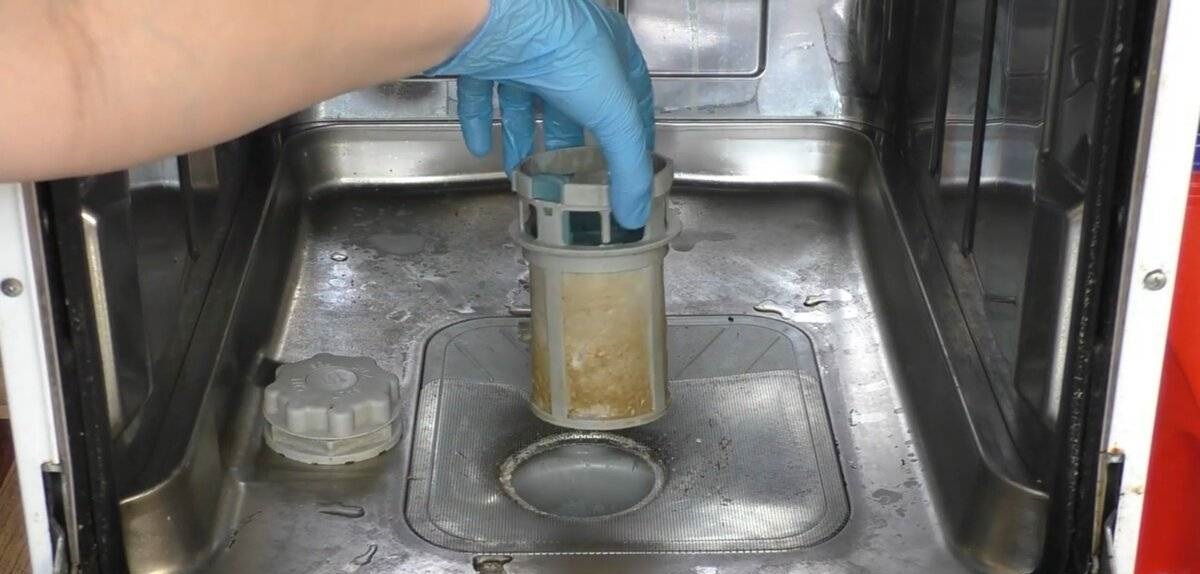
- Disassemble the unit and thoroughly rinse each element under a strong stream of tap water.
- If stubborn dirt is difficult to remove, you can wash the parts with a stiff brush or leave them in a citric acid solution for an hour.
- Carefully examine the location where the filter is installed, as it is also often clogged with various debris, such as dirt and broken dishware.
When cleaning the element, carefully inspect it for damage. If there are cracks, chips, or other defects visible to the naked eye, the filter must be replaced. Repairing the unit is not recommended, as a refurbished filter will not perform properly and will trigger new error codes.
Testing and repairing the circulation pump
Error 11 in a Hotpoint Ariston dishwasher may also appear due to problems with the circulation pump. This detail often becomes the reason why water circulation in the “home assistant” is either disrupted or absent altogether. What should I do to fix this?
- Disconnect the dishwasher from the power supply and water supply.
- Move the machine to the center of the room to ensure free access to all sides of the device.
- Place the device on the floor.
- Remove the bottom of the dishwasher and take out the tray.
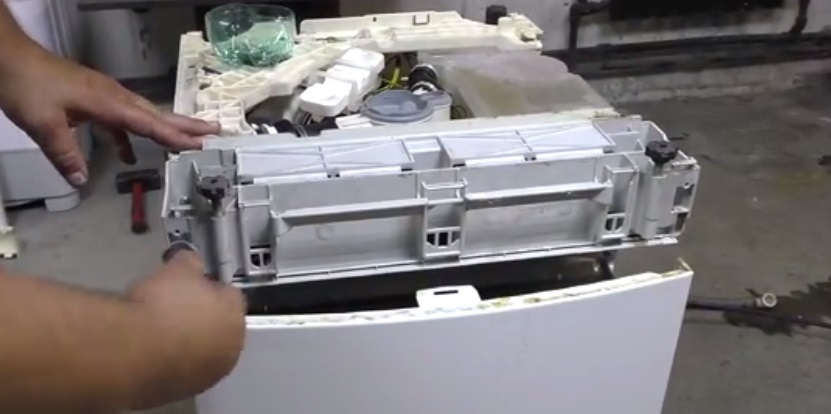
- Disconnect the unit's inlet pipe.
- Carefully disconnect the wires and clamps from the circulation pump, and then remove the pump itself.
Be sure to take a few photos of the wiring - you will need them when reassembling your Hotpoint Ariston dishwasher.
- Carefully examine the pump to determine whether it can be repaired or whether it needs to be replaced.
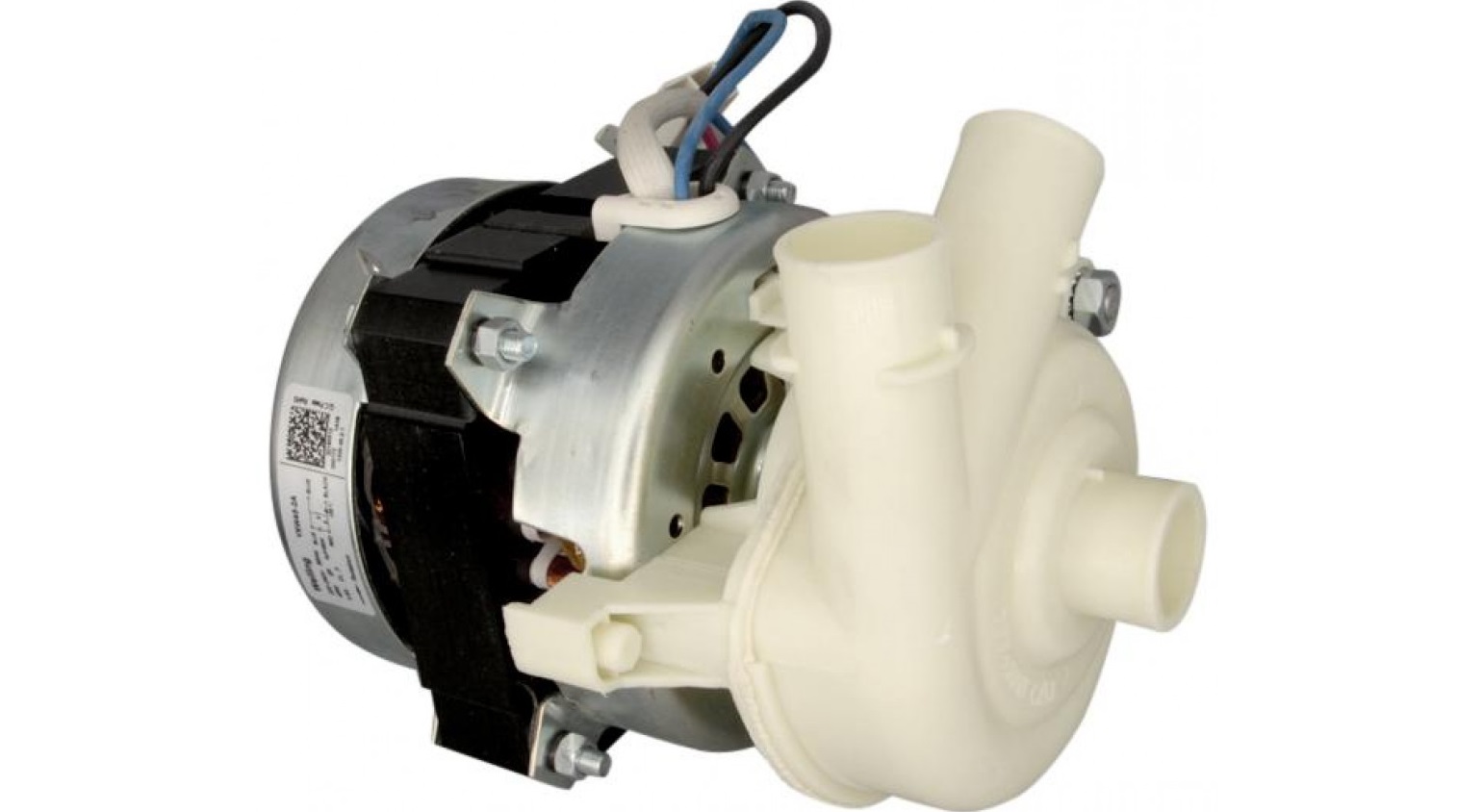
Service center specialists recommend purchasing a new part rather than repairing the damaged part. However, in some situations, repair is more practical than replacement. For example, if error 11 is caused by a damaged impeller or worn bushings, this can easily be resolved at home. However, if the pump failed due to a short circuit or a power surge, repair will be impossible.
If a part has obvious wear on its graphite bushings, it can be easily repaired at home without calling a mechanic or replacing the entire pump. This can be determined by disassembling the part and verifying that there is play. In this case, repair should follow these instructions:
- remove the circulation pump from its mounting location;
- disassemble the element, having first unscrewed the nozzle on the rotor;
- carefully remove the impeller from the shaft, preventing cracks from appearing on it;
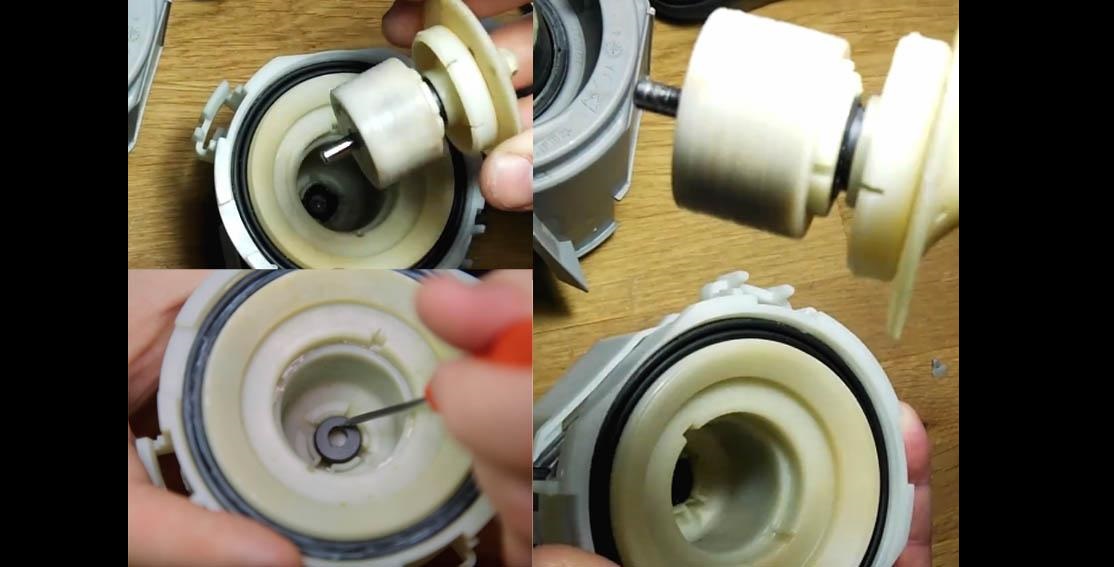
- Find suitable graphite bushings or an impeller, depending on which part of the pump has failed. You can buy them at a hardware store or online, where they sell original parts and print similar ones on a 3D printer;
- Replace the damaged parts and then return the pump to its place.
Always purchase only genuine spare parts with the serial number that matches your Hotpoint Ariston dishwasher. After replacing the parts, be sure to run a test cycle without any dishes to ensure the problem has been resolved.
Interesting:
Readers' comments
Headings
Washing machine repair




For buyers




For users


Dishwasher




Add a comment