
Error 4C on a Samsung dishwasher
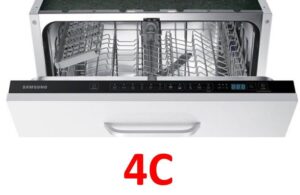 Home appliance manufacturers typically create a separate code for each specific malfunction to make troubleshooting easier. However, on Samsung appliances, error 4C typically alerts the user to the same problem as errors 4E and E1. If your "home assistant" doesn't have a display, the appliance will alert you to the emergency by flashing the indicators next to the "Quick Wash" and "Economy Wash" symbols. This error occurs when the dishwasher is out of water, preventing it from operating. We'll examine the lack of water in detail and explain how to fix it yourself without calling a technician.
Water is not supplied to the dishwasher
It may seem trivial, but very often the reason for the lack of water supply to the Samsung dishwasher is problems with the plumbing. Therefore, do not rush to call a repairman if the error code mentioned above appears on your display until you have checked for water in the house.
In addition to the water pressure required for the dishwasher, it's worth checking the tee valve, which is needed to shut off the water supply to the appliance. The valve's shutoff lever often breaks off internally, leaving the appliance broken but seemingly in perfect working order. In this case, turning the valve in either direction will have no effect, so the mechanism will remain shut off. In this situation, it's logical to first suspect the Samsung dishwasher, not the tee valve, which looks and feels perfectly intact.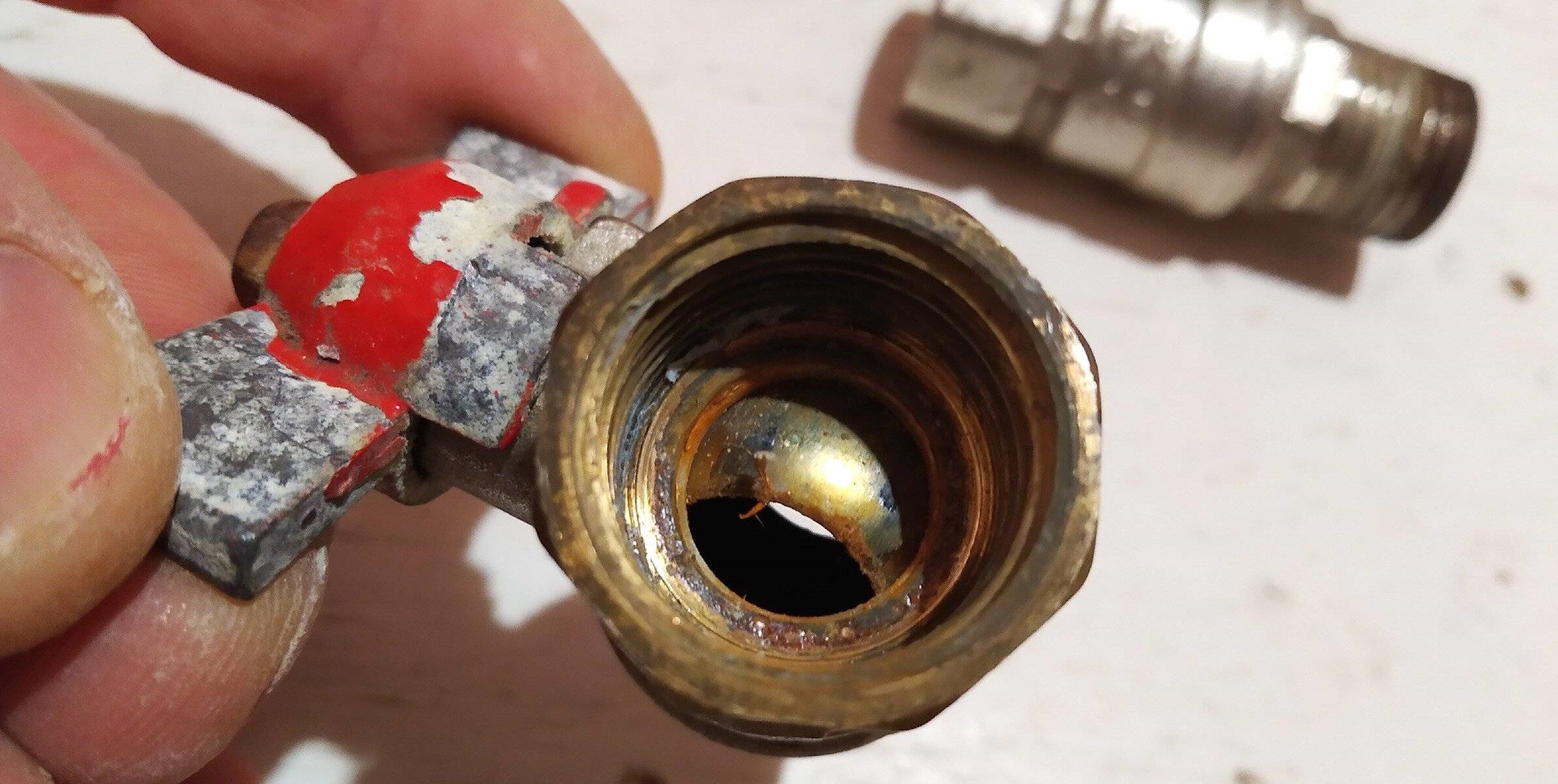
If the problem isn't with the water supply or the tee, then you need to move on to more complex inspections. Most causes can be easily addressed at home, even without specialized experience, so there's no need to be afraid of repairs.
Which part is waterproof?
If your Samsung dishwasher displays error code 4C, but there's water in the house, the faucet is working properly, and all operating instructions for your "home helper" have been followed, it's time to begin a gradual inspection of the appliance's key components, starting with the most basic causes of the malfunction. Experts note the following circumstances that may cause this error code to appear.
- The flow filter or the entire dishwasher system is clogged.
- The fill valve broke, blocking the flow of liquid.
- The washing chamber door is faulty, so the user cannot seal the household appliance tightly.
- The water level sensor is broken.
- The "Aqua Safe" protection mechanism has been activated.
- The control module of the Samsung dishwasher is damaged.
There aren't many options, so you can methodically check all the points to identify the malfunction and reset the 4C error.
Aqua Safe
The first thing to consider is a hose equipped with the Aqua Safe leak protection system. This mechanism looks like a small valve that can prevent flooding if the hose develops a leak. If something like this actually happened, then you shouldn’t try to patch the sleeve, because it needs to be replaced with a whole one. Determining whether the problem is with the hose is easy. If it's blocked, the hose indicator where it connects to the water supply will light red. What should I do to replace it?
- Disconnect your Samsung dishwasher from all power lines.
- Remove the leaking hose.
Before repairing, be sure to cover the floors with rags or unnecessary towels to prevent water from the hose from flooding the floors.
- Place the new hose in its seat and tighten it carefully, without using an adjustable wrench or other special tools, as this may damage the fragile plastic nuts.
After all the manipulations, all that remains is to reconnect the equipment to the water and power supply and test it during a test run. Carefully monitor the Aqua Safe hose to ensure all nuts are securely tightened and there are no leaks.
Finding and removing blockages in the flow-through filter
If the previous step didn't solve the problem, the issue may be caused by poor-quality tap water. Hard tap water with various impurities is common in Russia, which can cause the Samsung dishwasher filter to clog very quickly. If this happens, liquid will either fill very slowly or not fill at all.
The in-line filter itself is very easy to find – it looks like a small mesh that helps trap abrasive particles and various contaminants. Without this filter, debris from the water supply would penetrate directly into the dishwasher, causing damage to its key components. What should you do to clean a clogged filter?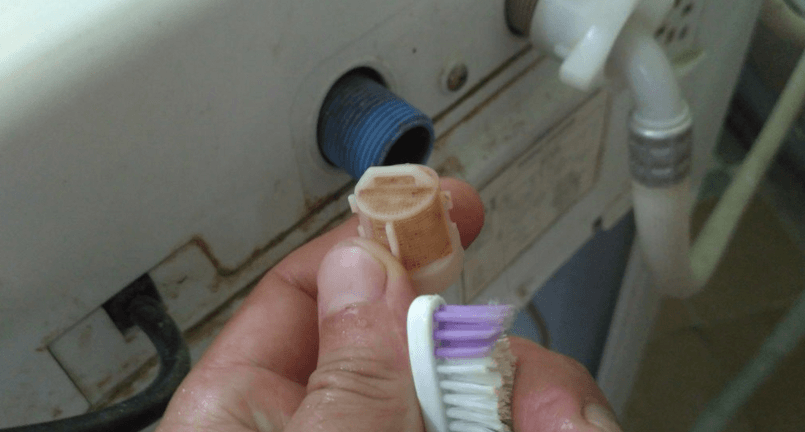
- Disconnect the dishwasher from the water supply.
- Remove the water supply hose.
- Locate the mesh that is installed where the hose connects to the dishwasher.
- Clean the mesh with a needle or pin, removing the smallest dirt from it.
- Additionally, rinse the debris filter under running hot water.
If stubborn stains simply won't come off, soak the element in a citric acid solution for at least 60 minutes.
Once the part is clean, reinstall it. Be sure to test your Samsung dishwasher to determine if the problem has been resolved.
The water inlet valve is broken
If the 4C error persists, it may be possible to resolve it by replacing the water inlet valve. If it's faulty, the water will simply not fill, as it will stop opening even after receiving a signal from the Samsung dishwasher's control board. Valve damage is usually caused by operating under unfavorable conditions, such as frequent power surges or fluctuating water pressure.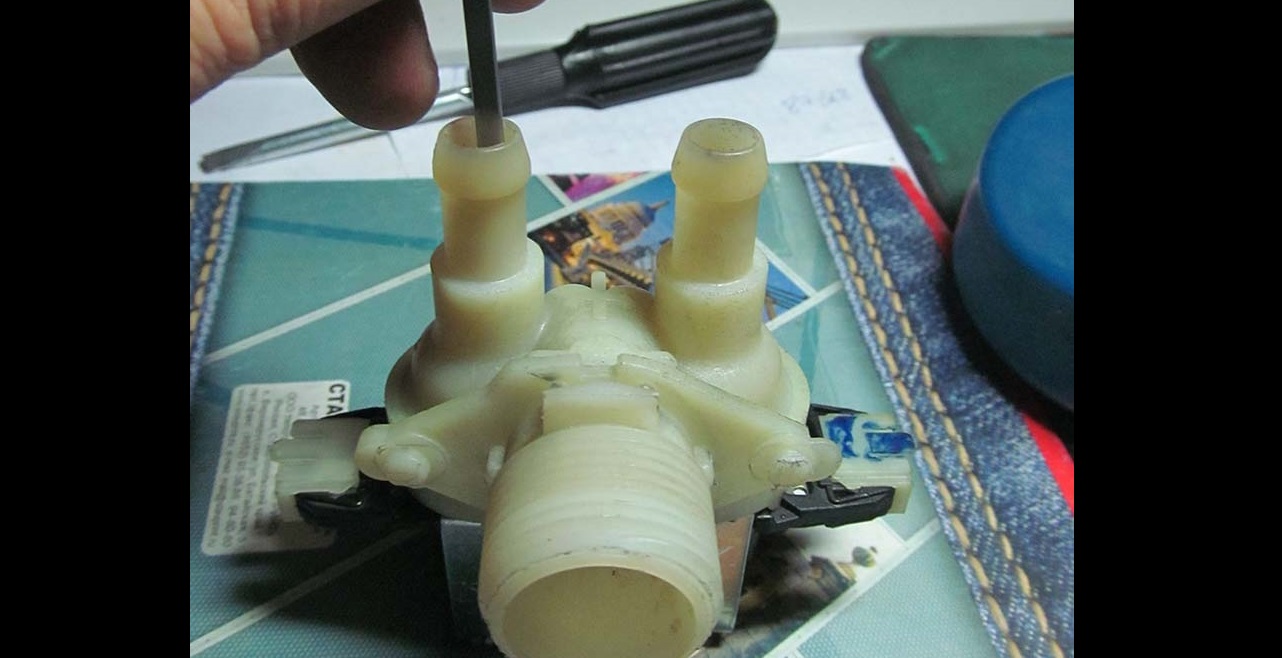
If a part is truly broken, don't attempt to repair it. If you're confident in your abilities, take the damaged part to the store as an example, purchase a new valve, then install it and test the machine's functionality. This is a rather complex and time-consuming procedure, requiring partial disassembly of the "home helper," so if you're unsure, it's best to call a repair technician for replacement.
There is no signal from the pressure switch
You can also try to resolve the error code by replacing the pressure switch. The water level sensor may stop sending information about the current water level to the dishwasher's control module, or it may be transmitting incorrect data. In this case, the control module will be unable to determine the optimal course of action and will simply stop filling the dishwasher to avoid accidentally flooding everything around it. You can determine whether the pressure switch is working properly by testing it with a standard multimeter.
- Disconnect the Samsung dishwasher from the utilities.
- Place the equipment on its side.
- Remove the lid from the bottom of the dishwasher.
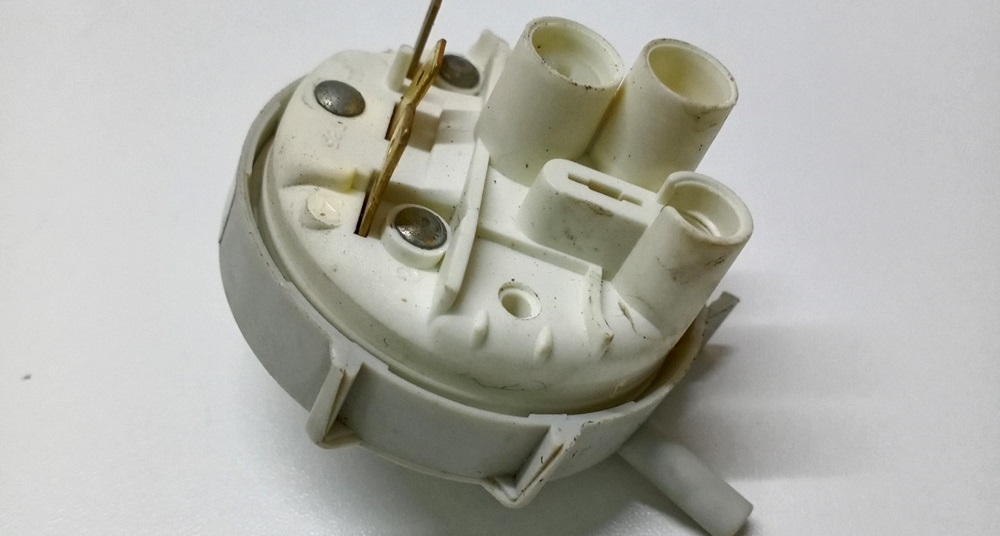
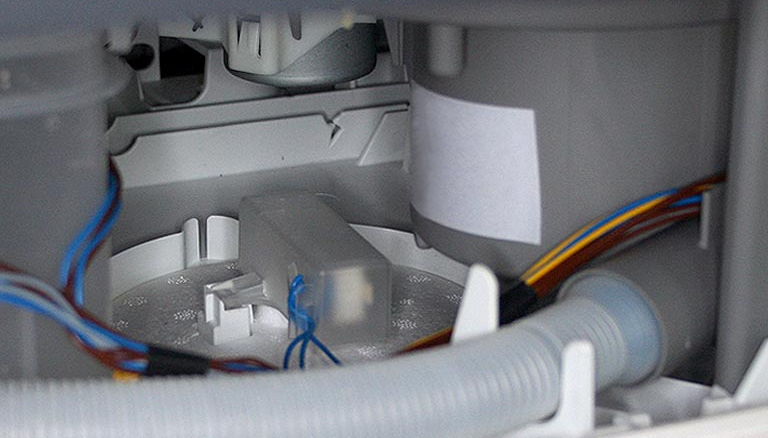
- Find the water level sensor – it looks like a plastic washer.
- Carefully remove the tube from the pressure switch.
- Carefully remove the element clips, remove the wires, and then the water level sensor itself.
It's best to take a few photos of the correct wire connections so you have an example at hand later.
- Set the tester to ohmmeter mode, connect its probes to the pressure switch contacts and measure the resistance.
There is no point in trying to repair a damaged unit; only a complete replacement of the sensor will help eliminate the 4C error.
Control board
Finally, if the cause of the problem is hidden in the dishwasher's control module, then there is little you can do yourself. The fact is that this board is considered the main component of the "home assistant", a kind of "brain" of the entire system, so repairs are extremely difficult, especially without special knowledge and skills. If the module is broken, your Samsung dishwasher will no longer function. You can only try checking the component yourself to be sure it's the problem.
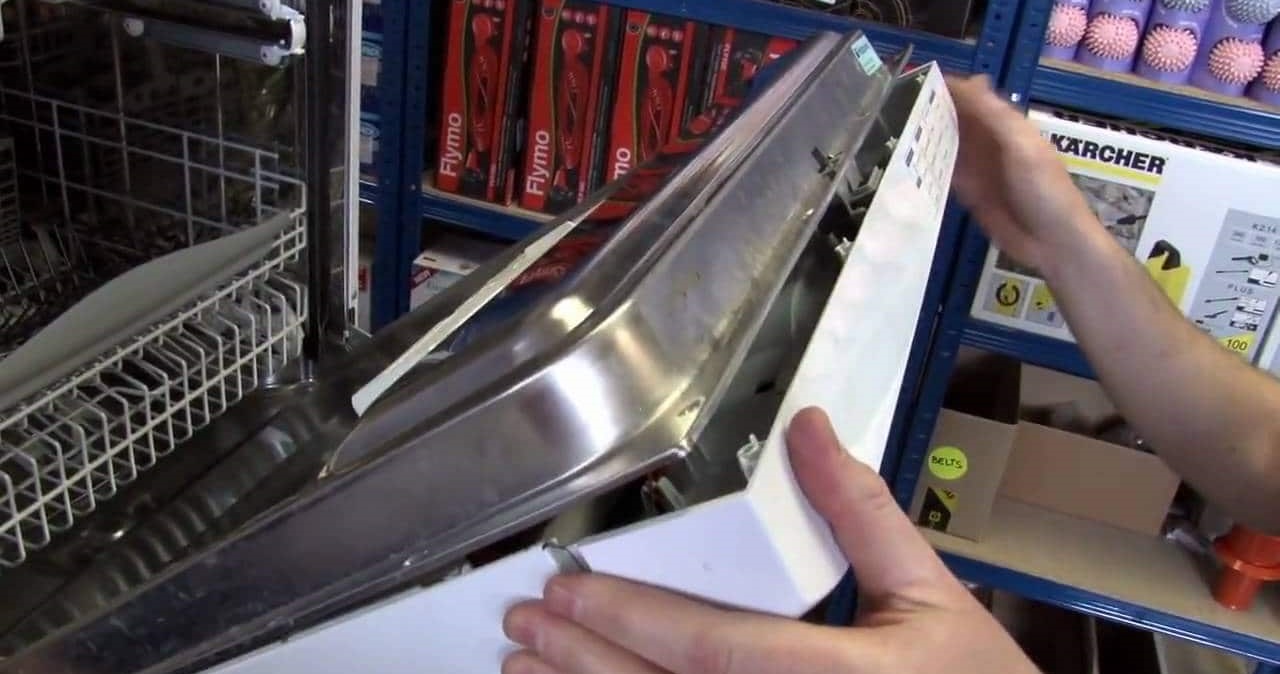
- Open the door of the washing chamber.
- Remove all retaining bolts on the door.
- Locate the dishwasher control module.
- Inspect it for damage - look for burnt wiring and tracks.
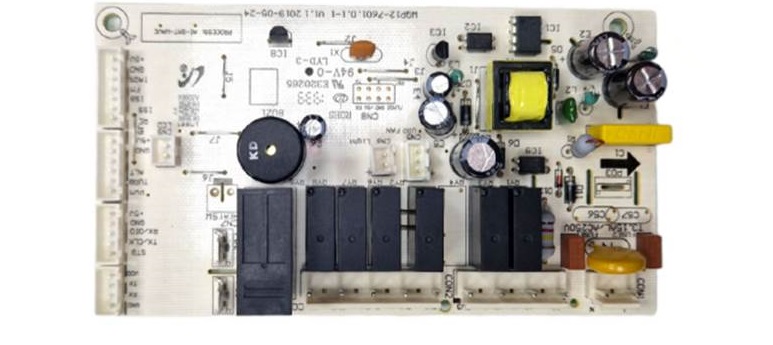
If the problems are visible to the naked eye, call a service center specialist, as you won't be able to use the device until the module is repaired. However, even if everything appears fine, that doesn't mean the board is faulty. Therefore, it's important to call a technician not only for repairs but also for diagnostics, as it's not always possible to find the damage on your own. Furthermore, partially disassembling the device and inspecting such a complex component yourself can only make matters worse, so this work should only be entrusted to a repair service.
Interesting:


Readers' comments
Headings
Washing machine repair




For buyers




For users


Dishwasher




Add a comment