
Siemens dishwasher error code E24
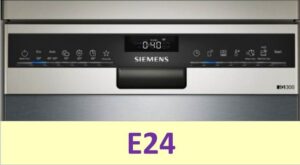 It's very convenient that almost all modern dishwashers can indicate problems when various malfunctions occur. Error E24 on the machine's display informs the user that either there is no drainage at all or there is a problem with it. This information isn't enough to pinpoint the faulty component, but it is sufficient to determine the scope of work. Let's check the key components responsible for draining waste water in a Siemens dishwasher.
What could be blocking or clogging the drain?
First, you need to list all possible causes of the malfunction, which should be carefully studied. All of these could have caused the error code, so it is important to fix them quickly. You can handle them even without calling a repair service technician, using a minimal set of tools.
- Damaged drain hose. Siemens dishwasher users often encounter the E24 error code because their drain hose is damaged or simply pinched. This could be caused by accidentally placing a heavy object on it, such as the dishwasher itself, which pinches the hose and blocks the drain flow.
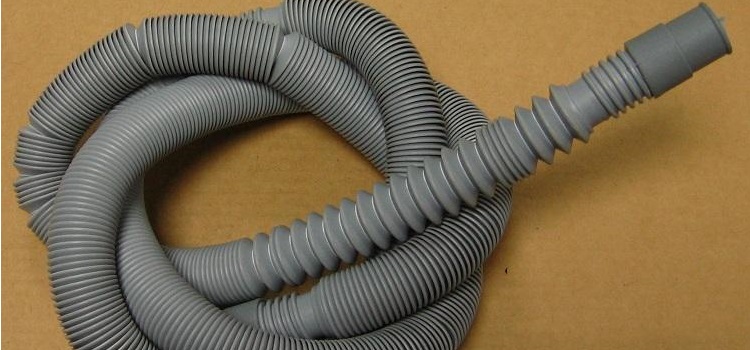 Remove the heavy load, straighten the hose, and ensure it is undamaged. Be sure to test the equipment after these steps—this will help you determine whether the drain has been restored or whether you need to move on to the next problem.
 - The debris filter is clogged. This often happens when food particles, meat and fruit bones, napkins, broken dish shards, and other debris get caught in the filter element. Cleaning the filter, which is recommended to be done at least once a month, will help reset the E24 error.
Always try to clean dirty dishes beforehand to remove any food residue or other contaminants to prevent them from causing clogs.
- The pump and drain hose are clogged. This is another key component of a Siemens dishwasher, and it can become clogged with food particles and other debris. If this happens, water will collect in the drain pan instead of going down the drain.
- Control board failure. The control module transmits commands to all key components of the dishwasher, so if it's faulty, the drain simply won't start.
These four reasons are most common causes of the E24 error code for Siemens dishwashers. Let's take a detailed look at the steps to reset the error.
Let's start with the main filter element
What should you do if your filter is clogged? It may seem like a difficult problem to fix, but cleaning the filter is actually a very simple procedure, which we'll describe today. All you need to do is perform a standard cleaning of the debris filter, which the manufacturer recommends repeating regularly. But after the E24 error appears, you first need to remove the liquid from the washing chamber that remains as a result of the lack of drainage.
- Take a large container for water.
- Disconnect the hose.
- Start the drain.
This will not only help drain the water but also inspect the drain pipe and drain for blockages. Once the liquid is cleared, you can begin cleaning:
- Disconnect the Siemens dishwasher from all utilities.
- Remove the dish baskets from the bin.
- Access the trash filter located at the bottom of the bin and remove it from its seat.
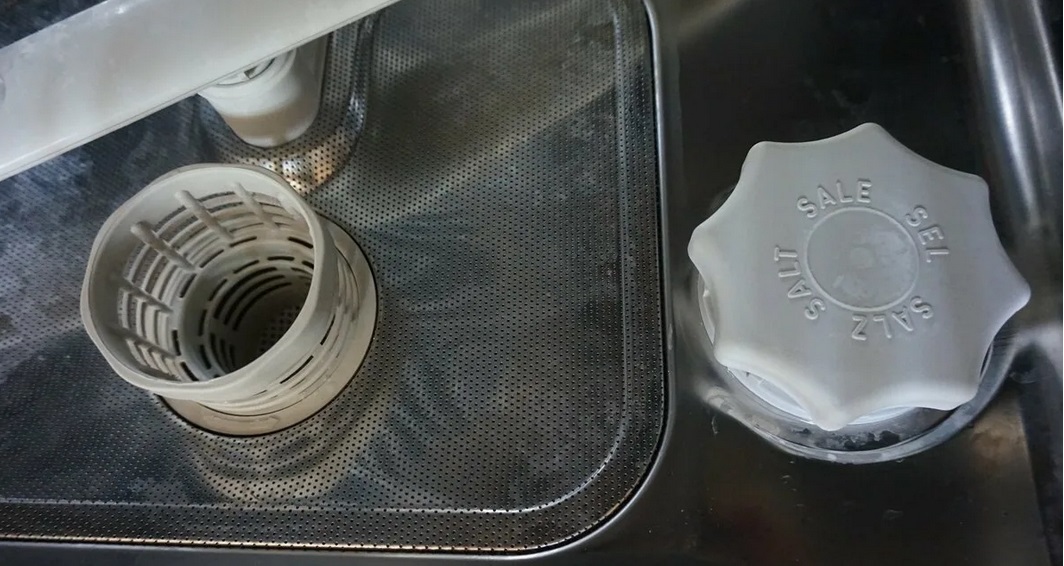
- There is a mesh filter installed underneath it, which also needs to be removed to remove debris.
- Use a brush and hot tap water to remove any dirt.
If debris has become lodged in the filter elements and is difficult to remove, you can use a solution of citric acid or table vinegar to soak the filters for several hours.
- Install all elements into their seats.
Be sure to run a test cycle without dishes to check if the E24 error has cleared. If drainage issues persist, move on to examining other components of your Siemens dishwasher.
The pump is not working properly
If the hose and debris filter are checked, the error code may be caused by the pump. To check the pump, you will have to disassemble the device, which is best done in a situation where the warranty period has already expired. If the warranty is no longer valid, proceed with partial disassembly, carefully following the instructions.
- Disconnect the machine from the power supply and water supply.
- Tilt your Siemens dishwasher slightly on its side – this will help remove any water remaining in the system after the last cycle.
- Use a sponge or cloth to wipe the debris filter to remove any moisture.
- Place the machine on its back wall.
- Unscrew the fasteners holding the bottom cover of the “home assistant”.
- Disconnect the leak sensor installed on the bottom of the machine on the back side.
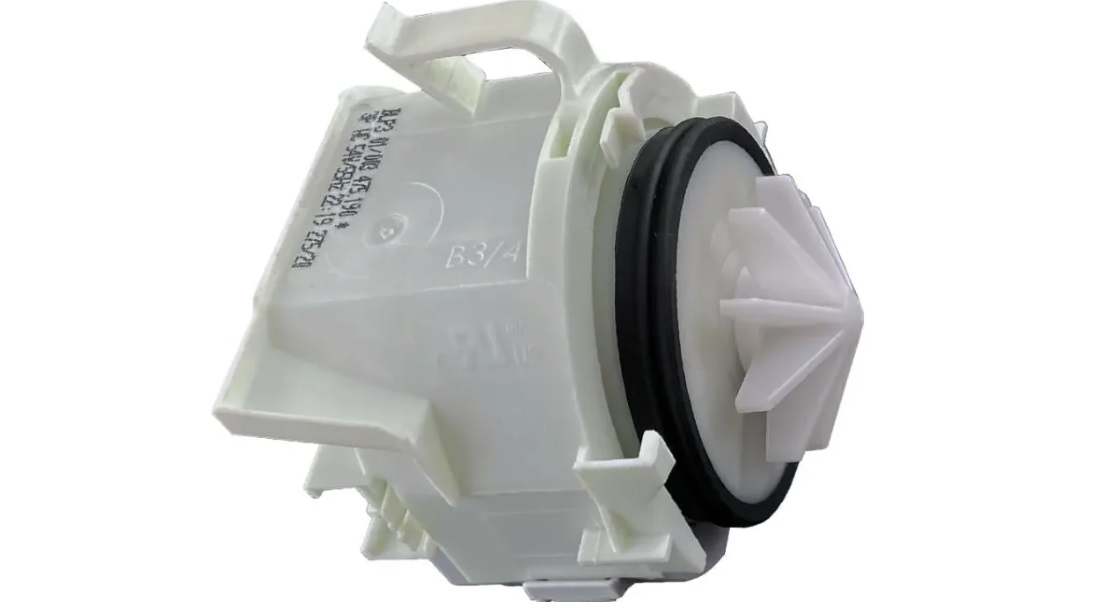
- Remove the pump, first disconnecting the wires from it and unscrewing the fasteners.
It's best to take a few photos of the wiring before disconnecting it to save an example of how the wires are connected correctly in your camera or phone's memory.
The pump should be checked in two ways. First, carefully examine the impeller. Its blades could have simply broken over time, or they could have been clogged with broken glass, blocking the element's movement.
Second, use a standard multimeter set to resistance measurement mode. Connect the probes to the pump terminals and read the readings. If everything is OK, the reading will be around 200 ohms. If the impeller is damaged or the tester shows incorrect values, the pump will need to be replaced with a completely new one.
If the pump is fine, or if the drain doesn't work properly after replacing it, you should also inspect the outlet pipes from the circulation unit. These components are also often clogged, which can cause a lack of drainage. If these are also fine, the only remaining problem is the Siemens dishwasher's control board.
The malfunction is hidden in the dishwasher's electronics
The final item on today's checklist is the home assistant's control module. This electronic unit is considered the "brain" of the entire system, controlling the operation of all household appliances. Therefore, repairing such a complex component is only possible with specialized equipment and only by a qualified technician. It's recommended to only check the module yourself to confirm the problem.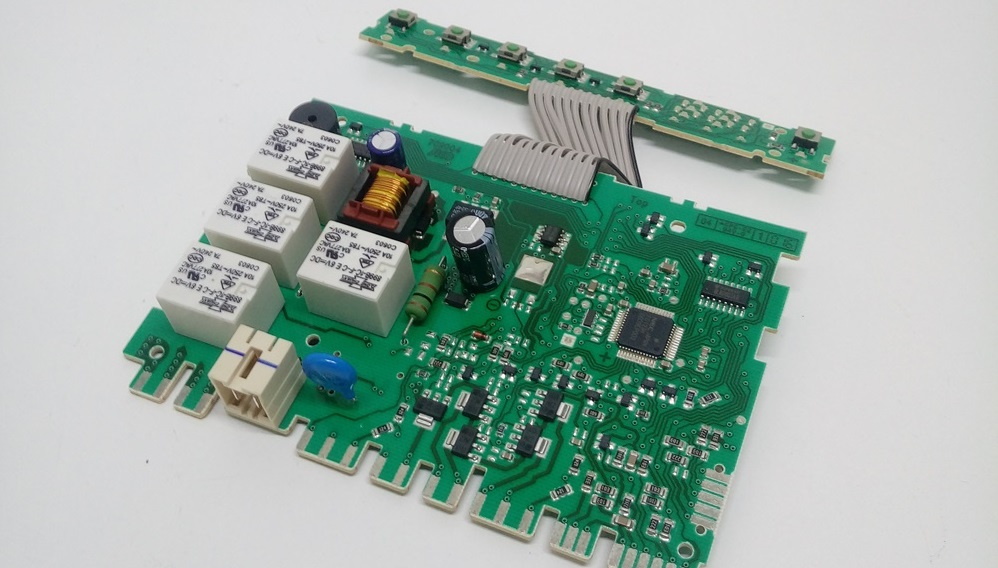
- Open the Siemens dishwasher compartment door.
- Remove the fasteners from the door.
- Find the control board.
- Inspect it carefully to find burnt wiring and damaged tracks.
Even if damage isn't visible to the naked eye, it doesn't mean it's not there. That's why, if you suspect electronics are the issue, it's best to call a service center specialist so they can not only restore the electronic module but also conduct a thorough diagnostic. Never attempt to repair the part yourself, as you risk accidentally damaging it further, which will only increase the cost of the repair.
Interesting:

Readers' comments
Headings
Washing machine repair




For buyers




For users


Dishwasher




Add a comment