
Siemens dishwasher error code E25
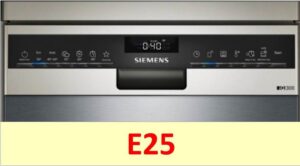 What does the E25 error message on your dishwasher's display mean? This error code indicates that your Siemens dishwasher is unable to drain water into the drain. Why isn't it draining? Which components should you check first? Let's take a closer look.
Why is there no drain?
You can usually fix the E25 error yourself. Therefore, if you see this error code on the display, don't panic. Your Siemens dishwasher may malfunction due to:
- kinked drain hose;
- clogged trash filter;
- clogged pump or drain pipe;
- broken pressure switch;
- damaged control module.
First, inspect the dishwasher drain hose. It may be kinked, preventing water from draining. Placing a heavy object on top of the hose will also obstruct drainage. It's a good idea to feel the hose for any blockages. If you find a blockage, flush the hose.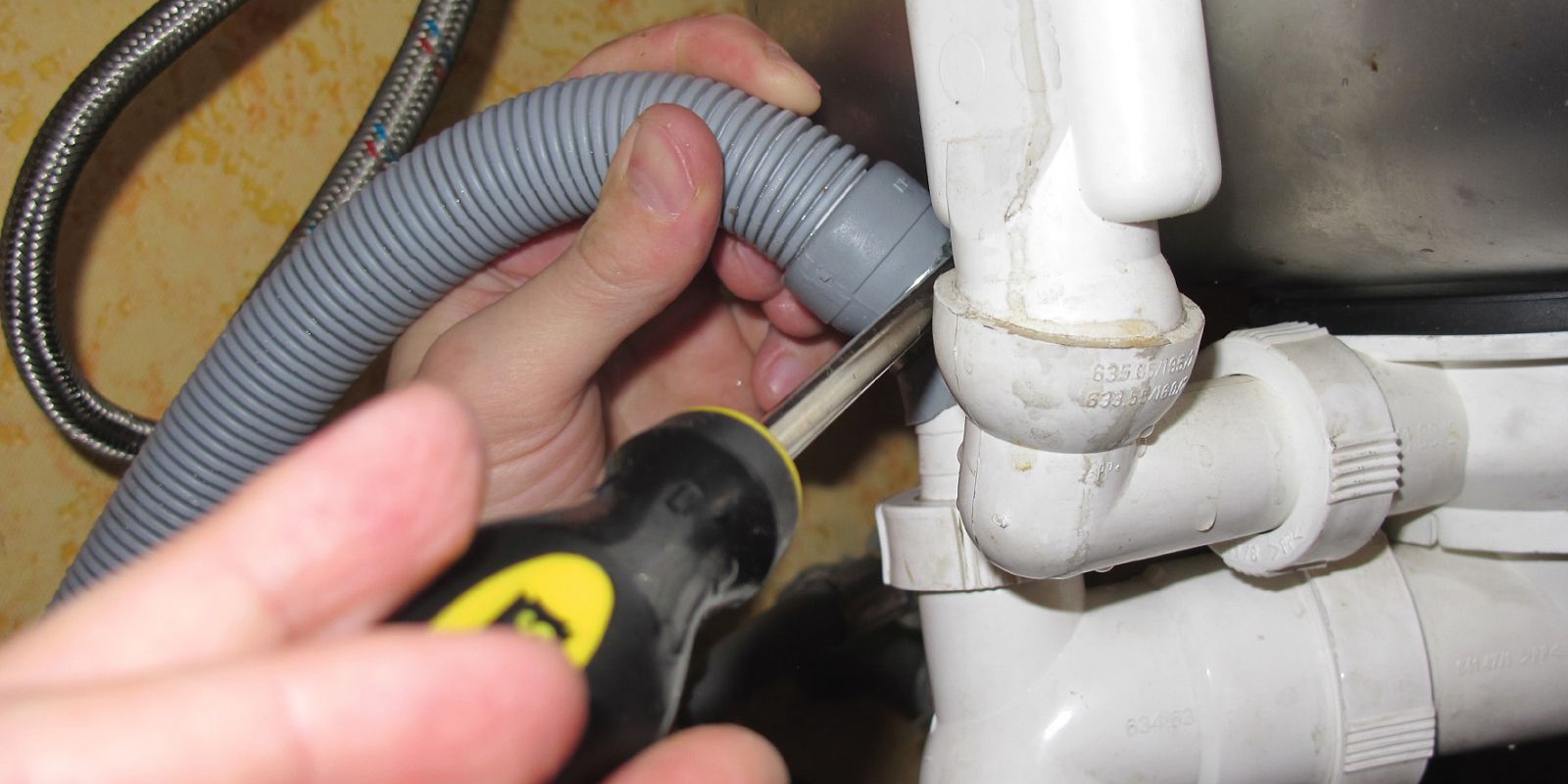
Next up for inspection is the debris filter. It's located inside the Siemens dishwasher, at the bottom of the bin. The filter element becomes clogged with food debris, fruit pits, and shards of broken glass. Clean the unit, this may help reset the error code.
The dishwasher's dust filter should be cleaned regularly, preferably after each use.
Small debris that has leaked through the filter can clog the drain pump or the hose connecting the pump to the washing chamber. This also leads to a disruption in the fluid flow. Cleaning the parts is the solution.
A faulty pressure switch could also be the culprit behind the error code. A damaged level sensor sends inaccurate information about the amount of water in the chamber to the module. As a result, the electronic unit does not issue a drain command.
It's extremely rare for an E25 error to indicate a faulty control module. However, if all other possible causes have been ruled out, it's important to check the control module. It controls the operation of all dishwasher components, so if it malfunctions, any code may appear on the display.
Cleaning the filter element of a Siemens dishwasher
The easiest way for a Siemens dishwasher to display the E25 error code is because the drain hose or debris filter is clogged. In this case, you can fix the problem yourself in just a few minutes. A simple cleaning procedure will suffice.
What to do first? First, flush the drain hose. To do this:
- unplug the dishwasher;
- disconnect the hose from the dishwasher body and the connection point to the sewer;
- rinse the corrugated pipe under running warm water;
- put the drain hose back in place.
After this, you need to clean the debris filter. The procedure is as follows:
- open the dishwasher door and remove the dish baskets from the bin;
- find the filter – it is located at the bottom of the washing chamber;
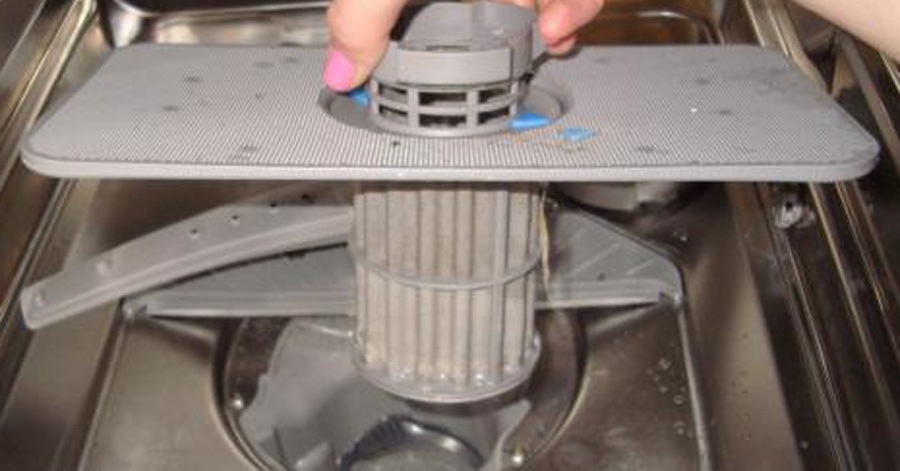
- remove the unit from the machine, wash all parts of the structure in warm water;
- remove the filter mesh and also remove any dirt from it;
- remove the drain pump cover and check the impeller movement, remove any debris stuck between the blades;
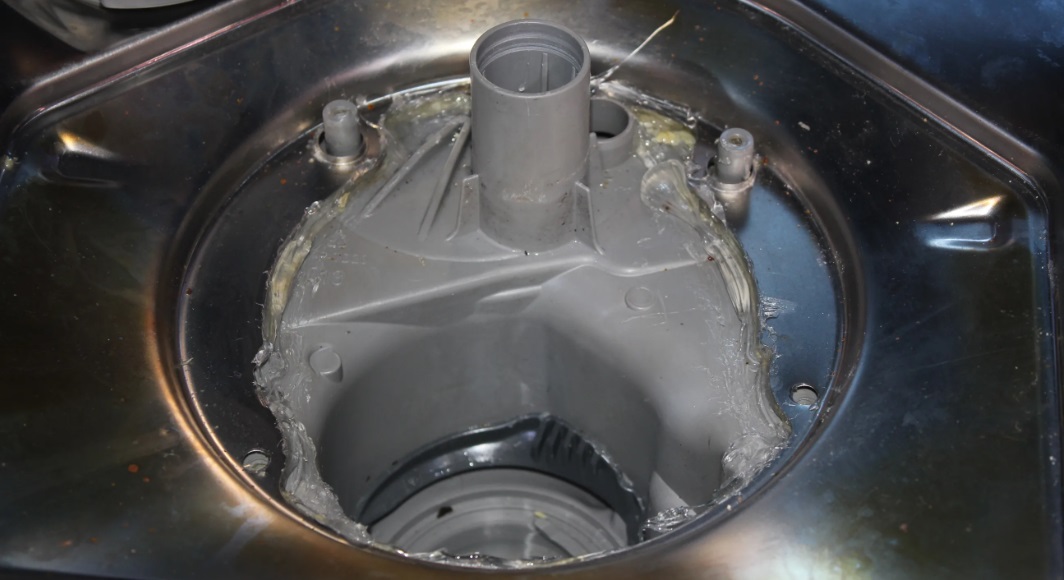
- Return all removed elements to their place, thereby assembling the filter unit.
After this, plug the machine in and run a test cycle. If the water still doesn't drain, you'll need to check other parts of the Siemens dishwasher. Next up is the dishwasher's drain pump.
The pump can't cope
To check your dishwasher's drain pump, you'll need to partially disassemble the housing. No special knowledge or tools are required—following the instructions is sufficient. To diagnose the pump:
- de-energize the machine;
- close the shut-off valve responsible for the water supply;
- disconnect the drain and fill hoses from the dishwasher body;
- remove the debris filter and wipe the hole dry with a sponge;
- place the dishwasher on the floor;
- remove the screws securing the machine tray;
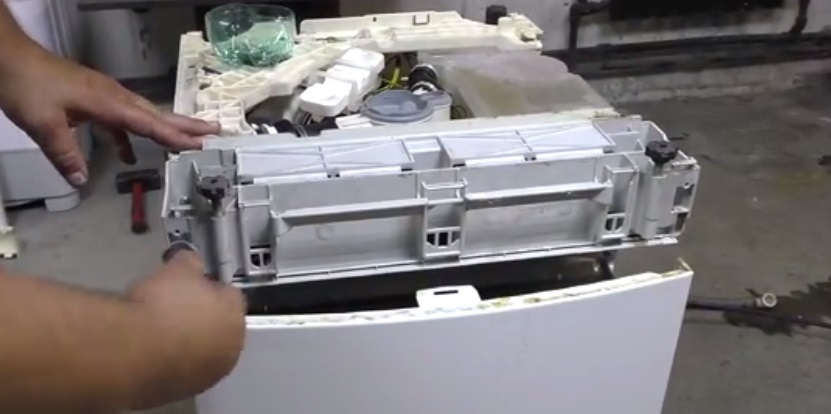
- remove the bottom cover, carefully disconnecting the float sensor wiring;
- disconnect the wires connected to the drain pump;
- unscrew the bolts securing the pump;
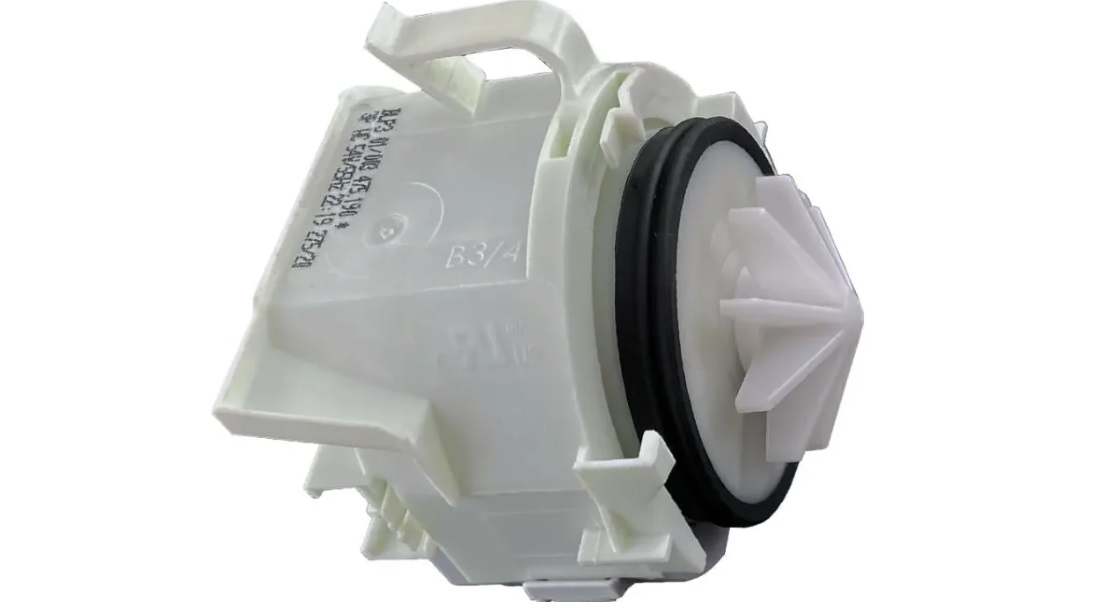
- Remove the pump from the machine.
It is better to take a photo of the wiring diagram for the pump to avoid mistakes during reassembly.
Pump diagnostics are performed in two stages. First, the impeller's rotation is checked. The blades may be broken or blocked by a foreign object.
Next, the pump is tested with a multimeter. The device is set to resistance measurement mode, and its probes are placed across the pump terminals. The display should read within 200 ohms.
If the pump is simply clogged with debris, cleaning it will help solve the problem. A burnt-out drain pump cannot be repaired and will need to be replaced. Components are purchased for a specific model of Siemens dishwasher.
PMM has no data on water levels
If the drainage system components are in good condition but water isn't draining, check the pressure switch. The level sensor detects how full the wash chamber is and transmits this information to the control module. Based on this data, the "brain" decides whether to initiate the flush.
If the pressure switch is broken, it may indicate there's no water in the tank, even though the chamber is full. The control module won't start the drain. To check the level sensor, you'll also need to look underneath the dishwasher.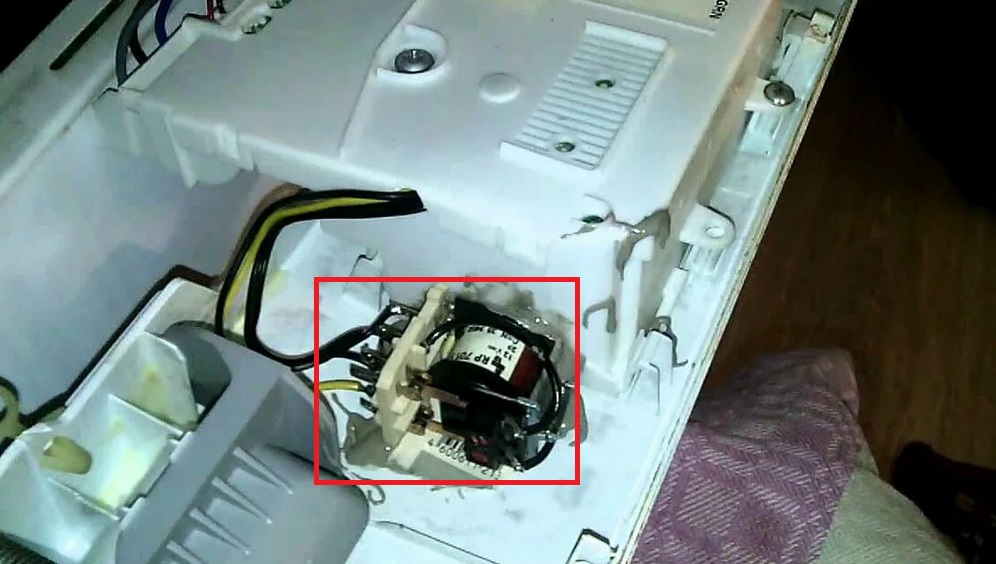
The pressure switch, like the pump, is located at the bottom of the dishwasher. It's a small, round plastic box with a pressure tube attached to it. Testing is performed as follows:
- Using pliers, disconnect the tube from the sensor;
- unscrew the clamps and remove the pressure switch from the machine;
- Place the multimeter probes on the sensor terminals and measure the resistance.
If you've identified a fault, don't try to repair the level sensor. It's much easier and more reliable to buy and install a new pressure switch. If the machine still doesn't drain even after replacing the element, you'll need to check the control module. It's best to call a specialist to diagnose the circuit board.
Interesting:



Readers' comments
Headings
Washing machine repair




For buyers




For users


Dishwasher




Add a comment