
Error E4 on a Midea dishwasher
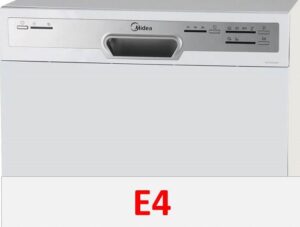 If you see the E4 error code on your Midea dishwasher, immediately unplug the appliance. This code almost always indicates a leak. Water may accumulate in the tray and not drain beyond the dishwasher's housing. The sensor in the inlet hose may also be triggered. In either case, the dishwasher will require diagnostics.
Is there a leak in the dishwasher?
No one is immune to leaks. Even new Midea dishwashers can leak due to a manufacturing defect, let alone dishwashers that have been in use for several years. Dishwashers' rubber seals wear out and crack, resulting in a loss of seal; in very old appliances, rust can corrode the bottom of the bin. The connection points of the pipes often leak.
First, you need to disconnect the power to the dishwasher. Error E4 indicates a leak, so for safety reasons, it's essential to unplug the machine. Then, close the shutoff valve and remove the dishwasher from the cabinet for inspection.
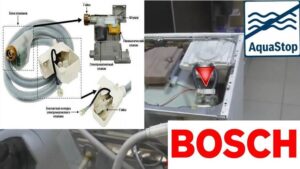
First, inspect the sensor on the dishwasher's inlet hose. If the indicator changes color, the leak protection system has been activated. To reset the error, simply replace the hose.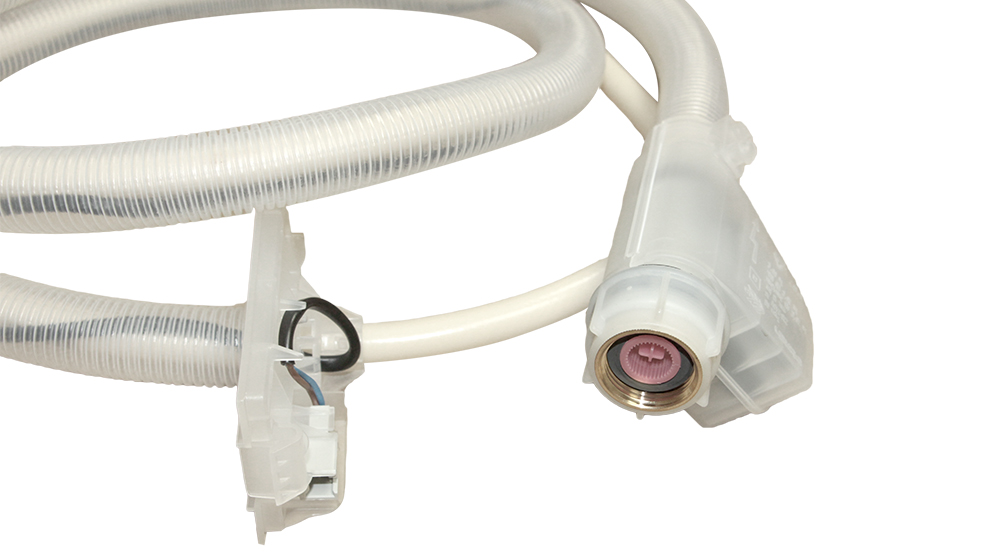
After this, open the door of your Midea dishwasher and remove the baskets. Then, unscrew the dirt filter, pull out the mesh, and inspect the rubber seal. If the seal is cracked, hardened, or simply dislodged, it could be causing a leak. The seal will need to be replaced.
Next, you need to look into the dishwasher's tray. If the leak is occurring inside the dishwasher, that's where the water will collect. The float will float, and the "brain" will block the dishwasher's operation and initiate an emergency drain.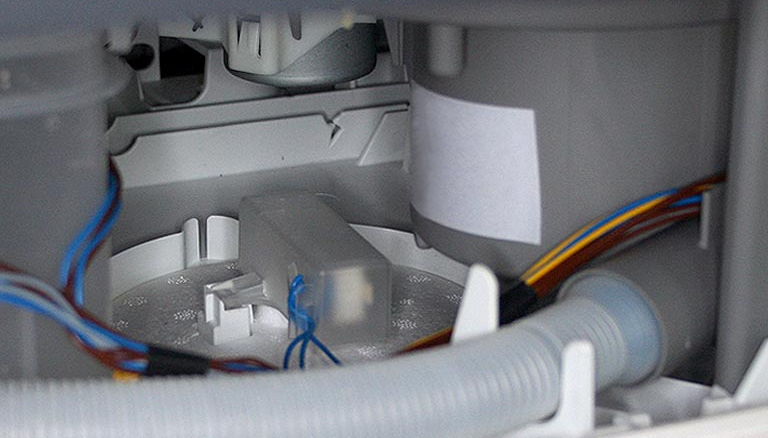
Using a Phillips-head screwdriver, remove the screws securing the side panel of your Midea dishwasher. Remove the panel and look inside. If there's water in the tray, drain it by tilting the dishwasher slightly.
Next, inspect the inside of the machine. A hose might be loose. Check that the clamps are securely tightened.
If you can't locate the leak, run the machine with the side panel removed. This will reveal where the water is leaking from. Then, take action to resolve the issue: tighten the clamps, replace the hoses or seals, etc.
The 'siphon effect' is to blame
Error E4 may appear on the dishwasher display due to the so-called "siphon effect." This problem is common in older Midea dishwashers without a non-return valve. If the drain hose is positioned too low (less than 40-50 cm from the floor), the waste liquid will flow back into the dishwasher.
The wastewater that flows back into the dishwasher ends up in the tray, which triggers the float switch of the leak protection system.
Therefore, make sure the drain hose is positioned correctly—at the correct bend and height. This may seem like a silly reason at first glance, but in practice, plumbers often encounter this exact problem.
Is the drain pump ok?
The Midea dishwasher manual includes a breakdown of all the errors the self-diagnostic system may display. Pump problems are usually indicated by a different error code, but many technicians have encountered an E4 error code when the pump is clogged.
How are the pump and the leak related? A clogged pump cannot pump water into the sewer properly, which causes liquid to be forced into the sump and the float switch to rise. The protection system is triggered and the dishwasher freezes.
What should I do to check the pump? The algorithm is as follows:
- Unplug the Midea dishwasher;
- turn off the shut-off valve that supplies water to the system;
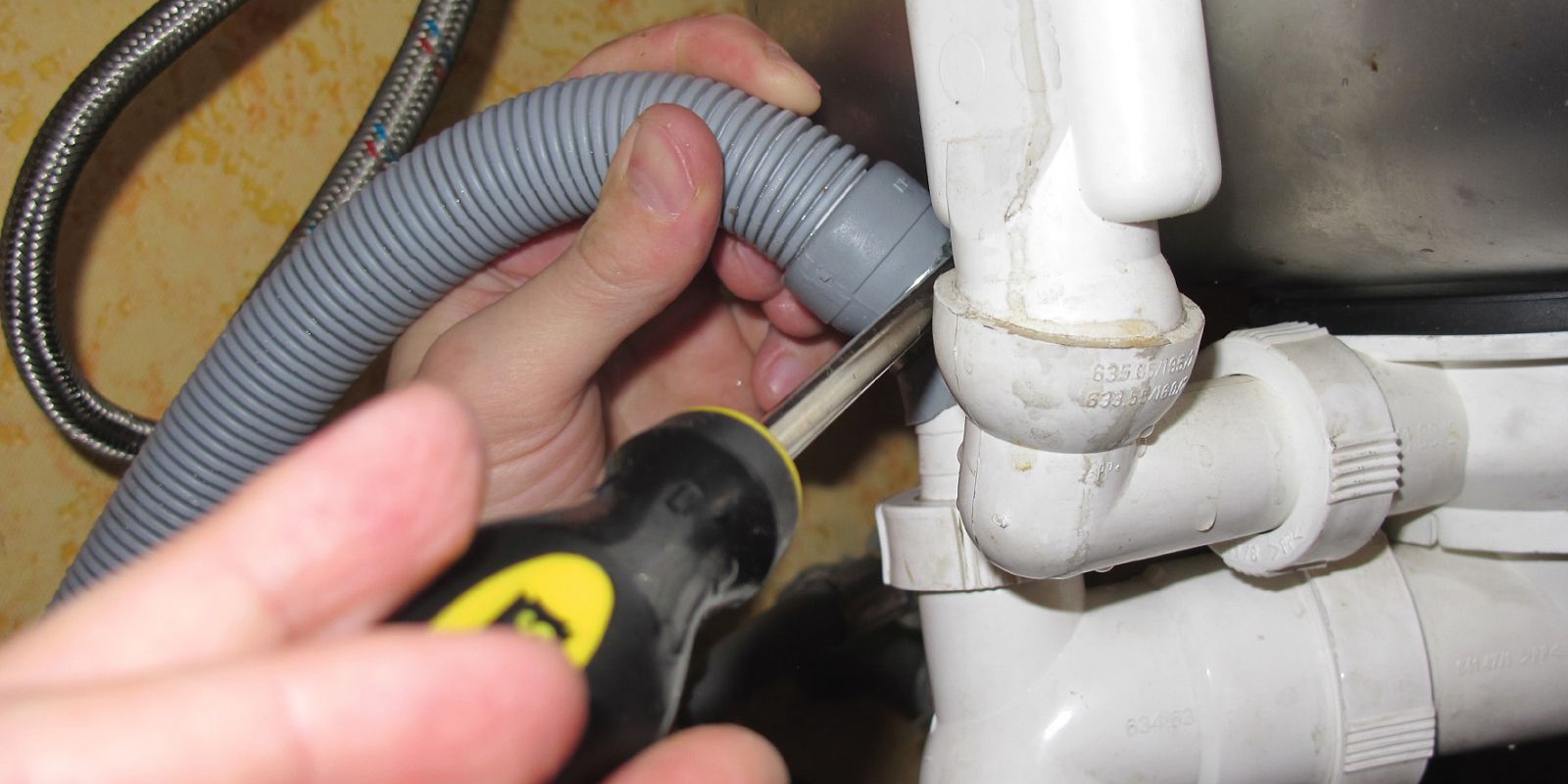
- disconnect the drain and filler hoses from the body;
- remove the dish baskets from the machine;
- remove the debris filter, take out the mesh and remove the drain pump cover;
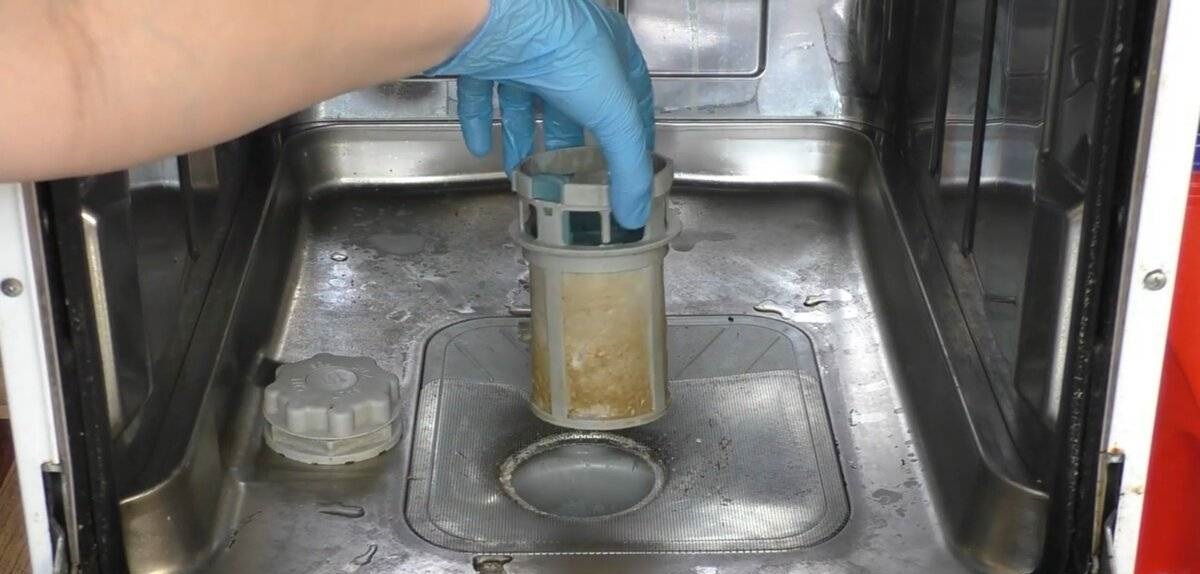
- check the impeller movement - the blades should rotate freely;
- lay the machine on its back;
- Once you have removed the fasteners, remove the dishwasher tray;
- carefully unhook the float sensor connectors;
- find the pump, disconnect the wiring and pipes from it;
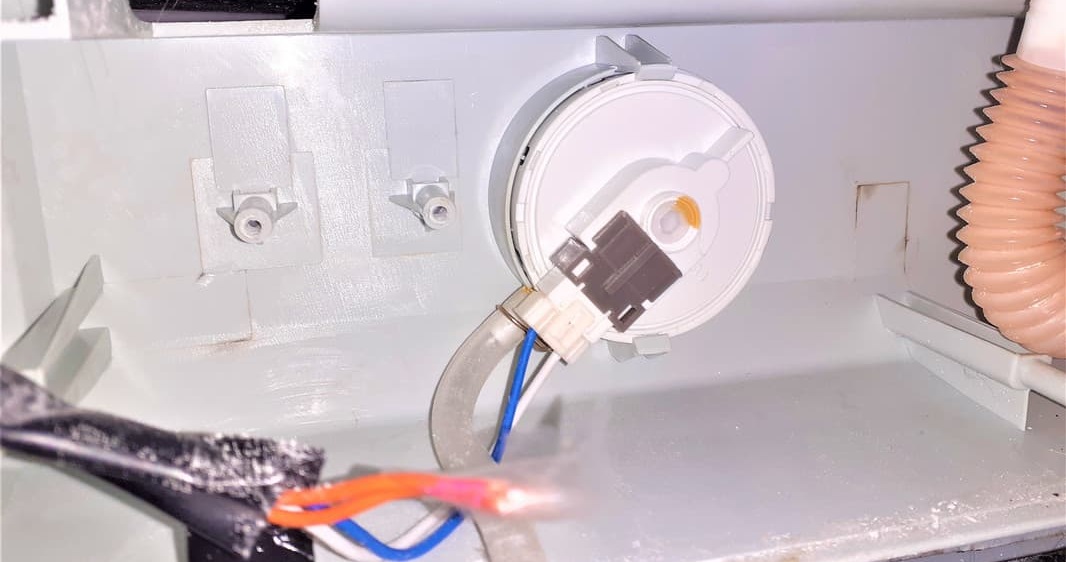
- After unscrewing the fixing bolts, remove the pump from the housing;
- check the drain pump for blockage;
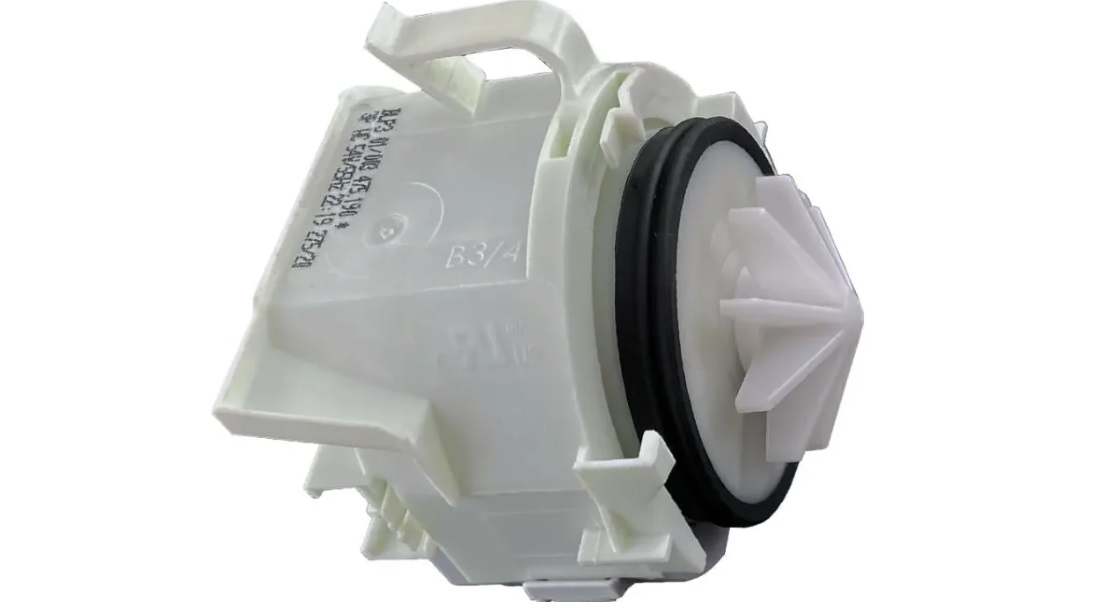
- test the pump with a multimeter.
If the problem is a blockage, cleaning the drain pump will help fix the error.
During diagnostics, a multimeter may show that the pump is burned out. In this case, the only way to reset the error is to replace the element. You'll need to purchase and install a new drain pump.
Although rare, a dishwasher may display a false error code. The leak protection system sensor is connected to the dishwasher's control board. If the contacts in the circuit become corroded or stick, the module begins to misinterpret information about the float's status.
Therefore, it's necessary to check the entire circuit from the float sensor to the electronic module for defects. If the problem is sticking, cleaning the contacts will help resolve the error. In severe cases, repair or replacement of the Midea dishwasher control module may be necessary. This is a fairly complex job, so it's best left to a service center.
Interesting:


1 reader comment
Add a comment
Headings
Washing machine repair




For buyers




For users


Dishwasher




On TVs and other electronics, these buttons stop working over time. Just drop a drop of WD-40 or rubbing alcohol on the button and click it. It will work again.