
Error F09 in an Ariston washing machine
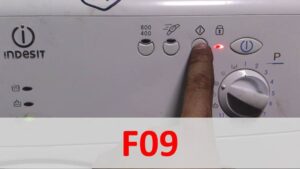
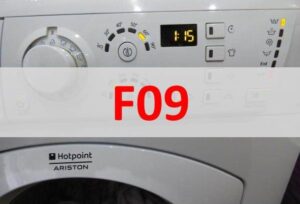 A washing machine error doesn't always indicate a mechanical problem—sometimes the malfunction is caused by electronics. For example, error F09 in an Ariston washing machine alerts the user to a firmware error, requiring the appliance to be reflashed. This is very difficult to do at home, as it requires specialized equipment, finding, downloading, and installing working firmware, which requires a thorough understanding of complex electronics. This work is typically entrusted to service center specialists, but if you're confident in your abilities, this article is for you.
We determine the SM by barcode
Each washing machine has its own barcode, usually located behind the drum door. It is on this tag that all the necessary information is indicated in order to successfully carry out repairs to the CM control module. Typically the sticker will indicate: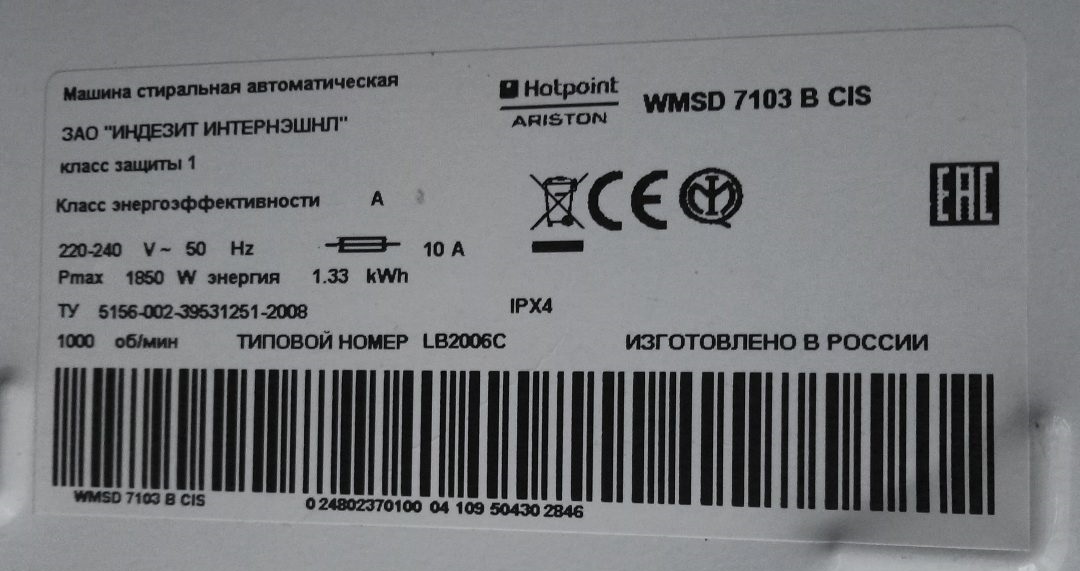
- model name;
- serial number;
- product code.
When selecting firmware for your "home assistant," you should consider the data indicated on the official barcode.
The first is the washing machine's name, usually written in letters and numbers. At first glance, this may seem like a random set of symbols with no meaning, but each symbol represents important information, such as the maximum spin speed, load type, and so on. The second is the serial number assigned by the factory where the appliance was manufactured. Finally, the third is the appliance model, represented by an 11-digit number.
Be sure to copy the data from the tag onto a separate sheet of paper or onto your smartphone's memory; this will help you find the latest firmware. Copy the information carefully, as an error could result in you downloading the wrong software.
Finding free firmware
Installing the firmware
Updating your washing machine's firmware yourself is possible, but extremely difficult. Before beginning this labor-intensive process, prepare thoroughly. You should have the following on hand:
- programmer;
- laptop or desktop computer;
- downloaded software for the washing machine.
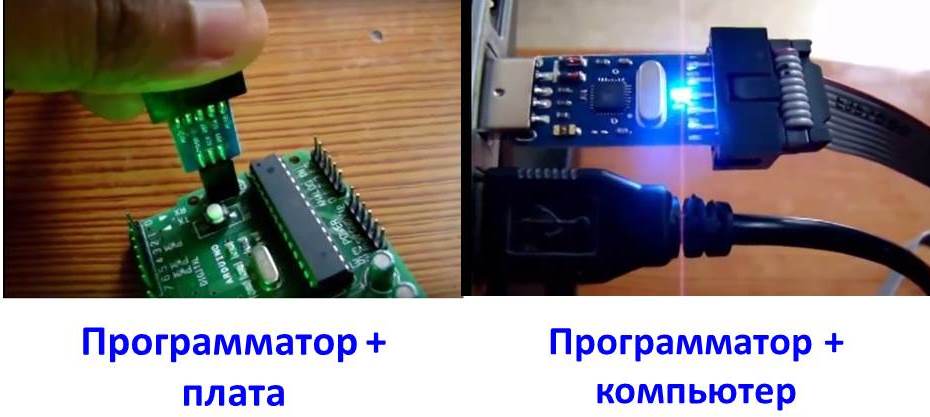
Some washing machines cannot be reflashed because they require authorized software. This does not apply to Ariston brand equipment, whose control units can be reflashed independently.
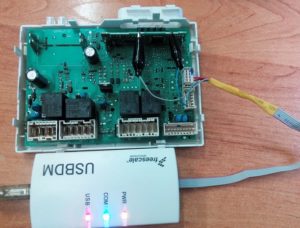
The programmer is needed to connect the machine's control module to the computer and load the prepared firmware. For our purposes, you can purchase an inexpensive programmer from the Chinese company USBDM.
You'll also need to remove the CM control module from the housing to reinstall the firmware. How can I remove it quickly and painlessly?
- Disconnect the washing machine from all utilities.
- Remove the household chemical dispenser.
- Remove the bolts located behind the powder receptacle.
- Remove the screws installed at the end of the control panel.
- Using a flat-blade screwdriver, carefully release the panel latches.
Be sure to take photos of the dismantling process, especially when disconnecting the wiring, so that you have examples of how to properly connect the wires and other parts.
- Disconnect the connectors on the control module.
- Remove the part after removing the fasteners.
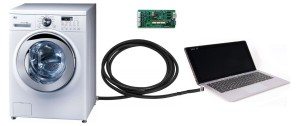
This completes the partial disassembly; all that's left is to update the software. You need to connect the two programmer outputs to the computer and the SM control module. After that, you can begin loading the device driver.
To be on the safe side, you can also check whether the computer has detected the devices connected to it. To do this, go to "Start," then to the tab that lists all devices connected to the PC. There, you should find the "USBDM" tab, where the programmer name should be listed correctly. You can also find the control module in the "Target" tab, go to the "Device Selection" subsection, and ensure that the correct module number is listed.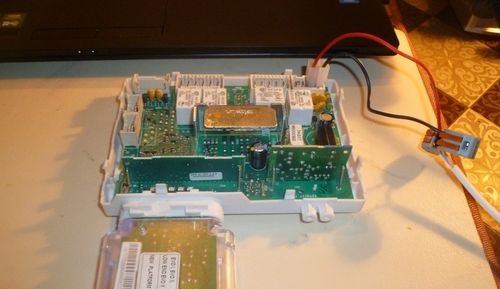
Now you can proceed to installing the firmware. To do this, download the previously downloaded software and the appropriate driver to the programmer. What next steps should I take to reinstall the firmware on my washing machine?
- Go back to the Target tab.
- Download the firmware by clicking the "Load Hex Files" button.
- Once the download is complete, launch the newly installed firmware by clicking on "Program Flash".
Afterwards, all you have to do is wait for the installation to complete. If everything went smoothly without any error codes, the repair is complete. Reassemble the washing machine according to the instructions in reverse order and run a test cycle to check the machine's functionality.
Interesting:

Readers' comments
Headings
Washing machine repair




For buyers




For users


Dishwasher




Add a comment