
Error F09 in an Indesit washing machine
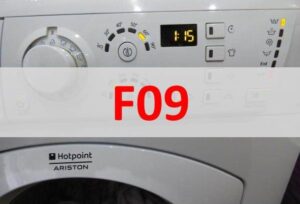
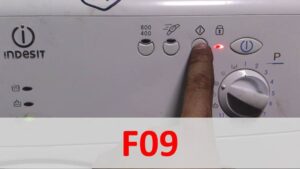 The curious error code F09 in an Indesit washing machine indicates a software glitch. In this case, to restore the machine to working order, you'll need to reflash it. Is it possible to do this yourself?
Solving this problem isn't easy; you'll need to download the necessary software and purchase a programmer. You'll also need at least some understanding of electronics. If you don't have any knowledge in this area, it's best to entrust the job to a professional. If you prefer to solve the problem yourself, follow the instructions below.
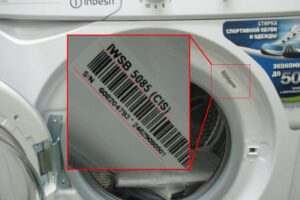
We are looking for the car's barcode
Each Indesit automatic machine has its own barcode. The information sticker is located at the front, behind the hatch door. The nameplate contains all the information about your washing machine that you should review before attempting any repairs. The label states:
- Indesit washing machine model;
- serial number of the machine;
- product code.
When selecting software for your washing machine, you need to consider the model's main characteristics, as indicated on the manufacturer's nameplate.
The model of an automatic washing machine is designated by a combination of letters and numbers. Each code contains information about a specific Indesit washing machine. It encodes: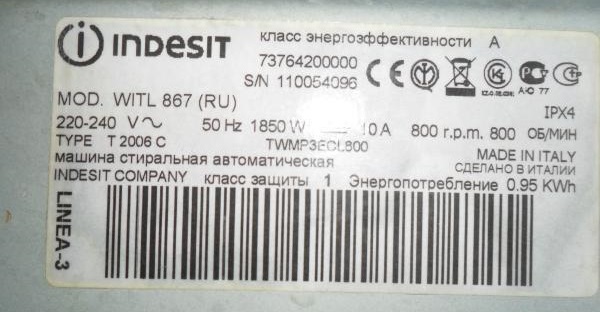
- washing machine series;
- loading type;
- type of control and indication;
- maximum loading weight;
- maximum permissible spin speed;
- assembly region.
Each washing machine has its own serial number. This unique code is assigned to the appliance by the manufacturer at the factory. This identifier allows each washing machine to be identified.
You can also see a product code on the information sticker. This is also information about the washing machine model, simply interpreted as an eleven-digit number. This information will also be useful when searching for the appropriate firmware.
If you decide to reset the F09 error code yourself by reflashing your washing machine, copy all the information from the nameplate onto a piece of paper. You can take a photo of the sticker if it's easier to use with your phone. It's important not to mistype any numbers or letters, otherwise you'll download the wrong software.
Where can I download the appropriate firmware?
The most important step is finding the right software for your washing machine model. Washing machine repair technicians recommend downloading software from the website bineep.ru. The database is free and you can find firmware for any automatic washing machine there.
The website's interface is quite simple, making it easy for even the most casual user to navigate. Enter your washing machine model in the search bar. Please enter the information without spaces. If the designation contains "." or "/," they must be included.
After entering the model name, double-check the letter and number combination. Then click the "Find" button. After a short while, the website will display the software suitable for your washing machine.
Incorrectly selected software can lead to complete failure of the washing machine.
If the database returns multiple firmware versions, look at the serial number and product code. Sometimes the website will state that certain firmware is applicable to models with a serial number before a certain value, while another version is applicable after a certain value. Therefore, carefully review all the specifications of your washing machine, as listed on the nameplate.
Once you've selected the firmware, download it to your computer. After that, you can begin the actual repair of your washing machine. Let's figure out what to do next.
Flashing the SM correctly
You can reprogram your Indesit washing machine at home, without having to call a service center. However, you need to fully understand the issue, understand the steps involved, and assess your own capabilities. The following will be required:
- programmer;
- BY;
- computer.
Some washing machines cannot be reprogrammed with a control module. Authorized software requires hardware from more expensive brands. Fortunately, Indesit owners can easily reprogram these machines.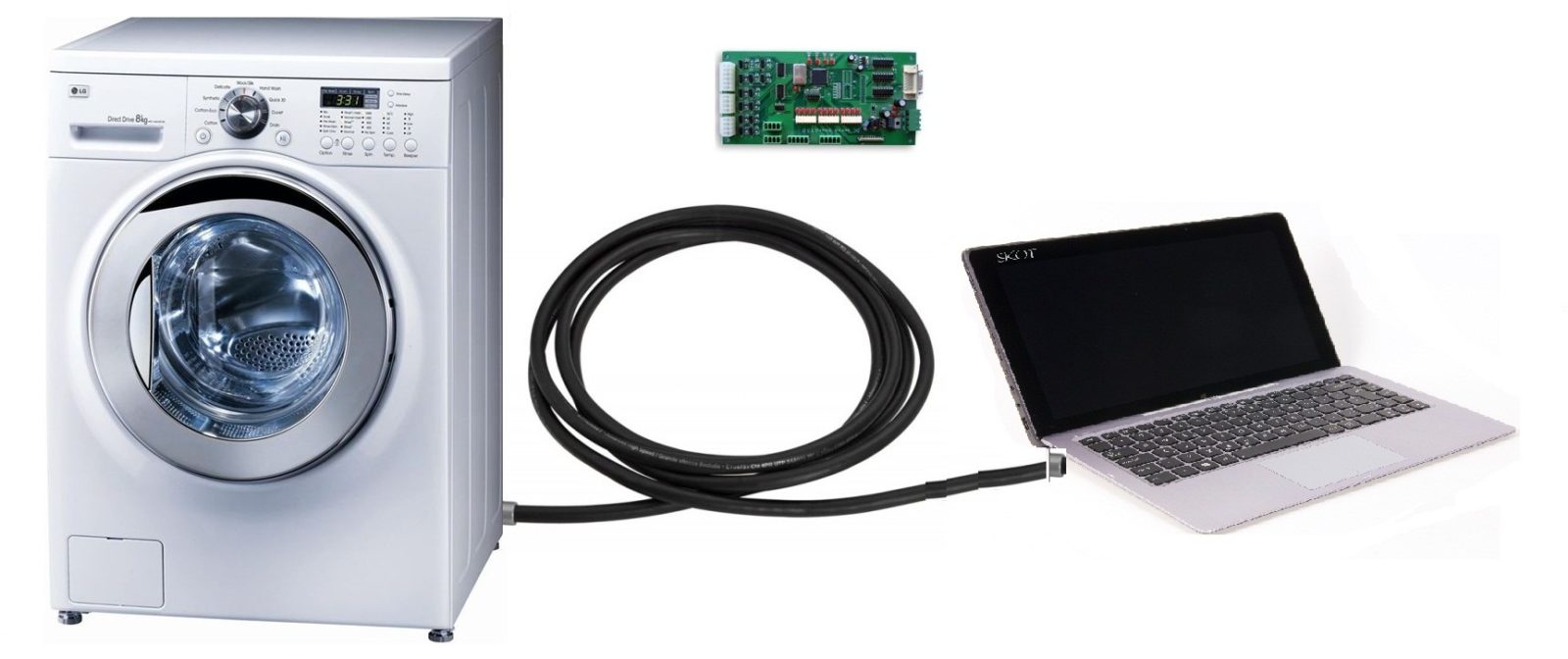
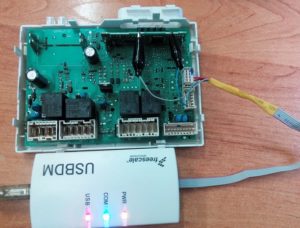
A programmer is a special device that interfaces the washing machine's control unit with a computer. For reflashing an Indesit washing machine, even the most basic device, such as the USBDM, is sufficient. You can order one online.
The next step in the repair is removing the control module. To remove the electronic unit from the washing machine, you will need:
- de-energize the automatic machine;
- turn off the valve responsible for the water supply;
- disconnect the drain and fill hoses from the housing;
- pull out the powder receptacle;
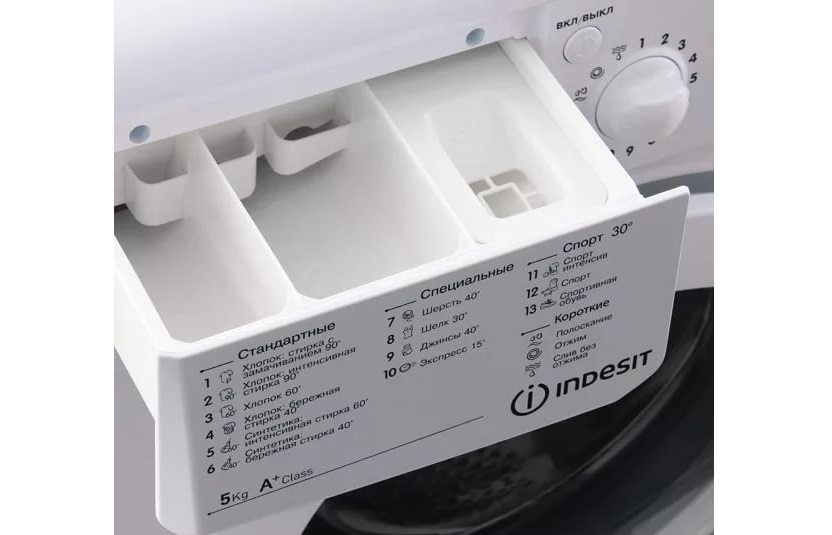
- remove the top cover of the washing machine;
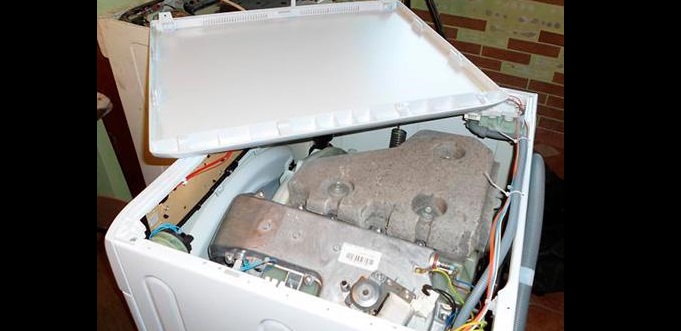
- unscrew the screws holding the washing machine control panel;
- Having dealt with the latches, detach the instrument panel from the body;
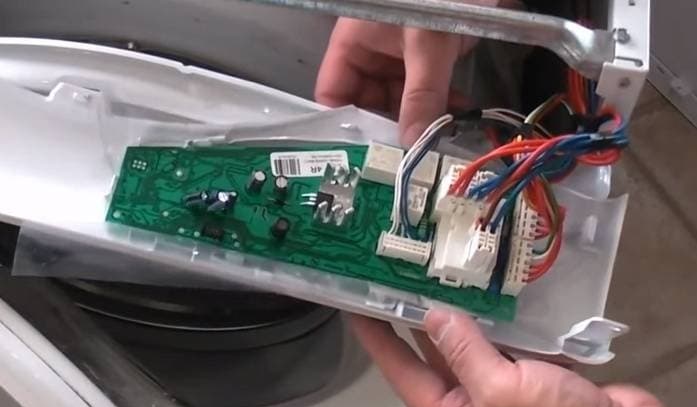
- take a photo of the wiring diagram to the control board, disconnect the connectors;
- move the dashboard aside;
- remove the control module by removing the fasteners that secure it.
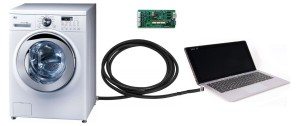
Place the control module on the table next to the laptop. Next, connect one end of the programmer to the computer's connector, and the other to the electronic unit. Then, download the drivers.
Be sure to check whether the computer recognizes the devices connected to it. Go to the Start menu, then select "My Computer." The devices the laptop sees should be displayed there.
The programmer's name will appear in the "USBDM" section. You can check that the control module is also recognized by going to the "Target" tab. There, in the "Device Selection" folder, the number of the washing machine's main electronic module will be displayed.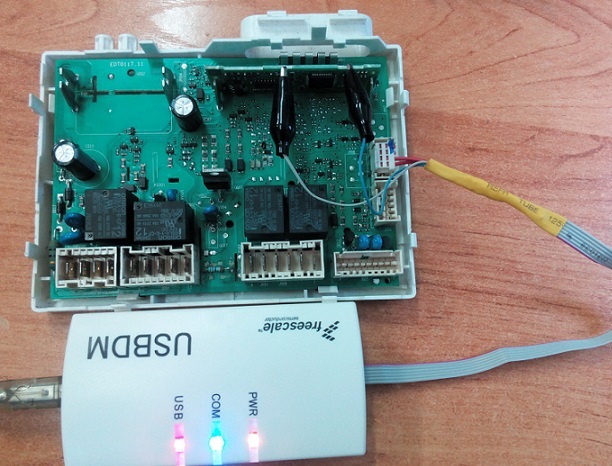
The next step in the repair is transferring the firmware downloaded to the laptop and the appropriate driver to the programmer. The procedure is as follows:
- "fall" into the "Target" tab;
- Click the “Load Hex Files” button to start downloading the firmware;
- Run the installed software by clicking "Program Flash".
Next, you'll have to wait. Reinstalling the washing machine's control module can take several hours. If the process completes without any errors, the firmware has been installed correctly. You can disconnect the board from the programmer and begin assembling the washing machine.
Assembly is similar. First, install the control module and secure it with the latches. Next, connect all the wiring. Finally, attach the instrument panel and top cover. Afterward, be sure to run a test cycle. If the error code no longer appears during the wash cycle, everything has been done correctly.
Interesting:

Readers' comments
Headings
Washing machine repair




For buyers




For users


Dishwasher




Add a comment