
Error F15 on an Indesit dishwasher
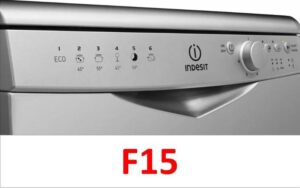 Modern household appliances have so many error codes that new errors can still appear even after years of active use. Error code F15 in Indesit dishwashers alerts homeowners to a problem with the virtual sensor data, meaning the signals coming from the W and D sensors don't match. In older appliances, this issue would be indicated by error code A15, or by four LEDs flashing on models without a display. Most often, this issue occurs because either the wastewater isn't draining, there's no message indicating drain completion, or the dishwasher's control board isn't communicating with the water heating element. Let's look at what needs to be checked to fix the problem yourself.
Start by resetting the dishwasher.
The first step in clearing the error code is to simply reboot the system. This will help if the culprit is a simple software glitch that doesn't require complex repairs or replacement of key components. What should you do in this case?
- Press and hold the Start key for about 3 seconds and release.
- Wait about 10 seconds and unplug the dishwasher from the power outlet.
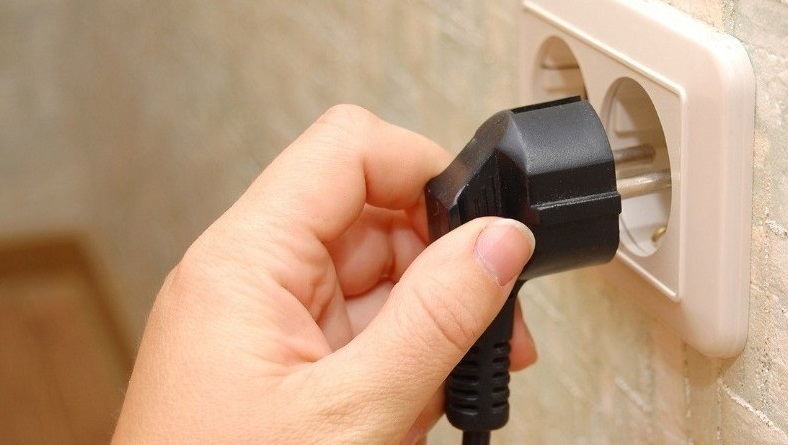
- Wait for about 30 more minutes, and then reconnect the equipment to the network.
- After 10 seconds, try turning on the Indesit dishwasher and starting the cycle.
If this resolves the F15 error, you're in luck, as no further steps are necessary, and you can continue using your device as normal. If the error code reappears, you can try restarting the device two more times. If this still doesn't resolve the issue, you should proceed to a thorough inspection of the device.
Cleaning the dishwasher from dirt
Very often, you can reset the F15 error by cleaning the Indesit dishwasher's debris filter. This happens because the waste filter, which is located at the bottom of the washing chamber, becomes clogged and does not allow the waste liquid to drain. To locate the element, you need to remove the lower dish basket and inspect the bottom directly underneath the basket.
It's recommended to clean the filter element at least once a week, as this will eliminate not only unpleasant odors but also any mold that may develop. Most importantly, debris prevents water from draining after washing, first slowing the drain and eventually blocking it completely. How do you clean the debris filter?
- Remove all water from the wash chamber using a cloth or sponge.
- Remove any debris that remains near the debris filter.
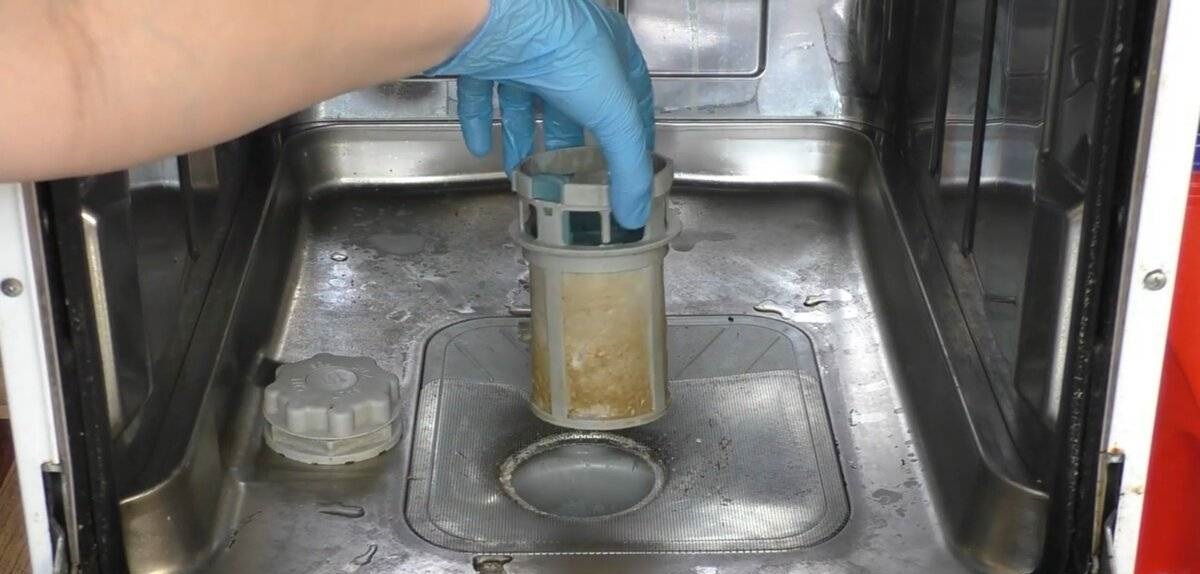
- Remove the filter cover by turning it counterclockwise.
- Remove the filter unit and rinse it under a powerful stream of hot water.
If the dirt has become too deeply embedded in the element, you can soak it for several hours in a citric acid solution.
- Wait until the part dries and then return it to its seat.
The steps described will help thoroughly clean the filter and eliminate drainage problems. However, the filter itself isn't the only thing you need to clean during this "home helper" cleaning. You should also clean the mesh filter opening.
- Remove all debris from the drain surface.
- Remove the parts from the drain and then tape the hole to prevent debris from getting in.
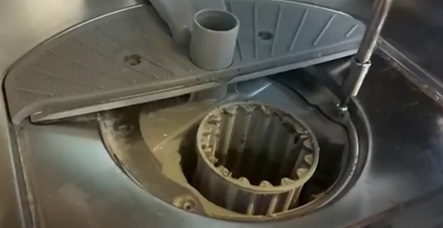
- Clean the components of the unit with a sponge.
- Be careful not to displace the rubber seal during cleaning.
If you can't clean this element yourself, you can also use citric acid or a solution with table vinegar.
The drain pump is not working properly
The annoying F15 error can also appear due to the drain pump, which pumps used water from the washing chamber into the sewer. It can either burn out due to intensive work or sudden power surges, or it can simply become clogged like a debris filter. In any case, to check the element, you need to take it out.
- Place the Indesit dishwasher on the floor.
- Remove the tray to gain free access to the key components of the dishwasher.
For convenience, you can try removing the side wall instead of the tray, which is what some repair service experts recommend.
- Remove the drain pump, having first disconnected the wiring and pipes from it.
- Just in case, take a few photos of the correct wiring connections so that you can use a visual example during reassembly.
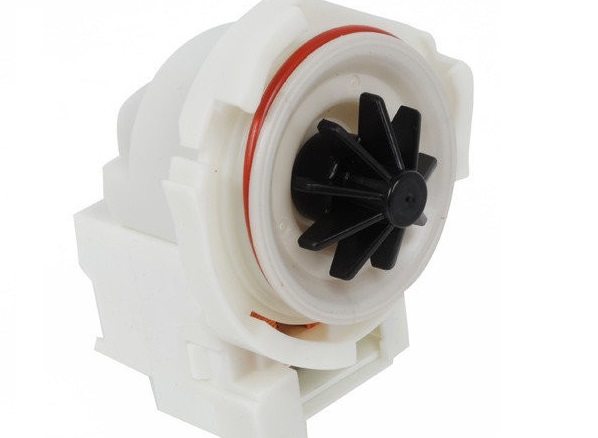
- Check the movement of the pump impeller - all blades must rotate freely without the slightest difficulty.
- If dirt or foreign objects, such as food debris or broken glass, prevent the impeller from rotating freely, they should be carefully removed and then the pump should be reinstalled.
If the blades are intact and not blocked by debris, the only thing left to do is check the pump itself. To do this, you'll need a multimeter set to resistance. If the resistance is around 200 ohms, the pump is OK, so proceed to the next steps. If the resistance is significantly different, the pump itself is the cause of the lack of drainage and will need to be replaced, as it cannot be repaired.
Everything converges on the control module
Finally, the Indesit dishwasher's control board needs to be checked. A common cause of the F15 error is the dishwasher's control module, which, due to an open circuit, is unable to communicate with the heating element. A full diagnosis and repair of the board is impossible without specialized knowledge and experience, which is why even many service center technicians refuse to repair this component.
The control module is considered the "brain" of the entire system, receiving and transmitting signals to all key components of the Indesit dishwasher. The board is relatively small, but consists of numerous microchips, semiconductors, and other important components. Typically, it's not the entire module that fails, but rather a small part. Most often, the damage is easy to detect; simply follow our instructions.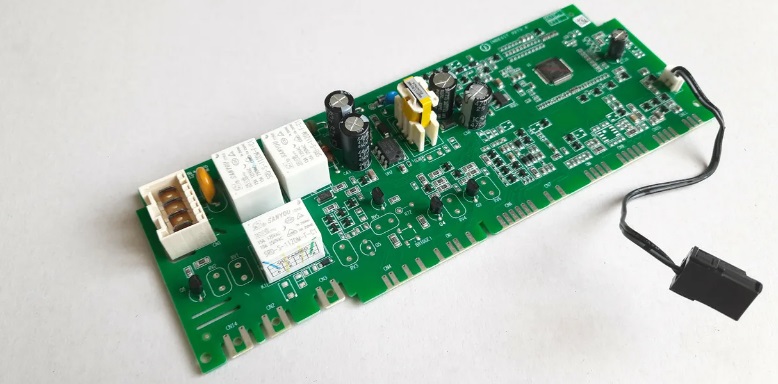
- Disconnect your "home assistant" from all communications.
- Open the door of the washing chamber.
- Remove the fixing screws from the ends of the door, as well as from its back side.
- Separate the door into two parts by removing the top half.
This will give you easy access to the dishwasher's control board. There's no need to disconnect the wiring or remove the component; simply inspect it carefully. Check the module for any deformed areas, carbon deposits, or other damage. If everything appears to be in order, it's best to leave the inspection to a repair service.
Never disassemble an Indesit dishwasher yourself if it's still under warranty, as this will void the warranty. While the warranty is still active, it's best to take the appliance to a service center for professional attention. Otherwise, you can try resetting the F15 error yourself.
Interesting:




1 reader comment
Add a comment
Headings
Washing machine repair




For buyers




For users


Dishwasher




I just added water to the drain. The dishwasher had dried out and hadn't been used for six months, resulting in an F15 error. I poured three cups of water down the drain. I restarted it, and it worked.