
Error code FC1 on a Haier washing machine
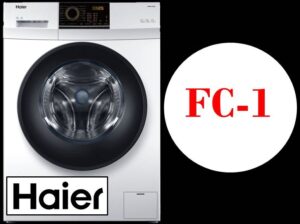 There are times when an error code appears on the display of your "home assistant," and the machine automatically stops operating and won't resume until the problem is resolved. This indicates a problem with the control module, so the first step is to unplug the machine for 5 minutes and then plug it back in. If restarting doesn't help, you'll need to run diagnostics on the control module. Today, we'll learn what might cause the FC1 error on a Haier washing machine.
Elements of the control board of the CM Haier module
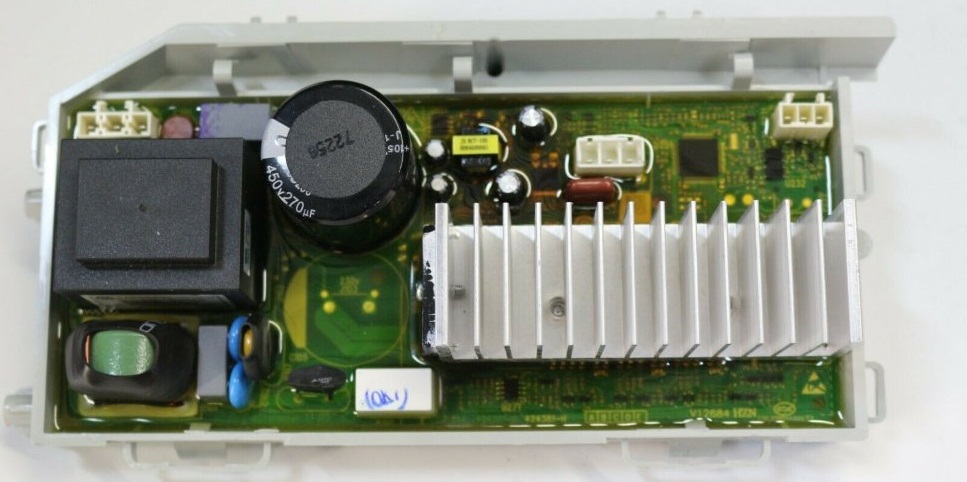
When you first look at your washing machine's control module, you'll be surprised by how many semiconductor components it contains. The FC1 error code, unfortunately, doesn't indicate a specific fault, so checking each component will take a long time. For this reason, it's important to know which sensors are responsible for which functions. This will help you quickly identify and fix the problem.
The standard control module consists of two main parts: the control panel and the power unit. Access to the board itself requires disassembling the corresponding component. Located under the protective cover and compound are the semiconductor components responsible for controlling the operation of the washing machine's various components. On the left side of the module are the components responsible for powering the unit. These include:
- integrated stabilizer KIA7805, designated U14;
- pulse converter based on the STR-A6059M PWM controller;
- network rectifier and filter (BD1 and CE4);
- protective varistor (Z2);
- network fuse;
- key converter microcircuit (labeled U12);
- SMPS – also known as a pulse transformer;
- diode D13, capacitor CE2;
- diode D11, capacitor CE8, power supply channel 9V;
- diode D12, capacitor CE9, 12V;
- diode D14, capacitor CE6, power supply channel 12V;
- diode D6, zener diode ZD1, transistor Q1, resistor R103;
- resistor R74, aka 205;
- optocoupler U15, transistor assembly U3;
- U13 processor;
- relay X1, which is connected to the heating element circuit;
- 5V integrated voltage stabilizer, designated U.
Let's move on to the next element on the control board. It interacts with the temperature sensor and includes the following semiconductors:
- contact 4 (TH1) of connector RD6;
- resistor R12;
- 37th leg of the U processor
The heating element is controlled by the following semiconductors: relay X1, pin 64 of processor U13, pins 1 and 16 of assembly U3, relay X2, pin 24 of processor U13, and transistor Q7. The module also has a backup relay control channel. The following semiconductors are optionally installed:
- 75 leg of U13 processor;
- resistor R83;
- transistor Q5;
- relay X4;
- second contact of BL connector.
It is worth noting that resistors R6, R7, 67 pin of processor U13 play an important role in ensuring the stable operation of the pressure switch!
The next block of semiconductors controls the operation of the pre-wash compartment valve. These include: pin 29 of processor U13, pins 4 and 13 of assembly U3, resistors R25 and R29, optocoupler U8, triac TR3, and contact 1 of connector YL4. The following are responsible for the operation of the main wash valve: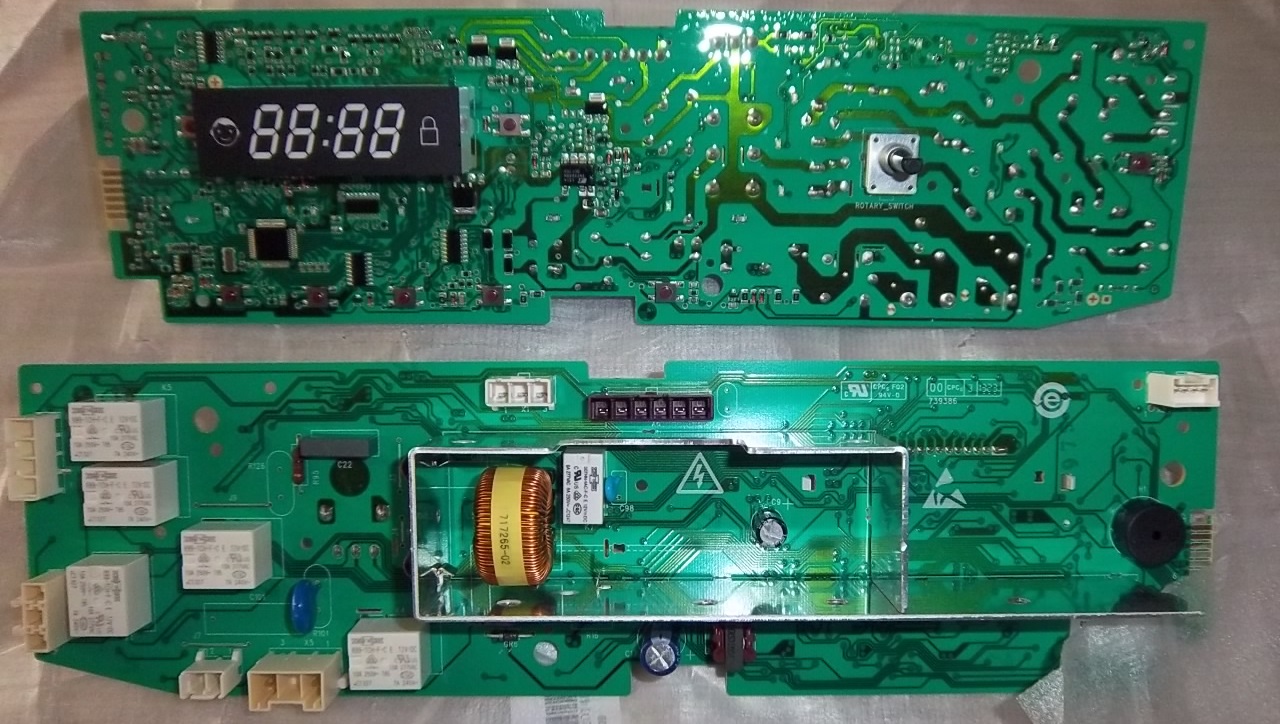
- 31 legs of U13 processor;
- 6 and 11 legs of U3 assembly;
- resistor R23, R27;
- optocoupler U6;
- triac TR5;
- contact 4 of connector YL4.
The following circuit controls the hot water inlet valve: pin 31 of processor U13, pins 6 and 11 of assembly U3, jumper J1, resistors R24 and R28, as well as optocoupler U7, triac TR4, and the second contact of connector YL4. The drain pump operation is affected by the following semiconductors:
- 61 legs of U13 processor;
- resistor R77, R79, R82;
- transistor Q4, Q3;
- optocoupler U4;
- triac TR20;
- contact 4 of connector BL4.
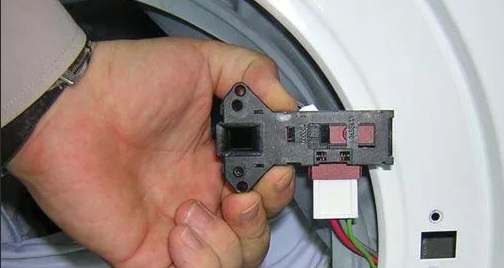
If you're experiencing problems with your washing machine's door locking mechanism, check the following components: pin 27 of processor U13, pins 2 and 15 of assembly U3, and resistor R21. These components also include optocoupler U2, relay X3, and contact 1 of connector BL4. The Hall sensor, which monitors the motor speed, is controlled by:
- contacts 4 and 6 of connector BL6;
- resistor R44, R60;
- 3,4,5,6 pins of the U1 microcircuit;
- 19.20 processor pin U
There are times when the motor of your "home assistant" suddenly stops working. This can happen due to problems with the power supply, such as a short circuit or an electrical overload. To identify the problem, check the following circuit:
- 17 leg of the U13 processor – power assembly HS1 (output stages and drivers) – microcircuit U1;
- comparator from the microcircuit U11 – storage choke RA – resistor R58, R57;
- 6.7 pins of comparator U11 – control of supply voltage 300V, the signal goes along the circuit with diode assembly BD1, resistor R70 and 41 pins of processor U.
The operation of the program switching selector is controlled by resistors R73, R72 and 73, 74 pin of the processor U13. These elements are used to regulate electrical signals and provide protection against short circuits and overloads. Their proper functioning is necessary for the efficient operation of the entire system.
As you can see, there are quite a few semiconductor components, making repairing the control module a challenging task. This is especially true for beginners without experience working with integrated circuits. However, if you're familiar with resistors, relays, optocouplers, and have some understanding of electrical circuit design, you can attempt to repair the unit yourself.
How is the module repaired?
Analysis and repair of a washing machine's control unit is complicated by the presence of compound on the circuit board. Furthermore, the module is often covered by a casing that must be removed before beginning work. The procedure is as follows:
- Using a slotted screwdriver, run around the perimeter of the casing from the inside to clean the edges of the board from the sealant;
- make a deeper groove in the gap between the board and the casing;
- insert a thin screwdriver into the corner where the network transformer is located;
- lift the block and pull it out.
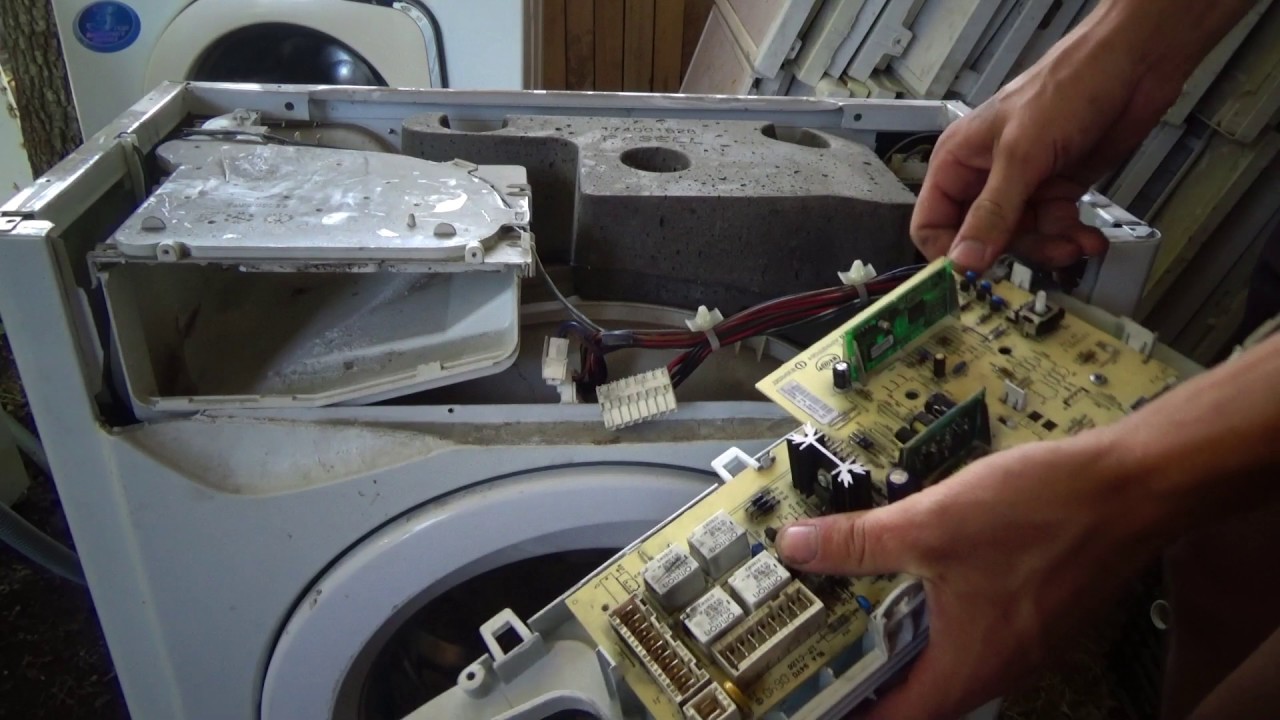
Your actions must be extremely careful, as there is a high chance of damaging the microcircuit. Once you have removed the board, you should remove any remaining sealant from it and make repairs to the area that needs it. Typically, the damaged element is desoldered and replaced with a new one. Next, you'll need to apply a protective varnish to the designated area. For this, you can use Plasik70, which is designed for installation work.
Professionals prefer not to completely remove the protective cover and simply make a cutout in it to facilitate access to the damaged part. For example, a technician realizes that the fault lies in the semiconductors that control the drain pump. To avoid removing the entire cover, they make a cutout in the lower right corner to inspect the components they need.
When working with the electronic module of a Haier washing machine, extreme caution is essential. Removing the circuit board from its housing always carries a high risk of damaging the microcircuits. Therefore, if you are unsure of your skills, the wisest course of action is to seek assistance from a service center that specializes in household appliance repair.
Interesting:



1 reader comment
Add a comment
Headings
Washing machine repair




For buyers




For users


Dishwasher




Great, the error was corrected by simply turning the washing machine off and on.
Thanks a lot