
Lock error in Haier washing machine
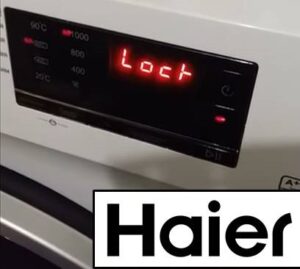
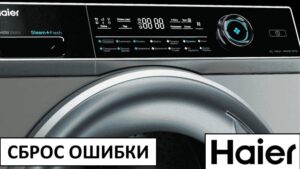
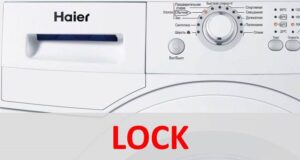 If you notice the "Lock" error message on your Haier washing machine, don't panic. This is a normal informational message notifying the user that the Child Lock feature has been activated. To remove the message from the display, simply disable the control panel lock. We'll explain how.
How do I turn off Child Lock?
The "Lock" message isn't a fault code. It doesn't indicate any malfunction; it simply notifies you that child mode has been activated. Clearing the error yourself is very easy—just disable the dashboard lock.
To remove the “Lock” message on a Haier washing machine, you need to hold down two buttons: “Temperature” and “Steam”.
The method for disabling the Child Lock mode may vary depending on the Haier washing machine model. Some washing machines have a special button “Child Lock”, and to disable the lock, just hold the key for 3 seconds. This function is activated in the same way.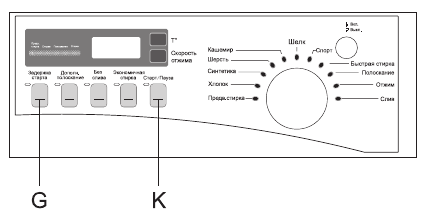
You can figure out how to disable the child mode on your washing machine by reading the instructions for the machine. The user manual will tell you both how to activate the function and how to unlock the control panel. Usually, you can intuitively figure out the method by glancing at the dashboard.
The control module is faulty
Sometimes the "Lock" message won't disappear no matter what you try. What should you do if you can't disable child mode? Your Haier washing machine's main control module will need to be diagnosed.
Diagnosing and repairing the control module is expensive. A technician will charge at least $50 to repair the unit, and around $100 for a replacement. Therefore, you can try to restore the washing machine yourself by following the instructions below.
Haier automatic washing machines have a main control module located behind the control panel. The board is quite large, making it difficult to miss. The procedure is as follows:
- unplug the washing machine from the power supply;
- close the shut-off valve that supplies water to the washing machine;
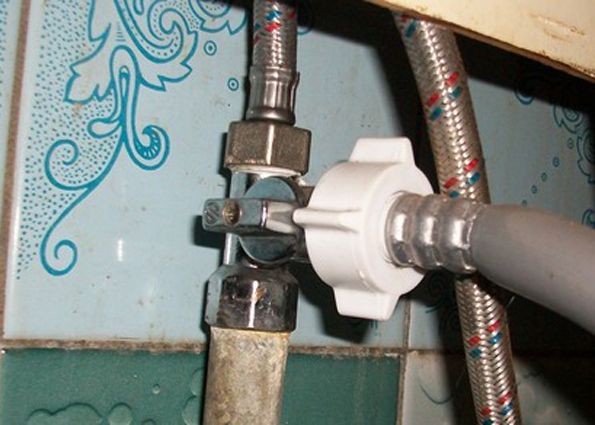
- detach the drain and inlet hoses from the machine;
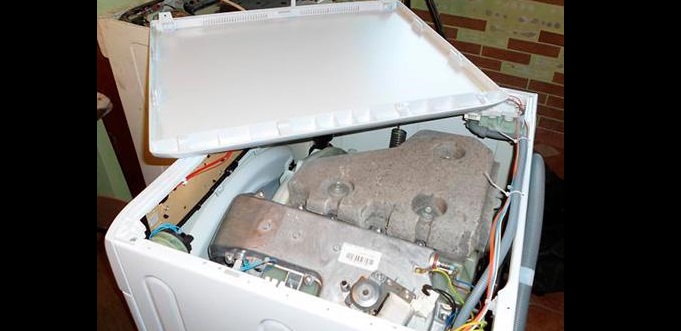
- remove the top cover of the washing machine housing (to do this, you need to unscrew the two screws holding it);
- remove the powder container from the machine;
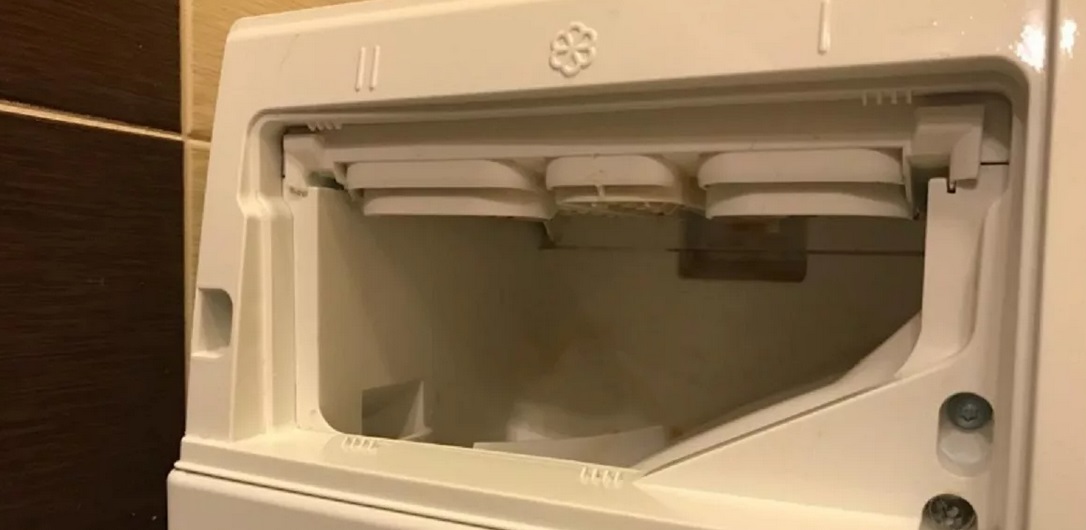
- remove the bolts holding the washing machine control panel;
- remove the instrument panel by releasing the latches that secure it;
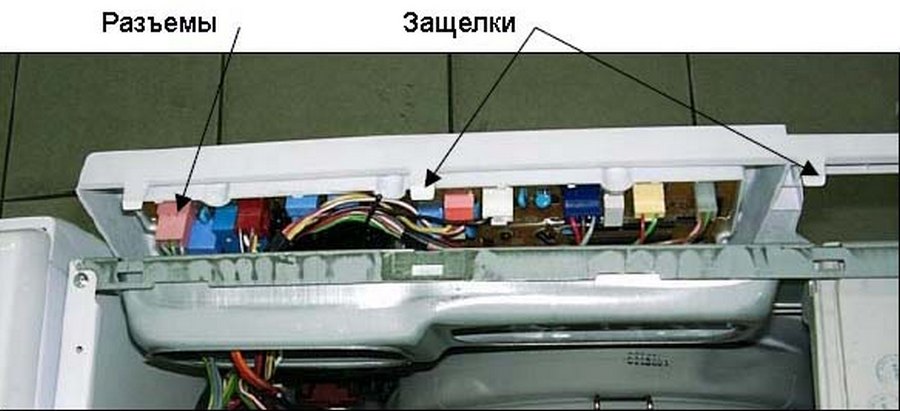
- Take a photo of how the wires connecting the control panel and the electronic unit are connected;
- disconnect the contacts from the instrument panel, move the panel aside;
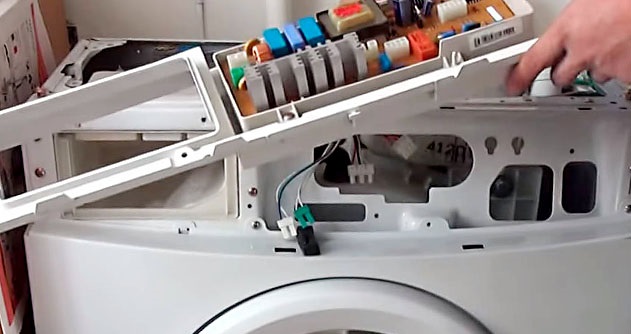
- remove the screws securing the main control module;
- remove the board from the case.
Next, inspect the electronic unit. Sometimes defects in the control module are visible to the naked eye. You may see burn marks, dark spots, traces of rust, mechanical damage, or swelling.
In some cases, repairing the control module requires only soldering the track or replacing individual semiconductor elements.
If there are no visible defects, you'll need to check each component of the unit with a multimeter. Without any electronics knowledge, finding the fault can be quite difficult. Therefore, it's best to entrust the diagnostics to service center specialists.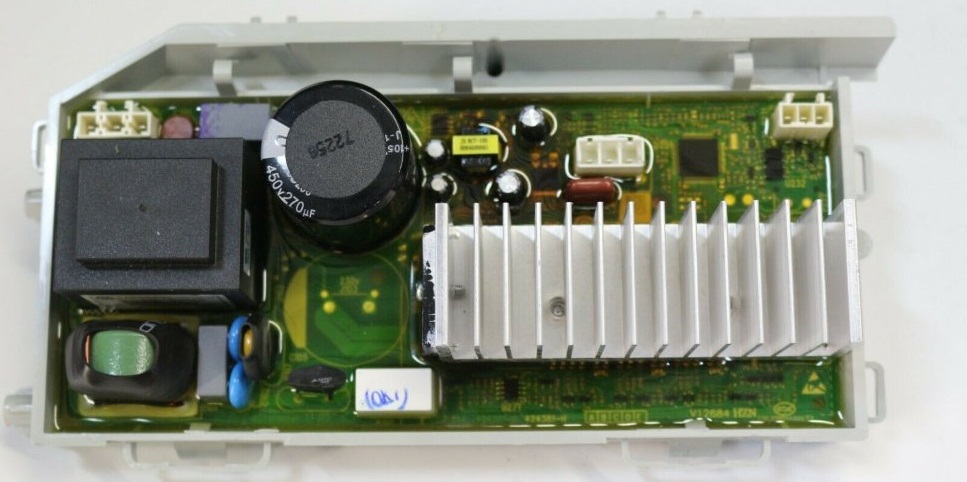
Don't disassemble your washing machine yourself if it's still under warranty. In this case, you're entitled to a free diagnostic. Therefore, if you're unsuccessful in resetting the "Lock" code, contact a service center.
To avoid wasting time and money on diagnostics, you can replace the entire electronic unit. A module is purchased for a specific Haier washing machine model. The new board is secured in place, the wires are connected, and then the washing machine body is reassembled.
Next, be sure to test the washing machine. Turn it on and press the buttons on the control panel. If the "brain" responds to user commands, the module replacement has been completed correctly. Activate an empty wash cycle and wait for the cycle to complete. Afterward, you can use the washing machine as usual.
Interesting:

1 reader comment
Add a comment
Headings
Washing machine repair




For buyers




For users


Dishwasher




Good afternoon
I replaced the module, but after 20 washes the same error occurred.