
LG Dryer Error Codes
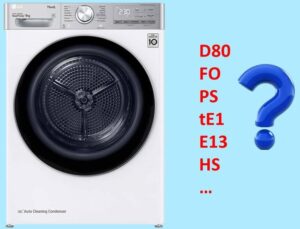 Why do modern dryers have self-diagnostic systems? If a malfunction occurs, the system immediately detects the error, terminates the cycle, and notifies the user of the problem by displaying an error code. A breakdown of all LG dryer errors is included in the equipment manual. Let's take a closer look at what each symbol combination means.
Let's decipher the digital and letter values
It's important to correctly decipher the error code displayed by your dryer. Consult the manual for a description of all the error codes stored in the self-diagnostic system. Once you determine the error your dryer is reporting, you can quickly troubleshoot the problem.
The LG dryer manual describes all the error codes that the appliance may display.
Let's figure out what problems your dryer might indicate: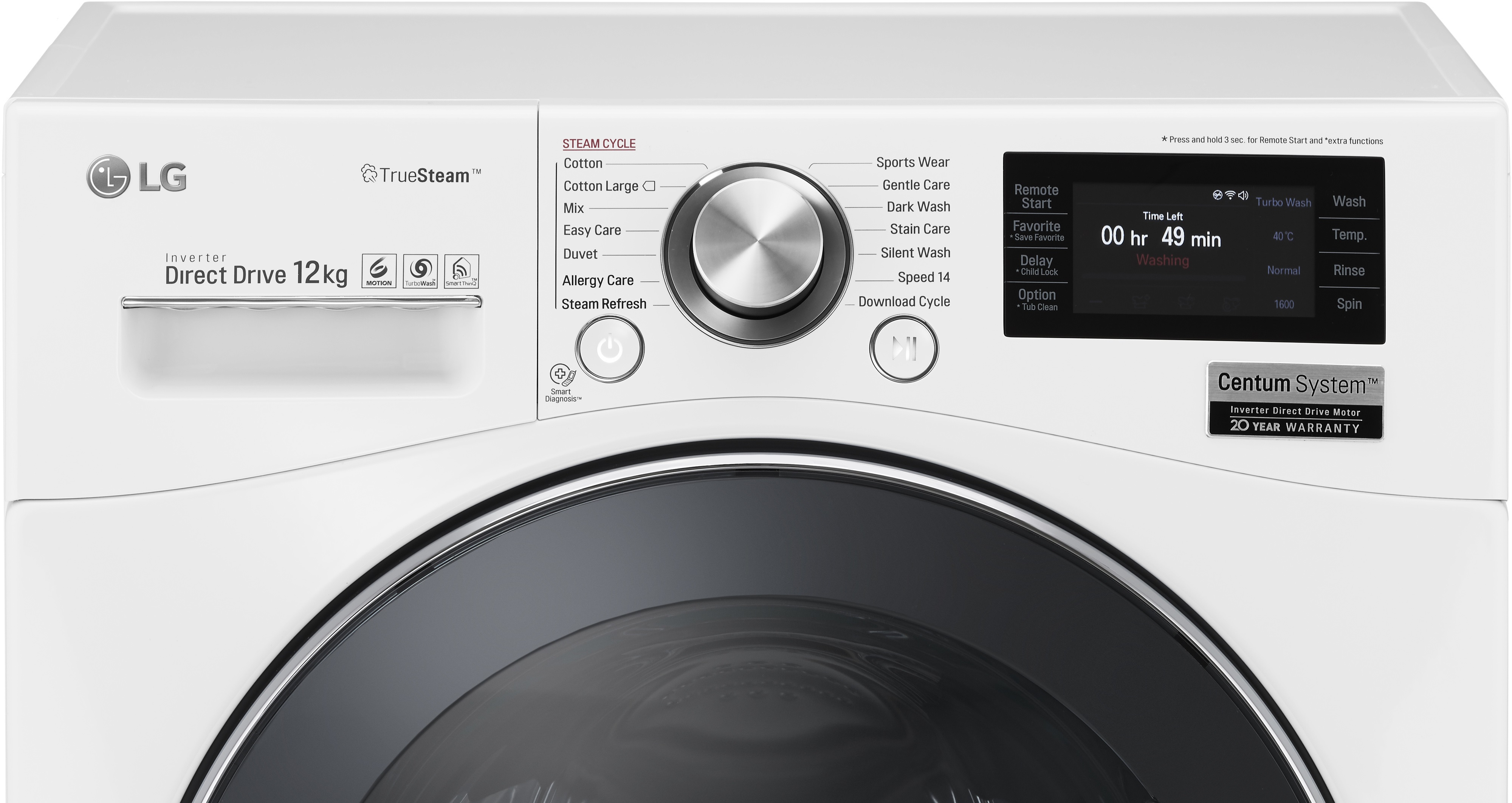
- d80, d90 or d95 – these errors indicate problems with air exhaust from the dryer; the exhaust system needs to be checked;
- FO (Filter Out) – the code indicates that the lint filter is not installed correctly;
- PS – notifies you if the electrical voltage does not meet the specified parameters. The machine will stop operating to prevent damage to the electronics;
- dE – informs about incorrect operation of the door switch;
- tE1 or tE2 – errors indicate thermistor failure;
- tE3 – indicates an error in the thermistor’s operation; you will have to test the semiconductor with a multimeter;
- E13 – This code indicates a clogged drain hose. It could also be caused by water freezing in the crankcase;
- nP – notifies about the absence of voltage, the dryer cannot start working, since there is no power from the electrical network;
- HS – the code indicates incorrect operation of the humidity sensor;
- Add water – problem with water supply.
Once you've identified the malfunction being reported, you can begin repairing the dryer. Sometimes, resetting the unit can help clear the error. However, this is only practical in the case of a one-time system failure. If the malfunction is real, only fixing the problem will restore the dryer's functionality.
Why does my dryer suddenly turn off?
A common problem with LG dryers is sudden shutdowns. Often, the cause lies not with the appliance itself, but with external factors. This could be due to:
- faulty socket;
- lack of voltage in the electrical network;
- errors made during installation and connection of the dryer.
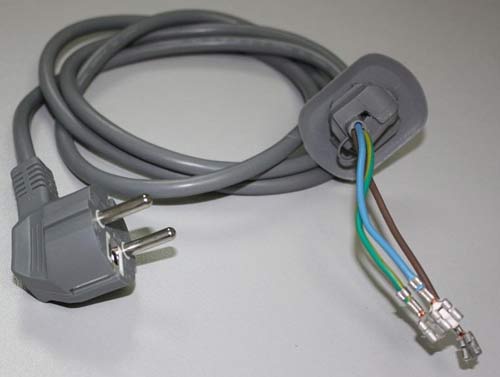
First, you need to make sure that the machine is properly powered. Do not use extension cords or adapters – the dryer must be plugged directly into a power outlet. In this case, the voltage at the power point should be at the level of 200-240 Volts.
To power the drying equipment, it is advisable to install individual wiring with the required cable cross-section.
Another reason for a dryer shutting down abruptly is incorrect power supply voltage. It can be too low or, conversely, too high. To protect the machine's electronics, the intelligent system automatically stops the appliance.
Power surges are dangerous for your dryer. Sudden spikes can cause the control module to malfunction. Therefore, it's recommended to connect your dryer to a voltage stabilizer to protect your "home helper."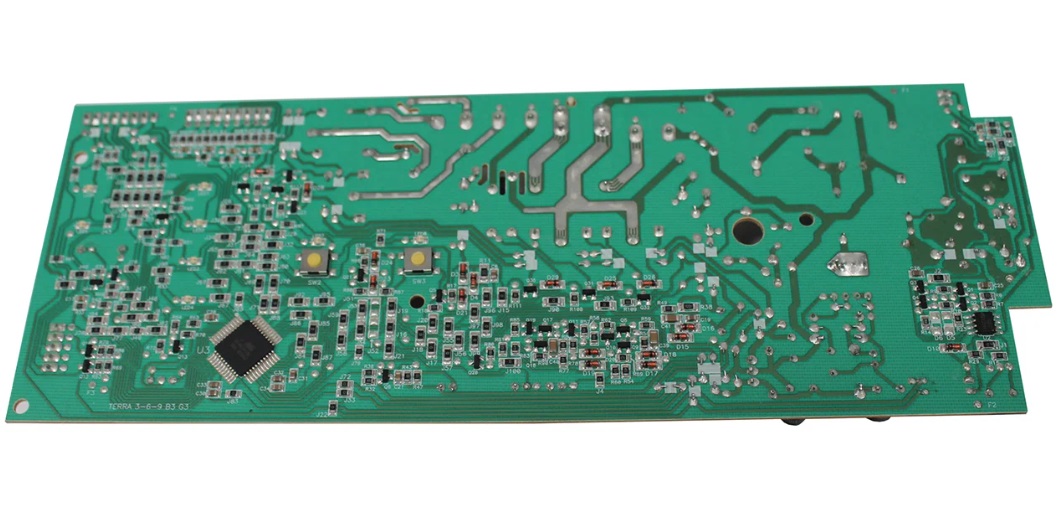
Finally, the problem could be with the outlet itself. How can you check this? Plug another electrical appliance, such as a hair dryer or kettle, into the outlet. Observe how the appliance operates.
If this is the first time the dryer has shut down, it could be a temporary system glitch. Try simply resetting the appliance. Unplug the dryer, wait half an hour, and then turn it on again. Does the error code reoccur? This means the appliance is fine, and the problem was indeed a random error.
Shutdown due to lack of heating
Why else might the dryer shut off? If the temperature required to dry clothes is not reached within a certain time, the “brain” detects a problem and stops the machine. The temperature regime may be disturbed due to:
- incorrect operation of the heating element;
- temperature sensor failure;
- condensate drainage problems;
- fan malfunctions;
- failure of the control module;
- activation of the overheating protection system.
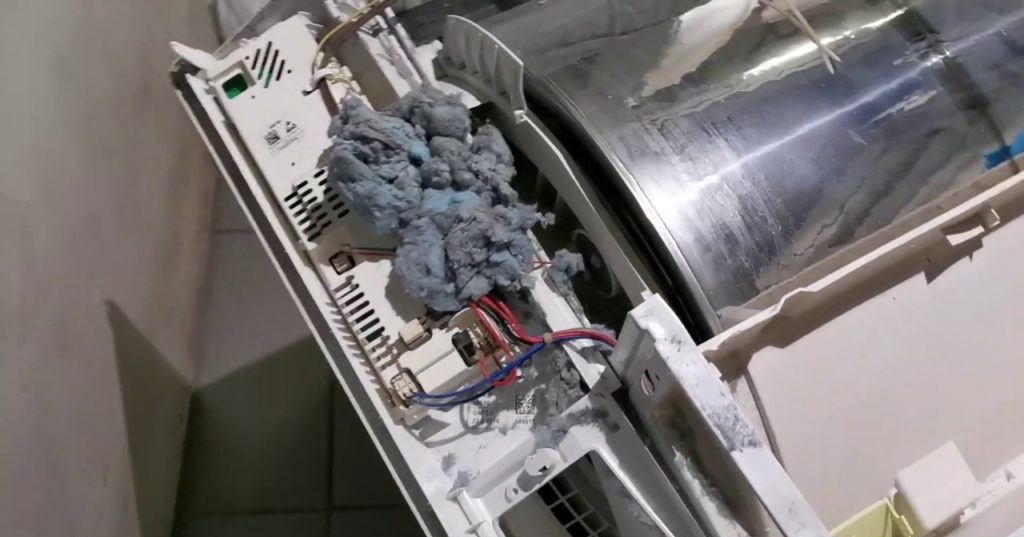
In this case, the dryer will need to be repaired. If the machine is new and still under warranty, don't attempt to repair it yourself. Call an LG service center technician immediately; they will come to your unit for diagnostics and fix the problem free of charge.
If the warranty period has long expired, you can try repairing the dryer yourself. The error code displayed by the device will narrow down the possible faults. All you have to do is check for possible culprits and replace the components.
How to check your dryer and find the cause of the breakdown
A full diagnostic of the dryer will help you understand why it's not working properly. The machine's components are tested with a special device – a multimeter. You'll also need to have a Phillips-head and a negative-head screwdriver on hand – they'll be useful for disassembling the housing.
Be sure to unplug the dryer before beginning the diagnostics.
Possible faults are ruled out one by one. First, it's recommended to check the thermostat. Here's the procedure:
- remove the rear wall of the CM housing by unscrewing the bolts holding it;
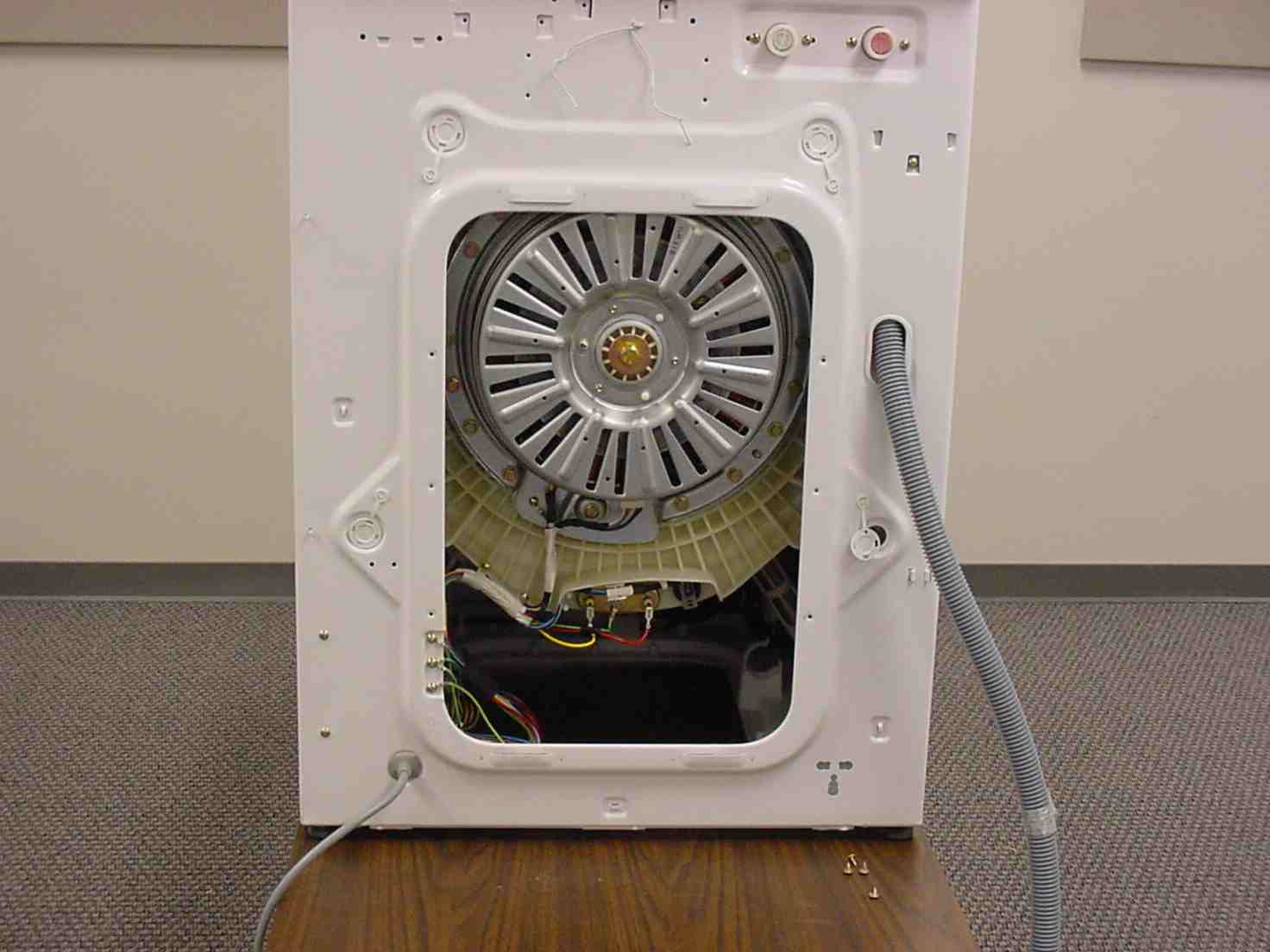
- find the temperature sensor (the thermostat is oval-shaped and located near the heating fan);
- disconnect all the wires from the thermistor (which connect it to the heating element);
- Measure the resistance of the temperature sensor with a multimeter.
How is resistance measured? The ohmmeter is set to the appropriate mode, after which its probes are placed against the thermistor contacts (the places where the wires were disconnected). The device should display "0." If the tester screen displays a value close to zero, this indicates that the correct current is flowing through the temperature sensor.
The thermistor will need to be replaced if the multimeter displays a value significantly greater than zero or approaching infinity. The temperature sensor cannot be repaired. A new one will need to be purchased and installed.
The dryer's electronic module is also tested with a multimeter. Here's the sequence of actions:
- remove the top cover of the machine;
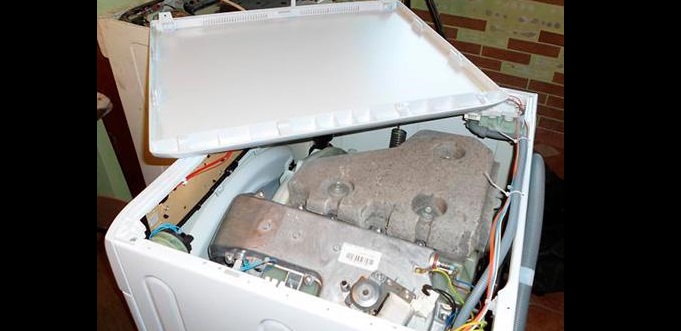
- Find the main control unit (it's a small board with a lot of wires connected to it);
- inspect the board for defects: swelling, traces of carbon deposits;
- switch the tester to ohmmeter mode;
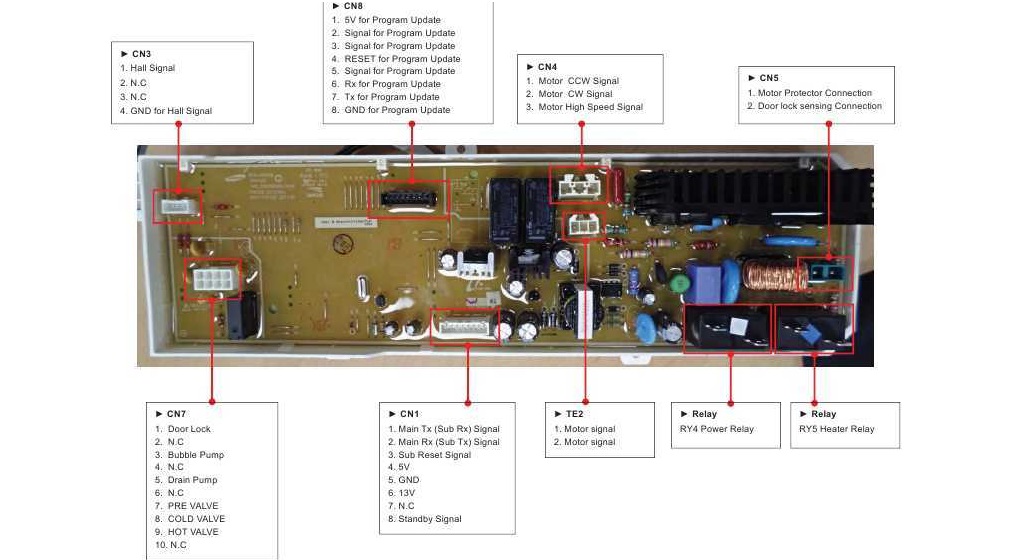
- measure the resistance between the semiconductors responsible for the operation of the heating element (for most LG models, these are terminals 5 and 6);
- Check all other terminals to ensure that the control module is working properly.
If there's no resistance between the contacts, or if the resistance approaches infinity, the module is malfunctioning. The control board will need to be repaired. This may involve:
- cleaning contacts and tracks;
- replacement of semiconductors.
In extreme cases, the entire module can be replaced. However, simply cleaning the leads or re-soldering the tracks usually solves the problem. Without experience working with electronics, it's best to avoid messing with the dryer's internals and leave the job to professionals.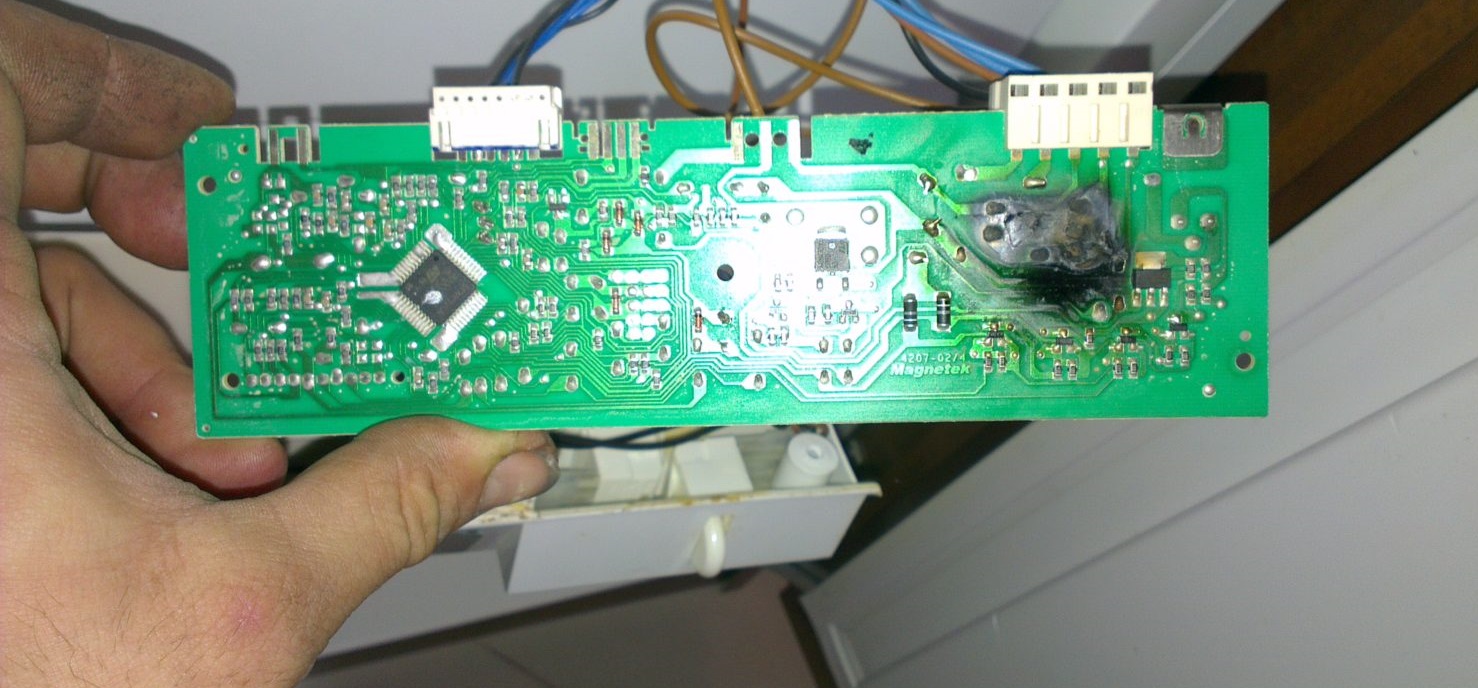
If the dryer's main unit, heating element, and thermostat are fully functional, check the machine for leaks. First, inspect the door seal. If there are cracks or other obvious defects, replace the seal.
Also, check the sealing quality. Water should collect inside the system, in a special condensate container. If moisture escapes outside the dryer, the "brain" will detect this and immediately shut off the machine.
Condensate drainage is impaired when the lint filter is clogged. If the dryer suddenly shuts off, check to see if the lint container is clogged. This problem is usually accompanied by an FO error. The filter element should be cleaned after each use, as it accumulates a lot of dust.
Interesting:


Readers' comments
Headings
Washing machine repair




For buyers




For users


Dishwasher




Add a comment