
Samsung Dryer Error Codes
 It's impossible to imagine a modern dryer without a self-diagnostic feature. It allows you to quickly identify problems and notify the user. To determine the cause of a malfunction, it's necessary to decipher the errors displayed on your Samsung dryer's screen. Today, we'll explore the problem each code indicates and how to resolve it.
What codes does a dryer owner encounter?
To facilitate troubleshooting, Korean manufacturers have equipped their devices with a self-diagnostic feature that displays error codes on the screen. Understanding these codes will help owners quickly identify the problem and begin troubleshooting.
First, it's worth noting that each dryer manufacturer uses its own notation system. Samsung error codes vary depending on the model, so it's important to consult the user manual to determine the specific code. Let's look at some of them.
- 5C. Condensate drain error. This may occur if the drain hose is not connected or the water tank is full. If the element is connected, there's a chance the drainage system is not working properly. Other possible problems include the drain pump, a clogged drain, or a kinked hose.
- HC. Indicates that the compressor is overheated. This occurs due to an improper electrical connection. A clogged heat exchanger filter may also occur. Another cause of this malfunction is prolonged operation of the unit or running multiple dryers in a row.
- HCL. This indicates a refrigerant leak. You'll need to unplug your dryer and contact a service center to have the freon removed.
- dC. Indicates that the appliance's door is open. Foreign objects may also prevent the door from closing tightly, or the door lock may be faulty.
- tC. An air temperature sensor error has occurred. The lint filter may also be dirty. The sensor itself may not be working properly.
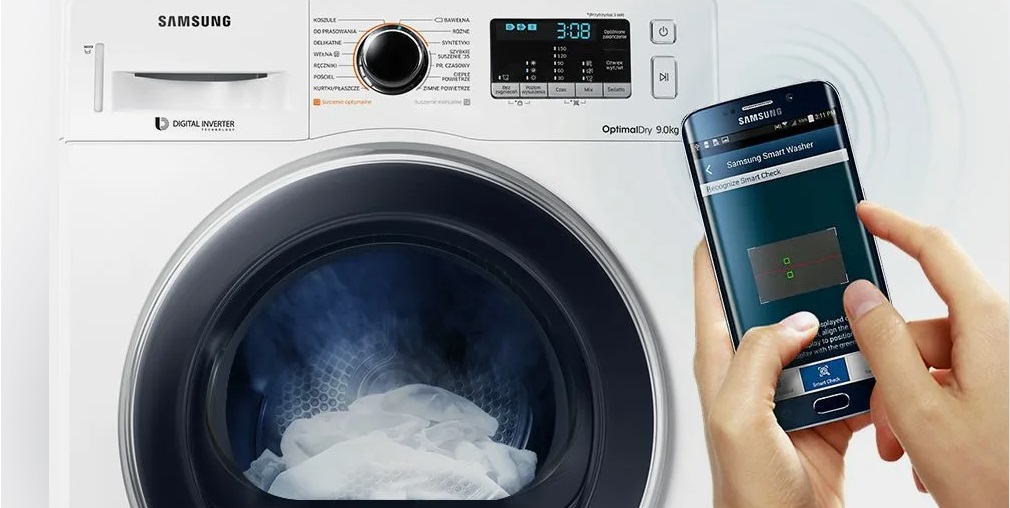
tC5/tC7/tC8 – indicate a problem with the compressor temperature sensor. When these codes appear on the appliance's display, you should turn it off, wait 2-3 minutes, and then plug it back in. If the errors disappear, it was just a temporary malfunction, and you can continue using the appliance. However, if the symbols persist, you should contact your nearest service center for an inspection.
Letters like nC indicate an error with the lint filter. It may not be installed correctly. To check its condition, unplug the appliance and check how tightly it's seated.
Typically, the lint filter can be found at the bottom of the door in front of the dryer drum!
NC2 indicates a problem with the heat exchanger's internal cover. As before, you'll need to unplug the unit and inspect the internal component: make sure it's installed correctly, isn't broken, and isn't obstructed by any dirt or foreign objects. Also, check that the fasteners are secure, then plug the unit back in. If the problem resolves, the cover wasn't properly closed. If the error code persists, contact a service center.
If "Fil-tEr" appears on the display, it indicates a heat exchanger error and is dirty. "3C" indicates a motor rotation problem, as well as low or unstable voltage. To resolve this issue, ensure the appliance is plugged into a dedicated outlet and check what items were in the machine when these symbols appeared: if you completely filled the drum, restart the cycle, but only leave 3-4 items in the dryer. If you've already dried only a few items, you'll need to seek professional help.
A code like 3CA indicates a malfunction in the inverter compressor. AC/AC6 indicate communication errors. These occur when the signal between the control boards is lost. bC2 indicates that a button on the control panel has been pressed for more than 30 seconds. Check the unit and see if the button is stuck. If so, press it repeatedly until it returns to its original position.
In addition to the aforementioned error codes, Samsung dryers also display other, less common errors. In any case, owners should avoid attempting to repair the appliance themselves unless they are confident they have the necessary skills. It's best to contact a professional who can quickly and efficiently troubleshoot your "home helper."
Why can't I turn on my Samsung dryer?
Every household appliance has its drawbacks. Samsung dryers often experience problems with the temperature sensor, motor, heating element, and capacitor. Other common issues include belt stretching, bearing wear, and terminal corrosion.
There can be various reasons why a dryer won't turn on. One of the most common causes is a faulty electrical outlet or an improperly connected power cord. It is recommended to check the machine's connection to the electrical network and ensure that all wires and sockets are in good condition.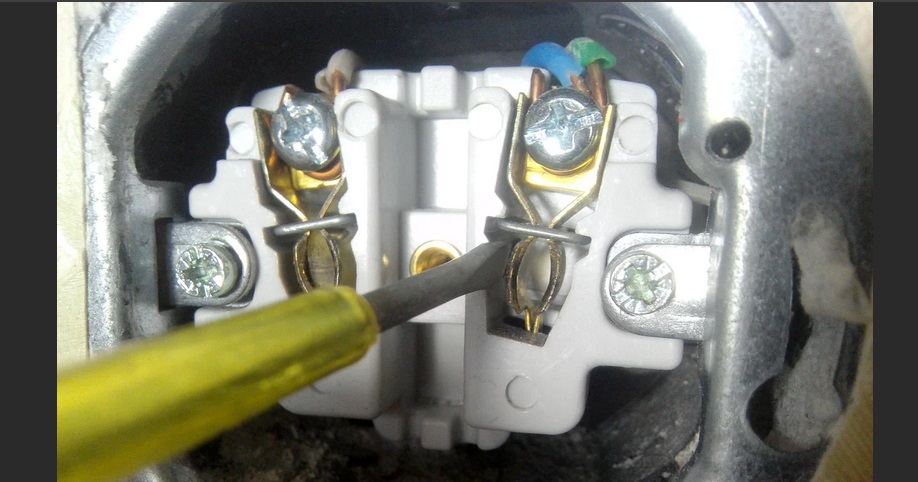
Another possible cause could be a faulty switch or blown fuse. In this case, these parts will need to be replaced. It's also possible that the problem is related to a faulty electronic control unit in the dryer, which would require professional repair. If a dryer that worked perfectly yesterday doesn't turn on today, you should check:
- temperature sensor (the contacts may have come loose, or the part itself may have failed);
- motor (sharp power surges caused it to break);
- fuse or starter switch (if the parts are faulty, be sure to replace them).
Besides these, there are other possible causes. Be sure to check the terminals for oxidation. High humidity causes moisture droplets to settle on them, which can lead to component failure. This problem is easy to solve: simply clean and wipe the contacts.
It's also a good idea to make sure the condenser isn't overfilled. It collects lint, threads, and other dust, which disrupts heat transfer and prevents moisture from escaping from the working chamber. All you need to do in this situation is clean the container.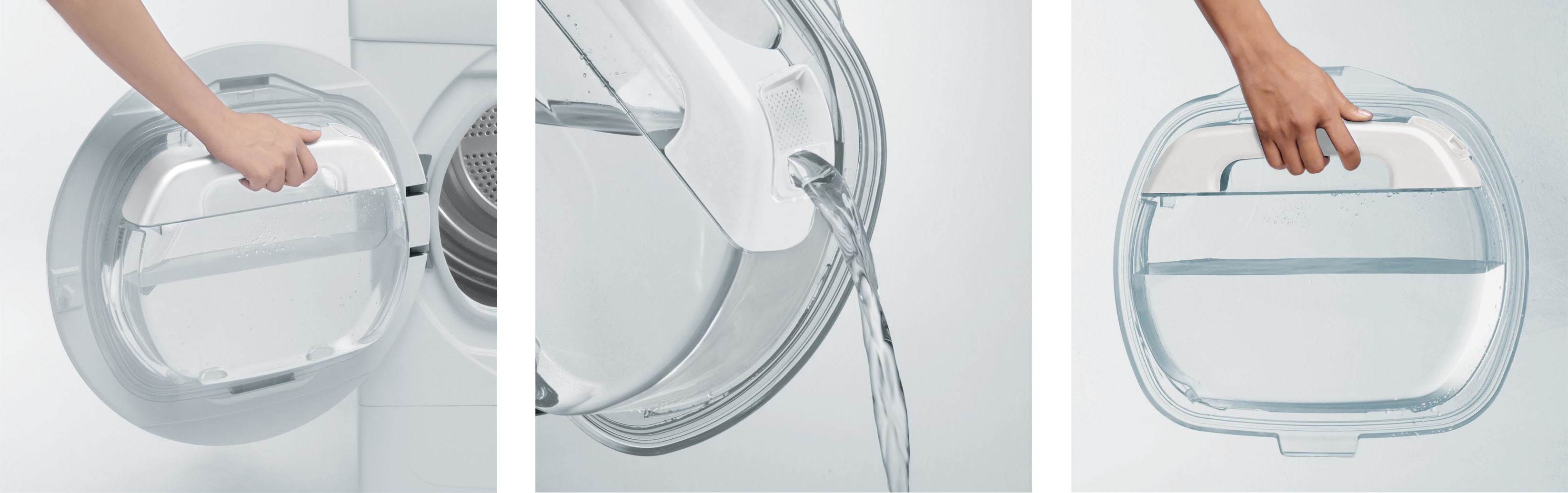
If the dryer won't turn on, check that the door is fully closed. The door should lock both mechanically and electronically. If you don't hear a click, press the door firmly.
Sometimes the machine doesn't start the cycle because the "Delayed Start" mode is activated. Check if this function is enabled. If it is, be sure to deactivate it.
The dryer may also not turn on due to a simple power outage. Make sure there's power in your home. If there's power, you'll need to check the outlet. Try plugging another appliance into it.
Ultimately, to prevent problems with your Samsung dryer, regular maintenance is recommended. It's also a good idea to monitor the electrical system. This is the only way to ensure the long-term and efficient operation of your "household helper."
The drum stopped dead
Sometimes the following problem occurs: the appliance turns on, but nothing happens after the cycle starts, and after a while, the machine displays an error code. The drum remains motionless. Potential causes of this problem may include the following:
- the axle on which the drum is mounted has become worn out;
- the electric motor failed;
- the drive capacitor is broken;
- the drive belt is damaged;
- The bearings have worn out.
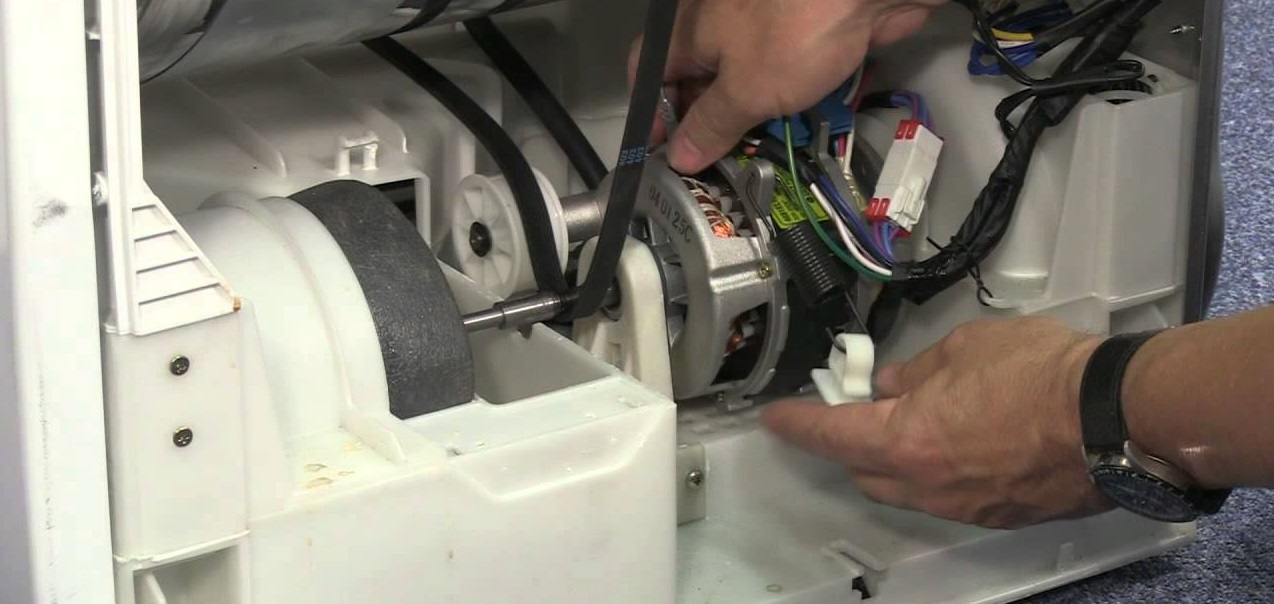
To restore your dryer to working order, you'll need to replace all worn or broken parts. To avoid such problems, follow these guidelines. It's crucial not to overload the dryer. Load the drum with only the amount of clothes recommended by the manufacturer.
If the machine is designed for 6 kg of laundry, do not load it with 7 kg, otherwise you will cause premature wear of the belt and bearings!
Also, remember to distribute items evenly inside the drum to avoid imbalance. Be sure to include a stabilizer. Such a device will protect important components of the dryer from power surges.
Additionally, monitor the temperature settings and avoid overheating the dryer. High temperatures can cause wear on heating elements and other components. Regular professional maintenance is also recommended to identify and resolve potential issues early. Remember that proper use and care will help extend the life of your dryer and prevent potential component issues. By following these simple guidelines, you can protect your dryer from various problems and enjoy its performance for years to come.
Interesting:

Readers' comments
Headings
Washing machine repair




For buyers




For users


Dishwasher




Add a comment