
Whirlpool Dryer Error Codes
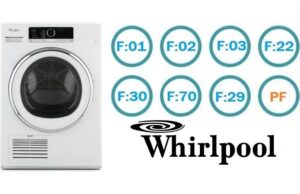 Today, it's impossible to find a dryer without a built-in self-diagnosis system. If a malfunction occurs, the device notifies you by displaying an error code on the display. By deciphering this code, you can quickly determine what exactly is wrong with your appliance and take appropriate action. Let's look at the possible errors that may appear in a Whirlpool dryer and how to interpret them correctly.
Help with decryption
As you've already understood, all error codes are displayed on the dryer's display. You can find out what each combination of numbers and letters means in the user manual. It also contains information about the specific problem each code indicates.
Sometimes the error is caused by a short-term system failure and can be resolved by simply rebooting the dryer!
If you notice an error on the display, don't rush to call a technician to diagnose and fix the problem. First, make sure it's not caused by a temporary electronic malfunction. Try resetting your Whirlpool dryer. To do this, you'll need: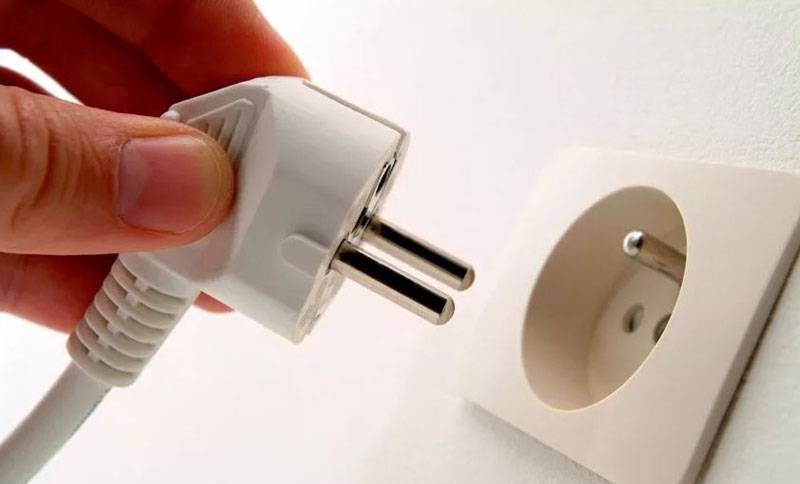
- remove the cord from the socket, completely de-energizing the device;
- keep it turned off for 15-20 minutes;
- turn on the device and try to restart the drying mode.
If the error code persists after these steps, it's not a random glitch, but a more serious issue. Let's look at the specific malfunctions each code indicates. These include:
- PF – indicates a power failure. This could be caused by a faulty power cord or a faulty power supply. Moisture could also have gotten into the capacitors. To clear this error, press the "Stop" button to reset the programs, replace the power cord, or contact a service center.
- F01 – Control module failure. This could be due to a syntax error in the EEPROM memory, a power supply interruption, or a lack of signal on the display board. You will need to turn off the device for 15 minutes, enter diagnostic mode using the "Start" and "Timer" buttons, and, if necessary, replace the electronic module.
- F02 – indicates a malfunction in the control interface. Communication between the control board and the display module may have been lost. It's also possible that a keypad button is stuck in the ON position, or there's simply no contact on the keys. Try the following: remove the control panel, clean the keys, and, if necessary, replace the control panel or reprogram the user interface.
Besides these, there are other errors. For example, F03 indicates that the condensation compartment is clogged. You'll need to open the container where the moisture accumulates and clean it. If F04 appears on the display, it means the filters are clogged and need to be cleared of excess dust, dirt, and lint. F05 indicates that the heating element has failed or there is a freon leak: the part will need to be replaced or the unit will need to be refilled with the substance.
A Whirlpool dryer may also display codes like F06, which indicates that the idler pulley or tension roller is jammed. In this case, the motor may also be faulty. All faulty components will need to be replaced. F07 indicates that the heat pump is not starting: this could be due to a faulty heat pump or drying sensor. To repair the problem, you'll need to contact a service center.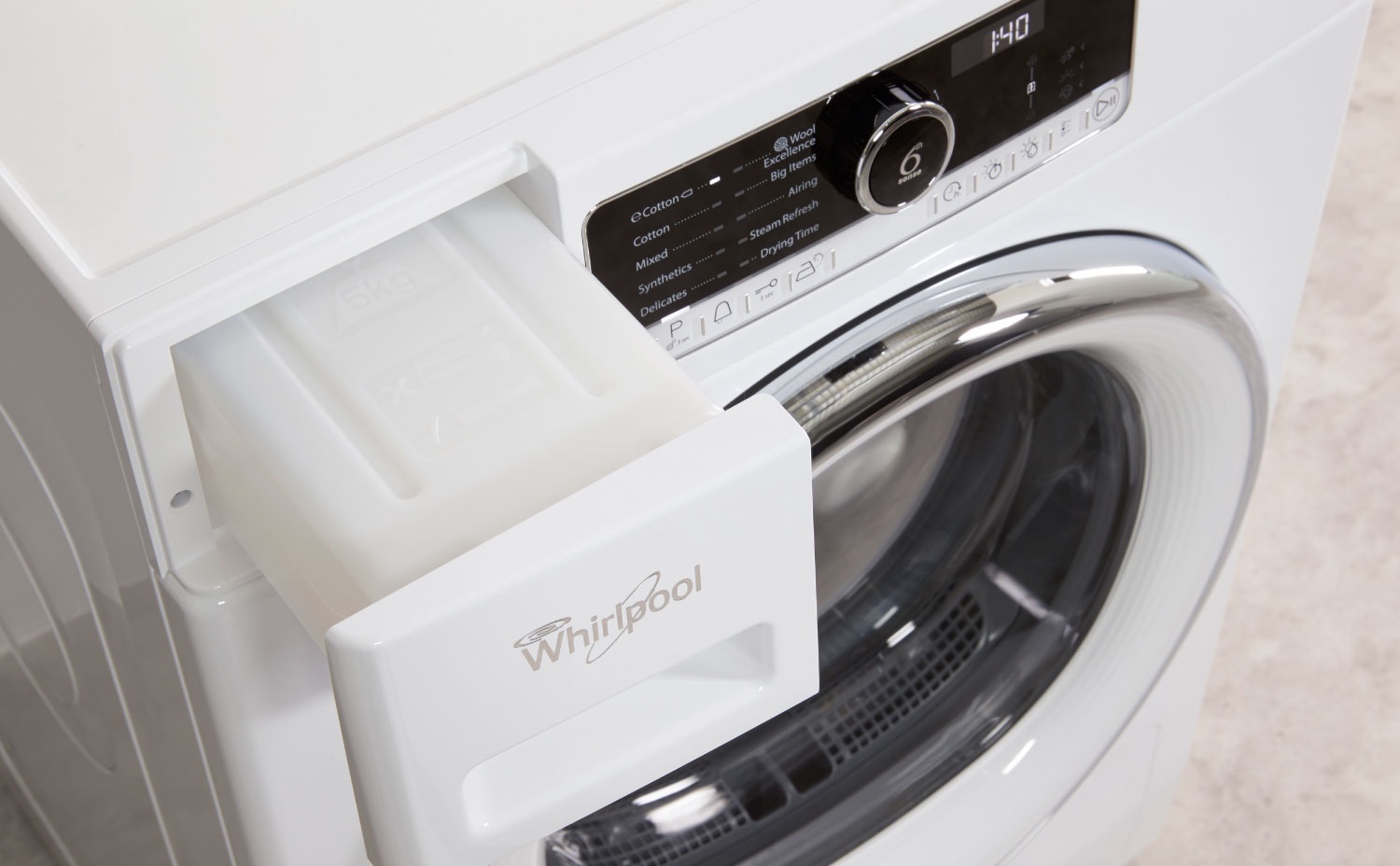
Even these error codes are far from the last ones – the display may also show F22 and F23. The first indicates that the output thermistor has stopped transmitting signals, in which case you'll need to either replace it or contact a service center. The second error indicates a faulty temperature sensor or an open circuit in the power supply. You need to check the resistance on the sensor (it should be 10,000 ohms) and, if it's abnormal, replace it. There are also other errors:
- F24 – indicates that the NTC-2 sensor is faulty. There's also a possibility of a communication failure. To resolve this issue, you'll need to replace the element yourself or call a professional.
- F25 – The thermistor resistance has dropped. It has fallen below 50,000 ohms. Additionally, the dryer controller may not be processing the incoming signal. You will need to restore the power supply or try disconnecting the dryer for 120 minutes to reset the EEPROM.
- F28 – indicates a malfunction in the humidity sensor. The signal between it and the control unit may be lost. To resolve the issue, calibrate the element or restore the power supply.
- F29 – indicates that the humidity sensor is faulty or the relay is shorted. Alternatively, the power cable may be disconnected. Check all connections visually and with a multimeter. Replace components if necessary.
- F30 – indicates an air flow sensor error. In this case, the component stops recording air flow. To fix the problem, you'll need to clean the lint filter or replace the faulty component.
There are also errors such as F70/F71. These indicate interface issues: communication between the ECB control module and the UICB display board may have been lost. It's also highly likely that the relay responsible for converting the digital code on the board has burned out. In this case, it's important to immediately contact a service center for repairs.
Configuration errors (F72/F78) indicate a critical software configuration error. The control board may also be missing a resistor. The software module needs to be reflashed, and only a service center can help with this.
Frequent breakdowns of Whirlpool dryers
Different brands of dryers have their own typical faults. For example, in Whirlpool dryers, the most common faults are the heating element, thermostat, motor, and capacitor. Less common problems include drive belts, worn drum bearings, contact corrosion, and electronics.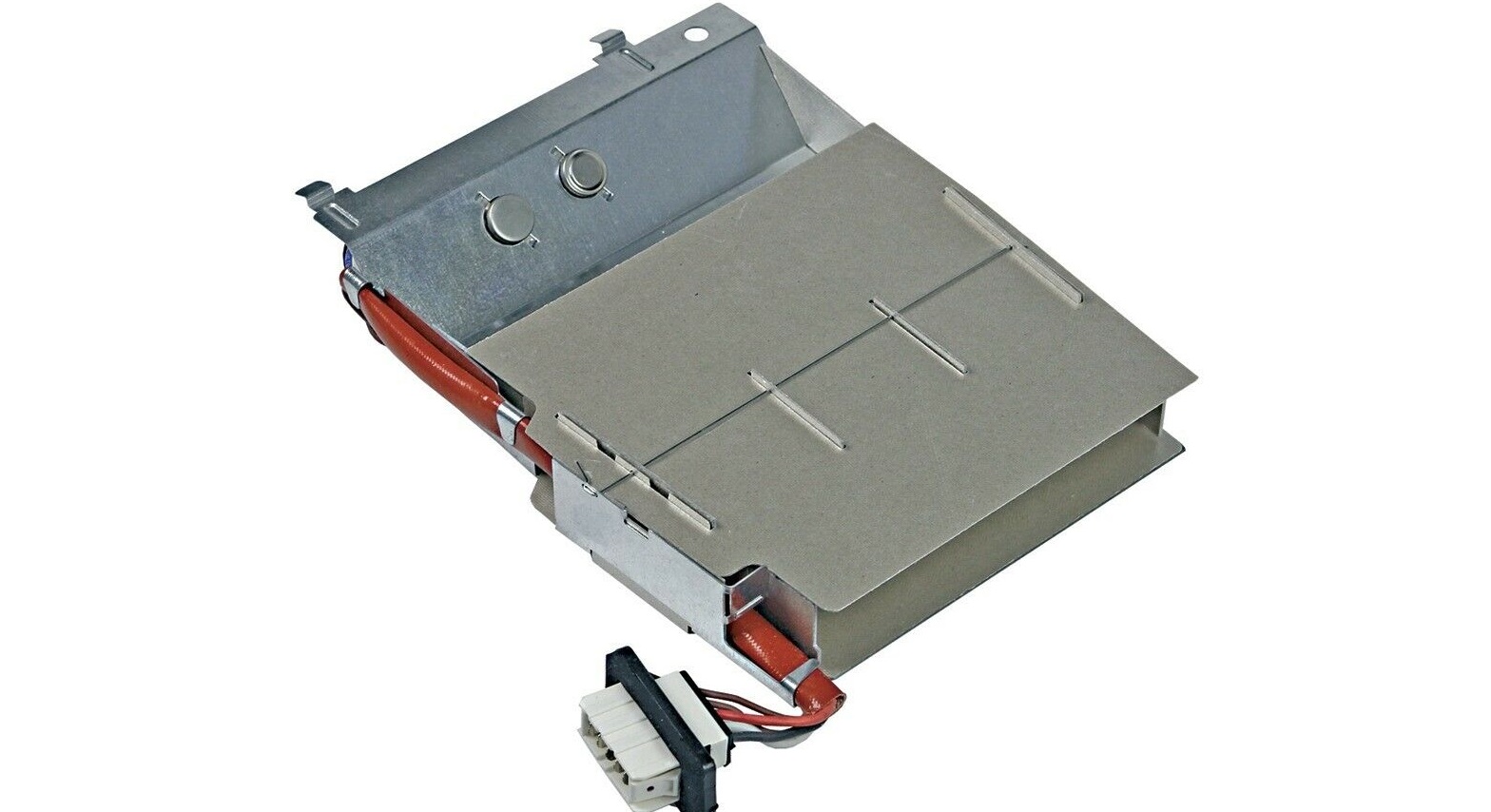
Sometimes, even a machine that worked perfectly yesterday may suddenly fail to turn on the next day. No errors will appear, but the system simply won't start. In such cases, the following possible causes may arise:
- the temperature sensor contacts have come loose, or it has completely failed;
- The engine broke due to strong voltage surges in the electrical network;
- The fuse has blown and needs to be replaced.
If the dryer is turned on, but the selected operating mode does not start, the cause may be oxidation of the terminals!
In this case, repairing the dryer yourself won't be difficult. Simply clean and wipe the contacts, and your "home assistant" will continue to function. Don't forget to also check that the condenser isn't overflowing. Dust from laundry can get trapped there, and accumulated debris severely disrupts heat transfer and prevents moisture from escaping from the dryer chamber. To fix this, simply empty the condenser.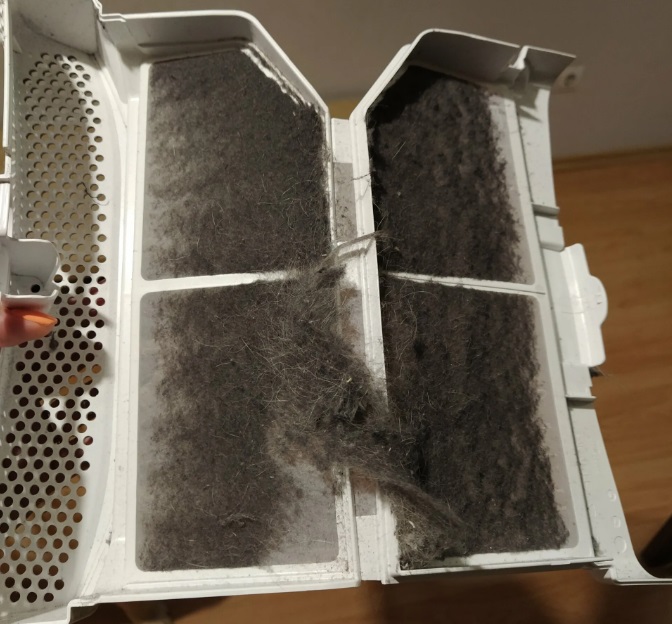
If the program you selected doesn't start, make sure the dryer door is completely closed. It's crucial that both the mechanical and electronic locks engage. If you don't hear a click, try closing the door more firmly.
It happens that the drying mode also does not turn on due to the “Delayed start” setting. It is possible that this mode was activated by mistake and now the device waits a certain period of time before starting to work. To solve this problem, simply disable the snooze function.
Another reason why your dryer might not turn on is a simple power outage. Check if there's power in your home. If so, try plugging another appliance into the same outlet. The outlet may be the problem. You should also inspect the dryer's power cord and connector for damage, kinks, melting, or loose insulation.
Thus, it can be concluded that there are many possible causes for a dryer malfunction, ranging from electrical problems to worn-out parts. Therefore, it's crucial to regularly perform maintenance and monitor the condition of the appliance. This will help prevent serious problems and extend the life of your "home helper."
Interesting:

Readers' comments
Headings
Washing machine repair




For buyers




For users


Dishwasher




Add a comment