
Washing machine calibration
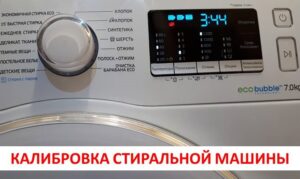 If your brand-new "home assistant" can automatically determine the weight of the laundry loaded into the drum, it will need calibration before use. Fortunately, calibrating your washing machine just once ensures accurate measurements. The challenge for the user is that this process varies across different models and brands. We'll explain in detail, using specific examples, how to properly prepare your washing machine for use.
Activate the function on WF1602XQR and WF1702XQR
First, let's look at the calibration of Samsung washing machines. This popular technique is the one that gets the most questions, so it will be the first one in our publication. You can calibrate a washing machine of this brand as follows:
- make sure that there are no foreign objects inside the device;
- Turn off the machine using the power button, but do not unplug it;
- hold down the “Temp” and “Delay Wash” buttons, and then, without releasing these buttons, press the power button;
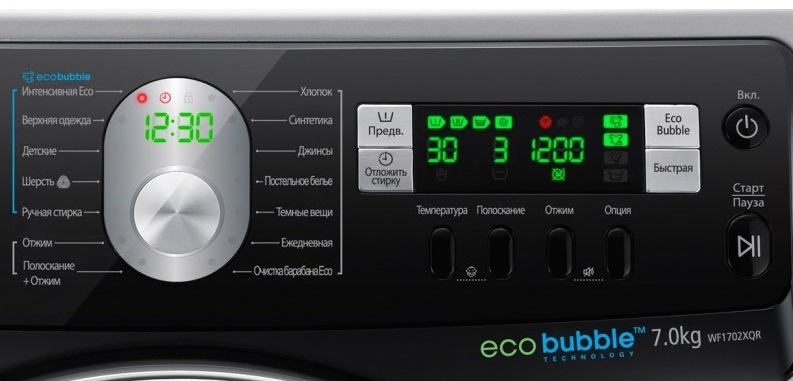
- If you have done everything correctly, the unit will activate and show the message “CLB” or “_ _ _” on the display;
- Now press the "Start" key, which will activate the calibration;
- This will start the drum, which will begin to rotate in different directions for about 3 minutes.
You should not skip the machine calibration stage if you do not want to receive incorrect data on the current weight of the laundry in the drum.
Once the spin cycle is complete, you'll see the message "END" on the appliance's display, indicating the machine has been calibrated. The appliance will turn off and be ready for a full cycle.
Popular models of 2014 WW**H2, 5, 7
You can launch the program in a similar manner on Samsung washing machines manufactured in 2014. The only difference is a single button.
- There should also be nothing extra in the drum.
- Turn off the device using the power button without touching the network cable.
- Hold down the Tempo and Snooze keys and press the Power key.
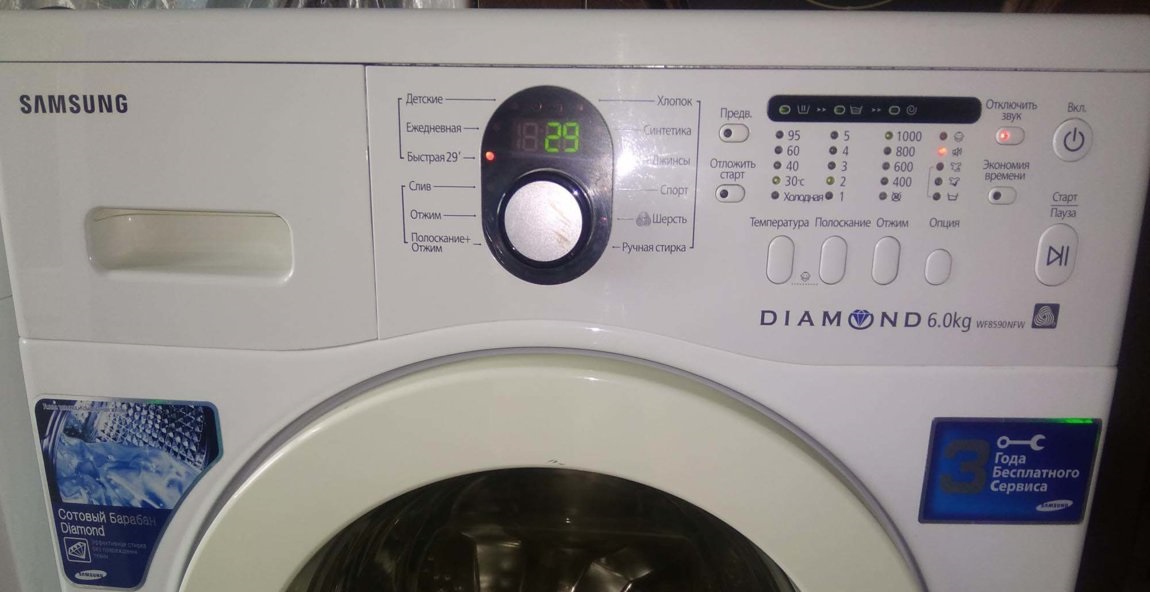
- As in the previous instruction, the device will turn on and show the inscription “CLB” or “_ _ _” on the display.
- Next, all that remains is to start the drum using the “Start” button.
- The washing machine calibration will take the same 3 minutes, after which the machine will display a message about the end of operation and turn off.
As you can see, there is nothing complicated about starting the calibration, because the difference is only one key.
Samsung WW12K8
Now let's look at another common washing machine, which has a different control type. Here's how to calibrate a Samsung washing machine:
- Make sure that the drum does not contain any reference documents, spare parts or other items that the manufacturer usually leaves in the drum;
- connect the equipment to the network and activate it using the power key;
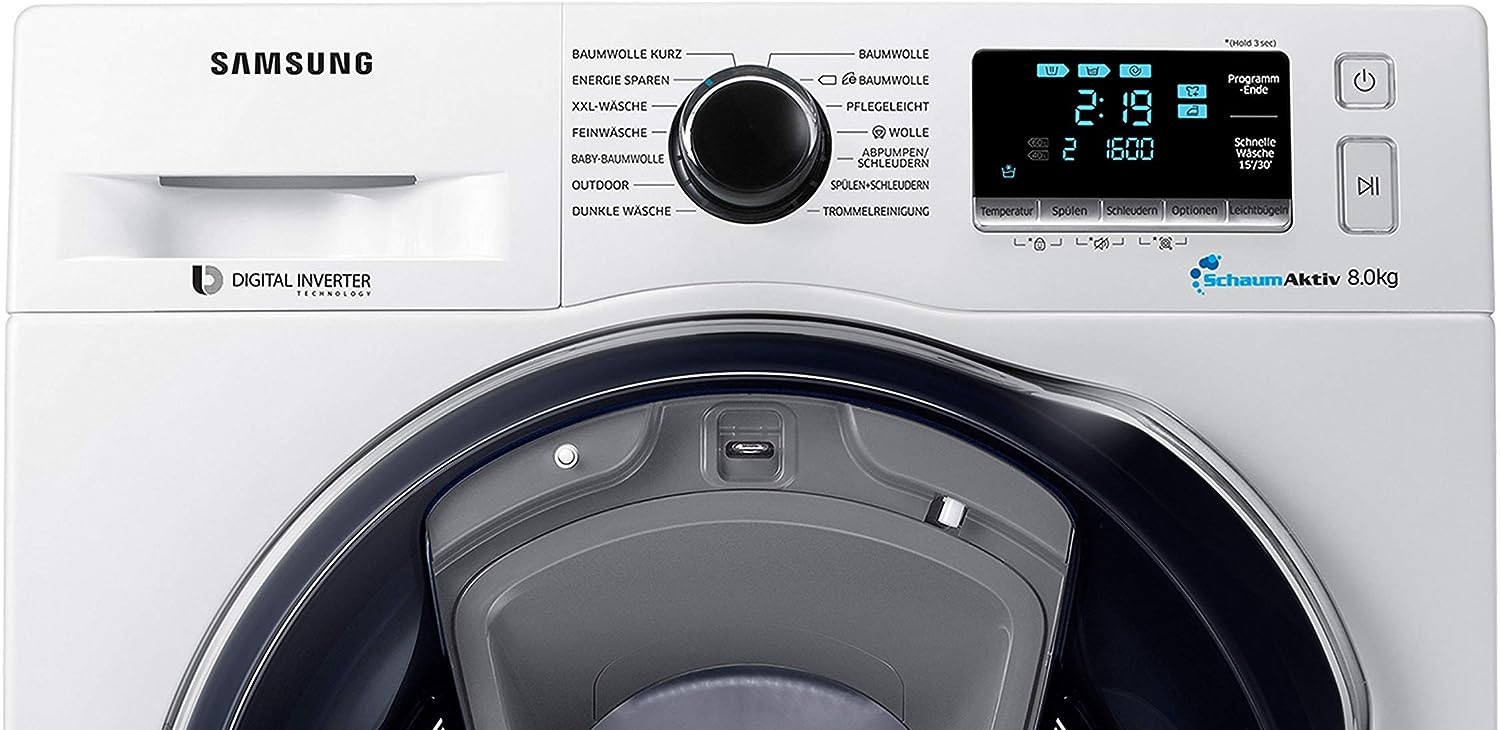
- Press and hold the “Smart Control” button for 3 seconds and wait until the settings screen appears on the display;
- in this menu you need to select the calibration mode using the Up/Down keys, and then press OK;
- start the cycle by pressing the "Start" button;
Calibration takes the now-familiar three minutes. Once the setup is complete, the "home assistant" will automatically shut off.
We run the function on the Dexp machine
If you purchased a Dexp appliance, the instructions will be different. First, you'll need to turn the machine off and then back on. The display will then show horizontal lines for a few seconds and then the time. You need to press the “Spin” and “Delay” buttons at the same time, exactly at the moment when horizontal lines are displayed on the display.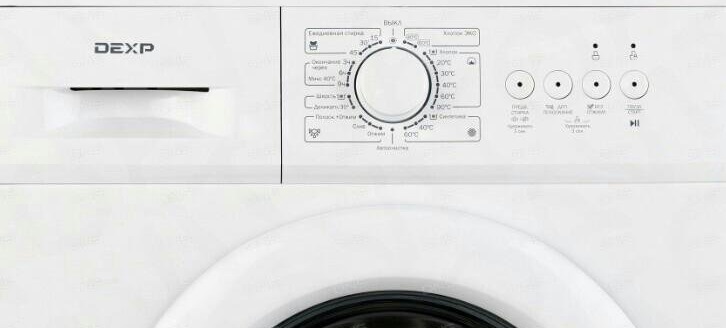
Afterwards, all you need to do is start the calibration process by pressing the "Start" button. Once the cycle is complete, you need to turn off your "home assistant," as the settings will be saved. If this isn't a new washing machine, but one that was refurbished after a repair, during which the service technician had to reset the error code, you'll need to recalibrate the Dexp washing machine, as its settings have been reset to their original values.
Setting up a Weisgauff sewing machine
The calibration of a Weissgauff washing machine is also slightly different, so it needs to be disassembled separately. First, make sure the drum is empty and the door is securely closed to avoid accidental damage.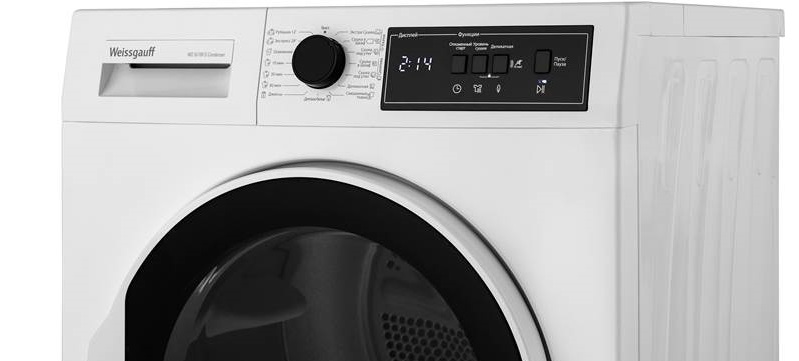
If everything is OK, plug the machine into the power outlet, turn the mode selector knob to turn it on, and while the horizontal and vertical lines are still visible on the display, press the "Delay" and "Temp" buttons simultaneously. If you've made it in time, the display will show "T19," and all you have to do is press "Start" to begin the Weissgauff calibration.
Midea MF100W70-W
Finally, before calibrating your Midea washing machine, it is recommended to securely install it using a building level. Only after it is level can it be connected and prepared for use.
Each time the unit is moved or the height of the feet is changed, it is recommended to recalibrate the household appliance.
As with other brands of "home helpers," you must first remove all unnecessary items from the drum and close the door tightly. Only then can you connect the machine to the power supply. Turn on the Midea machine and press and hold the "Spin" and "Extra Rinse" buttons for about 3 seconds, after which the display will show "T19." Now press the "Start/Pause" button and wait for the cycle to complete.
Interesting:

Readers' comments
Headings
Washing machine repair




For buyers




For users


Dishwasher




Add a comment