
How to turn off an LG washing machine during a wash cycle?
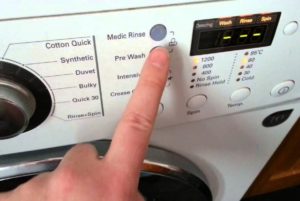 Each washing machine program has a specific duration, but sometimes you can't wait. Simply stopping the cycle and opening the door won't work: the door lock will activate for safety. However, you can turn off your LG washing machine during a wash cycle by following specific instructions. This article will cover these instructions.
Quick shutdown
If you suddenly notice coins, paper, hairpins, or other items that could be dangerous to your laundry or the machine in your washing machine, you will need to stop the cycle. But you can't just pull the plug and quickly open the door - there is a more effective and painless way to turn off the program for the equipmentAll you need to do is press and hold the "Start/Pause" button for a couple of seconds, and once the settings are reset, select the minimum spin, and then start the drain.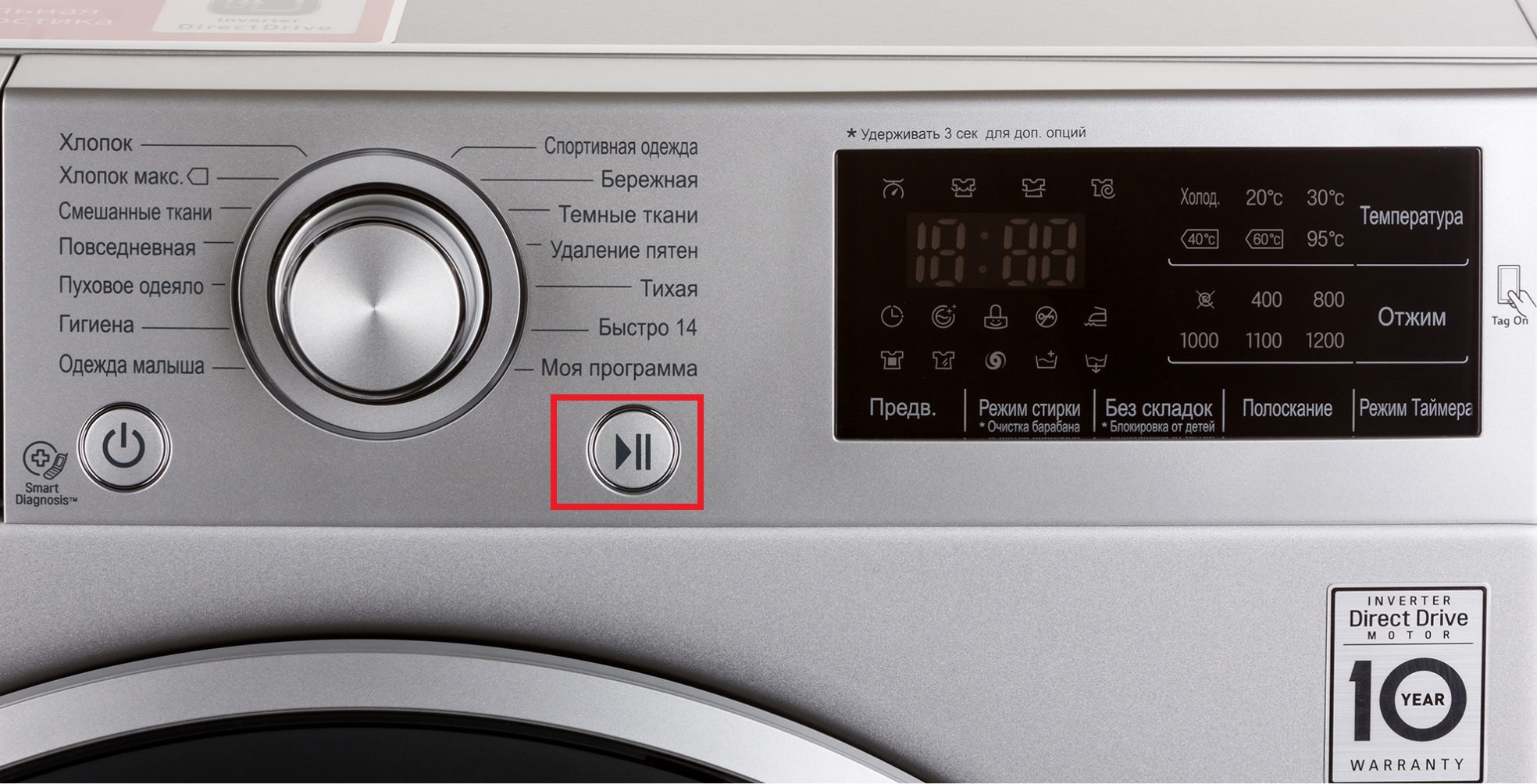
Once the drum is empty, the machine is turned off using the corresponding button. You'll just have to wait a couple more minutes for the door lock to release automatically and unlock the door. Now the door is clear; you just need to find it among the laundry and remove it. However, you'll have to restart the paused cycle.
If a foreign object falls into the tank, it will end up in the debris filter located at the bottom behind the service hatch.
If the lights go out
It's a different matter if the machine stops without the user's intervention. Often, the main power goes out during a wash cycle, causing the machine to pause the cycle. In theory, the machine remembers the stop location and resumes the program from the starting point when power is restored.
But in reality, not all washing machines boast perfect memory, and are only capable of recalling a program for a specific period of time, ranging from 2 to 30 minutes. More often than not, a power outage disrupts the program. The user is left with no choice but to start over—closing the door and selecting a program.
We remove water from the tank
The above-described rules for stopping the program should not be ignored. For example, forgetting to empty the tank and quickly opening the door can literally cause a flood. To avoid unpleasant consequences, you need to immediately think about a safe and convenient way to remove water from the drum. The most reliable method is to turn on the appropriate program.
There are two options: the "Spin" or "Drain" buttons. The former takes no more than 10 minutes, while the latter takes 2-3 minutes, saving you time and hassle. However, this method will only work if the machine is functioning properly; otherwise, you'll have to use the drain filter.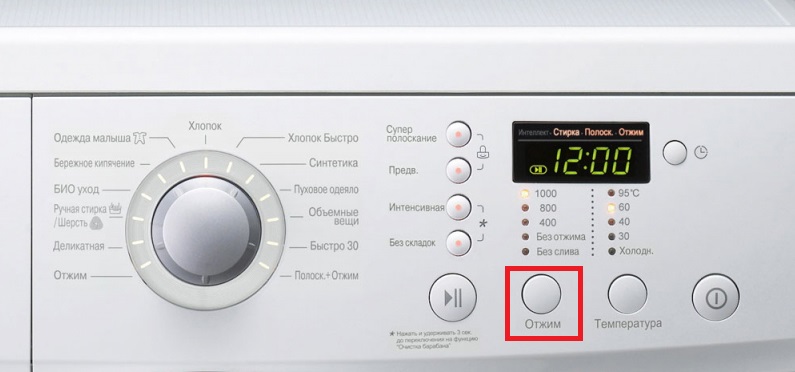
A drain filter or emergency drain is designed for emergency situations when, for some reason, draining the tank normally is impossible. In this case, open the access hatch on the lower right side of the housing and unscrew the round plastic cap. Be sure to wait for the liquid to cool and then place a container or rags under the opening.
The machine gave an error code
Sometimes it forces you to stop the washing machine when something pops out during the washing process. error codeThis can happen when a sudden power surge occurs in the network, causing the control board to freeze and the system to slow down for safety reasons. To resume operation, you'll need to completely disconnect the machine from the power supply, wait about 15 minutes, and then restart it.
During a long "rest," the system will have time to reset the program it started, along with the error information. Typically, this shutdown allows the machine to reboot and continue the scheduled wash cycle without issue. However, there's also the possibility of a real malfunction: in that case, the signal will reoccur, requiring you to call a technician or perform a self-diagnosis.
Interesting:

1 reader comment
Add a comment
Headings
Washing machine repair




For buyers




For users


Dishwasher




Thanks a lot!
It helped a lot!