
How to cancel a program on a Bosch dishwasher
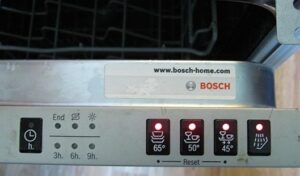 Things don't always go according to plan, even when it comes to a simple dishwashing routine. Therefore, there's nothing to worry about if you urgently need to cancel a program on your Bosch dishwasher. This could be due to a malfunction of the appliance or the user's forgetfulness, who suddenly remembered they forgot to load some dishes after the cycle started. Let's look at how to cancel a Bosch dishwasher.
Hard reset of the program
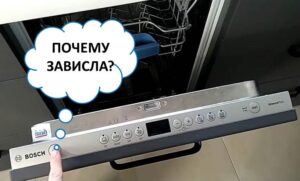
First, let's look at a case where a Bosch dishwasher freezes during a wash cycle, but its control panel continues to work. In such a situation, you can perform a hardware reset of the cycle using a special combination of buttons. To cancel a program in your dishwasher, follow our instructions.
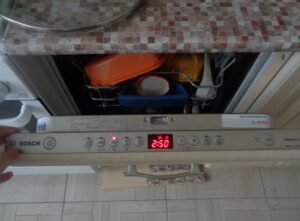
- Open the door of your Bosch dishwasher slightly to reach the controls. If a cycle is running and you need to pause or cancel it, do not open the door too far to avoid spilling water onto the floor. Bosch dishwashers do not stop running when the door is opened, but on most models, opening the door is necessary to access the controls.
Be very careful when opening the door to avoid accidentally being burned by hot steam, which can cause serious burns if you lean too close to the door.
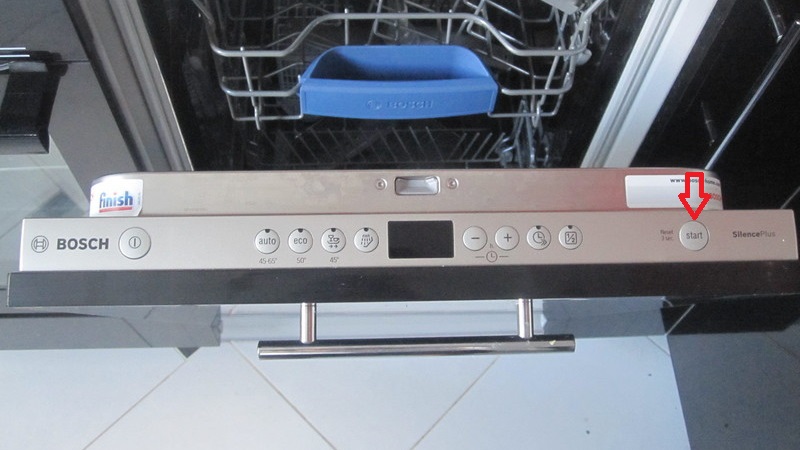
- Press and hold the "Start" button until the "Active" indicator light turns off. To stop an active cycle, hold the "Start" button until the indicator light turns off, indicating that the Bosch dishwasher is currently running. This action should work whether a cycle is running or if the display shows a cycle that has not yet been activated.
- Wait about a minute for all the water to drain. If you open the door completely without waiting for the waste liquid to drain, water may spill onto the floors, causing unpleasant consequences for you and your downstairs neighbors. If your Bosch dishwasher was running at maximum power, you'll need to wait a few minutes for all the waste liquid to drain.
- Now you can press the "Start" button again if you're ready to begin a new cycle. Once the cycle is complete and all the water has drained, you'll need to restart your Bosch dishwasher. Once you've reset the system, simply press the "Start" button.
- If you need to reset your Bosch dishwasher, hold down the "Start" button for about 3 seconds. This button may also be labeled "Reset" or "Reset for 3 seconds" on the control panel. These steps should help if the dishwasher freezes, as resetting it will clear the settings and restart the wash cycle.
Depending on the model of your appliance, you may need to wait until the remaining time display shows 00:01 and then move on to 00:00 – after which you will need to turn the machine off and on again to start a new cycle.
- After turning off, press the power and start buttons simultaneously - this may be necessary after restarting the device instead of holding the buttons down.
This may help if the machine is frozen but still responds to button presses. Otherwise, proceed to the next section.
Resetting the program when the panel is not working
You may also need to stop the Bosch dishwasher cycle when the control panel isn't responding to user commands. In this case, the instructions are different.
- Unplug your Bosch dishwasher and wait a few minutes before plugging it back in. To unplug, you'll need to move the appliance away from the wall or slightly remove it from the kitchen cabinet. If the machine displays an error code or the display stops working, unplugging it will erase any saved settings. This means that after a restart, no errors will appear, and you can start the dishwasher again.
Be sure to check that the cord of your "home assistant" is dry and that there is no standing water behind the machine - unplugging the appliance with a wet cord can cause a strong electric shock.
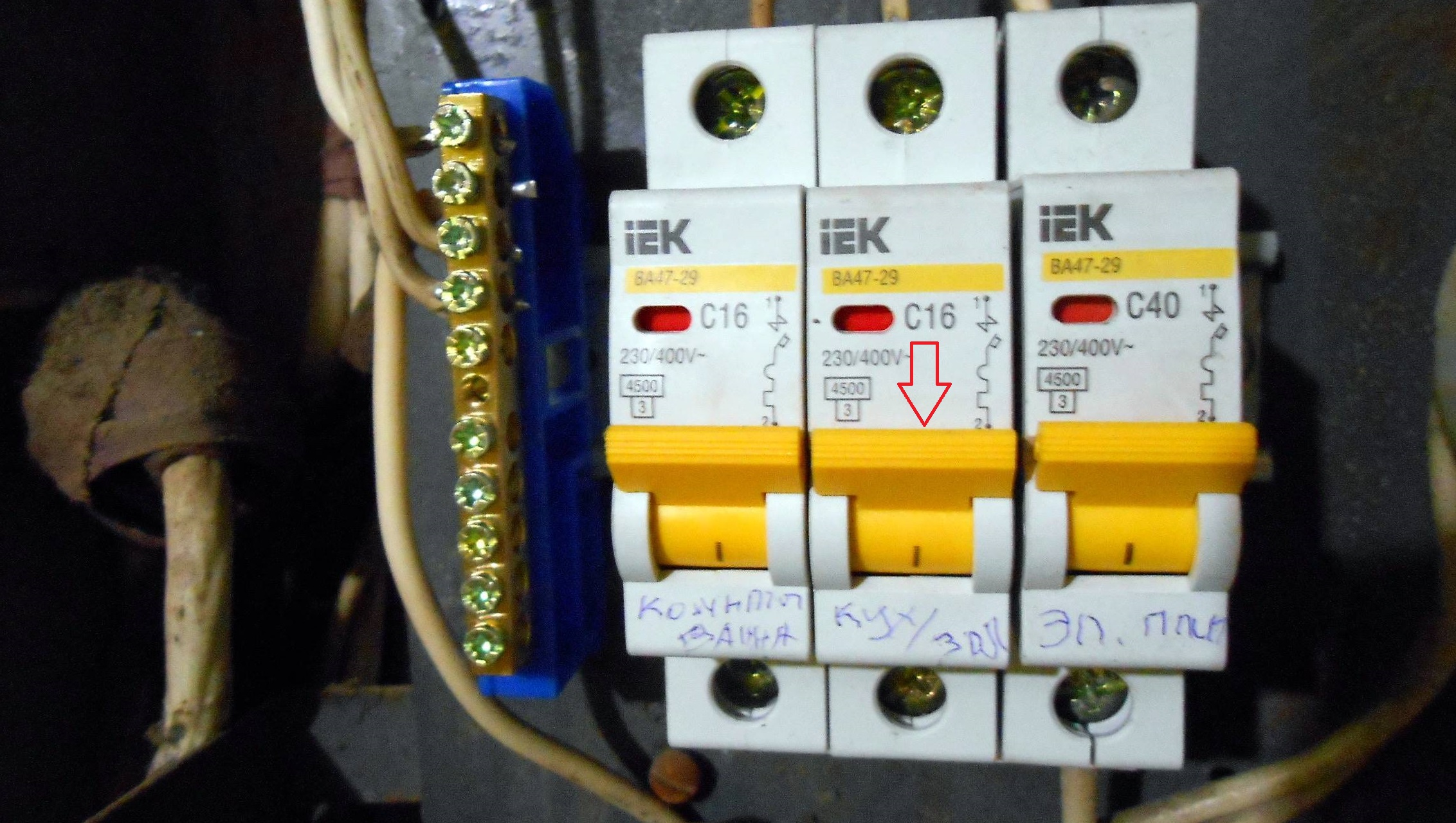
- Flip the circuit breaker to turn off your Bosch dishwasher. If the plug is out of reach or soaked in water, you can turn off the lights in the entire house using the fuse box. Turn off the lights in the kitchen, bathroom, or anywhere else where the dishwasher is located. Keep in mind that this action will also turn off any other electronics in the de-energized room. Wait a few minutes, then turn the circuit breaker back on.
- If your Bosch dishwasher displays the E15 error code, it can be fixed with a quick system reset. This is one of the most common errors and can be resolved by restarting the machine. It indicates liquid has spilled onto the sensor located at the bottom of the dishwasher. To fix this, simply unplug the dishwasher, check the pipes and valves for damage, tilt the dishwasher toward the wall, and then plug it back in.

This is how you can restore the functionality of your Bosch dishwasher if it's frozen and stopped responding. Be careful when working with electrical appliances, follow all safety precautions, and the restoration will be smooth.
Interesting:

Readers' comments
Headings
Washing machine repair




For buyers




For users


Dishwasher




Add a comment