
How to spin laundry without rinsing on an LG washing machine
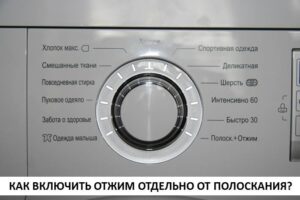 Almost all modern washing machines have an intuitive interface, making them easy to use even for children. However, with an LG washing machine, it's often difficult to figure out how to turn on the spin cycle without rinsing. This can be difficult to figure out without the manual, as the dial only displays a rinse and spin cycle, not a separate spin cycle. Let's figure out how to turn it on without starting a full cycle or rinse cycle.
The button and selector will help you start the spin cycle.
The easiest way to spin laundry without rinsing is on LG machines, which have a dedicated "Spin" button. This button adjusts the drum speed during the spin cycle or disables this function. It's also easy to use if the "Spin" mode is selected using the selector on the washing machine. You don't need "Rinse + Spin", but a separate spin function for your laundry.Let's look at how to properly start the mode, both when the program selector has a separate spin position and when your LG washing machine doesn't have this feature.
- Load washed wet items into the drum.
- Activate the "home assistant" with the power button.
- Wait until the device is activated, which it will indicate either by making a sound or by turning on the indicators.
- Use the programmer to select the “spin” mode.
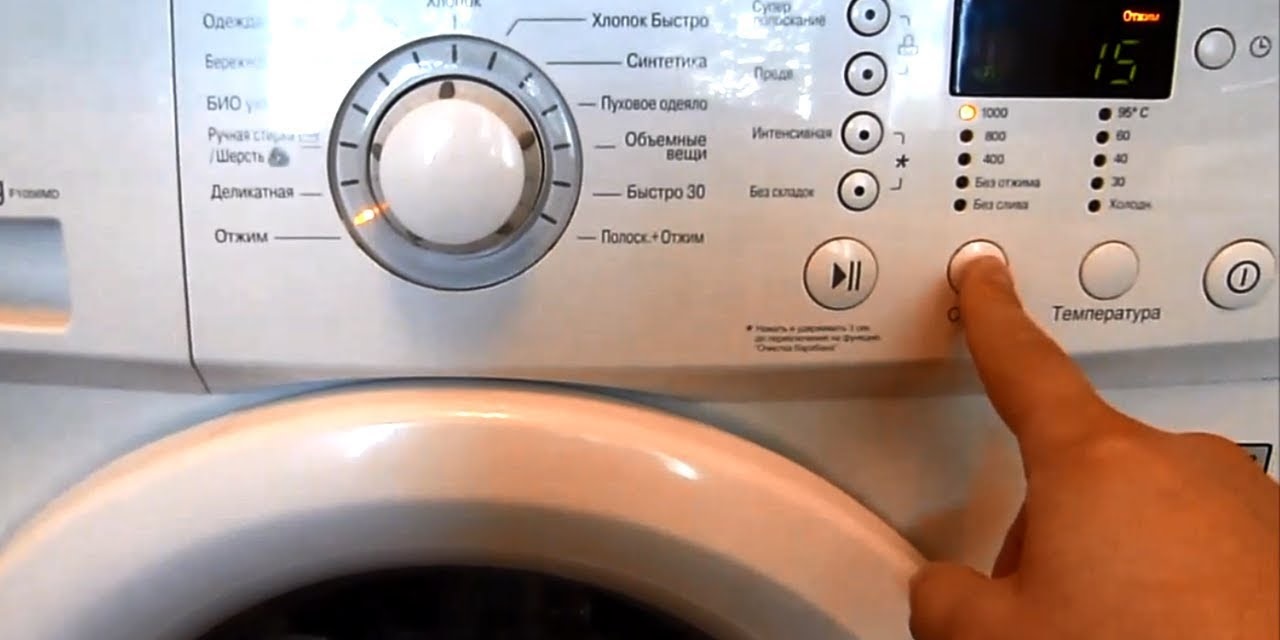
- Press the spin button on the LG washing machine to select the drum rotation speed and see the approximate time the work cycle will take.
Press the button several times to increase the drum speed during spinning – you can see the currently selected speed on the display.
- Activate the machine by pressing the “Start” button.
- Wait until the spin cycle is complete, the device will drain all the liquid into the sewer and unlock the hatch door.
This method works for spinning laundry in the LG F1056MD and some other models, but it's not universally applicable. Therefore, if your LG washing machine doesn't have a separate spin setting on the dial, you'll need to use a different manual.
- Activate the machine using the power button.
- Select the rinse + spin function.
- Turn off the "home assistant" using the power button - the system will record the last selected program before turning off.
- Activate the LG washing machine again using the power button.
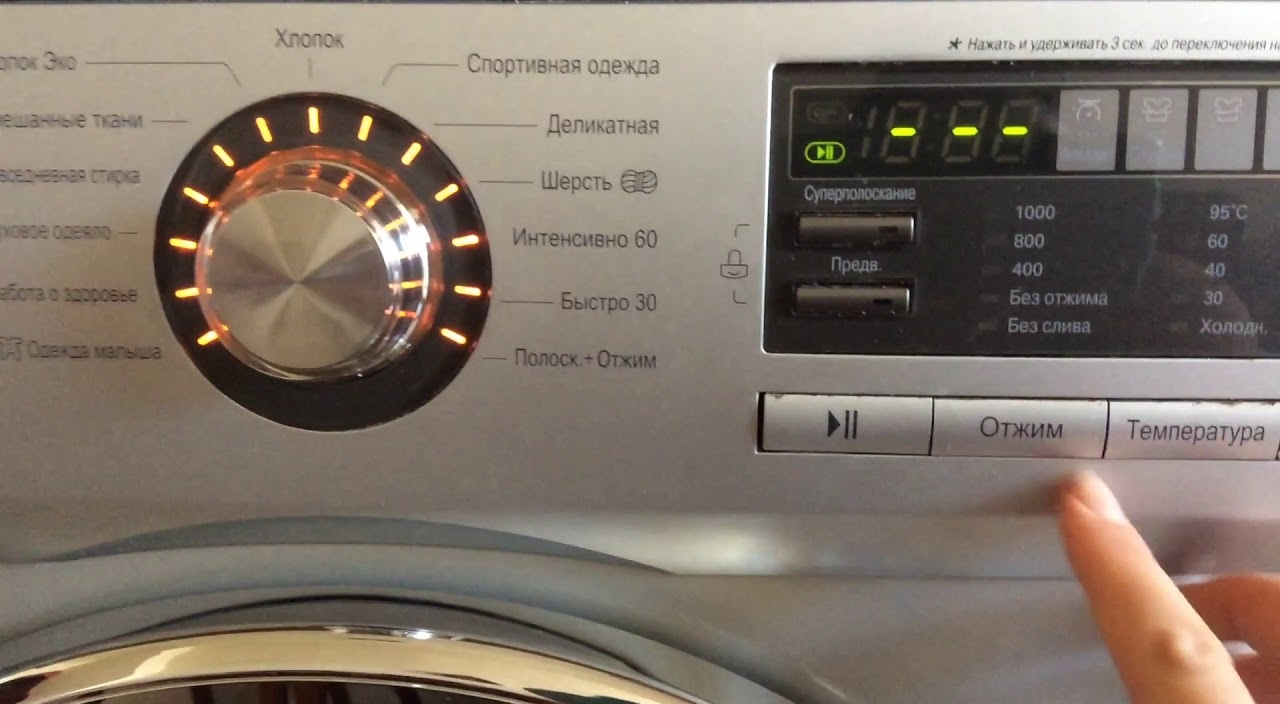
- When it turns on, press the “spin” button located on the SM control panel.
- Set the required drum rotation speed per minute.
- Start the work cycle.
As you can see, both methods are simple, so with detailed instructions, you can turn on the spin cycle without rinsing in just a few minutes.
Why isn't "Rinse and Spin" suitable?
This feature is designed to ensure that items undergo a full rinse cycle, which includes adding water to remove household chemicals. Therefore, the laundry will first undergo a full rinse cycle and only then will the spin cycle begin.
A separate spin program allows you to keep delicate items safe and sound without the need for intensive rinsing.
Household appliance manufacturers always inform users that the spin cycle cannot be used for all types of clothing. Therefore, before activating this option, carefully read the garment label, as it will indicate whether spin cycles are permitted or prohibited. This mainly applies to items made from delicate fabrics, such as knitwear, silk, lace, plus items with various decorative elements, such as embroidery.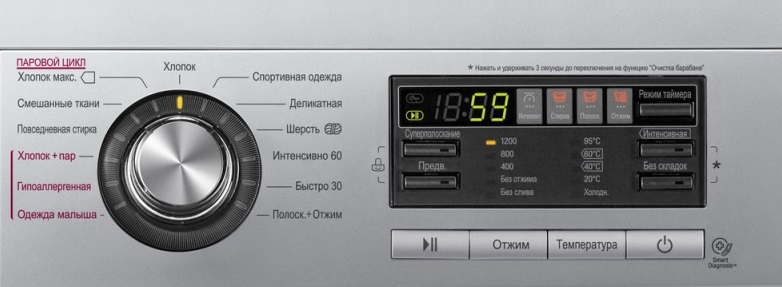
Therefore, in the rare cases where you don't need the spin cycle on your LG washing machine, activate the cycle but don't start the machine. First, turn off the spin cycle using the RPM adjustment button. This will allow you to start the wash cycle without spinning.
Interesting:



Readers' comments
Headings
Washing machine repair




For buyers




For users


Dishwasher




Add a comment