
Resetting a Haier Washing Machine
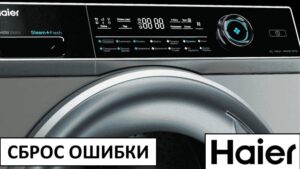
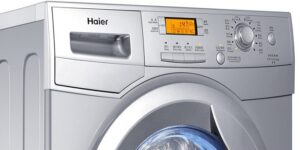 Sometimes users need to reset their Haier washing machine. This may be necessary if the machine refuses to continue or finish a wash cycle. In some cases, resetting it helps restore the machine to working order. We'll explain how to reset Haier washing machines.
Let's reset the settings and reboot
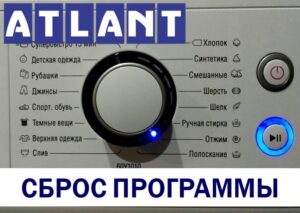
Before attempting a factory reset, you should make sure that less drastic measures do not work. If your Haier automatic washing machine freezes, first try to end the program using the button and start the washing machine again. To do this:
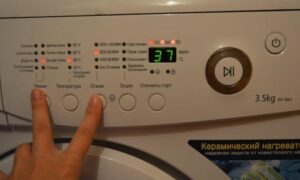
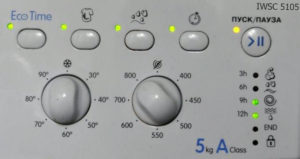
- Press the Start/Pause button and hold it for 10-15 seconds until the cycle stops;
- For older Haier machines, also turn the program selector to the starting position.
If you follow the instructions, the indicators on the dashboard will turn green and then go out. If the LEDs don't light, either the instructions weren't followed correctly or there's a hardware malfunction. A complete reset of the washing machine will then be required.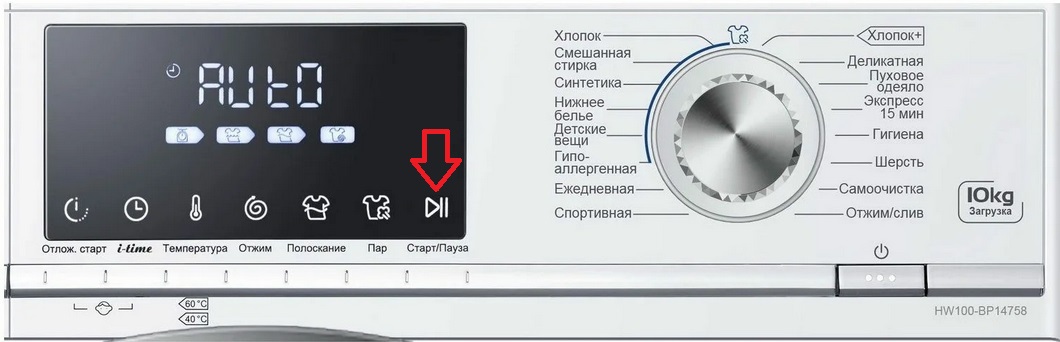
To perform a full reset of the system settings of your Haier washing machine, you must:
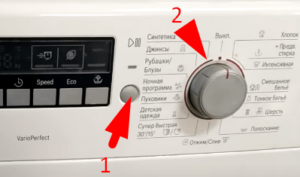
- turn the programmer to the starting position;
- press and hold the “Start/Pause” button for 5 seconds;
- unplug the machine's power cord from the socket;
- leave the washing machine turned off for 15-20 minutes.
If the washing machine does not respond to turning the selector and pressing buttons, you can immediately unplug the power cord from the socket.
After a fifteen-minute "rest," you can plug the machine back in and try washing. If the freeze occurs again, there's a problem. Modern Haier washing machines are equipped with a troubleshooting system, so they'll automatically indicate the problem. The user will only need to decipher the error code.
Errors displayed by Haier washing machines
If a full reboot does not help to revive the equipment, then something in the machine is brokenWashing machines Haier displays an error code on the display that corresponds to a specific malfunction. Devices without a display notify of a malfunction by flashing the indicator on the control panel.
The user's next task is to understand the malfunction indicated by the machine, diagnose the component, and troubleshoot the issue. Let's look at the error codes most commonly displayed on Haier washing machines.
- UNB. This code indicates an imbalance. This error most often appears when the laundry in the drum is unevenly distributed or when washing a single bulky item, such as a bedspread. In this situation, simply straighten the garment inside the machine.
- ERR1. In this case, the machine can't start washing because the door isn't closed properly. It's possible that you just need to press harder on the door to engage the lock. It's also possible that a foreign object, such as a sock, is stuck between the door and the body. Sometimes the problem is a faulty locking mechanism, and to fix the machine, you'll need to replace the locking mechanism.
- ERR2. This code indicates that the machine is unable to drain water within the allotted 4-5 minutes. This could be due to a variety of causes, including a clogged debris filter or pipes, a kinked drain hose, or a faulty pump. A diagnostic of the drainage system components will be required.
- ERR3. This error indicates that the heating element is unable to heat the water to the temperature set by the program. The code is also displayed on the display if the water does not heat at all. The most common cause of the problem is a burnt-out temperature sensor.
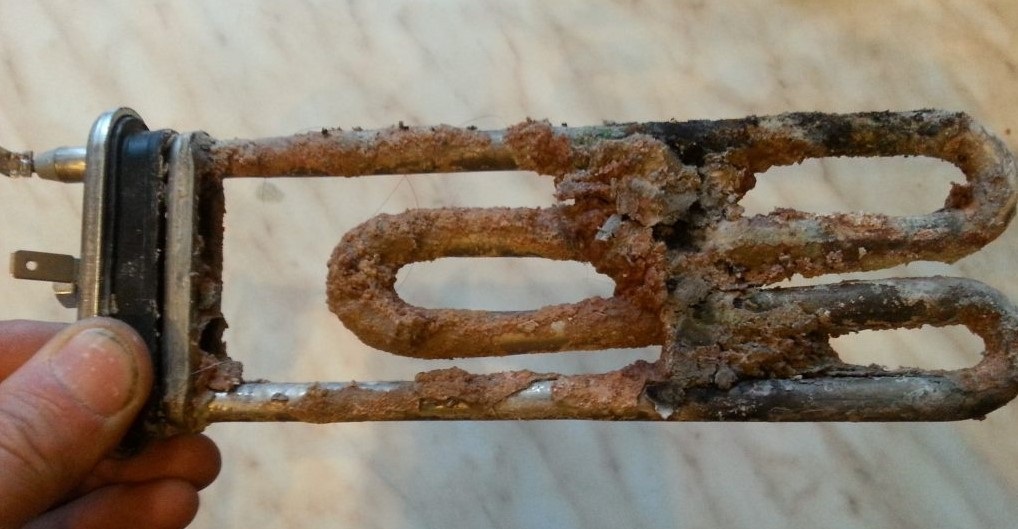
- ERR4. This code also indicates that the water cannot reach the required temperature. However, in this case, the problem is not with the temperature sensor, but with the heating element itself. You'll need to remove the tubular heater and check for breakdown. The resistance of the element should also be measured. The broken element must be replaced.
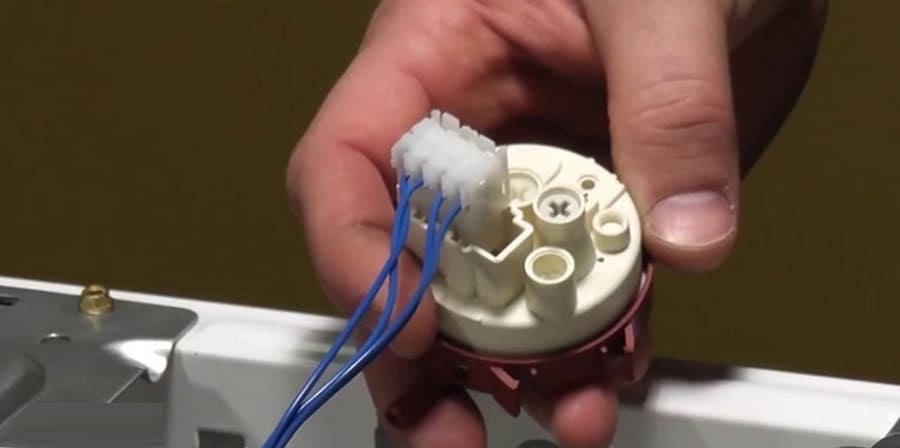
- ERR5. This error occurs when the Haier washer fails to draw the required amount of water within the allotted 8 minutes. Possible causes include low water pressure, a clogged inlet hose or mesh filter, a closed shut-off valve, or a faulty inlet valve. Sometimes the problem is a faulty pressure switch. Even with a full tank, the level sensor notifies the control module that there is insufficient water.
- ERR8. This error indicates there's too much water in the washing machine's drum. In 97% of cases, the cause is a faulty pressure switch. The level sensor is transmitting incorrect information to the module. In extremely rare cases, the problem is a burnt-out triac, which is located on the circuit board and controls the pressure switch.
- ERR9. This code also indicates an overfilled tank. However, the cause of the problem will be different. This error indicates a faulty inlet valve—it's the one that's unable to stop water from entering the system. A burnt-out triac, which controls the solenoid valve, could also be the cause.
- ERR10. Another code indicating a faulty pressure switch. If the display shows ERR10, there's a 99% chance the water level sensor is malfunctioning.
A description of all error codes is provided in the instructions for the Haier washing machine.
By decoding the error code displayed on the display, you can significantly narrow down the range of possible malfunctions. This simplifies washing machine diagnostics. The user will only need to inspect specific parts of the machine.
Interesting:
7 reader comments
Add a comment
Headings
Washing machine repair




For buyers




For users


Dishwasher




Hayer's car suffered an F4 error.
Hello, my washing machine isn't filling with enough water, so it's not lathering up. It feels like it's just washing with water. I have a Haier hw60-1010an. What could this be?
The word "Lost" is flashing on the Haier typewriter.
The shine on my Haier washing machine is catching fire.
What is a look?
Hello. Haier is displaying an FGG7 error. What does this mean?
Where is Haier's starting position?