
Resetting an LG washing machine
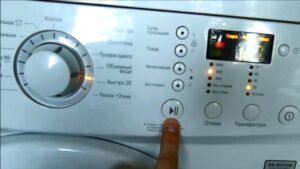 Sometimes users need to reset their LG washing machine. This is a standard procedure and shouldn't be a cause for concern. Resetting is not difficult, but we'll explain why it might be necessary and how to do it correctly.
When is a restart required?
Stopping the washing machine immediately by restarting it is only permitted in extreme cases. The manufacturer advises against stopping the cycle unless absolutely necessary. Restarting the machine is permitted when:
- the machine “froze” while executing a program and an error code was displayed on the display;
- while the machine was operating, the power supply was suddenly cut off;
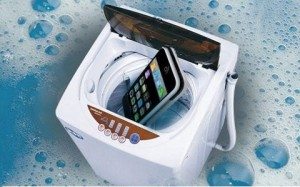
- the user needs to urgently interrupt the cycle (this need arises, for example, if a wallet, passport, smartphone, or small object that could damage the equipment gets into the washing machine drum from a clothing pocket);
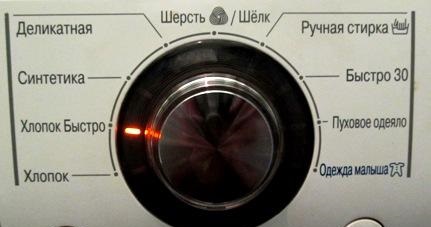
- The owner needs to urgently change the washing mode. For example, if a high-temperature program was selected for wool care.
In these situations, a reboot is warranted. Follow the instructions for the procedure. We'll explain how to reset an LG washing machine.
Restarting correctly
The vast majority of LG models don't have a dedicated reset button. Therefore, many users, when they decide to interrupt a cycle or notice their washing machine is frozen, simply unplug the power cord. Then, they wait a few minutes and restart the machine.
This shutdown method is the most dangerous. It's only permissible if the equipment stops responding to control panel buttons. A sudden power outage can cause the control module of the automatic washing machine to fail.
Now it's clear that rebooting the machine by unplugging it should only be done in extreme cases. There are also more gentle options. We'll explain how to properly reboot your "home assistant."
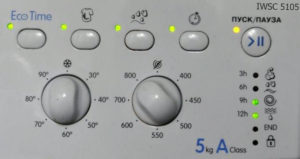
First, press the "Start/Pause" button. In most cases, it remains active. Then, use the program selector to select "Spin," adjust the speed to "No Spin," and restart the machine using the "Start" button. The machine will drain the water and complete the cycle smoothly. This will give you access to the drum so you can safely remove the laundry.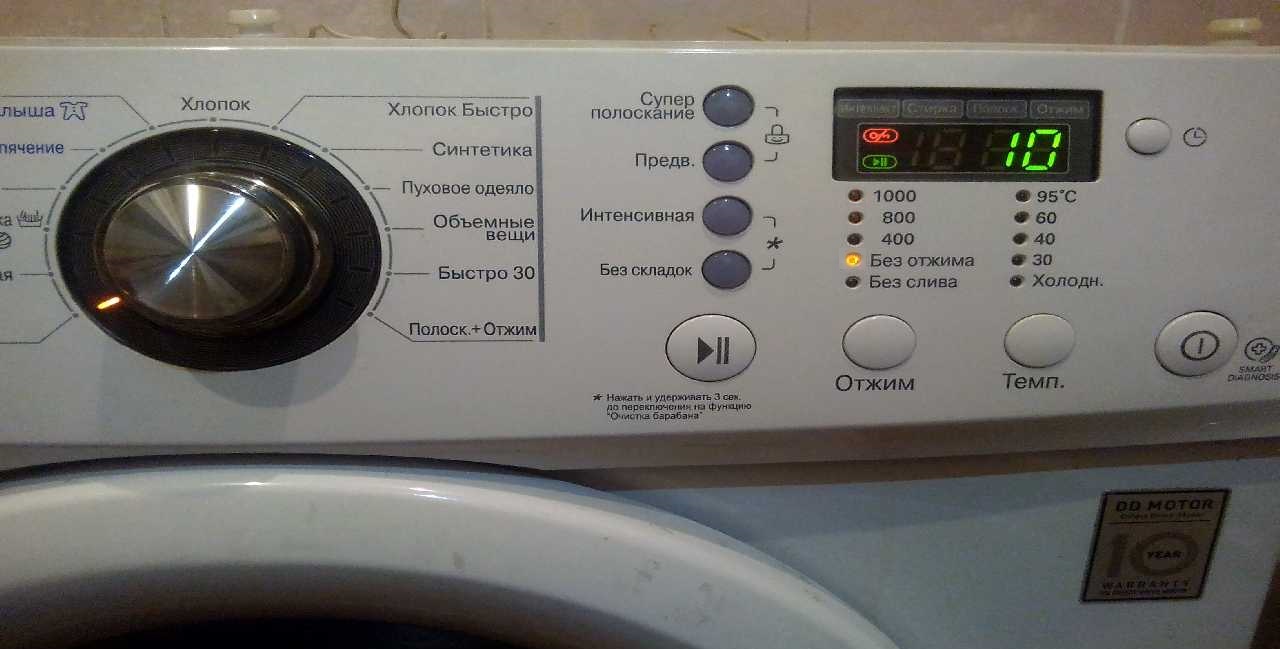
Sometimes your "home assistant" freezes and stops responding to the "Start/Pause" button. In this case, you'll need to reset your LG washing machine using the power button. Press and hold it for a few seconds. The machine should turn off.
After the washing machine turns off, wait 15-20 minutes and only then try to start the equipment.
There are two possible scenarios. The best-case scenario is if, after rebooting, the machine starts up, allows you to select a program, and washes items normally. But even if the error code doesn't reappear, it's best to run self-diagnostics and determine what kind of system error occurred.
The second scenario: the machine starts after rebooting, but won't let you select a wash program, and an error code appears on the display. In this case, you'll need to turn the machine off again and drain the water through the waste filter. The procedure is as follows:
- check that the washing machine is de-energized;
- turn off the valve that supplies water to the machine;
- cover the floor around the machine with dry rags;
- Place a basin under the front wall of the machine, in the area where the dust filter is located;
- unscrew the lid of the trash can half a turn and wait until the water drains into the basin;
- Remove the drain filter completely and collect the remaining water in a container.
LG washing machines have a special hose next to the waste filter used for emergency draining of the drum. So, without having to remove the filter element, you can simply remove the plug from the hose, and the liquid will drain into the basin.
After 3-5 minutes, the machine door should unlock automatically. You can safely remove items from the drum and begin troubleshooting the washer. You can decipher the error code indicating a breakdown using the equipment instructions.
The hatch didn't open.
Sometimes, an error message on the display indicates a faulty door locking mechanism. In this situation, even after draining the water from the system, the machine won't unlock automatically. You'll have to open the door manually. Avoid pulling the handle too hard, as it can easily be damaged. A thin rope or fishing line will help open the door.
Before attempting to open the machine door with your own hands, make sure the power is off and there is no water in the drum.
The algorithm of actions will be as follows: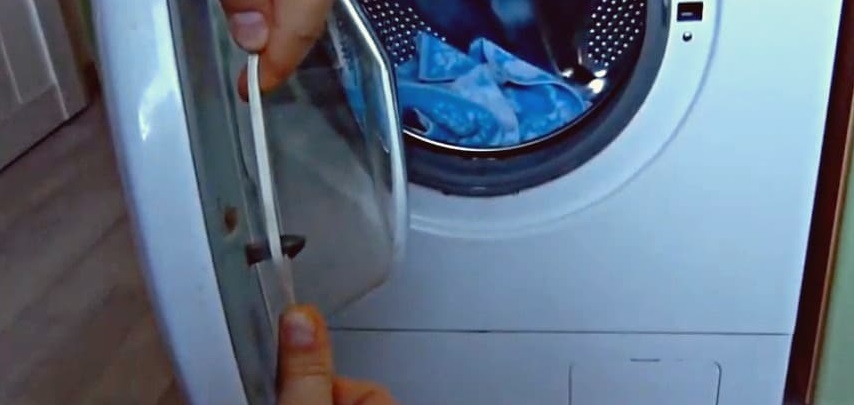
- take a thin rope, its length should be 25 cm longer than the circumference of the door;
- thread the cord through the gap between the hatch and the wall of the body;
- pull the rope perpendicular to the floor;
- Pull the ends of the lace firmly.
If you don't have a rope or fishing line handy, you can open the machine with a thin spatula. Insert the tool into the gap between the wall of the machine and the door, near the lock. Then, feel for the latch mechanism and press down on it. By moving the hook, you can swing the door open.
Afterward, you'll need to repair your "home assistant." If the problem lies with the hatch locking mechanism, the part will need to be replaced. Sometimes, the cause lies in faulty components of the locking mechanism, in which case the work will be different.
Interesting:


Readers' comments
Headings
Washing machine repair




For buyers




For users


Dishwasher




Add a comment