
Connecting a Bosch dishwasher to Wi-Fi
 Almost any modern appliance can be connected to your home Wi-Fi, but navigating the process isn't always easy. Connecting a Bosch dishwasher to Wi-Fi is definitely worth it, as it allows you to use the appliance in a new way by integrating it into your smart home system. Let's take a detailed look at the connection process, which will allow you to control your "home assistant" without even leaving the couch.
Installing Home Connect and Wi-Fi
The very first thing you need to do is download the Home Connect app from the App Store or Google Play. Without it, it is impossible to establish a connection, because integrating the dishwasher into the home network requires a password, which cannot be entered using the buttons on the dishwasher control panel. In addition, most of the functions are only available through the application, so let's move on to installation.
- Go to the selected app store.
- Search for "Home Connect" and add it to your downloads.
- Open the app and click the "Add Device" button first, then "New Device".
- Follow the simple registration process provided by the manufacturer, then go to your Home Connect profile.
The integration process is described in more detail in the Home Connect user manual that comes with your Bosch dishwasher.
- Prepare the Home Connect guide.
- Go to the "Add another device" menu.
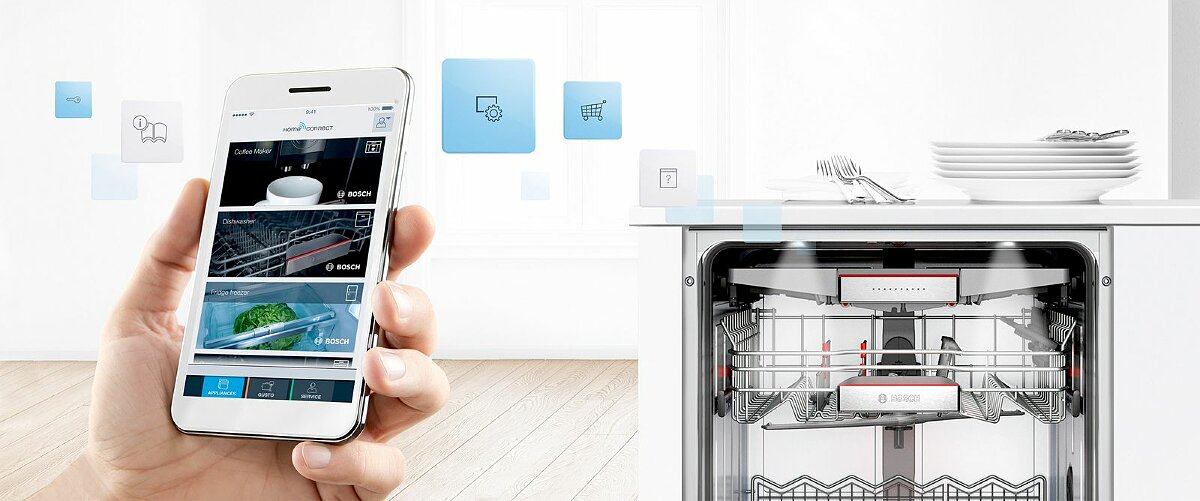
- Select "Quick Start Guide with QR Code".
- Scan the OR code from your printed manual.
- Follow the instructions that appear on the screen.
- Turn on the dishwasher and wait for about 10 seconds.
- Press and hold the “Setup” button located on the dishwasher panel for 3 seconds.
- On your smartphone or tablet, select the "Find devices" option.
After that, all that's left to do is select the Wi-Fi router, enter the password, and wait for the dishwasher to connect. This means the connection process will take less than five minutes, even for a novice user.
Reactivating Wi-Fi
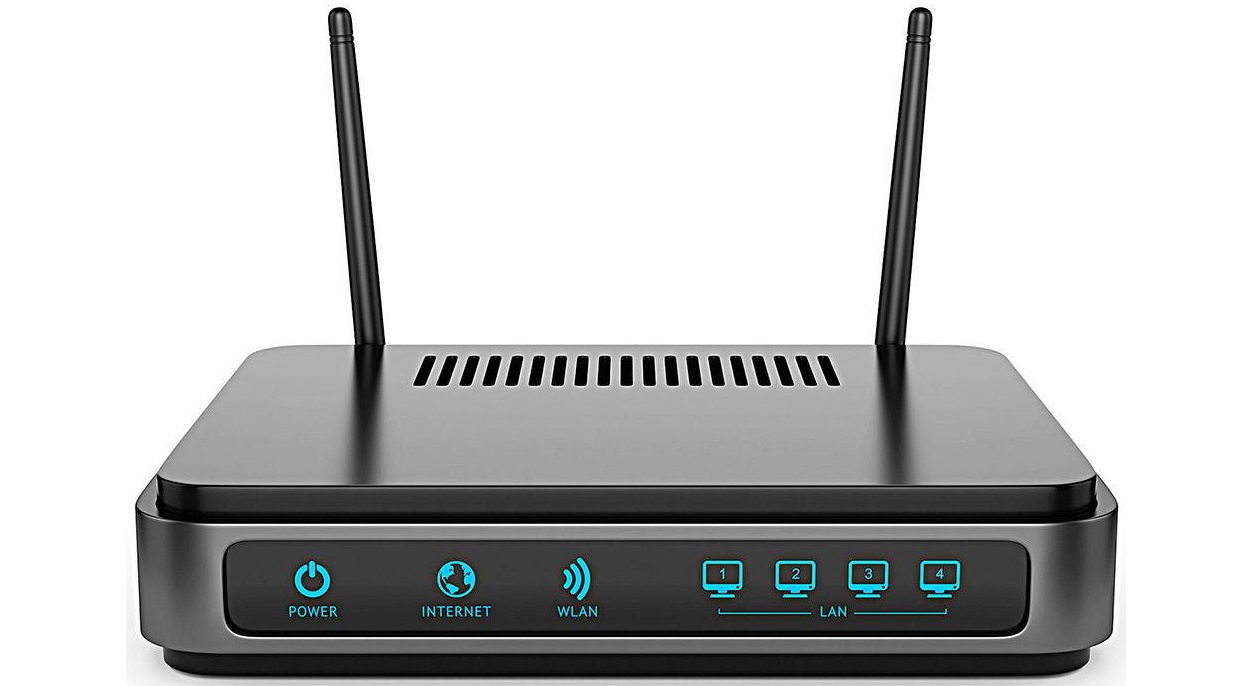
It's common for the connection to the router to be interrupted due to a network failure or errors in the Bosch dishwasher itself. To reactivate, you need to make sure that the router is working properly and is located near the dishwasher. If the machine is within the range of the device, then we proceed to the connection.
- Press the power button on your home assistant.
- Press and hold the “Setup” button again for 3 seconds until the sign with curved arrows flashes on the display.
- Press the Setup button again and hold it for 3 seconds until the faucet and sun icons start flashing.
- Now you need to hold down the “Start” button so that the WLAN LED to the right of the sun icon lights up.
Afterwards, all you have to do is save the settings to the device's memory, for which you again need to press and hold the "Setup" button for 3 seconds.
How can I make the dishwasher turn on remotely?
Remote activation of the washer is available to all users who have connected the device to Wi-Fi. To activate, follow the instructions.
- Press the dishwasher power button.
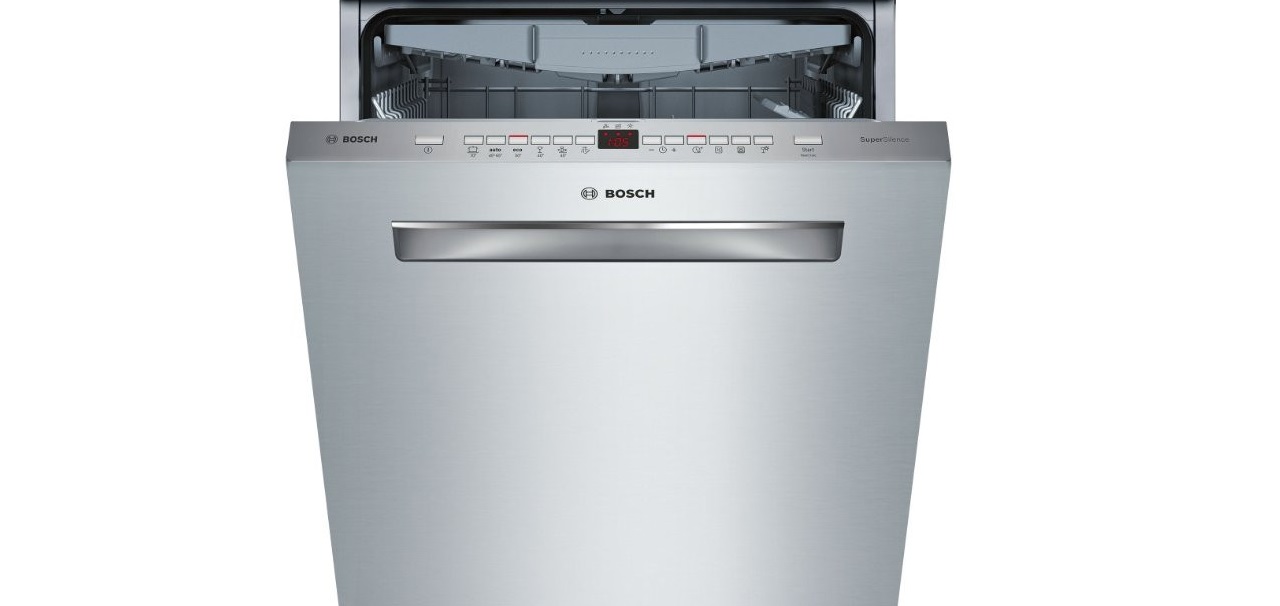
- To activate the machine's setup, press and hold the "Setup" button for 3 seconds. After the curved arrows start flashing, press and hold the "Setup" button again for 3 seconds to display the faucet icon.
- Press the "Start" button until the 3 LEDs in the bottom row light up.
The final step is to press the familiar "Setup" button, which you must hold for 3 seconds to save the settings to the dishwasher's memory. This concludes our guide to integrating your dishwasher into your Smart Home system – we wish you enjoy using your smart appliance!
Interesting:
Readers' comments
Headings
Washing machine repair




For buyers




For users


Dishwasher




Add a comment