
Using the Candy Smart Touch Washing Machine
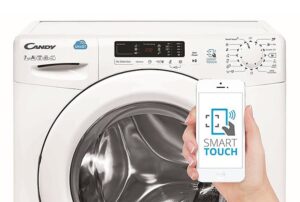 Candy uses Smart Touch technology in many washing machine models, even relatively inexpensive ones. To take full advantage of this feature, you'll need to read the equipment's operating instructions. We'll explain what this feature does and what benefits it offers.
About the Smart Touch function?
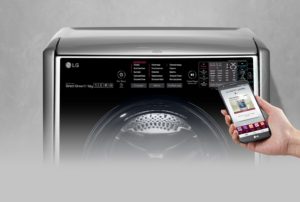
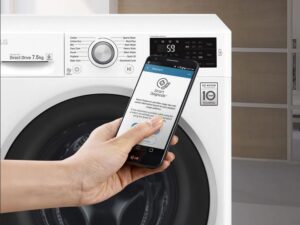
The Candy Smart Touch washing machine is very easy to use. Just read the instructions once to understand all the features of your new "home assistant." Technology Smart Touch allows the user to interact with the SMA through a special application on the phone.
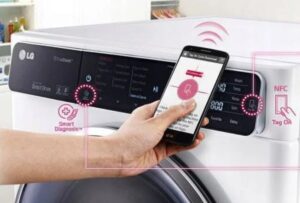
Candy washing machines with Smart Touch technology have a built-in NFC sensor. This allows pairing between the appliance and a mobile device. The phone must support near-field communication (NFC), otherwise, the washing machine's control capabilities will be limited.
To connect to the machine via the NFC interface, you need to download the special Candy simply-Fi app to your smartphone.
The Candy simply-Fi app is available for both Android and iOS devices. This includes smartphones and tablets. However, only owners of Android phones with NFC support will be able to interact with the washing machine and take full advantage of Smart Touch technology.
Using an NFC-enabled Android smartphone, you can interact with the washing machine and upload data to it. Otherwise (using a tablet, iPhone, or iPad), you can only upload data to the washing machine's smart device.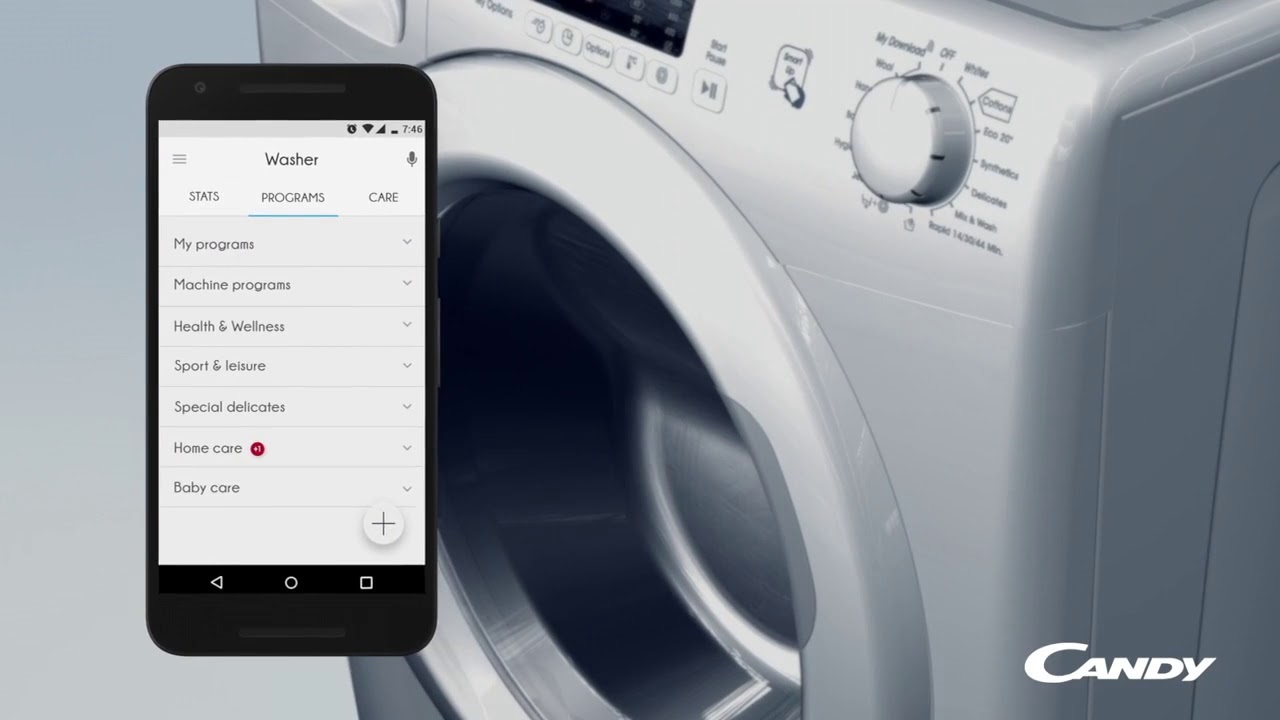
When using the Candy simply-Fi software application, users will have access to the following functions:
- Voice assistant. The machine will help you select the optimal cycle settings based on your voice input. You can specify the fabric type, color, and soil level of your items. The assistant will then suggest the appropriate wash cycle.
- Program selection. Using your smartphone, you can select the desired mode and start it. It will also be possible to download new washing algorithms to the intelligent system.
- My Statistics. You'll be able to view a summary report on your phone screen and receive tips on how to use your washing machine more efficiently.
- Smart care. You can launch the machine's check cycles and "Auto Clean" from your smartphone. A troubleshooting guide will also be available.
To connect the machine to the phone:
- Download the special Candy simply-Fi app on your smartphone;
- Go to the “Settings” menu on your phone and enable the NFC function;
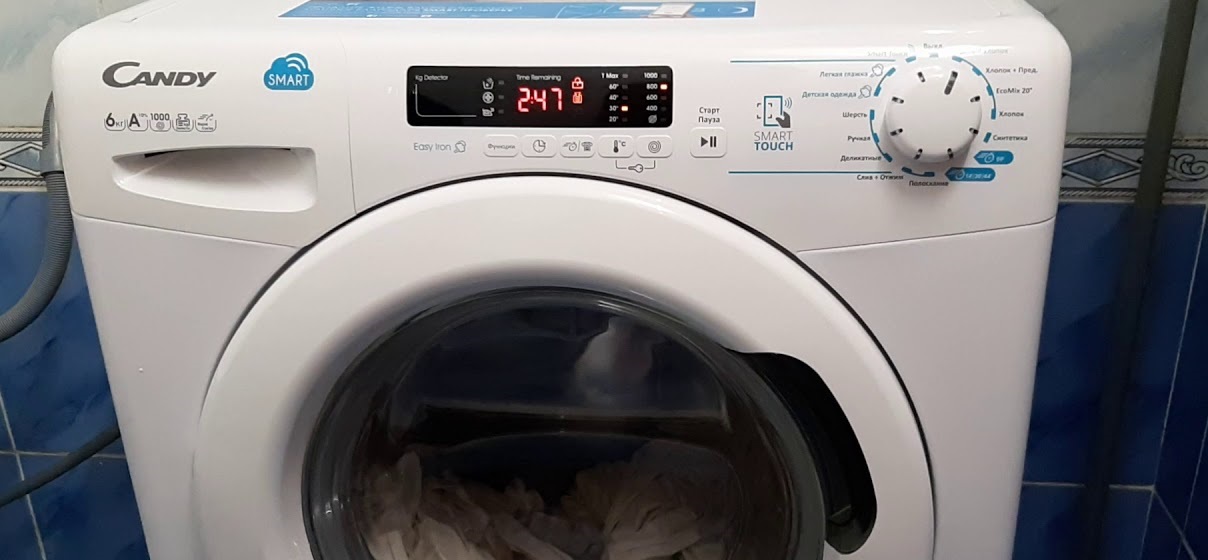
- To enable the sensor on the dashboard, set the programmer to the Smart Touch position;
- Log in to the app, create a user profile and provide all the requested information (device type, washing machine serial number, etc.).
After this, the washing machine will connect to your smartphone. The next time you need to control your washing machine via the app, all you need to do is: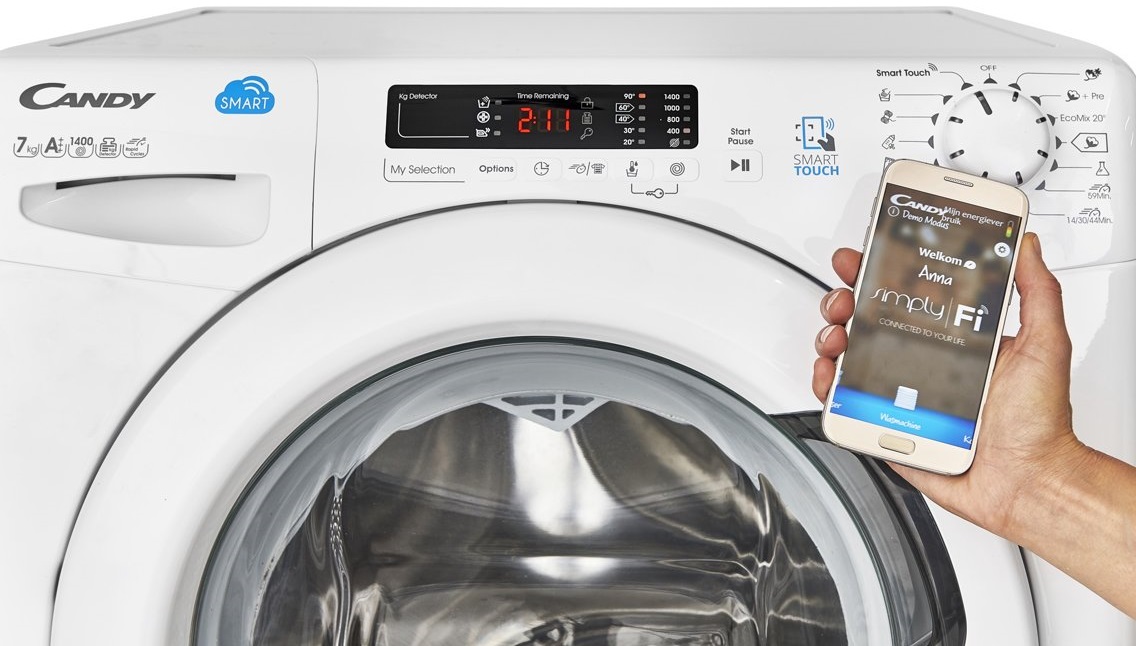
- enable Smart Touch mode on the washing machine control panel;
- Log in to the Candy simply-Fi app.
If you want to start washing, then:
- load items into the drum;
- add detergent to the tray;
- close the hatch door tightly;
- select the desired mode in the application;
- Follow the instructions on your phone's display by holding it down on the Smart Touch logo on the washing machine's dashboard.
The smartphone should be positioned so that the NFC antenna on its rear surface matches the position of the Smart Touch logo on the washing machine's dashboard.
To ensure successful data transfer, hold your smartphone near the logo for the required time to pair the devices. A message will appear on your phone's screen indicating successful pairing. You can then put your device away.
Interacting with the Candy Smart Touch washing machine via the app is only possible from a short distance. Remote control, even from another room, is not possible. The smartphone must be in close proximity to the washing machine's NFC sensor.
What are the advantages of Smart Touch?
Many users consider Smart Touch technology useless. They don't understand the point of starting a cycle through the app when they're right there with the machine and can set the wash parameters manually. In fact, this feature has many advantages.
- The Smart Touch app is your smart assistant. If you're unsure which program to choose, simply enter the fabric and type of items loaded into the drum, their color, and how dirty they are. The app will recommend the most appropriate washing program.
- The app can extend the life of your washing machine. It can also check the appliance's technical condition. If a malfunction occurs, the smart guide will point out the error and provide troubleshooting recommendations.
- Your washing machine will become more energy-efficient. The app will let you see which algorithms are used most frequently. The smart program will suggest ways to optimize your washing habits and maximize energy efficiency.
- The app helps you add additional features to the main cycle. Some fabrics require special care—Smart Touch will notify you of this. The app will then offer you to select additional options from a list of over twenty.
- Smart Touch will remind you to start a wash cycle. The frequency of notifications can be manually configured in the app.
As you can see, Smart Touch technology has many advantages. Using the app, you can select the most suitable washing option and connect additional functions to the main cycle.The self-diagnosis feature is also very convenient. The program will identify all problems and suggest which washing machine components require attention.
Candy Smart Touch SM programs
The software in Candy washing machines varies depending on the model. A description of all the washing modes stored in the smart device is provided in the operating instructions. Before using the machine for the first time, it's important to carefully read the user manual. Let's explore the algorithms found in Candy Smart Touch washing machines.
- Perfect 20°. This innovative algorithm allows you to wash cotton, blended, and synthetic fabrics at 20°C with the same efficiency as at 40°C. This program consumes half as much energy as a standard wash. When starting this program, it is recommended to load the machine to no more than 2/3 of its maximum capacity.
- Intensive 40°. This program is designed for cotton fabrics. It washes at 40°C. Suitable for both whites and colored items.
- Hygiene 60°. This setting is designed to remove stubborn stains from cotton fabrics. Water is heated to 60°C.
- Perfect Rapid 59 min. A special algorithm that ensures high washing efficiency while significantly reducing cycle time.
- Quick. The cycle duration can be set to 14, 30, or 44 minutes (selected using a button). This algorithm is designed for small loads and lightly soiled items. It is recommended to reduce the amount of detergent used to allow it to rinse out of the fabric fibers. The water temperature is set to a maximum of 40°C.
- Hand/Silk. This program is for washing delicate fabrics. The cycle is performed in cool water, at a temperature of 30°C, with a minimum spin speed.
- Wool. Care instructions for wool fabrics. This program runs without spinning, at a wash temperature of 30°C.
- Children's clothing. This program allows you to wash items with superior quality and disinfectant at temperatures from 60 to 90°C.
- Synthetics. This cycle is designed for washing synthetic and blended fabrics. The gentle drum rotation prevents wrinkles. Water is heated to 60°C.
- Cotton. This standard cycle is designed for washing natural cotton fabrics. By default, the water temperature is set to 60°C, and the spin cycle is set to maximum.
- Cotton + Prewash. This cycle is designed for heavily soiled laundry. It helps remove stubborn stains from cotton fabrics. The cycle runs at 75°C.
If necessary, the cycle settings can be adjusted (change the washing temperature, spin speed).
Most Candy Smart Touch washing machines feature innovative pre-mix technology that sprays active ingredients directly onto clothes using a high-pressure jet. Due to the function Mix Power System+ ensures rapid penetration of cleaning components into fabric fibers and stain removal.
Mix Power System+ technology also works during the rinse phase, ensuring the complete removal of detergent granules or gel residue from fabric fibers. This feature is especially useful for washing baby clothes and items for people prone to allergies.
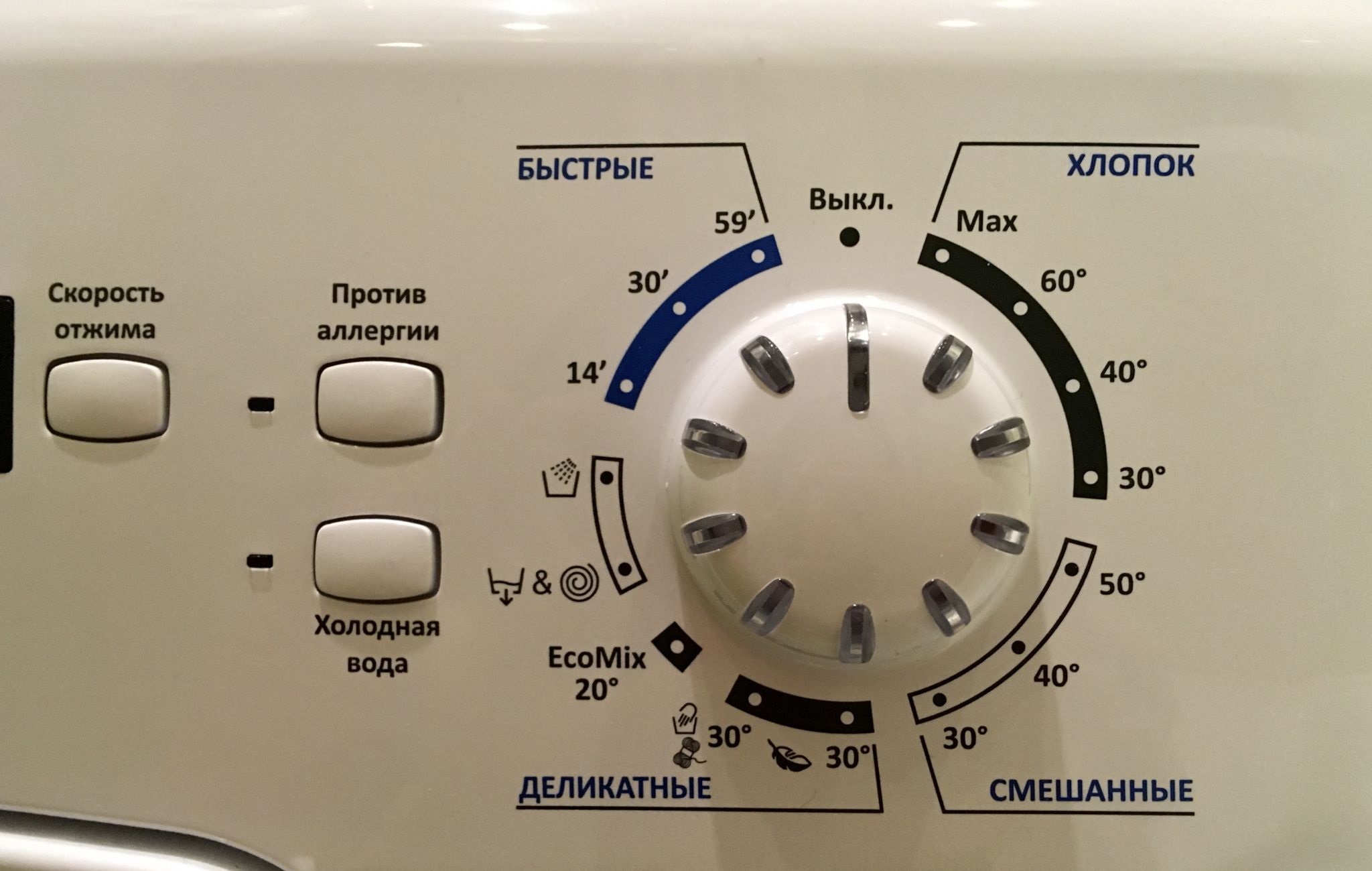
The washing program is selected using the rotary selector. The selector is turned to the position corresponding to the desired algorithm. The washing machine's display then shows the default cycle temperature (it can be adjusted using the corresponding button). Exceeding the maximum temperature allowed by the intelligent system (for example, 30°C on the "Wool" cycle) is prohibited.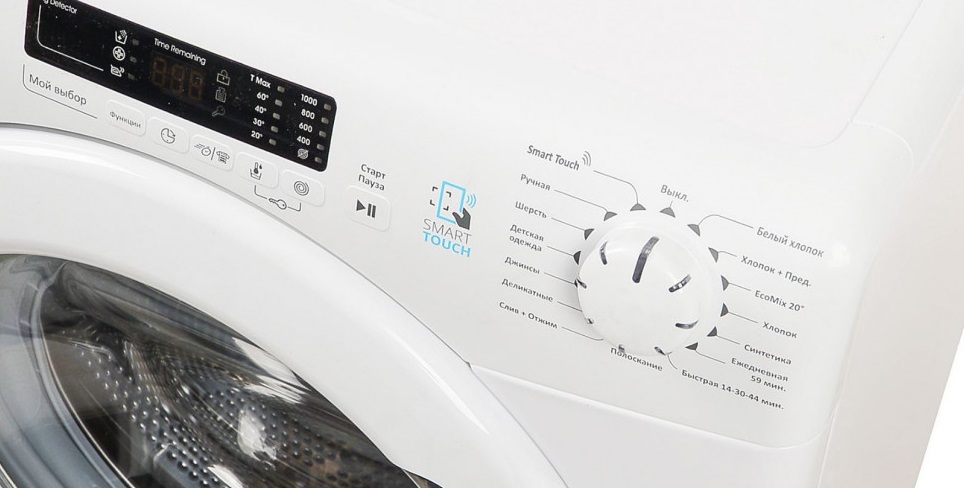
For some programs, you can adjust the wash duration and intensity using the "Soil Level" button. This will ensure maximum results and maximum resource savings.
If you want to control your washing machine via your smartphone, set the programmer to the Smart Touch setting. By default, this option is set to the "Auto Clean" cycle, which sanitizes the washing machine's drum. This mode will clean the inside of the machine and remove unpleasant odors. If you want to select a different cycle, please specify it in the app.
When choosing a washing cycle, consider the fabric composition and the severity of the stain. Wool should not be washed in hot water, and the "Delicates" cycle won't remove stains from a white cotton T-shirt. Therefore, be sure to sort your laundry before loading it into the drum and select the appropriate cycle for the specific item.
Interesting:

Readers' comments
Headings
Washing machine repair




For buyers




For users


Dishwasher




Add a comment