
How to use a Samsung washing machine
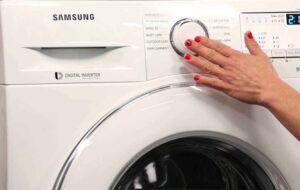 Buying a new washing machine is not only a great joy for any housewife, but also a major responsibility. This is because improper use of a Samsung washing machine can damage the appliance itself, your clothes, and even the room where it's located. Let's take a detailed look at how to properly operate your machine to ensure 100% pleasing washing results.
Rinsing internal parts before washing
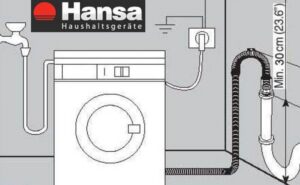
First of all, you need to think about the place where the automatic washing machine will be placed. It must be installed on a flat surface and leveled using a spirit level to reduce the risk of increased vibration during intensive spin cycles. After installation, the device should be connected to the power supply, water supply and sewerage system.
Never connect the washing machine using an adapter or extension cord, as this will create an increased risk of fire. Therefore, the connection must be made directly.
Don't rush to use the machine for its intended purpose; first, run a test cycle without clothes. This will allow you to clean the tank and internal components of dust, oil, and other contaminants that may have accumulated during factory assembly and storage.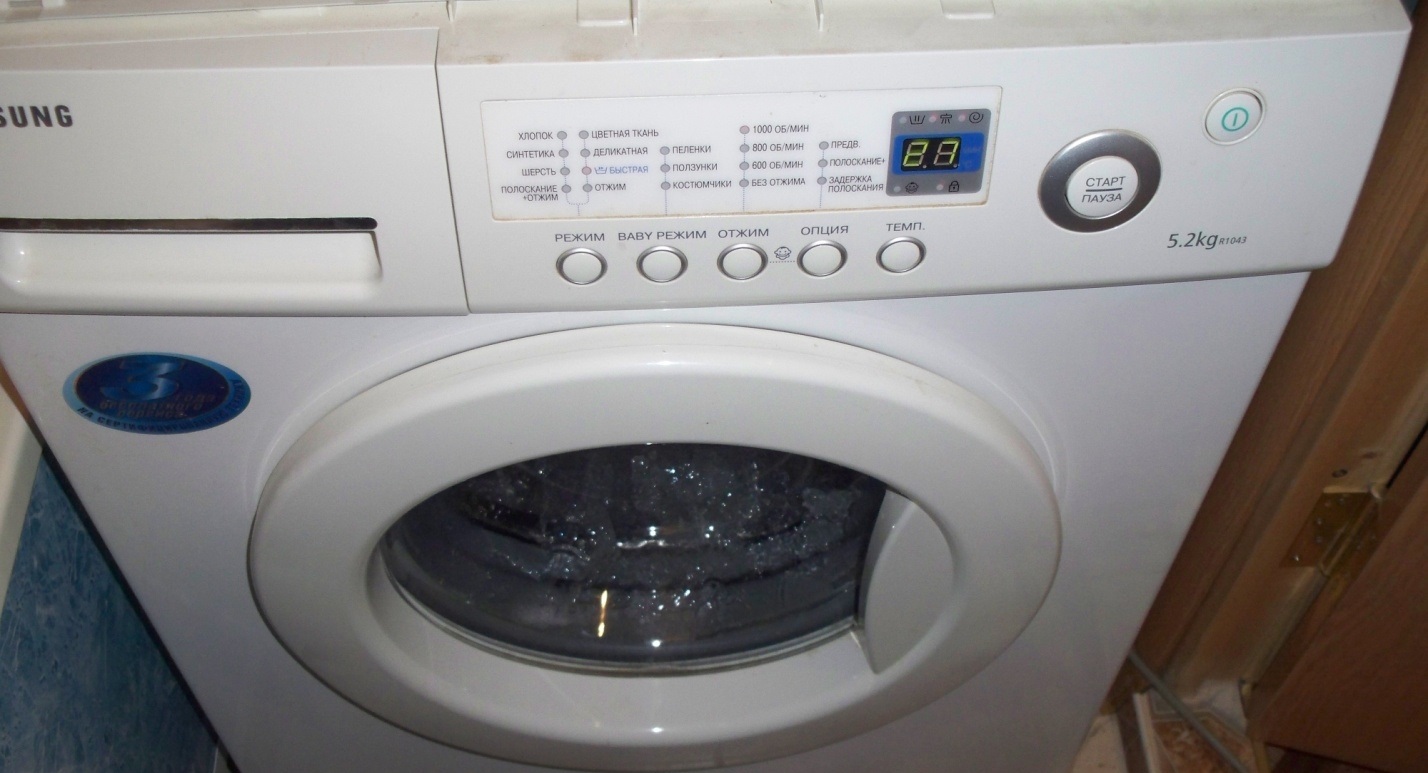
Be sure to add laundry detergent or a special household cleaning product for automatic washing machines to the detergent dispenser. For this cycle, select the longest cycle with the highest water temperature.
Getting ready for the first full wash
Now let's move on to the section where we'll explain how to properly use Samsung equipment. Since an empty cycle isn't considered a full wash, you can say you're only just beginning to use your "home assistant" now. What's the proper procedure?
- First, it's worth sorting your laundry, not only by color, putting black, white, and colored items in separate piles, but also by fabric type, plus by the degree of soiling, which also needs to be taken into account.
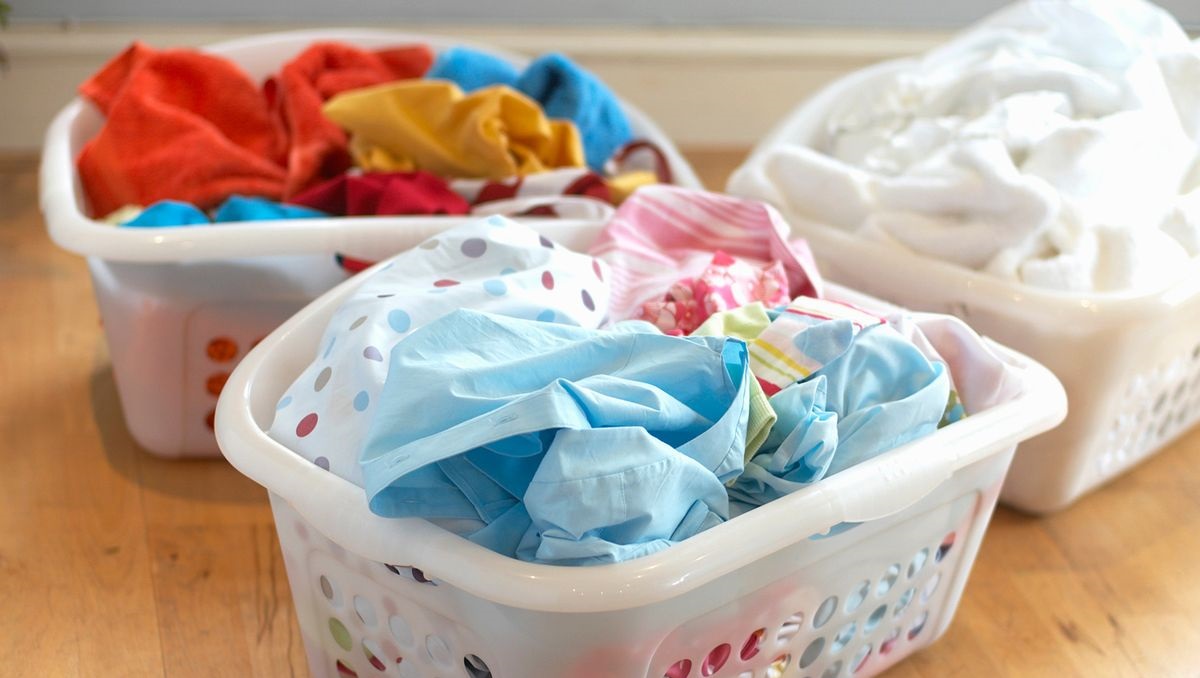
- Next, you need to make sure that the clothes you choose are actually machine washable, which can be determined from the information on the labels of the items.
- Next, you should zip up all zippers with buttons, remove any foreign objects from pockets, and turn your clothes inside out if necessary.
- Next, check the items for stains. If there are stubborn stains, pre-treat the affected areas with a stain remover. In this case, wait the time specified in the instructions for the household cleaner.
- If items have a special cut, for example, you need to wash tights, a bra or an item with decorative elements, then it is better to place such clothes in a special laundry bag.
Finally, ensure that the laundry selected for the cycle does not exceed the washing machine's maximum drum load. Otherwise, such a wash may cause imbalance and damage the appliance.
Learn all about washing programs
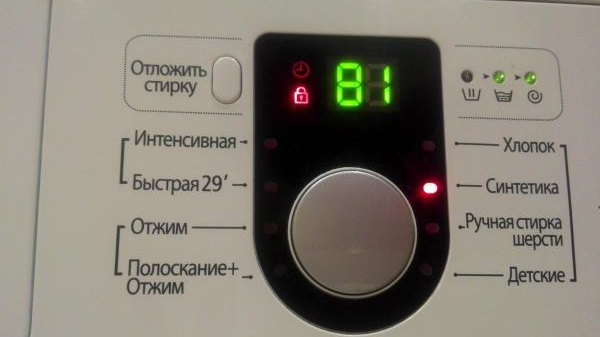
The next important stage of washing is choosing a program. In the case of products from a South Korean company Samsung will be easy to understand, because all modes are displayed on the programmer in the form of clear verbal designations. As an example, we will give the most common and popular work cycles.
- Cotton. One of the most basic washing modes, it cleans shirts, t-shirts, bedding, underwear, towels, and much more that isn't heavily soiled. Typical cycle times are up to 180 minutes.
- Synthetics. Another basic cycle designed for washing blouses, dresses made of synthetic materials, and more. The cycle typically lasts no longer than 120 minutes.
- Manual wool treatment. A special program for gentle cleaning of wool items that cannot be machine washed. A maximum of 2 kilograms of items can be washed at a time, with a wash time of just 50 minutes.
- Children's clothing. A separate cycle for professional cleaning of baby items at high temperatures and with multiple rinses to completely remove household chemicals from the fabric. The cycle lasts approximately 150 minutes.
People with allergies are recommended to choose this particular program.
- Intensive. An effective cycle for heavily soiled items such as tablecloths, bed linens, towels, and so on. It features a high water temperature and a fairly long wash time of 150 minutes.
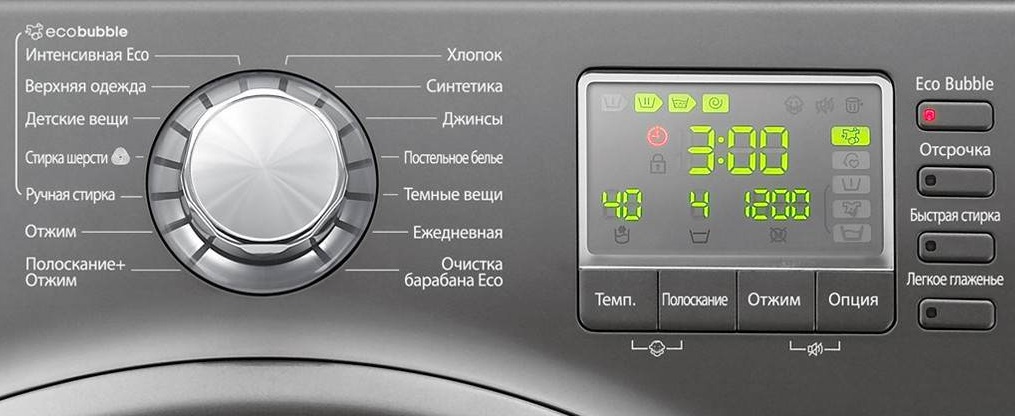
- Quick 29. This is the opposite of the previous mode, as in this case the cycle is designed for rapid cleaning and refreshing of lightly soiled items in just 29 minutes.
- Eco. An economical program that allows for significant water and energy savings through gentle heating of the liquid.
- Pre-wash. This cycle will treat your items twice, requiring you to add detergent to both the main wash and pre-wash compartments.
- Jeans. Another special setting, this time for cleaning denim items, which will be reliably protected from fading.
- Outerwear. This cycle is designed for items made from stretch fabrics or filled with padding. It can also be used for cleaning sportswear.
- Spin. A separate option for activating the spin cycle. This can be useful if you accidentally selected a program without spinning, or if you need to spin your clothes again to significantly speed up the drying process. Spin cycle lasts approximately 5 minutes.
- Rinse + Spin. The same process, but before spinning, there's an additional rinse step, which allows you to better remove household chemicals or, conversely, leave your clothes feeling fresh and soft with fabric softener. The program takes about 20 minutes.
The operating time indicated is approximate, as it varies in different Samsung washing machine models.
Washing modes are easy to navigate, especially if you have the user manual handy. If you don't have one for some reason, you can simply print or save our cheat sheet.
We adjust the program, “charge” the product and launch it
After sorting your clothes and selecting a cycle, you can adjust the wash settings. This is especially useful when a suitable program isn't listed, so you need to manually adjust the water temperature and spin speed. In the case of modern SM models, this can be done using a special mobile application. Samsung, which you first need to download in Google Play, App Store and other app stores.
Next, add your washing powder or gel detergent to the compartment marked with the Roman numeral "II" or the letter "B." If your selected program includes a pre-treatment step, you should also add it to the compartment marked with the number "I" or the letter "A." Fabric softener is always stored in the compartment marked with a star symbol. Finally, when washing with capsules or tablets, they should be added directly to the drum before starting the machine.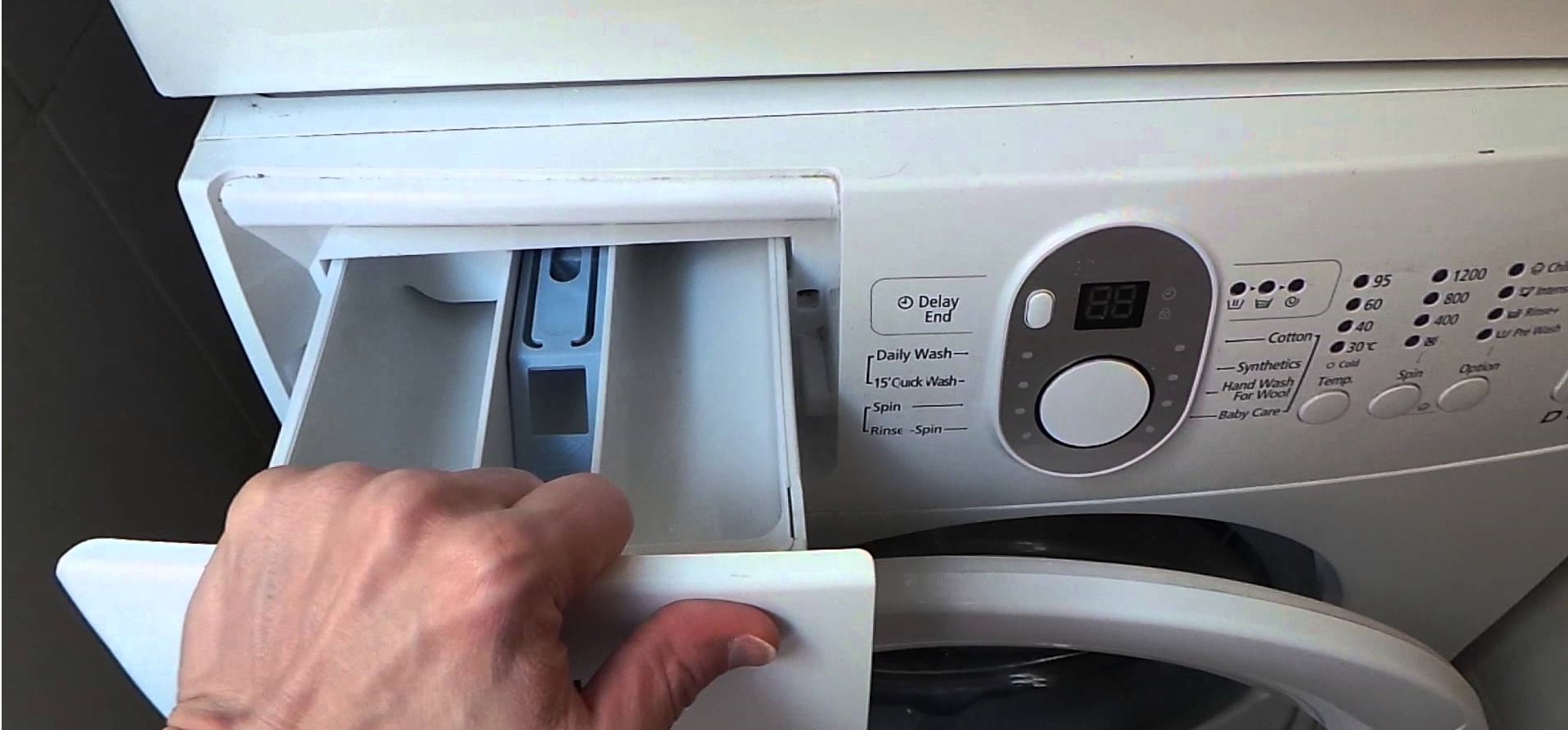
As for the dosage of detergent, it depends on the amount of laundry and its degree of soiling. You can always check the dosage information on the detergent packaging. This way, starting your "home assistant" always follows a clear procedure.
- Turn on the washing machine.
- Select the program, temperature and spin.
- Add household chemicals to the powder compartment or drum.
- Load the dirty laundry.
- Close the hatch door.
- Press the Start key.
Afterward, all you have to do is wait for the cycle to complete, which the machine will signal with a loud beep. However, the door won't open immediately after the beep, so you'll have to wait a few minutes for the door locking mechanism to unlock the door. Be sure to remove and hang the laundry immediately after washing to prevent it from becoming saturated inside the drum.
After washing
It's important to use your Samsung washing machine correctly at all stages, as its safety and performance depend on it. Once the cycle is complete and the clothes are removed, you should thoroughly wipe the drum and the inside of the door. Additionally, wipe the rubber seal with a cloth or sponge to remove any remaining moisture.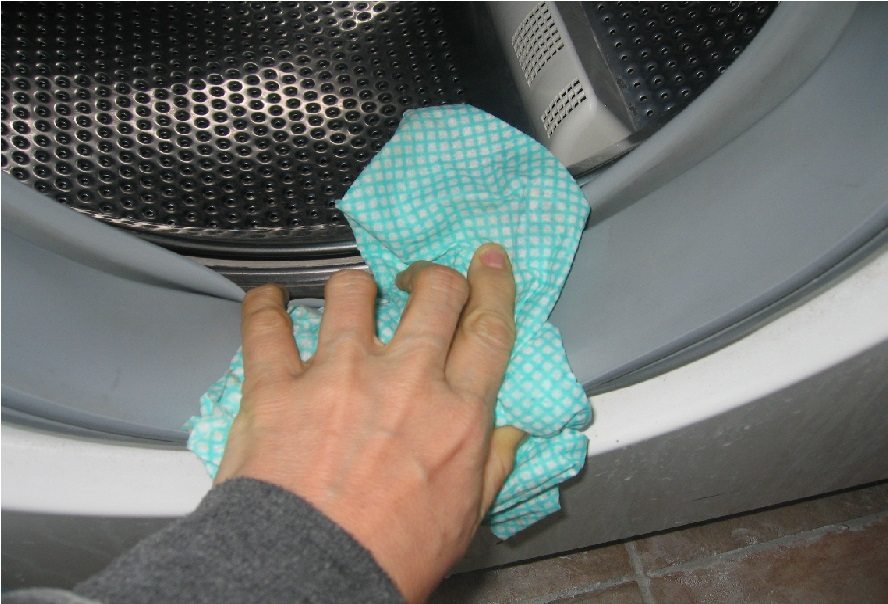
Finally, you need to open the door, pull out the powder compartment and leave it in this position for several hours - this is done to prevent an unpleasant moldy smell from appearing in the machine.
If you don't have a voltage stabilizer, unplug the washing machine after each cycle to protect it from sudden power surges.
It's also worth performing a thorough cleaning at least once every few months, during which you should thoroughly rinse the detergent drawer. You should also descale the water heater with an empty wash cycle using household descaler. Experts also recommend periodically running an empty cycle with special anti-mold detergents. Finally, after about every tenth cycle, you should remove any debris from the waste filter, which often catches foreign objects.
What to do to make your washing machine last longer
Last but not least, here is a list of general recommendations for using your “home assistant”. All of them are very simple, but they effectively help extend the life of the equipment, as well as always get crystal clear laundry. To do this, you need to remember simple recommendations.
- Never allow underloading or overloading of things, because both have a negative impact on the SM.
- If you don't need high temperatures to clean stubborn stains, it's best to set the temperature to no more than 30 degrees Celsius to save on utility bills.
- Because heating water to 80 and 90 degrees can damage the water heater and control board, it is best not to use this temperature regime too often.
- Do not use the spin cycle at 800 rpm or more too often, otherwise the bearings and seal in the machine will quickly wear out.
- When choosing washing and cleaning products for your machine, choose a reliable product over a cheap one.
- Never use washing powder for hand cleaning of items during machine washing.
- It is better not to stop the washing machine's working cycle in the middle, unless absolutely necessary.
- If the power goes out in your home, the machine will automatically resume the cycle from the point where it was interrupted once the power returns, so no additional action is required from the user.
Any Samsung washing machine is very easy to use, especially if you follow the official instructions carefully. Don't skip the preparation steps, sort your clothes carefully, choose the right programs, set up additional features, clean the machine after use, and perform regular maintenance.
In this case, everything will be fine with your appliance. And if a problem does arise, the appliance will notify you with a corresponding code on the display, which will help you restore functionality yourself or with the help of a service center specialist.
Interesting:

Readers' comments
Headings
Washing machine repair




For buyers




For users


Dishwasher




Add a comment