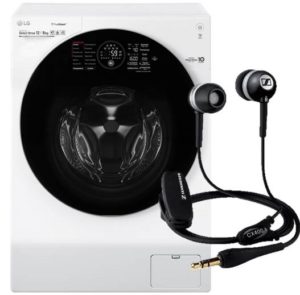
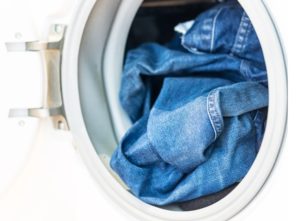
Of course, it's very unpleasant to find headphones forgotten in your pocket in the washing machine drum after washing. In this situation, don't despair and immediately throw the accessory away. You can try to revive the headset. Let's look at what steps to take.
Urgent action?
The less time the headset is in water, the more likely it is to be salvaged. When hand-washing a sweater or jeans, it's easy to find speakers left in a pocket. If the owner washed the headphones in the washing machine, there's also a better chance of recovery. What should you do with a wet accessory?
Remove the gadget from the wet pocket as quickly as possible.
Disassemble the headphones, disconnect all removable parts.
Wipe the internal elements of the headset with a dry cloth.
Use a hair dryer to dry the device. It's important to use warm air, not hot, to avoid warping the components. Drying time shouldn't exceed two minutes, otherwise you risk damaging the speaker membranes.
Cover the heating radiator with a clean napkin or towel and place the disassembled fittings on it.
Wait a couple of days until the device is completely dry.
Do not use the headphones until they are dry to avoid short circuits.
Once the headset is dry, inspect its components in good lighting. If the membrane shows water or laundry detergent stains, wipe it with an alcohol wipe. Wet cotton wool with alcohol and rubbing it on the part is not recommended, as it may leave lint on the surface. Non-separable headphones will need to be dried for 6-7 days. There is no need to try to pick them out with a needle, otherwise you can completely ruin the gadget.
How are we going to dry it?
What should you do if your headphones get wet during warm weather when the heating is off? In this case, the radiator won't be suitable for drying, so you'll have to take a different approach. There are several options:
Dry the speakers in a dry and warm room with good ventilation, that is, in natural conditions;
place the disassembled headset under direct sunlight;
Use a hairdryer. It's important not to overdo it and damage the headphones. Blow from a distance, and don't hold the device too close to any of the accessories.
Hang the speakers on the fan's protective mesh. The headset will dry quickly under the influence of air currents. Allow the device to air for at least three hours.
Avoid using improvised absorbents, such as burying the accessory in rice or silicone cat litter. It's also not recommended to treat the headset with WD-40.
The sound quality of your headphones will depend on how quickly they dry.
The longer water droplets remain inside the gadget, the higher the risk of winding rot. If the device doesn't turn on after drying, or the left or right speaker doesn't work, it's possible the wires were damaged during washing.
Sometimes, after drying, a headset begins to distort the sound, crackle, or operate too quietly. In this case, the cause is usually powder remaining on the membrane. There's a rather unusual way to fix this problem:
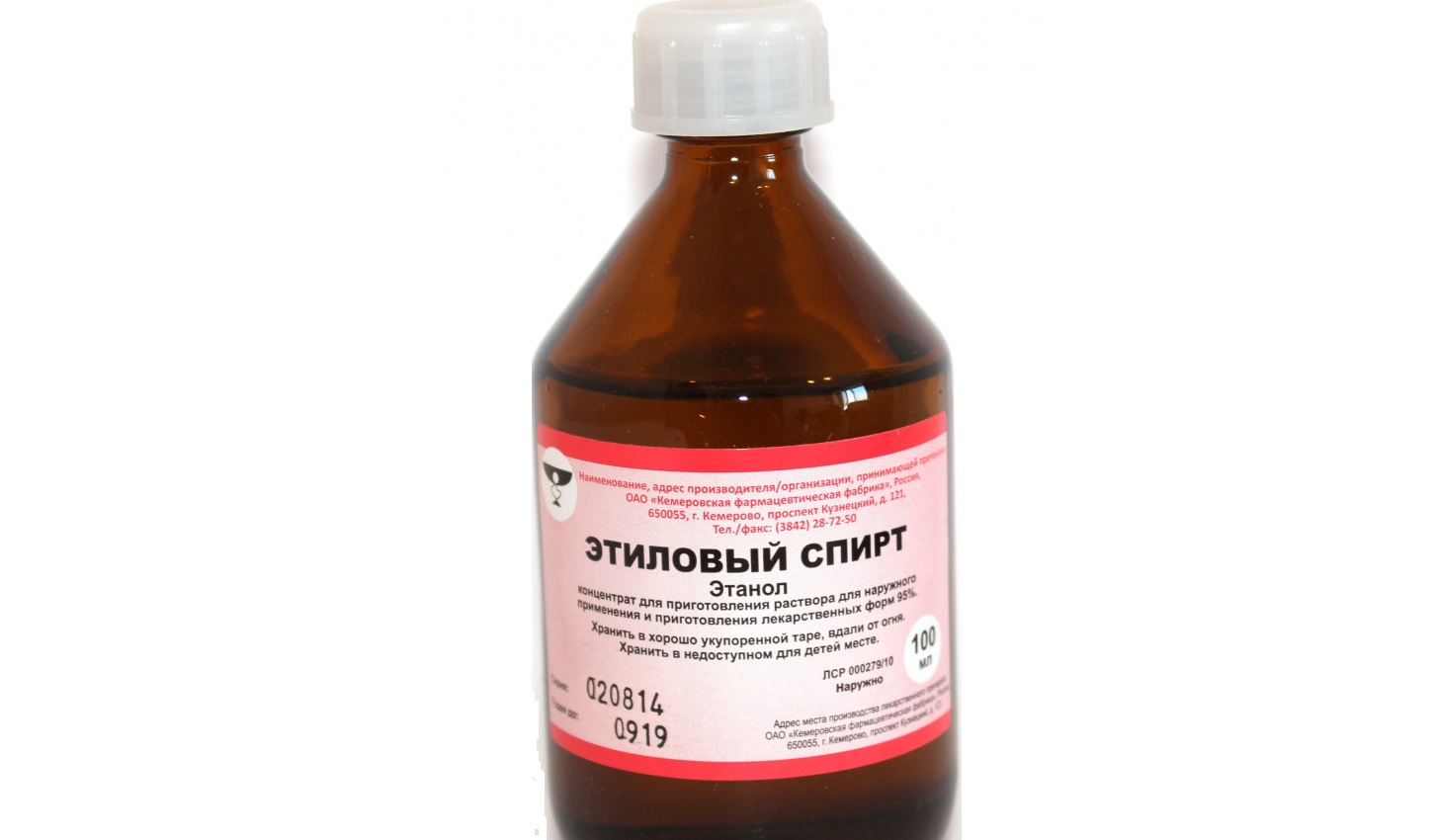
pour medical alcohol, 95%, into a mug;
immerse the headphones in the container;
turn on music through the headset;
After 10 minutes, remove the gadget.
This method is worth trying when you have nothing left to lose and are considering purchasing new speakers. It usually helps improve the sound—the alcohol dissolves the cleaning solution, thereby restoring the headset's functionality. Test the device only after it's completely dry.
Reviving wireless headphones
Regardless of whether you've machine-washed your headphones, wireless or wired, you should first disassemble the device. All removable parts should be air-dried separately.
An accident with a wireless headset can damage not only the speakers but also the sensor that transmits and receives Wi-Fi or Bluetooth signals. Water spills on this sensor should be removed with particular care.
At the same time, modern wireless headphones are usually equipped with a waterproof membrane. However, this measure will only protect the headset from brief contact with water. A two-hour rinse in a washing machine won't protect it.
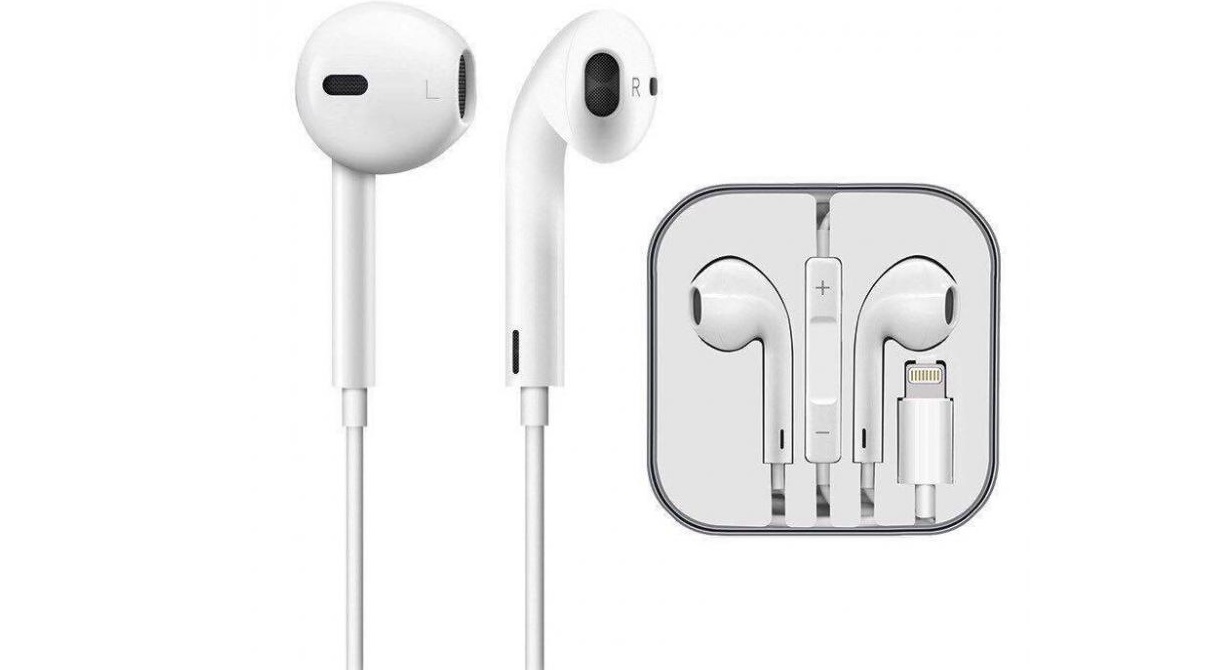
Branded iPhone headset
In my experience, iPhone earbuds are much more water-resistant than any other brand's headphones. However, this doesn't mean they're safe to come into contact with water—you should handle your device with extreme care, avoiding washing it.
Sometimes, an iPhone headset will continue to function properly after getting wet. Don't immediately connect the headphones to the device. It's important to let the device dry completely before using it again.
The manufacturer does not provide any specific recommendations for restoring iPhone speakers. Washed Air Pods should be wiped with a hydrophilic cloth, dried with a hairdryer and placed on a table until the moisture has completely evaporated.
Does it make sense to send it for repair?
If thoroughly drying the headset doesn't help and the sound is still distorted, you can try taking the device to a repair shop. Taking inexpensive headphones (costing $2–$5) to a repair shop is pointless. The technician will charge a higher fee for the work, so in this case, it's easier to buy a new device.
Headset diagnostics alone can cost $5–$6, so before going to a service center, consider the feasibility of this undertaking.
If you have an expensive headset, costing over twenty dollars, it makes sense to have it repaired. Be sure to tell the technician that the device has been washed and exposed to water for a long time. Before signing the service contract, check with the technician to see if the device can be repaired and ask for an approximate cost estimate.
Arrange with the technician that after opening the headset and identifying the problem, they will call you back and give you a precise repair price. Then you can decide whether it's worth paying for speaker repair or simply buying new headphones.
The cost of repairs will vary depending on the repair service. On average, you'll have to pay for:
speaker replacement – $10–$12;
wire repair – $5;
restoration or replacement of Bluetooth module – $15;
Air Pods repair – from $25.
Sometimes both speaker replacement and cable repair are required. The price may also vary depending on the city where the service is provided and the urgency of the work. If you don't have time to visit the service center for a consultation, simply call the technician, explain what happened, and inquire about the price for the work.

 Of course, it's very unpleasant to find headphones forgotten in your pocket in the washing machine drum after washing. In this situation, don't despair and immediately throw the accessory away. You can try to revive the headset. Let's look at what steps to take.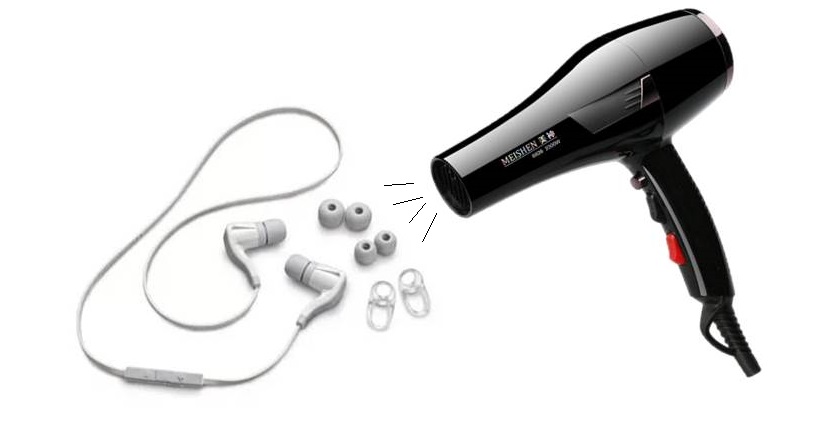














A good layout