
How do I disable the lock on a Siemens washing machine?
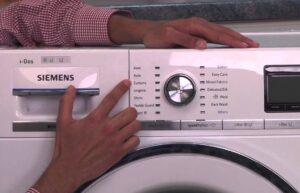 Operating Siemens appliances can sometimes be complicated by certain issues. For example, washing machines have two locks: the first protects against children, and the second is activated after a fault code is generated. Therefore, after a breakdown or accidental shutdown, people often struggle to figure out how to unlock their Siemens washing machine. They try to twist the programmer, press the power button, and perform dozens of other futile attempts, but nothing works. In this article, we'll take a detailed look at how to remove the lock on Siemens washing machines.
Standard child lock
The child lock is a very useful feature. Young mothers often use it to prevent overly inquisitive children from accidentally changing modes during a wash cycle. If you use this feature strictly according to the instructions, there are no problems. To lock the control panel from children, follow these steps:
- click on On;
- put up a program;
- set a lock;
- start the wash;
- remove the lock after washing is completed;
- turn off the washing machine.
Important! The child lock does not prevent the entire unit from shutting down.
Locked equipment cannot be completely switched off! If you're in a hurry and forget to unlock the washing machine and immediately press the power button, expect problems. After restarting, the machine will not allow you to set the desired mode, and it will not respond to the usual method of removing the unit using a button combination. However, you will still be able to open the door and remove the laundry.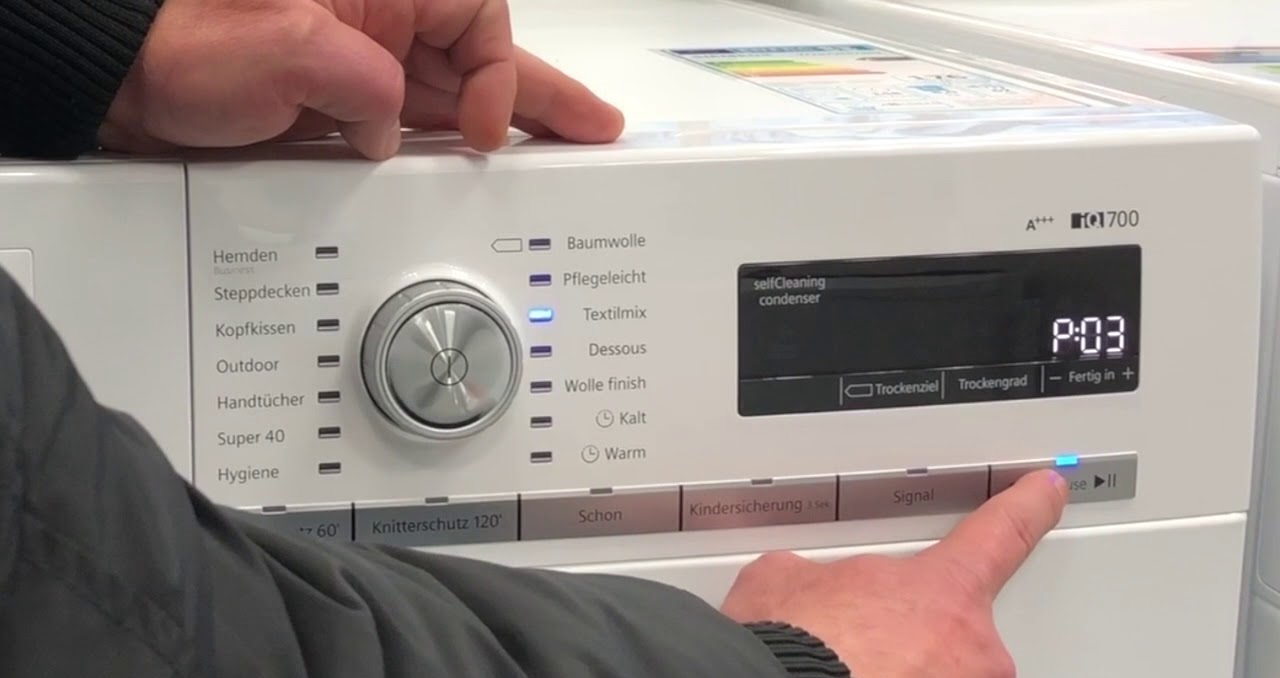
What should a user do in this situation? Try to remember the last washing mode you used (hint: the last used mode is displayed on the display when you turn on the machine). Use the selector to select and set this program. Now you can disable the lock in the usual way. Open the door, press "Options" (the V key), and hold it for 5-10 seconds until the machine beeps.
Resetting the error code
To continue washing after troubleshooting, you also need to reset the error code. The reset procedure may vary slightly depending on the model, but that's okay. Typically, the step-by-step instructions for clearing the error code are as follows.
- Turn the programmer to position "0".
- Move the selector to the left one notch.
- Press "Start" and hold the button for 2-3 seconds.
- Return the selector to its original position.
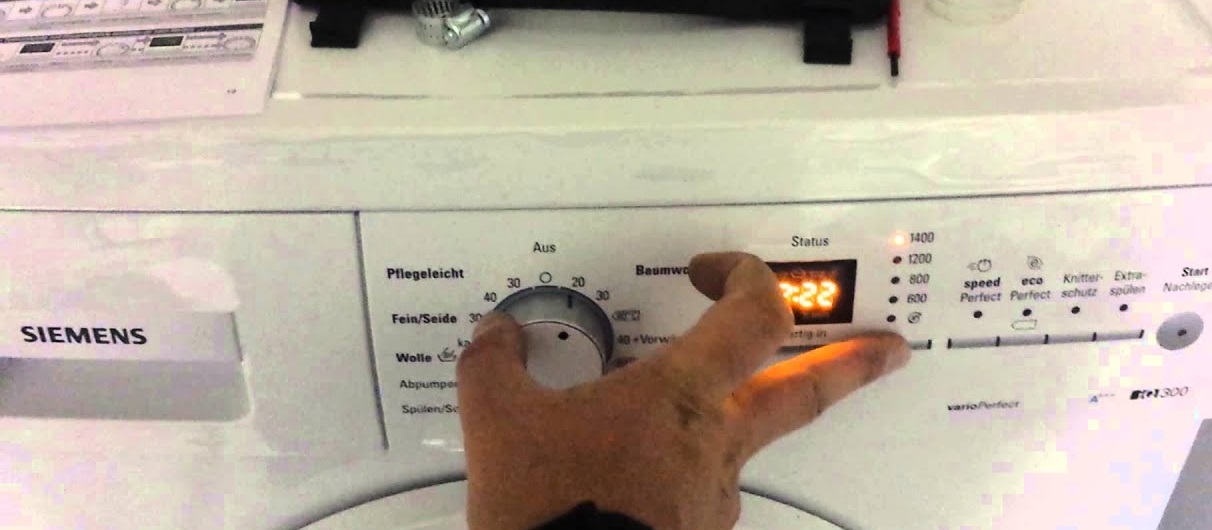
Now you have to wait. After the code is reset, your Siemens washing machine will be ready for use. Sometimes you have to repeat this process several times. On some models, you should press "Spin" instead of "Start." If this doesn't help, try consulting the technical documentation. The information you're looking for is usually found on the "Additional Functions and Custom Settings" page, under "Lock." It's also common to deactivate the lock by pressing the clock button instead of the "V" (Options) button.
Interesting:

8 reader comments
Add a comment
Headings
Washing machine repair




For buyers




For users


Dishwasher




Thanks a lot.
And thank you from me!
Thank you very much. You were very helpful.
Thank you, you helped a lot
My E18 won't turn off.
Good afternoon, my wash cycle is finished and I'm trying to open the machine. The display says "unloading laundry" and the machine is locked. What should I do?
Thank you very much for the detailed algorithm!
Thanks! The "often..." version of the article worked for me—pressing the clock key. It worked!!!