
Disassembling the dryer
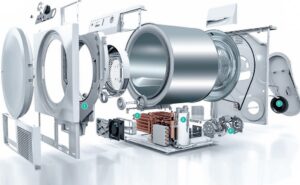 The need to disassemble a dryer usually arises when the equipment breaks down. In some cases, it's enough to remove only the top or front panel, while in others, the entire body must be removed. Sometimes, disassembly is necessary to salvage an old "home helper" for spare parts or to construct a DIY project. We'll show you how to do the job yourself, at home.
Dryer Disassembly Instructions
To disassemble the dryer, you will need a minimal set of tools. During the work, you need to have a couple of screwdrivers on hand: a Phillips and a slotted one, a set of socket heads, and a ratchet wrench. During the dismantling process, it is recommended to take photographs of your actions in order to properly reassemble the dryer later.
Before disassembling the dryer, be sure to turn off the power to the machine and disconnect it from the sewer.
Next, remove the lint filter from the dryer. On most models, this element is located in the loading area of the door. The condenser, which collects excess moisture, is also immediately removed from the machine.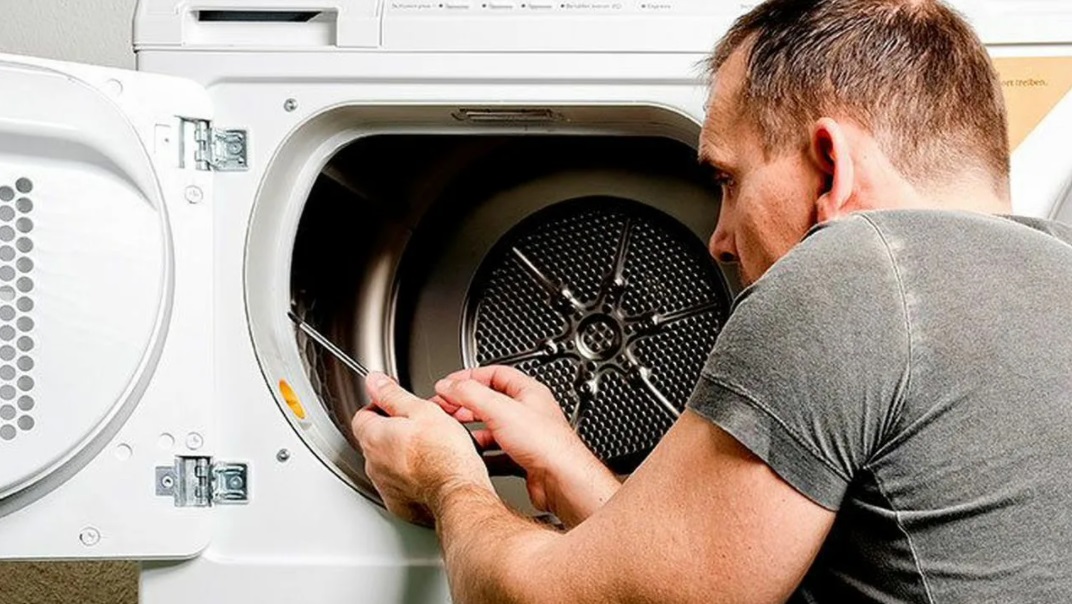
Next, you can disassemble the dryer. Using a screwdriver or drill, remove the bolts holding the top panel of the housing. Keep in mind that some fasteners may be hidden behind special covers. Then:
- remove the dryer lid;
- unscrew the bolts holding the side walls;
- remove the screws securing the lower front panel of the dryer, remove this part of the body;
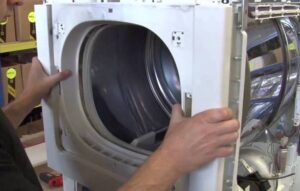
- remove the bolts around the perimeter of the front wall and under the loading hatch to remove this panel as well;
- Unscrew the screws holding the hatch locking device, disconnect the lock contacts;
- remove the front wall of the case;
The front panel of most dryers comes off with the loading door.
- unscrew the remaining screws holding the "sides" of the machine (they were hidden under the dismantled bottom part and the front wall);
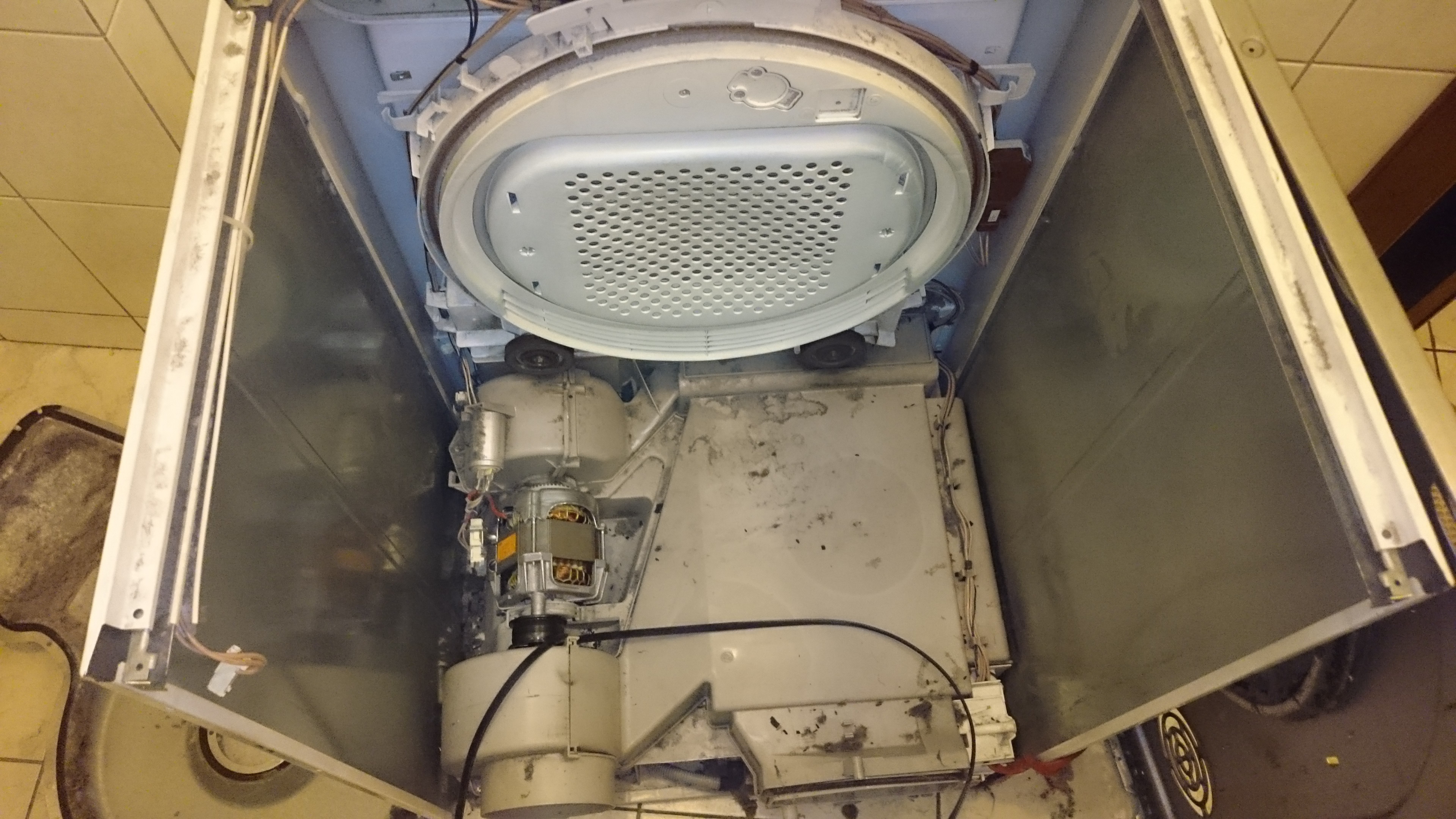
- Remove the side panels of the dryer.
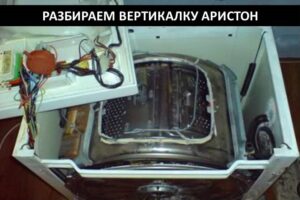
This will give you access to most of the dryer's components: the drum, rollers, drive belt, motor, heating element, temperature sensor, etc. Now you can diagnose the problematic element and, if necessary, replace it.
When disassembling your dryer, you may find its internal components clogged with dust. This is a common occurrence, which is why it's recommended to periodically clean your "home helper." Every component must be cleaned, otherwise, the debris will interfere with the dryer's proper functioning.
Disassembly may vary depending on the dryer model, but in most cases, removing the top, front, and side panels is straightforward. The key is to follow these steps in sequence. Reassembly is done in reverse order.
What faults require disassembling the dryer?
Many modern dryers are equipped with a self-diagnostic system. These smart machines, upon detecting a malfunction, immediately notify the user of the problem. You can find out what kind of malfunction the error code displayed on the screen indicates in the equipment instructions.
By deciphering the code, you can determine whether the dryer needs to be disassembled. We'll explain the most common issues with your "home helper" and the breakdowns you might encounter. We'll also explain how to troubleshoot the problem yourself.
Using an example, we'll explain what faults are indicated by errors displayed by Indesit and Hotpoint-Ariston tumble dryers.
- F01. This code indicates a short circuit in the motor's thyristor. In this case, disassembling the dryer will be necessary. Only by removing the side panel of the casing will it be possible to diagnose the thyristor circuit. If an open circuit is detected, the part will need to be repaired or replaced.
- F02. Error message indicating that the motor is not rotating. Another possible cause is a blocked fan. This will also require disassembling the dryer. Both components will need to be inspected. A large amount of dust may be interfering with the operation of the components. Remove any foreign objects that may be interfering with the operation of the components. It's also a good idea to inspect the wiring that powers the motor.
- F03. Error code indicating an open or short circuit in the thermistor circuit. Another possible problem is a faulty main control module or NTC sensor that monitors the temperature. These components will require diagnostics and, if necessary, replacement.
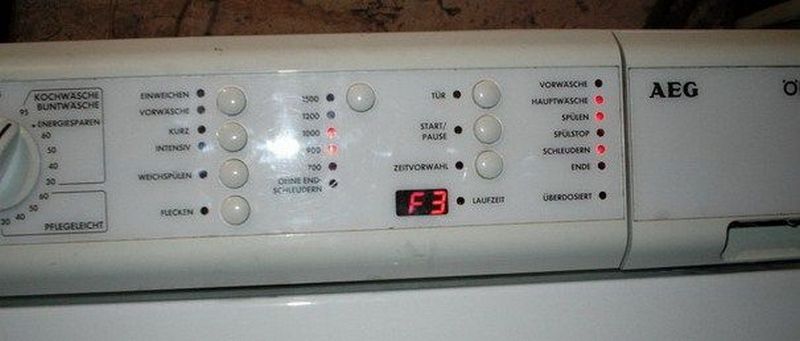
- F04. Error code indicates that the air pump is not working. You'll need to partially disassemble the dryer and inspect the unit. Cleaning or reconnecting the element may help. In extreme cases, the part will need to be replaced.
- F05. The code appears on the display if the machine's "brain" isn't receiving a signal from the air bleed pump. In this situation, you'll need to inspect the wiring, tighten the contacts, and clean any corroded components.
- F08. Error indicating a faulty heater relay. To check the part, simply remove the top cover of the dryer. If any defects are found, the element will need to be replaced.
- F09. This code indicates a software error. In this case, there's no point in disassembling the dryer. This problem can only be resolved by a service center.
- F10. If the display shows this error, it means the air flow from the heating element is poor. In this case, you'll need to disassemble the dryer and clean the heating element.
- F11. Error indicates a lack of contact with the blower. The machine will need to be disassembled, the entire circuit and connections checked, and components replaced if necessary.
- F12. The code indicates a disconnect between the display and the control board. In this case, you'll need to remove the top case, inspect the wiring, and tighten the connections. If the processor itself is the issue, it will need to be replaced.
- F13. Error indicates a break in the temperature controller circuit. Restoring the connection or replacing the element may help.
- F15. In this situation, the heating element relay is faulty. There's likely an open or short circuit in the element's circuit. You can diagnose the relay yourself, check the wiring for integrity, and inspect the connecting parts. If any faults are detected, replace the faulty components.
- F17. This code indicates a power element malfunction. Repair or replacement of the component will resolve the issue.
A full list of possible error codes is provided in your dryer's manual. Most problems can be resolved by replacing the damaged component. Certain repairs are only performed by a service center.
In fact, disassembling the dryer body is quite simple. The job requires minimal tools. However, if the machine is still under warranty, it's best to avoid DIY repairs and instead call a service center immediately.
Interesting:
Readers' comments
Headings
Washing machine repair




For buyers




For users


Dishwasher




Add a comment