
Resetting the error on a Haier washing machine
 An error message displayed on your washing machine's display doesn't always indicate a malfunction. Sometimes, the error code is triggered by a system failure. In these cases, a standard reboot can help restore the washing machine.
How do I reset an error on a Haier washing machine? How do I know it's not malfunctioning? What should I do if my "home assistant" isn't responding to the dial or buttons? Let's explore the nuances.
Description of the machine reset procedure
If you notice an error on your washing machine's display, don't rush to call a technician. The first thing you need to do is try to end the cycle with the Start/Pause button and run the algorithm again. How it works in practice:
- press and hold the “Start/Pause” button for 12-15 seconds (until the machine “goes out”);
- For Haier models released 5-7 years ago, turn the programmer to the initial position.
The indicator light on the washing machine's dashboard should go out. Then try turning the machine on again using the button. If the washing machine responds, select the desired program and start the cycle.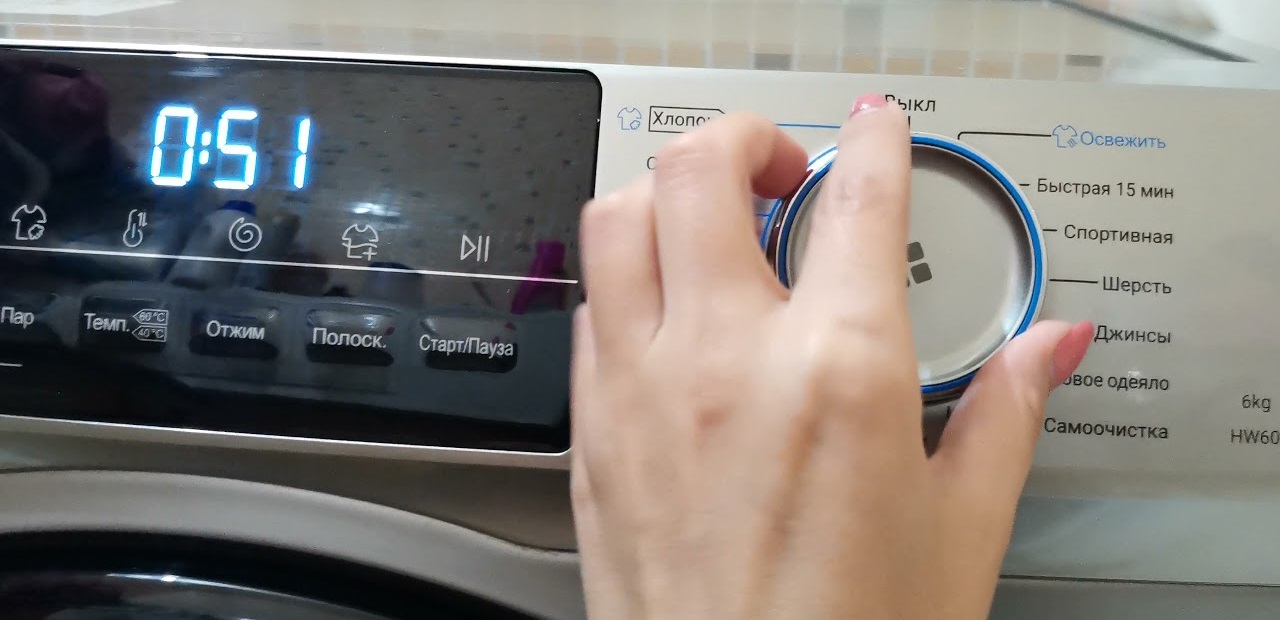
In some cases, the above steps may not help. In these cases, a full reset of the Haier washing machine will be necessary. Here's how to reset the settings:
- scroll the program selector to the starting position;
- press the “Start/Pause” button and hold it for five seconds;
- unplug the washing machine from the socket;
- wait 20-30 minutes.
When the washing machine does not respond to the rotation of the programmer and pressing of buttons, simply pull the cord out of the socket.
After a half-hour break, you can check the machine. Plug the power cord into a power outlet and turn on the machine using the button. Run your usual wash cycle. If the error persists, there is indeed a problem.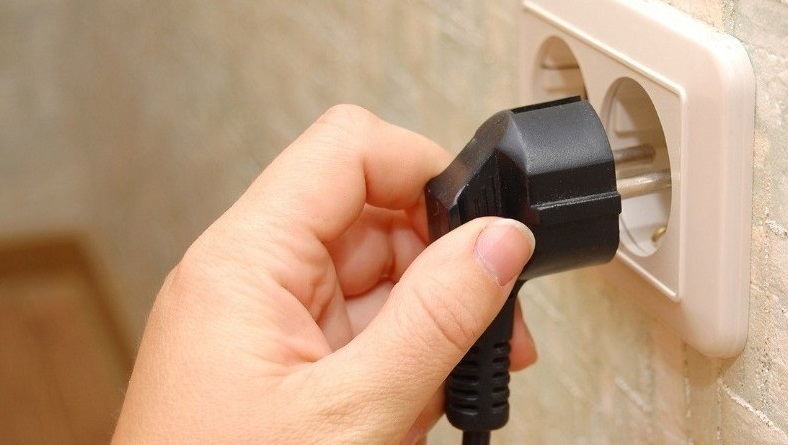
Modern Haier washing machines are equipped with a precise self-diagnostic system. This intelligent system detects malfunctions and notifies the user. The machine communicates via the display or indicator. To understand the malfunction your washing machine is reporting, simply look at the control panel and then refer to the user manual.
Error codes for Haier washing machines
If a full system reset doesn't help get rid of the error message, then there really is a problem. The washing machine display shows a code that needs to be deciphered – it will indicate the problem. Machines that are not equipped with a display indicate a malfunction by flashing indicators.
The user needs to understand what kind of malfunction their Haier washing machine is reporting. However, a single error can indicate the failure of multiple components, so in some cases, a more in-depth diagnosis is required. Let's look at the main error codes displayed by washing machines.
- UNB. Message indicating an imbalance. An imbalance occurs when laundry in the machine bunches up, too few items are washed, or one bulky item is washed. Correcting this error is very simple: simply spread the clothes evenly in the washing machine.
- ERR1. This code indicates that the door isn't closed properly. The locking mechanism isn't engaged, so the machine won't start washing. You may need to press the door harder to engage the lock. Sometimes this is caused by a foreign object lodged between the door and the body. Another possible cause is damage to the door lock, which will require repair or replacement.
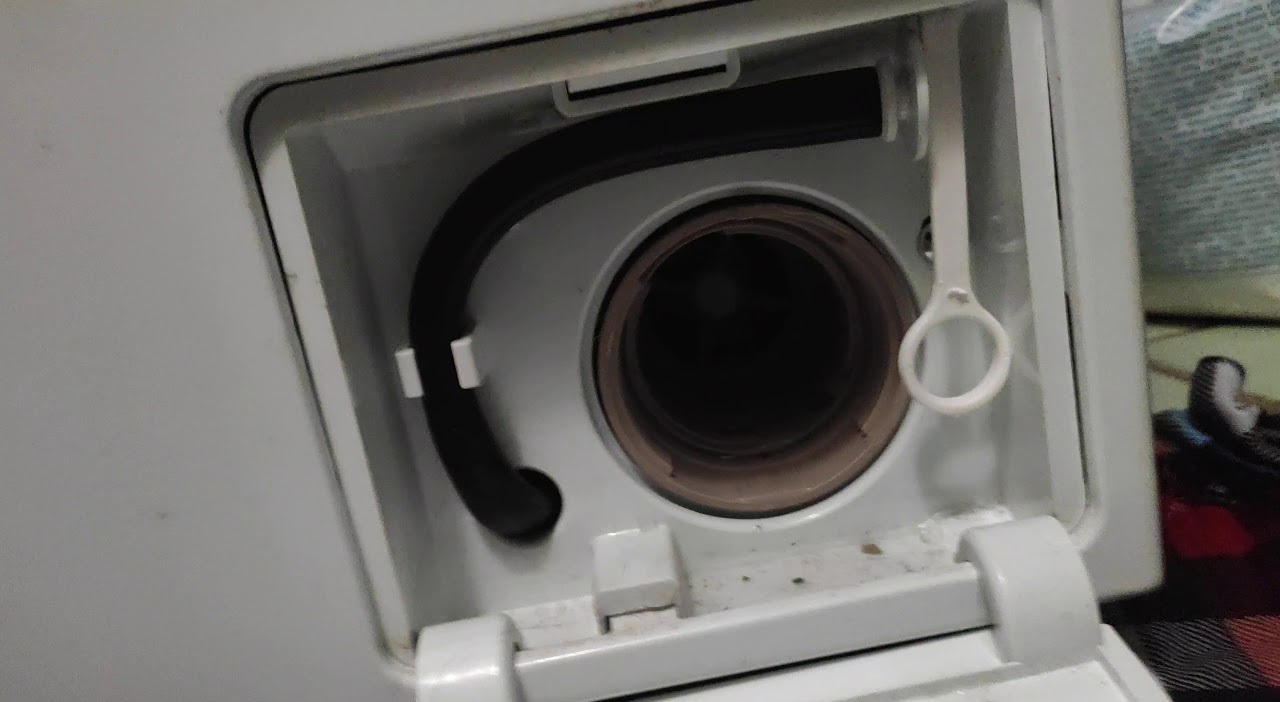
- ERR2. This error indicates that the machine is unable to drain the water from the tank within the allotted 5-6 minutes. Possible causes include clogged pipes, the waste container, the drain hose, the pump, or a damaged pump. You'll need to check the drainage system components.
- ERR3. This code appears when the water in the machine doesn't heat up to the desired temperature. This error indicates a faulty temperature sensor, excluding a faulty heating element. Sometimes, a damaged control module is the cause.
- ERR4. This error also appears when the water in the tank isn't heating. However, in this case, the heating element is 90% to blame. You'll need to remove the heating element from the washing machine housing and test it with a multimeter for continuity. The resistance output by the heater must be analyzed. If damage is detected, the element will need to be replaced.
- ERR5. The error appears on the display a few minutes after the cycle starts. It indicates that the washing machine is unable to fill within the allotted time. Possible causes include: low or no water pressure in the pipes, a closed valve before the washing machine, a clogged inlet filtration system, a kinked inlet hose, a faulty inlet valve, or a damaged pressure switch. A faulty level sensor may tell the washer-dryer that the tank is empty, when in fact, it should be full.
- ERR8. This error code means "The washing machine's tank is full." In 99% of cases, the pressure switch is the culprit. The level sensor sends incorrect information to the electronic unit. Less commonly, the cause is damage to the control board, specifically the semiconductor responsible for controlling the pressure switch.
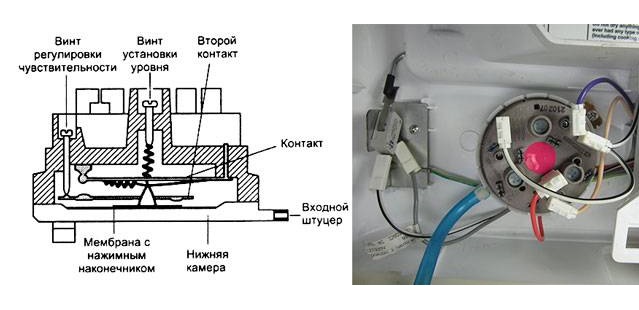
- ERR9. This code also indicates an overfilled tank. This error is not a false positive, meaning there really is too much water. The cause is a broken inlet valve; it doesn't operate or close, so fluid continues to flow into the system. Less commonly, the culprit is a burnt-out triac on the control board, which controls the fill valve.
- ERR10. Another error indicating a malfunctioning pressure switch. This is caused by either damage to the sensor itself or a clogged fitting. The pressure switch hose is subject to natural wear and tear. Over time, the fitting wears out and loses its seal. Pressure issues arise, and the entire unit begins to malfunction.
A breakdown of all errors and possible malfunctions can be found in the Haier washing machine manual.
If you see an error message on your washing machine's display, don't panic. First, try resetting the code. If resetting doesn't help, proceed with diagnostics and repairs for your Haier washing machine.
Interesting:

Readers' comments
Headings
Washing machine repair




For buyers




For users


Dishwasher




Add a comment