
Resetting the program on a Bosch washing machine
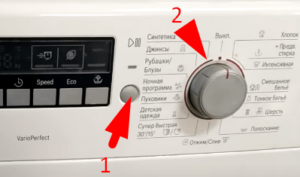 Modern Bosch automatic washing machines don't have a reset function, as they simply don't have one. However, you can reset your Bosch washing machine using a similar option called "Reset Settings." This allows you to restart your "home assistant" if it stops working properly. We'll explore this function in detail and explain how to use it correctly to avoid accidentally damaging your appliance.
Classixx series cars
First, let's look at resetting the program in classic washing machines, widely available in appliance stores. To reset the operating mode in such a washing machine, follow these instructions:
- Press the "Start" button.
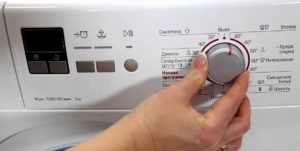
- Turn the wash cycle selector to the "Off" position, which is positioned like a clock hand at 12.
- Hold the button down and turn the selector two notches counterclockwise. The machine door will lock, and the control panel will display the current mode.
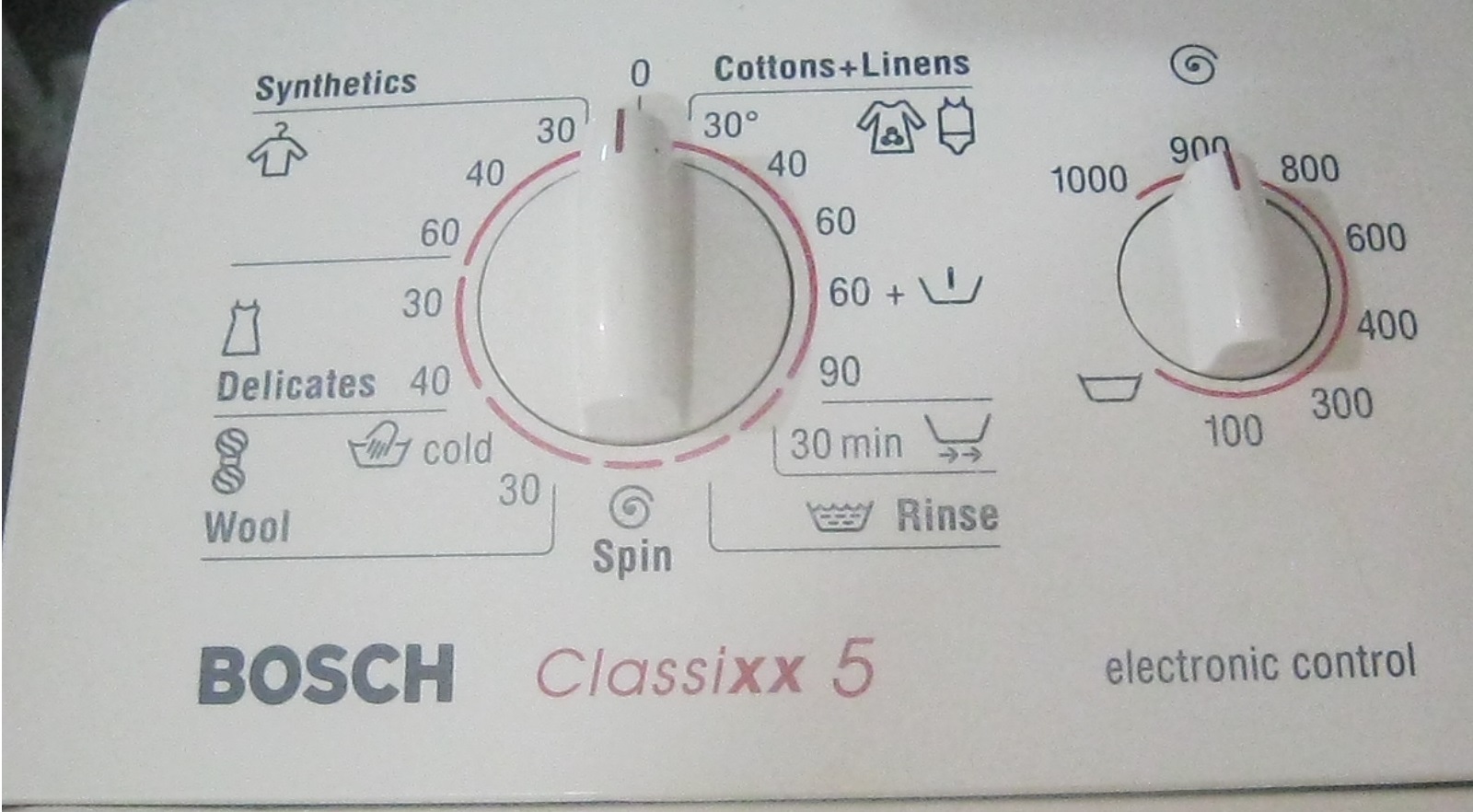
If your household appliance does not have a control panel with a display, the device will notify you of the program's launch by actively flashing its LEDs.
Maxx 5 series appliances
Let's move on to the more advanced Maxx 5 series, which has a slightly different reset mode than standard Bosch appliances. To reset your machine, you need to follow the instructions carefully.
- Make sure the hatch door is securely slammed shut. If it's slightly open, close it until it clicks loudly.
- Turn the program selector to "Off".
- Press and hold the button with the twisted spiral icon, which is responsible for setting the spin speed per minute, and then move the program selector to “Drain”.
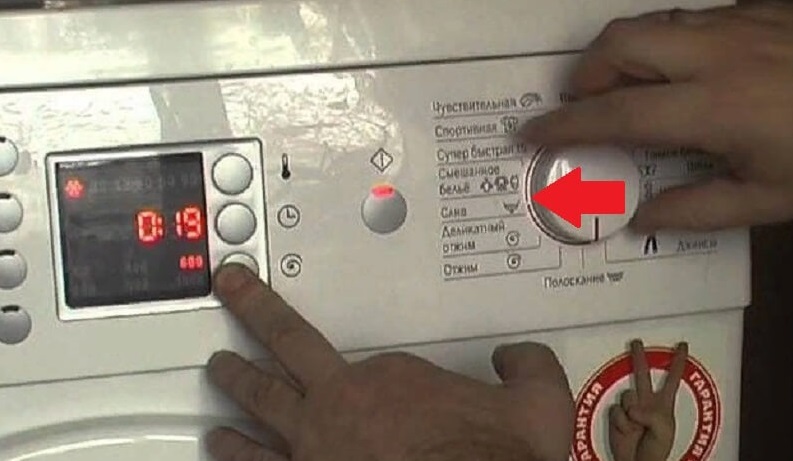
- Wait about five seconds, then release the key with the spiral icon.
- Turn the selector to the fastest wash, which usually takes only a quarter of an hour.
- After a few seconds, turn the selector back to “Off”.
The programmer must be rotated counterclockwise only.
You have done everything correctly if, instead of an error, the time of the activated washing mode appears on the control panel. If this does not happen, you must repeat all the steps according to the instructions.
Logixx 8 Series Washing Machines
Another popular series of Bosch washing machines doesn't have a reset function, but it does have a relatively hidden reset option. The following cheat sheet will help you activate it:
- set the mode selector to the “Spin” position;
- wait for a distinct sound signal, after which you need to hold down the “Functions” button, which is located at the top left of the display;
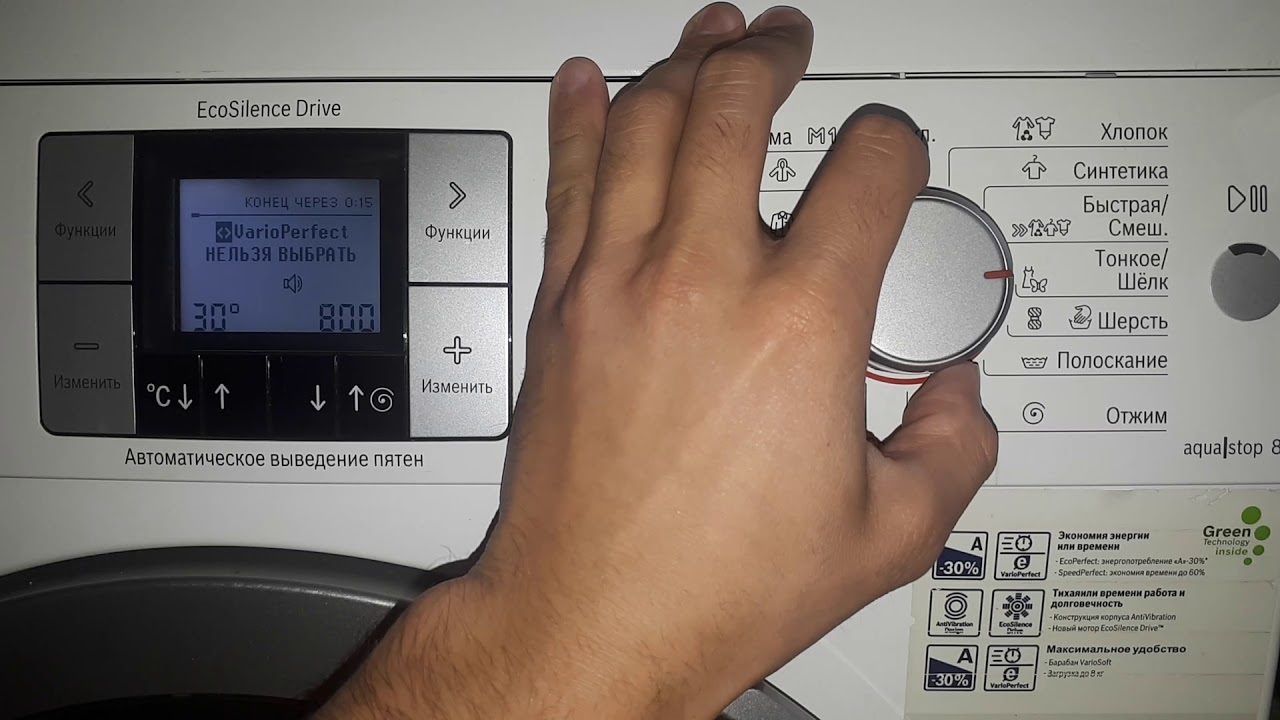
- hold down the Function button and switch the selector to the Drain function;
- Release the button and move the programmer to "Off".
Here's how to reset the current program on a Logixx 8 series machine in four steps. If your "home assistant" does not have a separate "Function" button, then instead you need to hold down the spin speed control button, as in the Maxx 5 machine.
Cars of the sixth series
Let's move on to the latest series of household appliances, which we'll cover in this article. To reset the cycle in Bosch sixth-series machines, follow these steps:
- set the programmer to "Off";
- hold down the “Start” button and move the selector one notch to the left so that the washing machine locks the hatch door;
- release the “Start” button and return the programmer to “Off”.
The only way to ensure that the program has been reset successfully is to successfully start a new work cycle.
Will turning it off and on help?
Users often believe that resetting the program is possible and necessary simply by unplugging the washing machine. This is a very common mistake.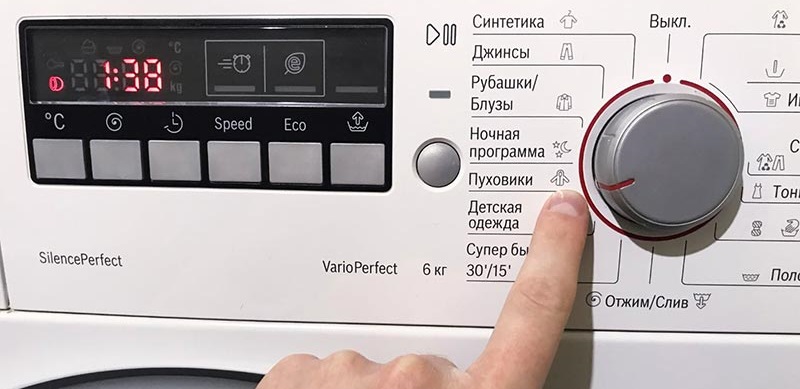
Such action has a detrimental effect on household appliances. First of all, it should be noted that this simply will not reset the error that occurred during the washing process - as soon as the machine is reconnected to the power supply, it will immediately activate the previously set settings.
More importantly, a sudden power outage can damage the washing machine's control module, which can be very expensive to repair. Often, it's even impossible to repair, forcing you to buy a new one, which can cost as much as half the price of the washing machine itself.
Machine "revival" algorithm
Not every sudden stoppage of your washing machine is caused by serious damage to its internal components. Don't rush to call a service center immediately after such an incident; you can first try to fix the problem yourself.
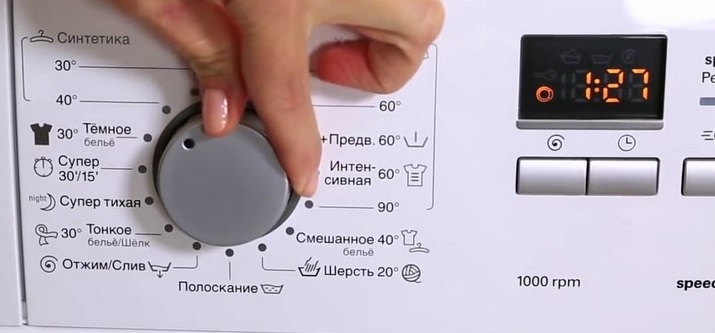
First, check the set cycle—often, a lack of draining or spinning isn't caused by a faulty cycle, but by mistakenly selecting a hand or delicate wash cycle. To restore the machine's operation, simply follow these simple steps:
- press the "Start/Pause" button;
- move the operating mode selector to the position you need;
- Activate the washing machine.
The second point to check is overloading. Housewives often fail to adhere to the maximum load limits set for the drum. If you ignore the loading standards, the washing machine may freeze and notify the user of the problem via an error code on the display or by flashing LEDs.
To resolve this issue, first drain all the waste water. This can be done using the emergency drain hose, which is hidden behind a special hatch at the bottom of the washing machine. Unscrew the end of the hose and drain the water into a convenient container. After a few seconds, the hatch door will unlock, allowing you to open it and remove any items that are causing the overload.
Interesting:
Readers' comments
Headings
Washing machine repair




For buyers




For users


Dishwasher




Add a comment