
Resetting the program on a Hotpoint-Ariston washing machine
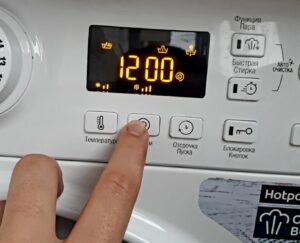 Unfortunately, washing doesn't always work as expected. Often, an unpleasant situation arises when you urgently need to reset the program on your Hotpoint-Ariston washing machine. To do this, you must reboot your "home assistant." But what if there's no dedicated button for this function on the control panel? In this case, a special procedure will help, which we'll explain today.
Partial and full reboot
When the washing machine freezes in the middle of operation, not responding to user commands and not performing its work, only a full reset can help, followed by a new start of the working cycle. To reboot, you need to hold down the Start/Start key for about 10 seconds. After the time has elapsed, the original washing program will be cancelled, and all you have to do is reset the required washing settings and then start the operation.
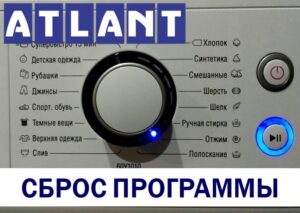
This applies to modern equipment. If you're still using an older model washing machine, the instructions will be slightly different. To reset, you'll need to switch the programmer to neutral and check the appliance's control panel; the indicator light should first turn green and then go out. If this doesn't happen, either you stopped the washing machine incorrectly or it's faulty.
If you're unable to reset the current work cycle, only a full system reboot will fix the problem. To do this, carefully follow our instructions.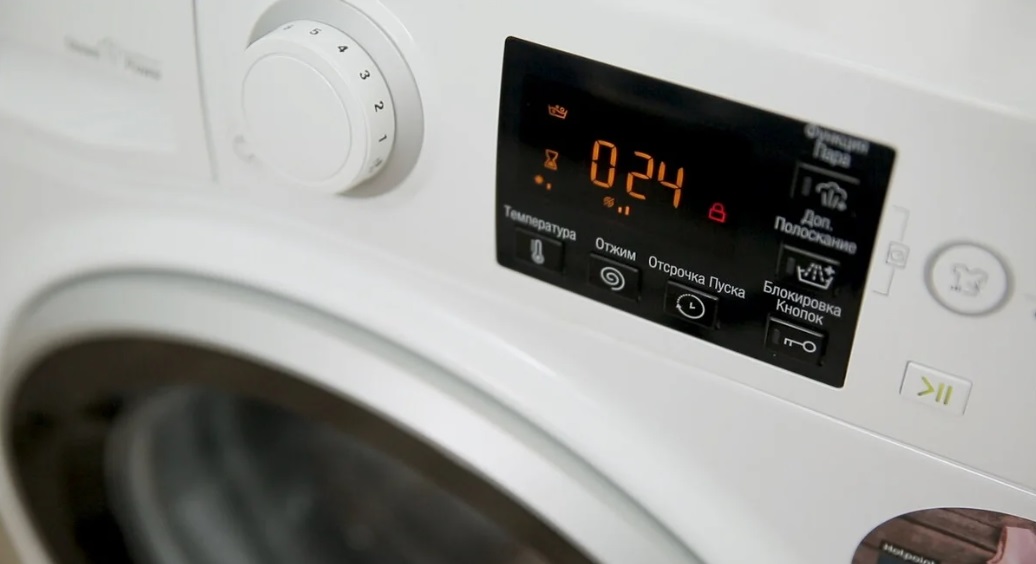
- Move the programmer knob to the neutral position.
- Press and hold the Start/Play button for approximately 5 seconds.
- Disconnect the machine from the power supply by unplugging the power cord from the socket.
- Wait 20-30 minutes, and then try reconnecting the equipment to the power supply and activating the required washing mode.
A sudden power outage while the washing machine is running can damage the control module of the device, the repair of which can cost half the cost of the washing machine.
When your "home assistant" stops responding to any of your actions, whether pressing buttons or turning knobs, you must immediately turn off the power. If after rebooting the machine continues to fail to respond to user commands, you will need to call a service center specialist to diagnose and repair the device.
The car got stuck with water
Occasionally, you may need to urgently stop your Hotpoint-Ariston washing machine, for example, if you've forgotten money, credit cards, a phone, or other important items in your pocket. In this case, you don't need to perform a full reset—you can simply pause the wash cycle, drain the wastewater, open the door, and then resume the cycle. To do this, follow these steps:
- Press the "Start" button to stop the equipment;
- set the programmer to neutral position;
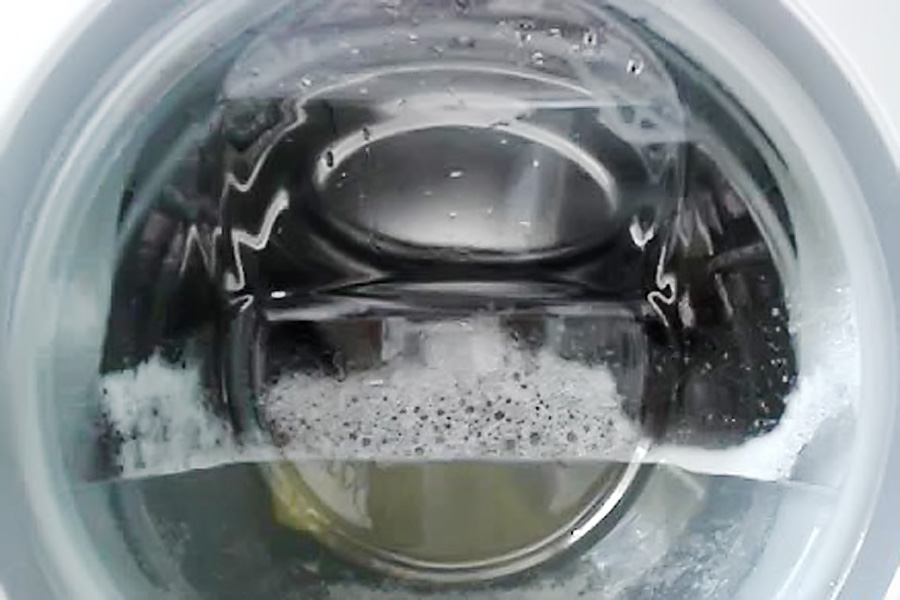
- activate the "Drain" mode, but without spinning;
- Wait a few minutes until all the water has drained and the door is unlocked.
If it so happens that the unit does not respond to flush activation and other commands, then you can drain the water using the compartment with the debris filter. The filter is located at the bottom of the machine on the right side of the front, hidden behind a special hatch. Be sure to have rags or towels available along with a large container of water to collect the waste water and prevent flooding your downstairs neighbors.
Is there anything I need to do if the power goes out?
If your washing machine shuts down due to a sudden power outage, unplug it immediately. This will prevent damage to delicate electronics during a power outage.
Once the power is restored, the appliance must be reconnected. If the washing machine's wash cycle has not been reset, the machine will resume its previously selected cycle. Some Hotpoint-Ariston washing machines have a special feature that allows the machine to drain all waste water and return to a neutral position after the power is restored. In this case, the user must select the wash cycle again and restart the machine.
Whenever a technical issue occurs, it's crucial to accurately determine the cause of the malfunction. These can be divided into two categories: software and mechanical faults.When a program crashes, the device locks the control panel, causing it to stop responding to user actions. In this case, you simply need to disconnect the household appliance from the power supply for 20-30 minutes, and then reconnect it to the power supply so that the lock on the control panel is removed.
If the problem is caused by mechanical damage, you'll need to call a service technician. It's rare that you can fix the problem yourself, so it's best to entrust the repair to a specialist who will diagnose, repair the machine, and provide recommendations for its operation.
Interesting:
1 reader comment
Add a comment
Headings
Washing machine repair




For buyers




For users


Dishwasher




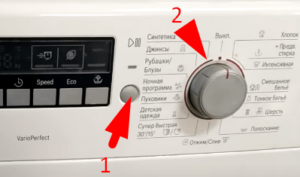
How to put into neutral position?