
How to reset a washing machine to factory settings?
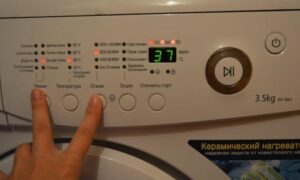 A self-diagnostic system makes life much easier for housewives—the machine automatically detects any malfunction. Modern models go further and are ready to use once the fault is fixed and the machine is restarted. However, most washing machines require a manual reset following specific instructions. We'll explain how to reset a washing machine to factory settings. We'll cover the step-by-step procedure for each brand.
For Candy, Electrolux, Ariston cars
If your Candy, Electrolux, or Ariston washing machine suddenly freezes mid-cycle and stops responding to user commands, you'll need to manually reset the error. The easiest option is to cancel the program in safe mode. Simply restart the machine and reset the running program by holding the "Start" button for 4-5 seconds.
You can properly turn off the machine by holding down the “Start” button for a few seconds.
After pressing the button, the washing machine's control panel should respond as follows: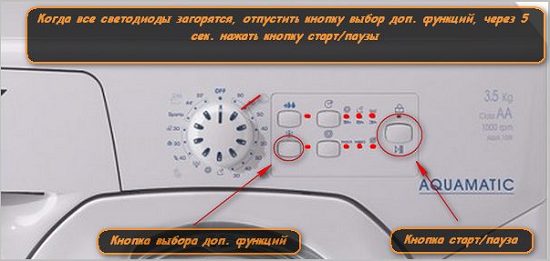
- first the green "lights" will light up;
- then all the LEDs will go out;
- the running cycle will stop.
On older Candy washing machines, in addition to holding down the power button, you will need to move the programmer to the “Off” position. If the machine does not go silent, then the safe reset did not work. In this case, you will have to reboot the system in another way:
- turn the selector to the first position;
- hold down “Start” for 4-5 seconds;
- turn off the power.
Unplug the washing machine and leave it for 5-10 minutes. Then, plug it back in and run the desired program.
For Indesit equipment
To reset a technical error on an Indesit, simply restarting the machine isn't enough. After restarting, the error will persist, and washing won't resume. To safely reset the machine, you'll need to manually restore the system using the following instructions:
- press and hold the “Start” button for 3-5 seconds;
- wait until the LEDs on the dashboard light up and go out;
- make sure the cycle is complete;
- Turn the selector to the “zero” position (if the Indesit is an older model).
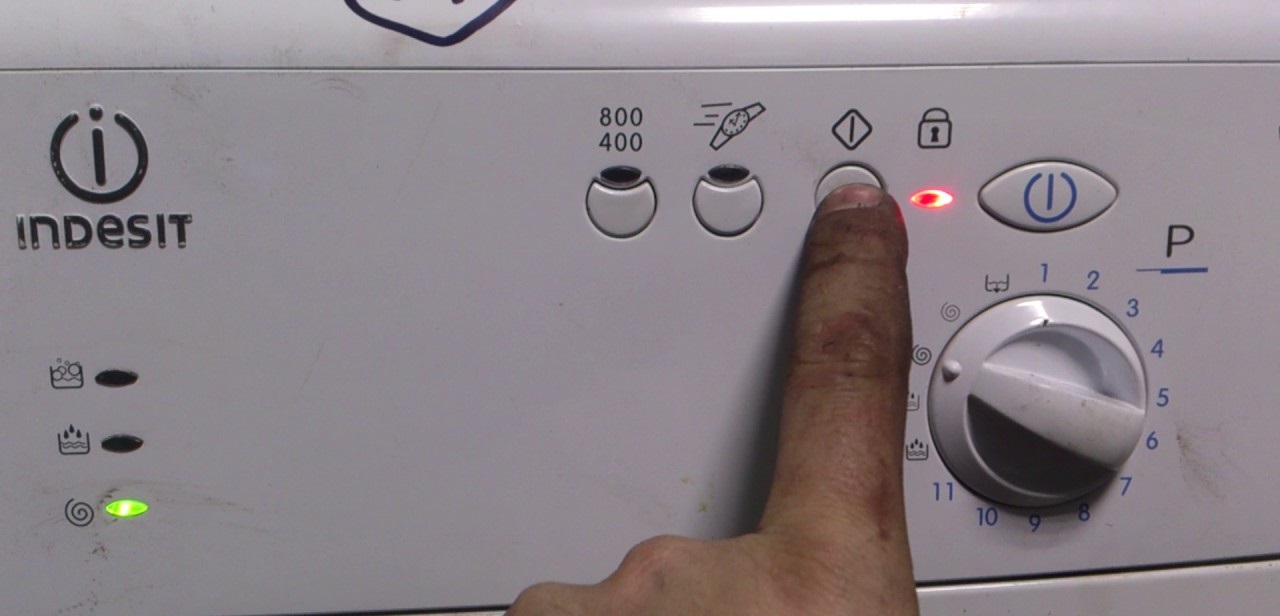
If the reset is successful, the washing machine should "silence": the LEDs on the dashboard will light and then go out, and the cycle will stop. If this doesn't happen, the control board or the washing machine's software is faulty.
For LG and Samsung machines
Resetting the firmware on LG and Samsung washing machines is fairly simple. The main thing is to ensure there are no issues with the control board firmware. Here's the procedure:
- press the “Start/Stop” button and hold it for 3-5 seconds;
- we wait until the machine “beeps”;
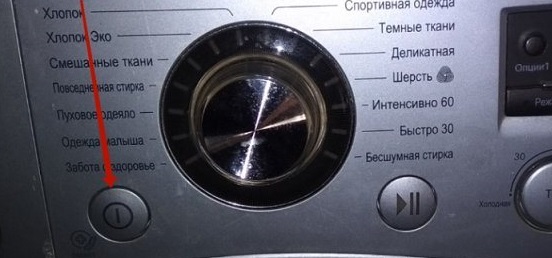
- press and hold the power button until the machine turns off;
- Disconnect the power cord from the electrical network.
Before resetting the error, you must resolve the problem that has occurred.
All you have to do is wait 10-15 minutes and reconnect the machine to the power supply. Once the system restarts, the error will be cleared, and the machine will be ready for washing.
Equipment Bosch, Daewoo, Gorenje
Bosch, Daewoo and Gorenje washing machines are reset using a similar principle. If the system freezes, you must press the Start/Pause button and hold it for at least five seconds. The machine will then reboot and reset the running program. Further steps depend on the make and model of the appliance:
- Modern units will automatically begin draining the water, after which the electronic hatch lock will be released - the user will only have to take out the laundry or start a new program;
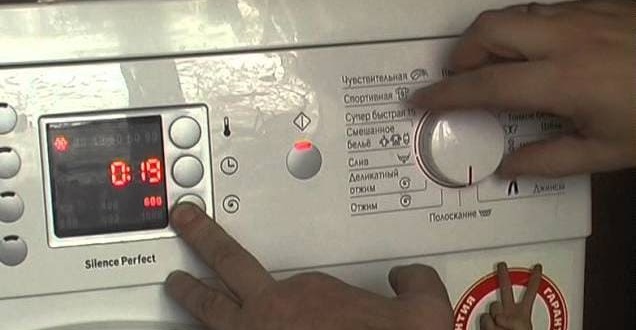
- Older models will have to be emptied manually (by unscrewing the waste filter or activating the emergency drain hose).
If the washing machine doesn't respond to holding the start button, there's a problem with the module. We don't recommend attempting to fix the board yourself; it's best to contact a service center for a comprehensive diagnostic.
Interesting:



Readers' comments
Headings
Washing machine repair




For buyers




For users


Dishwasher




Add a comment