
My LG washing machine won't switch modes.
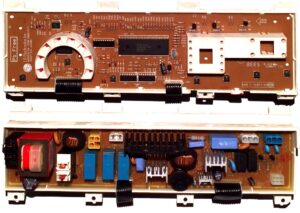 What should you do if your washing machine, which functioned perfectly just yesterday, is now unable to change wash cycles? All the indicators around the selector are lit as if in test mode, and you can't select the desired program? Let's figure out which malfunctioning part could be causing this problem.
Let's look at the control board
First, carefully inspect your LG washing machine. By studying the symptoms of the problem, you can make a proper diagnosis. Turn on the machine and observe the programmer. Check whether all the lights around it are lit or whether any are off. This is very important.
If your washing machine won't change programs, but some or even all of the LEDs around the selector remain dim, they may have burned out. Replacing the faulty indicators will be enough to fix the problem.
All the selector LEDs on the control board are connected in a circuit, and if one indicator burns out, the others also stop working.
Another malfunction can be indicated when all the programmer lights are on. If all the indicators around the selector are lit, there is a high probability that the microcontroller port line is faulty. To test the semiconductor element, you'll need a multimeter. Based on the diagnostic results, a decision will be made about whether to replace the triac.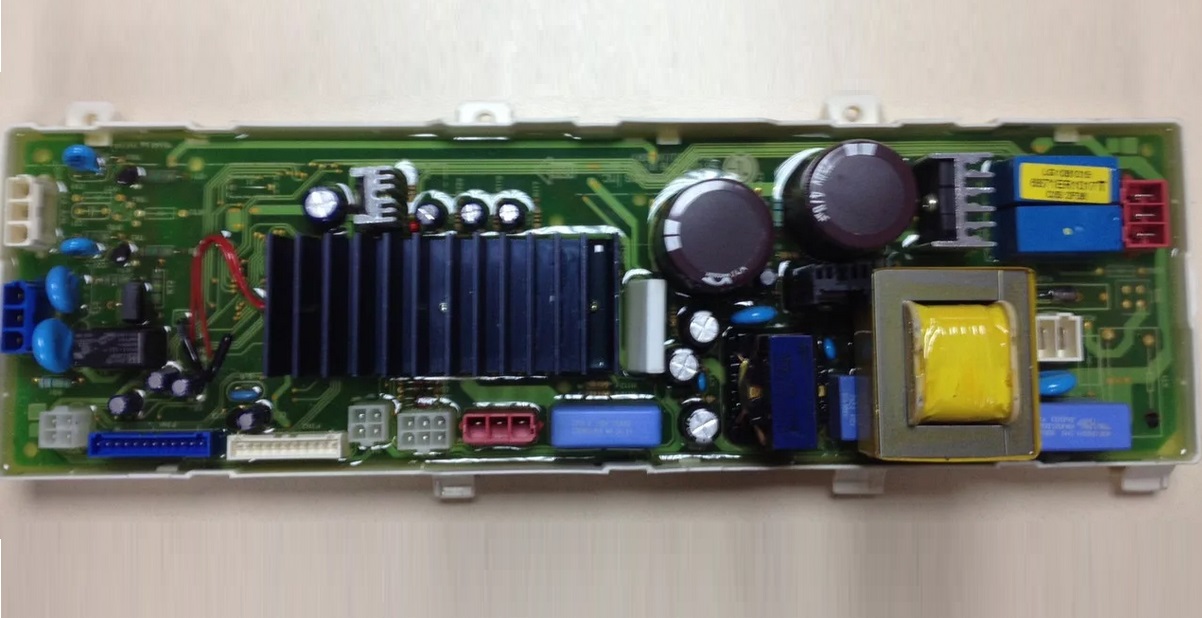
Sometimes, an LG washing machine won't switch programs because of something other than the control board. A similar symptom can be caused by a completely different component, seemingly unrelated to the programmer. This type of error is caused by the heating element. Let's look at how to check and replace the heating element.
We check and replace the heating element
If your washing machine isn't switching wash cycles, but the control module is working properly, it's time to check the tubular heater. Oddly enough, a broken heating element can be the cause. Accessing this element on LG front-loading machines is fairly easy. Here's the procedure:
- turn off the power to the LG washing machine;
- Move the machine away from the wall to have free access to its back;
- disconnect the equipment from communications;
- Unscrew a couple of bolts holding the washing machine lid;
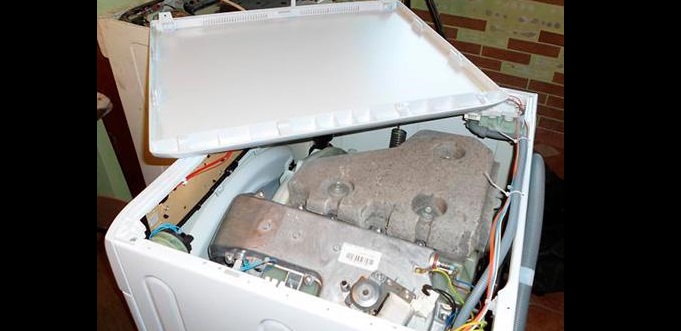
- remove the top panel;
- Remove the screws around the perimeter of the rear wall, remove it and set it aside.
The heating element in LG front-facing heaters is installed directly under the tank.
Once you've located the heating element, you need to test it with a multimeter. Disconnect the wiring (after photographing the wiring diagram) and attach the tester probes to the heating element's contacts. Normally, the device's display should show a value between 25-35 ohms. Otherwise, the component is faulty and needs to be replaced.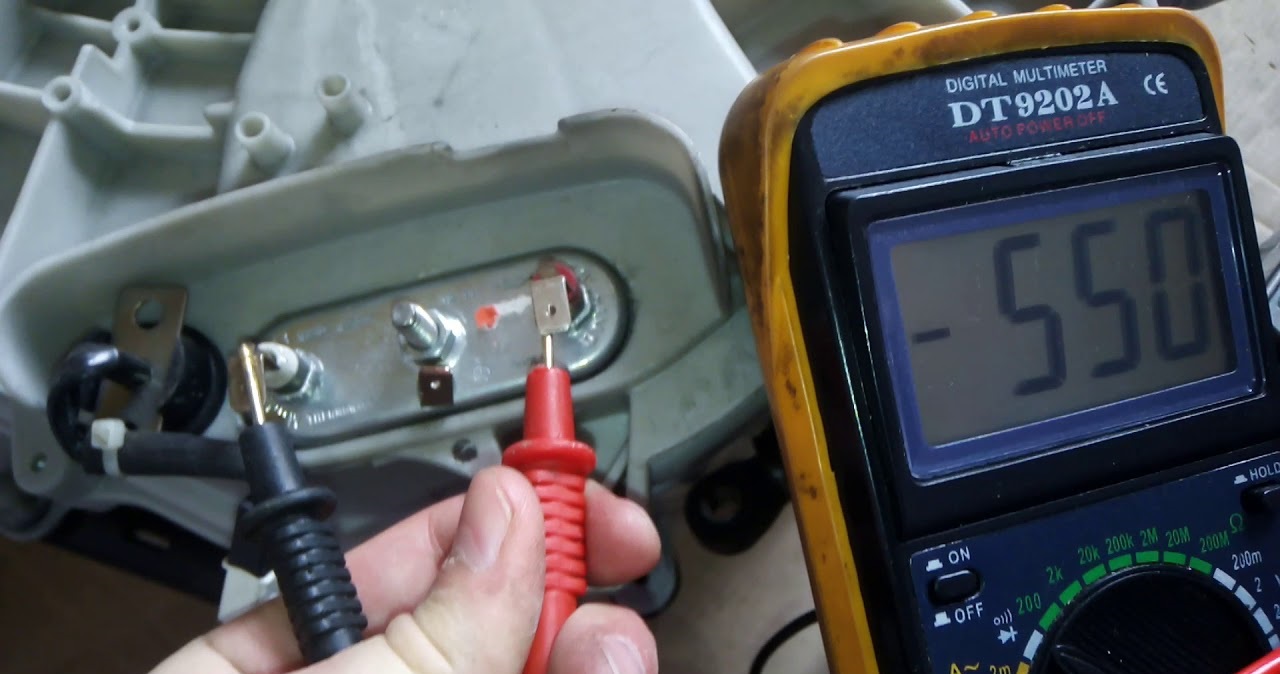
To replace the heating element on an LG washing machine, you need to:
- disconnect all wires from the element;
- unscrew the central nut of the heating element;
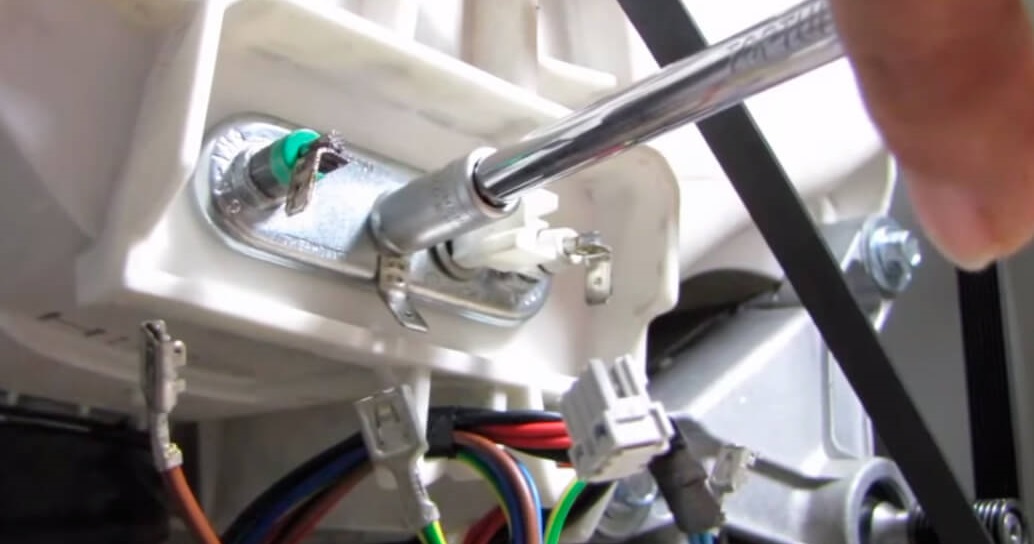
- "drive" the bolt into the hole;
- pry the base of the tubular heater with a screwdriver and pull out the part;
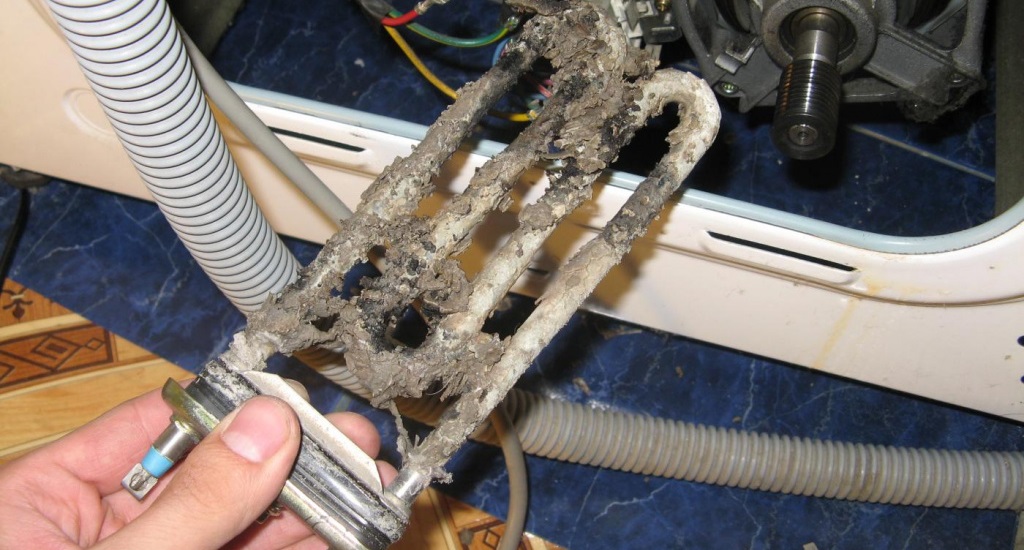
- clean the "nest" from debris and dirt;
- take a new heating element and connect a temperature sensor to it (the thermostat must be removed from the old heater);
- insert a new heating element into the “socket”;
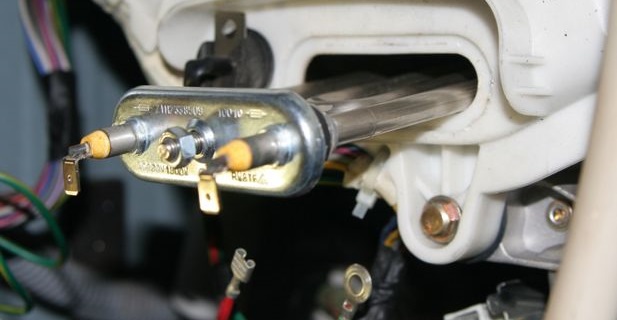
- secure the heating element with a bolt and nut;
- connect the wires to the element, referring to the photo taken earlier;
- Assemble the machine body, putting the back and top panels in place.
After this, you can put the LG washing machine back and connect it to the power supply. Launch the "Home Assistant" app – the problem with selecting wash modes should resolve. If this doesn't help, a more thorough diagnosis of the control board will be required.
Interesting:


Readers' comments
Headings
Washing machine repair




For buyers




For users


Dishwasher




Add a comment