
How to use the Tag on feature in an LG washing machine?
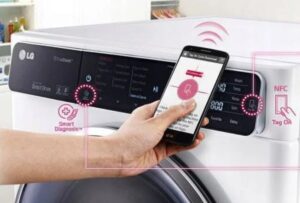 "Smart phone," "smart appliances," and "smart home"—these concepts are no longer the stuff of science fiction. Today, more and more home appliance manufacturers are equipping them with digital intelligence designed to simplify device management and ensure high-quality care. One of the leading home appliance manufacturers, LG, has incorporated remote control into its line of large appliances. Using the Tag On feature on your LG washing machine is very simple: simply pair your "home assistant" with your smartphone.
What can Tag on do and how do I set it up?
The smart feature opens up additional possibilities for using your washing machine. To connect, simply download the necessary app to your smartphone and establish a connection between the devices. Now, you have a wide range of support functions at your disposal, from remotely starting a wash cycle to self-diagnostics and minor DIY repairs. Tag On It can warn you about a blocked vent, remind you to clean the drum, or tell you about previous wash cycles.
Important! App functionality may vary depending on your smartphone type. To determine available features and configure them correctly, please refer to your appliance's user manual.
To configure Tag On to work, you need to perform a number of steps.
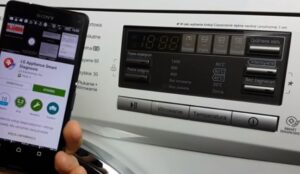
- Download and install the LG washing machine app on your smartphone. Launch it by tapping the "Tag On" icon, then selecting "Tag on laundry stats." The app is ready to use after closing the pop-up window.
- Enable the NFC function. A white circle will appear on the phone's screen in the approximate location of the antenna (located on the back of the smartphone).
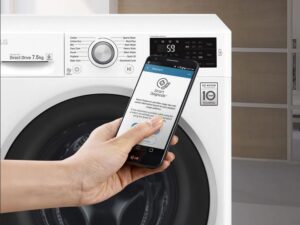
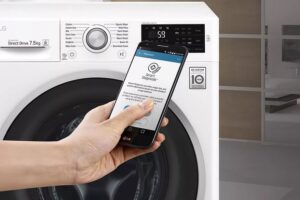
- Align the NFC antenna with the Tag On logo on the washing machine. Hold your phone with the back of the machine as close to the tag on the control panel as possible.
- If the connection is correct and successful, an “intelligent assistant” will appear on the screen, offering to use the functions provided by the program.
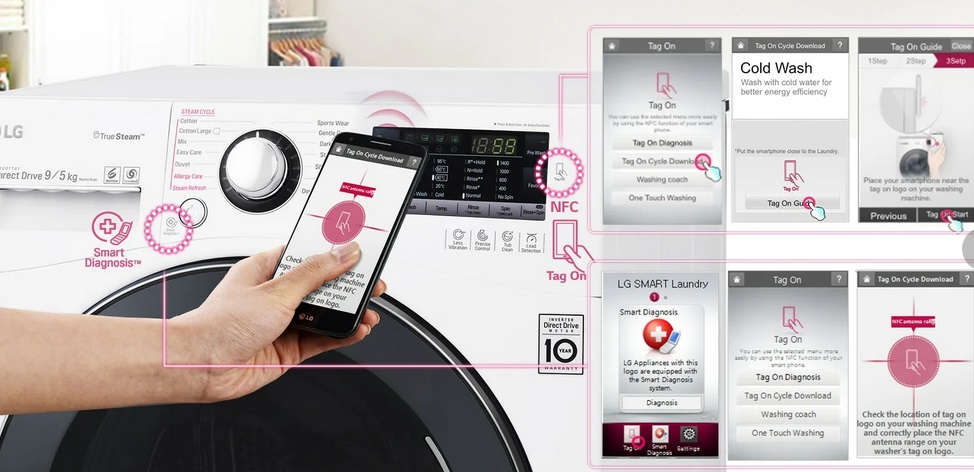
The first thing the program will tell you is the drum's condition. This may include a cleaning suggestion or a message indicating after how many wash cycles it should be cleaned. The program recommends cleaning every 30 cycles to prevent the buildup of harmful bacteria and mold inside the machine.
The "washer diary" icon will provide information about the last ten wash cycles, including mode, temperature, and duration. The app will also indicate the most frequently used mode and provide detailed information about the most recent one. If desired, the owner can restart one of these modes by simply tapping the "Run cycle again" icon on the phone screen by placing the smartphone on the control panel.
If your phone's functionality allows, the app will offer to download the "LG Smart ThinQ" extension, which allows you to install new washing programs that were not available on the device at the time of its release and were added by the manufacturer later.
Location and data transfer via Tag on
The connection between your smartphone and washing machine is established using NFC, a wireless data transfer technology. For washing machine diagnostics, minor repairs, and control, you'll need the Tag On app on your phone.
It's easy to operate; just select the desired function. For diagnostics, select the LG Smart Diagnosis icon, for the most popular washing mode, select the LG Smart Laundry&DW App (in the "My Program" section), and so on.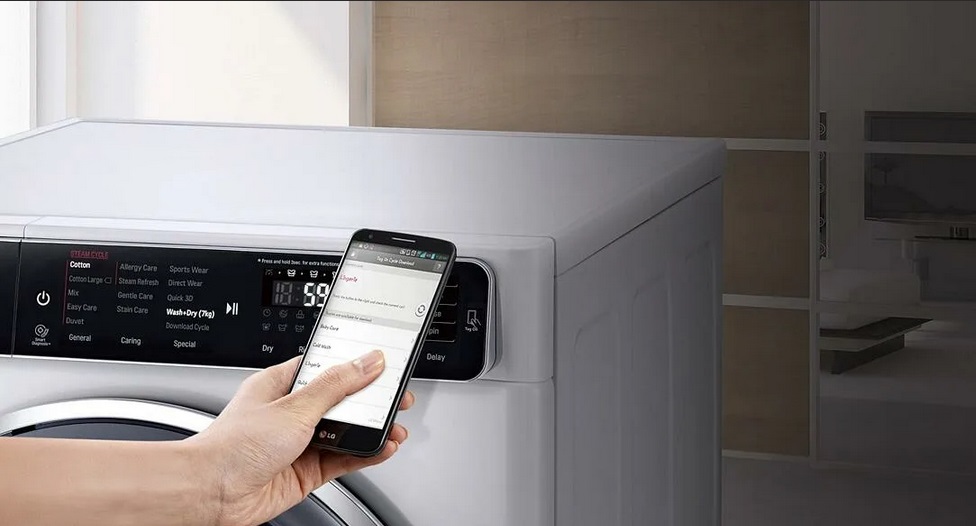
To transfer data you need:
- Place the smartphone with the back cover on the washing machine control panel as close to the LG icon as possible;
- If there is no instant connection, slowly move the phone from side to side to search for a connection between devices;
- After establishing a connection, select the desired function in the application.
It is important to remember that NFC It can only transmit data over short distances, and in some cases you will need to not just bring the phone close to the household appliance, but also touch it to the front panel at the point specified by the manufacturer. Tight gadget cases, especially those with metallic inserts or stickers containing metal, can interfere with the connection. For full information on the Tag On system's functionality, visit the "LG Smart Laundry&DW App" section of the app.
Interesting:
Readers' comments
Headings
Washing machine repair




For buyers




For users


Dishwasher




Add a comment