
Control your LG washing machine from your phone
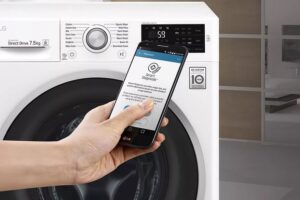 There's a lot of talk these days about controlling your LG washing machine via your phone. For example, the existing Smart Diagnosis app lets you run a self-diagnosis to check for any malfunctions. What other apps allow you to connect your appliance to your smartphone?
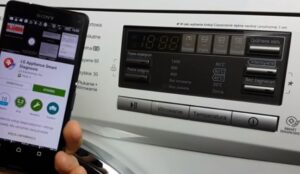
The LG SmartThinQ app lets you control your laundry. You can start and pause cycles and adjust settings from your phone. You can also monitor the program's progress on your smartphone screen. We'll explain how to set this feature up.
LG SmartThinQ
The LG SmartThinQ smartphone app lets you connect all the smart appliances in your home. So, if you're on your way to work and realize you forgot to start the washing machine, just use your phone. The developers claim that the mobile app allows you to set all washing parameters (heating temperature, spin speed, number of rinses) and activate the cycle.
Using the LG SmartThinQ app, you can control your washing machine remotely, not only monitoring the cycle but also tracking water and electricity consumption. According to the developers, owners of smart appliances shouldn't abandon the app. We'll tell you where to download the installation file.
The LG SmartThinQ app is compatible with both Android and iOS for iPhone.
How do I download the washing machine control app? The LG SmartThinQ installation process is as follows: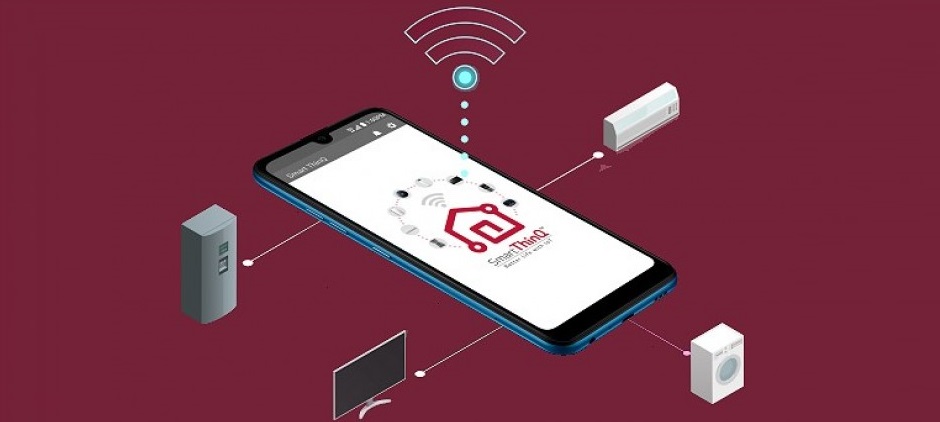
- Log in to Google Play on Android or App Store on iPhone;
- enter LG SmartThinQ in the search bar;
- download the application by clicking on the corresponding icon;
- open the program downloaded to your phone;
- log in to the application;
- press “+” and add a household appliance (in this case, an automatic washing machine) to the program memory;
- press the Wi-Fi button on the washing machine and hold it for 3-5 seconds;
- Select the network your device is connected to in the app.
You can then control the washing machine via your smartphone. It seems simple, but it's not. Many users complain of constant errors and crashes. Let's figure out what bugs the server is throwing up. To find out, just read the reviews of people who have already tried LG SmartThinQ.
LG SmartThinQ app user reviews
Vlad
The app interface can't be translated into Russian if the initial installation was in English. The system requires a new account. Furthermore, I can't add an automatic washing machine or air conditioner to the list of appliances. I've described the issue to the developers, but haven't received a clear answer yet.
Sergey
I installed LG SmartThinQ on my iPhone. The app works fine, but it's lacking functionality. I can only select "My Program" from my smartphone. There's no information about the program (how long it lasts, what types of fabric it's suitable for, what the water temperature is, and what the spin speed is). I wish the developers would take this into account and at least show a basic description.
Sergey
I still haven't been able to use the app. I downloaded it and created an account without any problems, but setting geolocation is simply impossible. I tried restarting the app and messing around with the Android settings – all to no avail. The app is completely useless; I couldn't even fully activate it, let alone control the car.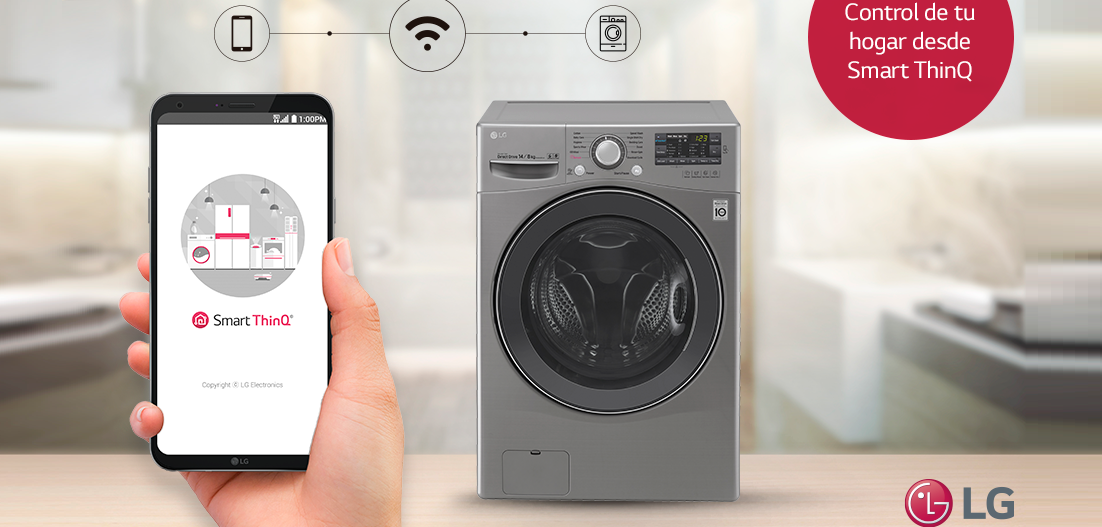
Svetlana
I struggled with LG SmartThinQ for several hours, but still couldn't connect my new washing machine. A couple of times the process almost completed, but in the end, it always crashed and the appliance wouldn't register in the program. It's a real pain, trying hundreds of attempts to add the washing machine to my smartphone, especially since it's designed to work with a mobile app. Developers, please fix this problem immediately.
Egor
In my case, the app simply stopped working and hasn't been working for two weeks now. The app doesn't even let me check the connection with the automated vehicle. This kind of negligent attitude from the developers towards their users is simply irritating. I can only leave a negative review.
Alexander
I use the app, but I'm frustrated that I can't add some washing modes to my favorites. I'd like the developers to address this issue.
Vitaly
Is it really that hard to optimize the app? The constant bugs give LG a bad impression. The app constantly freezes, waiting for a response from the washing machine, the time runs out, and then the device selection screen returns. And so on. After the update, the program LG SmartThinQ it became simply impossible to use.
Developers, please make sure the smartphone and washing machine communicate directly, since they're connected to the same network. Otherwise, there's no point in claiming the app's incredible usability. A constantly freezing app is just annoying.
Novel
We recently bought an LG automatic washing machine for about $300. We were pleasantly surprised when the store manager told us we could control it remotely. The salesperson asked about the app, and we, full of good anticipation, went to test it out.
In reality, this turned out to be the most pathetic mobile app I've ever seen. The interface is terrible, and the washing modes aren't localized in any way. Even after installing Wi-Fi in the washing machine and connecting it to my smartphone, I can only receive a notification when the cycle is complete. What can I say, we expected more advanced features, but the app's functionality is definitely lacking.
For most users, the LG SmartThinQ app does not work properly.
After reading the reviews, it's easy to see that the LG SmartThinQ app isn't perfect. We can only hope that the developers will take customer feedback into account and optimize the app in the future.
Interesting:
2 reader comments
Add a comment
Headings
Washing machine repair




For buyers




For users


Dishwasher




Before the update, the app worked perfectly, allowing you to change and customize programs without any problems, but afterward, it's simply terrible. And most importantly, when I change my smartphone, I can't add a washing machine at all; it says the machine already exists. The request to add it is sent, and that's it—it's a complete disaster.
I can't add the washing machine to the program. We struggled for several days and then gave up.