
The red lock light is on on my Samsung washing machine.
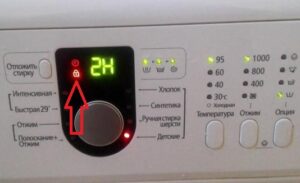 Poor water quality, sudden power surges, and improper use of your Samsung washing machine can all cause the appliance to malfunction. If the red lock light on your washing machine is constantly on or simply flashing, this is one sign that the machine may be faulty. What to do in this situation, whether to call a repairman, and whether you can repair the machine yourself—we'll explain in today's article.
Does the red lock indicate a breakdown?
When the red lock light appears on the display during a Samsung washing machine cycle, there's nothing to worry about. It's simply a warning that the machine door is locked while the wash cycle is in progress. When the "home assistant" finishes working, the door will remain locked for a few minutes, but then the lock will be automatically released and the lock indicator will go out.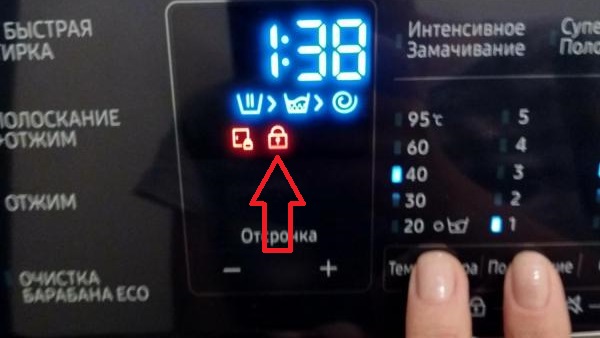
What should you do if the key or lock light is constantly flashing or glowing while your Samsung machine isn't washing and the door is open? In this situation, the machine may not even respond to button presses, and the light will remain red. In this case, a thorough diagnosis and possibly repair will be necessary, as this is a serious sign of a faulty appliance.
Let's disable the blocking function
If the door of your Samsung washing machine won't open, don't call a service technician or attempt repairs yourself. First, make sure the child safety lock is disabled—a special feature found on modern machines that locks all buttons during the wash cycle, including the door release button.
The lock is removed by holding down the Samsung washing machine's start button for five seconds, which will cause the machine to reboot and then disable the Child Lock mode.
In rare cases, restarting the system may not help, and the red lock on the display will continue to glow or flash. If this happens, follow these instructions: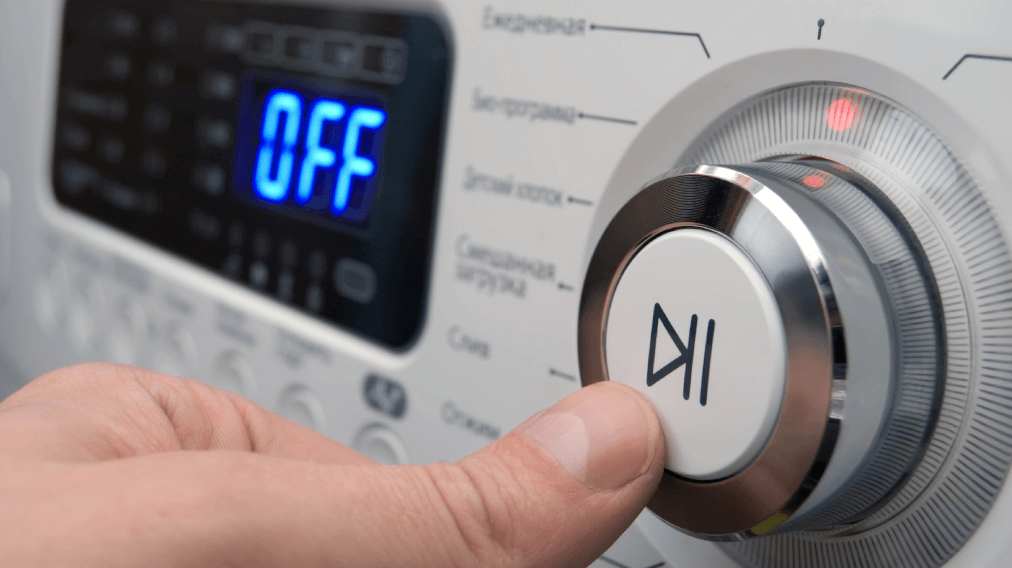
- unplug the Samsung washing machine;
- wait 10-15 minutes;
- Reconnect the device to the power supply and turn it on.
Most often, these manipulations should resolve the problem. If it still persists, a more thorough investigation will be required.
The car hatch won't open.
Typically, unplugging the appliance and waiting should resolve the issue, as the unit is removed from the hatch, allowing the user to open it again. However, sometimes the door locking system fails to release the lock because the door latch hasn't returned to its default "Open" position. This can happen if debris gets into the bimetallic plate inside the hatch locking system. In this case, you'll need to open the hatch manually, being careful not to break anything. This requires several steps.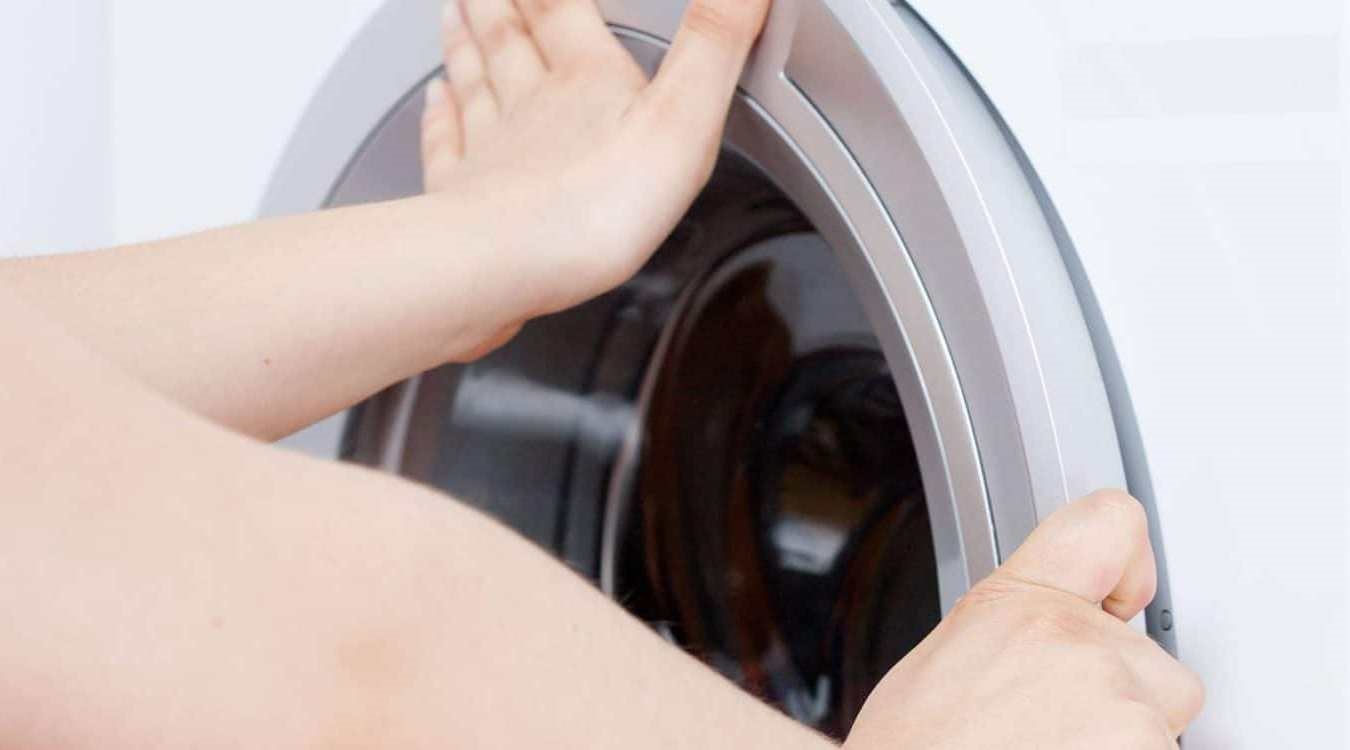
- Disconnect the equipment from the power supply.
- If possible, move it to a spacious room so that nothing interferes with restoring the device's functionality.
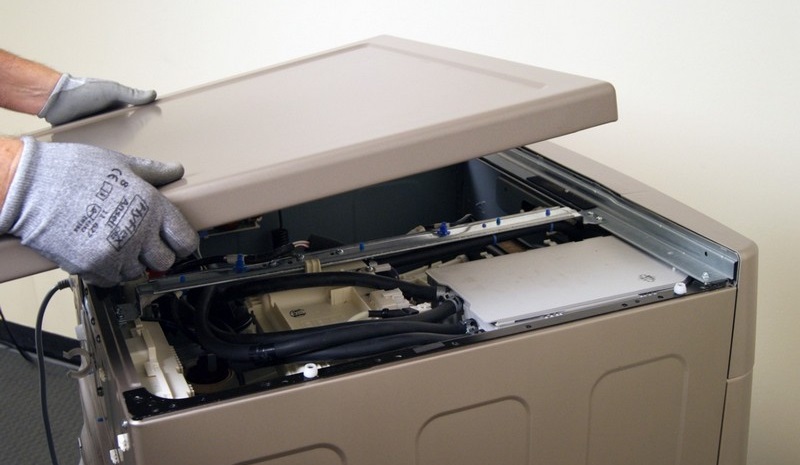
- Remove the top cover of the housing.
- Place your hand with a thin screwdriver down behind the front wall of the washing machine to the area of the door lock, which is located to the right of the door handle.
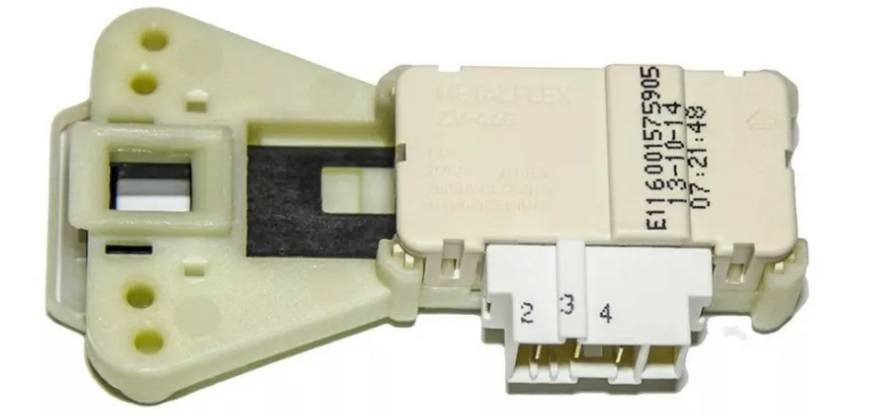
- Feel the plastic latch of the hatch locking device and try to move it to the left.
It may not work the first time, so don't despair if you can't release the hook on your Samsung washing machine door after several dozen attempts; just keep trying patiently.
This method for opening the hatch isn't the only one; there's another way to free the door. All you need is a thin, strong thread, a flat-head screwdriver, or a nail file. Here's the procedure:
- Using a screwdriver, thread the thread through the hole between the washing machine body and the door, as if you were threading the door of a Samsung washing machine;
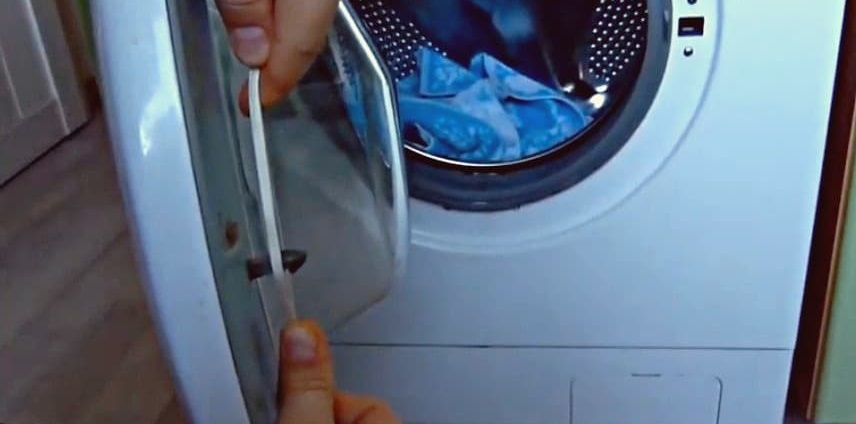
- After placing the thread on the hatch from the side of the lock, you need to carefully pull the ends of the thread, which will cause the lock to open under the resulting pressure.
If none of these methods help you open your "home assistant," you'll need to call a technician to your home to avoid further damage. This way, a specialist can accurately diagnose and fix the problem, possibly even without expensive repairs. This is much better than accidentally damaging the appliance while trying to fix it.
Testing UBL
A red lock light on a Samsung washing machine that remains lit even when the machine isn't washing and has already been reset is a warning sign that the door lock contacts have shorted. To diagnose this issue, you'll first need to open the door using one of the two methods described above. To test the part, follow the instructions exactly.
- Remove the screws holding the hatch locking device, which are located to the left and right of the hatch hook hole in the front wall of the home assistant.
- Place your hand under the cuff and remove the lock.
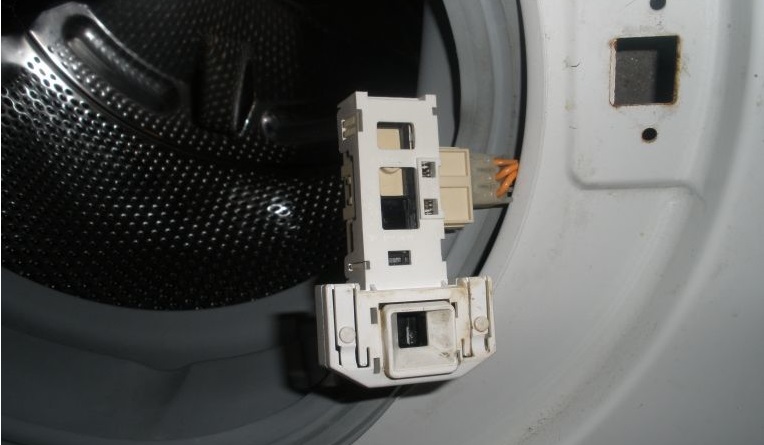
- Disconnect the connector with wires.
- Switch the multimeter to the resistance test mode.
- Connect the device probes to the phase contact and neutral contact of the lock.
- If a three-digit number is displayed, then everything is fine.
- Now we place the probes on the neutral and common contacts of the lock.
- If the display shows zero or one, you will know that the lock of your Samsung washing machine is broken.
Be sure to check the lock mechanism, because if the electrical system is fine but the device doesn't work, it doesn't necessarily mean the problem is elsewhere. In addition to the mechanics, it is also worth checking for debris in the lock itself. To do this, the element must be disassembled and cleaned, as this often helps resolve the hatch locking mechanism malfunction. Finally, if you can't find the problem yourself, you should call a technician to your home to inspect and fix it yourself.
Interesting:

Readers' comments
Headings
Washing machine repair




For buyers




For users


Dishwasher




Add a comment