
The power button on the washing machine stuck
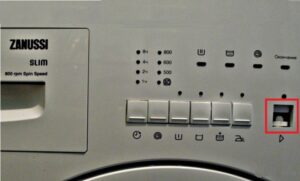 Push-button control panels on washing machines are becoming less popular due to the advent of more sophisticated mechanisms, as well as the fact that buttons tend to stick. While a stuck auxiliary button can be easily dealt with, when this happens to the power button, you can forget about using the machine properly. Let's figure out what to do if the power button on your washing machine sticks.
Why does sinking occur?
The main reason buttons in washing machines stick is wear and tear. The longer and more actively you use your washing machine, the more often you'll encounter failure of one or another component, sometimes even one critical to proper operation. The power button is particularly susceptible to wear and tear, as it's the most frequently used of all the buttons.
Another possible reason is low quality plastic. The worse the material, the more susceptible the buttons are to deformation and sticking due to frequent pressing. In such cases, a complete key repair is usually required. Keys also often start to stick after a home-made repair or manufacturing defect. Incorrect installation leads to a conflict between the machine's components, which can manifest as key sticking.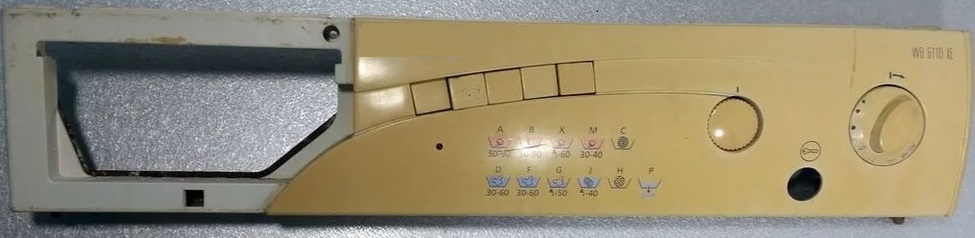
Finally, something inside the washing machine can easily break if it's transported improperly, dropped, or subjected to impact. In such cases, anything can malfunction, including the keys on the control panel.
In any case, it is important to understand the problem and fix it, otherwise the machine will constantly restart with the risk of one day not turning on at all.
We're fixing the problem
Before repairing, it's important to determine the cause of the problem. The only way to fix the problem of keys sticking is if the grooves are clogged. We'll need to partially disassemble the machine, specifically the top cover and front panel. The cover is easy to remove; just unscrew the screws. Then, proceed as follows:
- Remove the powder container by sliding it out and pressing the release button. Unscrew the two screws next to the dispenser slot;
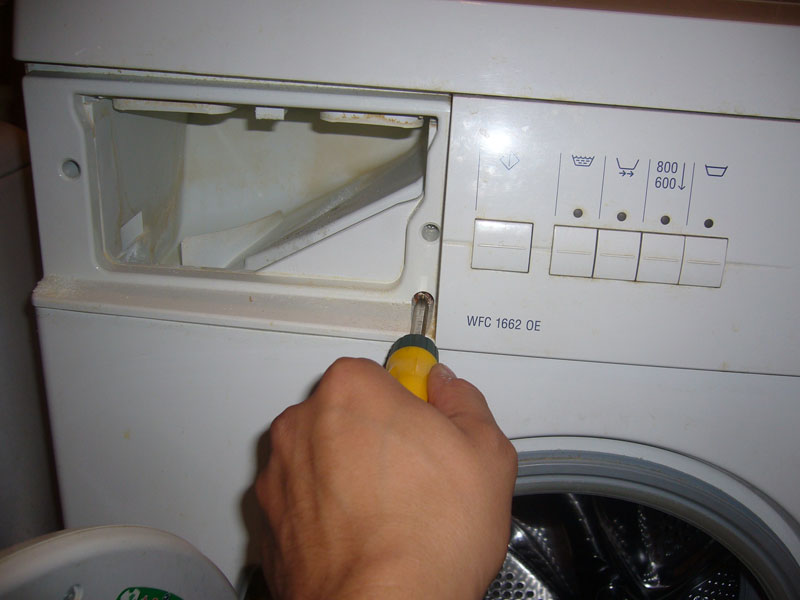
- unscrew the side screw that holds the plastic front panel itself;
- Remove the module's wiring. To do this, unfasten all the wire terminals holding it in place. If all the terminals are different colors, reattaching them will be easy;
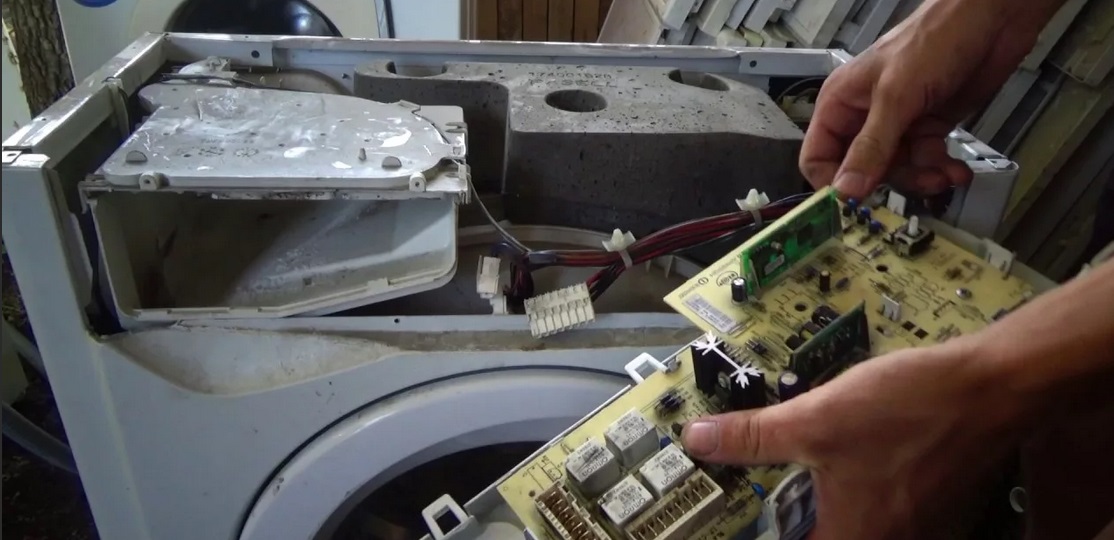
- inside the front panel there is another panel, a board, which can be easily removed by unscrewing the screws;
- Take the board in your hands and turn it over, carefully inspect the holes in it for any blockages, deformations or foreign elements.
If everything is in order, you can set the board aside and return to the plastic panel. On the back side, parallel to the buttons, there's a long metal piece. This piece will also need to be removed. Once removed, remove the plastic plate behind it, giving you access to the button holes.
Important! Dirt accumulated in the button grooves can hinder their movement, so both the grooves and the buttons themselves need to be cleaned. Clean with either plain water or alcohol.
After drying the keys, check that everything is working. You don't need to fully assemble the washing machine for the initial test drive. First, assemble the control panel itself and try pressing the buttons directly on it. If everything moves, you can proceed with the final assembly, connect the wires, start the unit, and observe the results of your work in action. If the sticking problem persists, consult a technician.
Interesting:



Readers' comments
Headings
Washing machine repair




For buyers




For users


Dishwasher




Add a comment