
How to start a Dexp tumble dryer for the first time
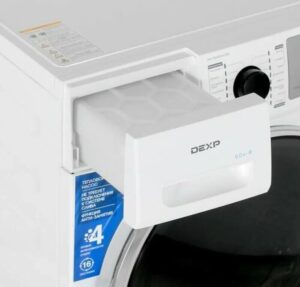 How should I start up my Dexp dryer for the first time? How do I install it correctly, and what programs does it have? These questions are on the minds of almost every user who's just purchased their new "home assistant."
Let's figure out how to start a new dryer. How to operate it safely to avoid damaging your laundry or the dryer itself. We'll also explain the programs and additional features available in modern Dexp dryers.
How to install a dryer
All the details related to installing and starting the dryer are described in the user manual. The first thing you need to do is study the instructions for your new dryer. This is where you will find answers to all the questions that equipment owners may have.
Modern Dexp dryers do not need to be connected to a sewer system – the machine is designed with a compartment for collecting condensate.
If desired, you can arrange for water drainage. Dexp dryers come with a drainage hose. One end of it connects to a special outlet on the unit's body, and the other to a sewer pipe (or into a bathtub or sink).
The dryer requires a grounded outlet. This must be a dedicated outlet. Do not connect the dryer to an extension cord, as this is unsafe.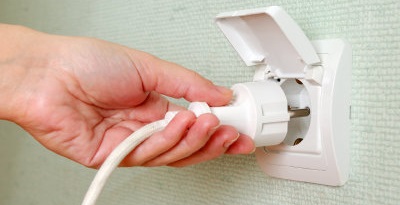
The manufacturer provides several tips regarding the installation of the dryer:
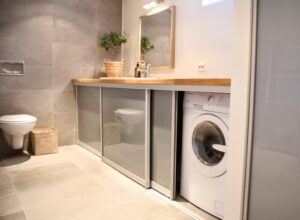
- It is recommended to place the dryer next to the washing machine for ease of use;
- It is important to place the dryer in a clean place where dust and dirt do not accumulate;
- air must circulate freely throughout the entire device, so the air intakes on the CM body must not be blocked;
- The machine must be placed on a flat, hard surface - this will minimize vibration and noise that occurs during operation of the device;
- The dryer legs cannot be removed;
- Do not install the dryer on a carpet (this will prevent air circulation under the bottom of the appliance).
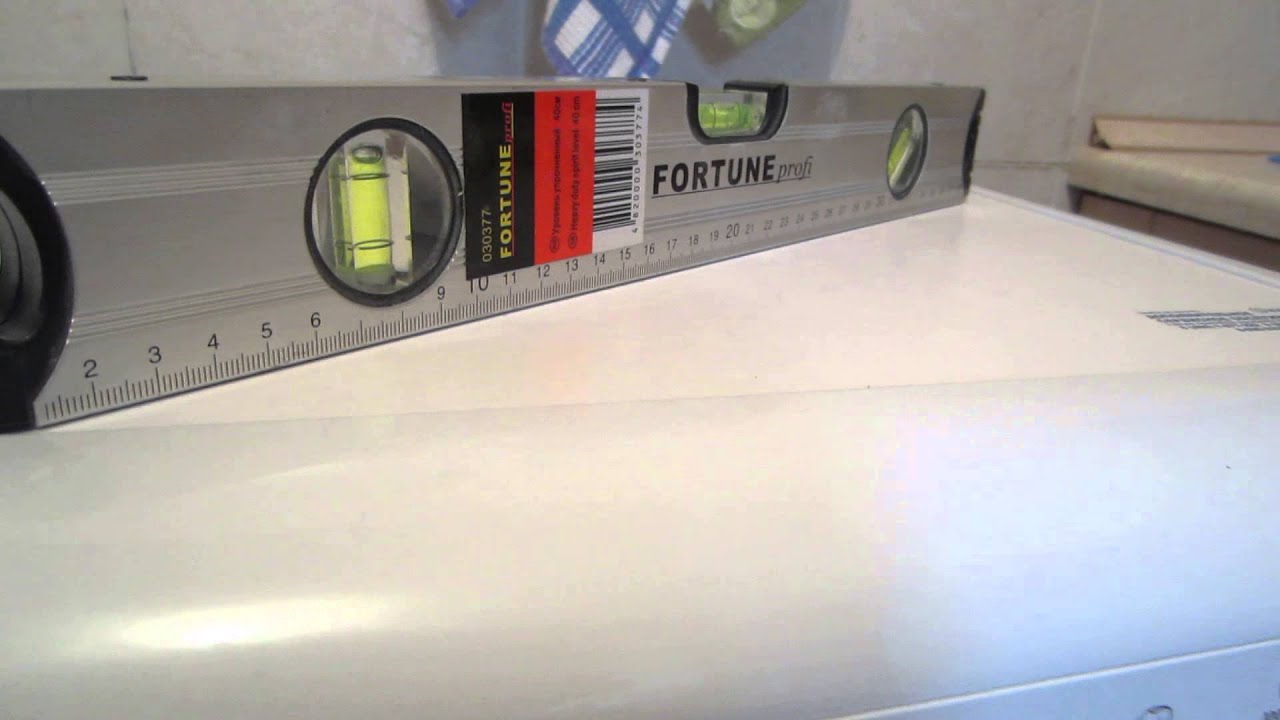
It's important to level the dryer body. The feet are adjusted manually. A wrench can also be used to help.
Once you've completed installation and leveled the appliance, press down on each of the four corners of the dryer body one at a time. If the unit appears unstable, continue adjusting.
Getting ready to dry and drying things
Once you've connected the dryer, you can try running the cycle for the first time. Another preparation step is cleaning the drum. Wipe the inside with a soft cloth. Only then can you load laundry into the machine.
What recommendations does the manufacturer give?
- Spin your laundry before putting it in the dryer. This will reduce drying time and therefore energy consumption.
- It's important to sort your laundry by fabric type and select the appropriate drying cycle. This is the only way to achieve the desired results.
- Before placing laundry in the dryer, fasten zippers, snaps, and buttons on items.
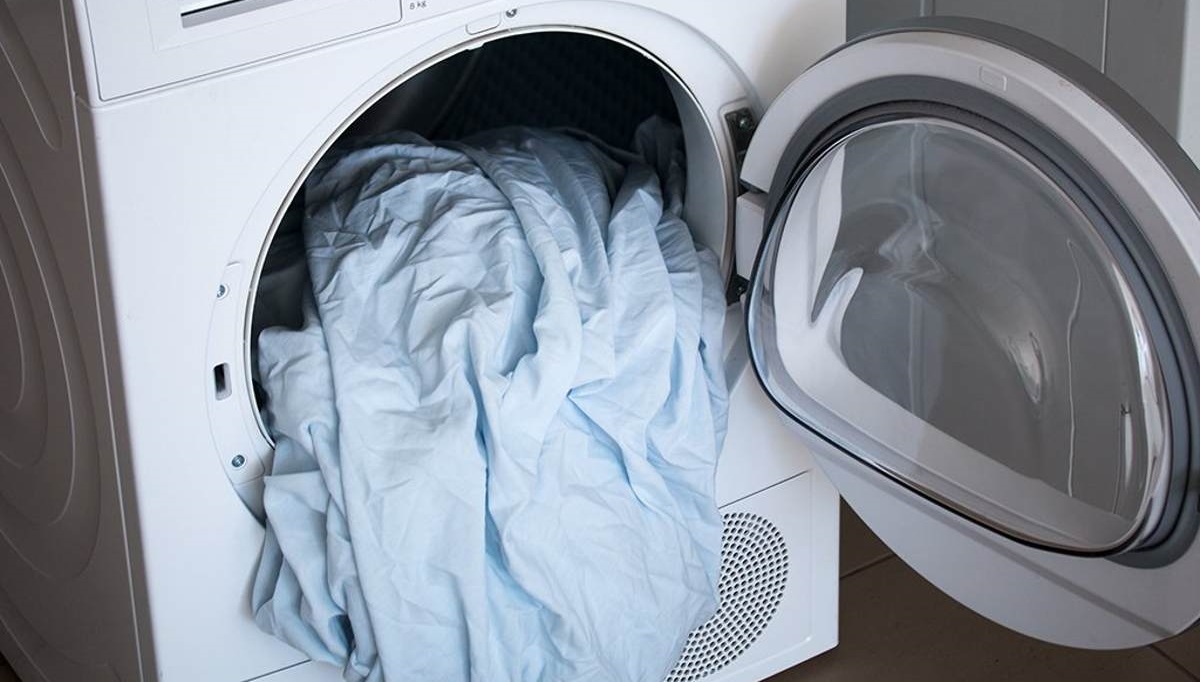
- Do not dry items made of rubber or other elastic materials in the machine.
- It is important not to overdry items, as this will lead to creases in the fabric and shrinkage of the garment.
- Only open the dryer door after the machine has come to a complete stop. Reaching in before this point can result in burns from hot steam.
- It is important not to overload the dryer.
- The lint filter and condensate container must be cleaned after each drying cycle.
The process of turning on the dryer step by step:
- Plug the CM power cord into the socket;
- load items into the drum;
- close the hatch door tightly;
- start the dryer by pressing the power button;
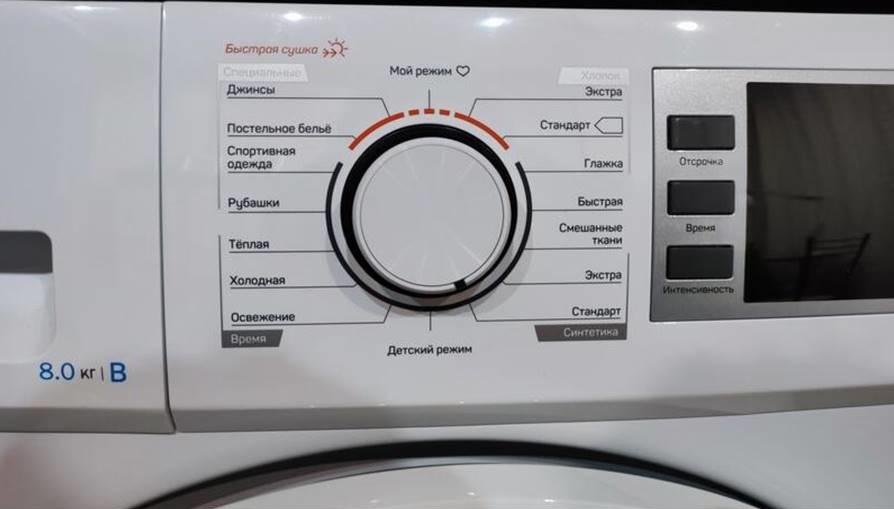
- select the desired program;
- if necessary, connect additional options;
- start the cycle with the "Start" button.
It is important to adhere to the maximum load capacity of the dryer.
Information on the maximum permissible loading weight can be found in the equipment instructions. Do not put too much laundry in the dryer, as this may damage the appliance. Also, the items will not dry completely, and creases and folds will form on them.
Do not load dripping laundry into the dryer. This could damage the dryer or even cause a fire. Silk and wool items should also be avoided.
When the machine has finished executing the program, the user will be left with:
- disconnect the electrical appliance from the mains;
- open the hatch door and take out things;
- remove the condensate collection container and drain the water;
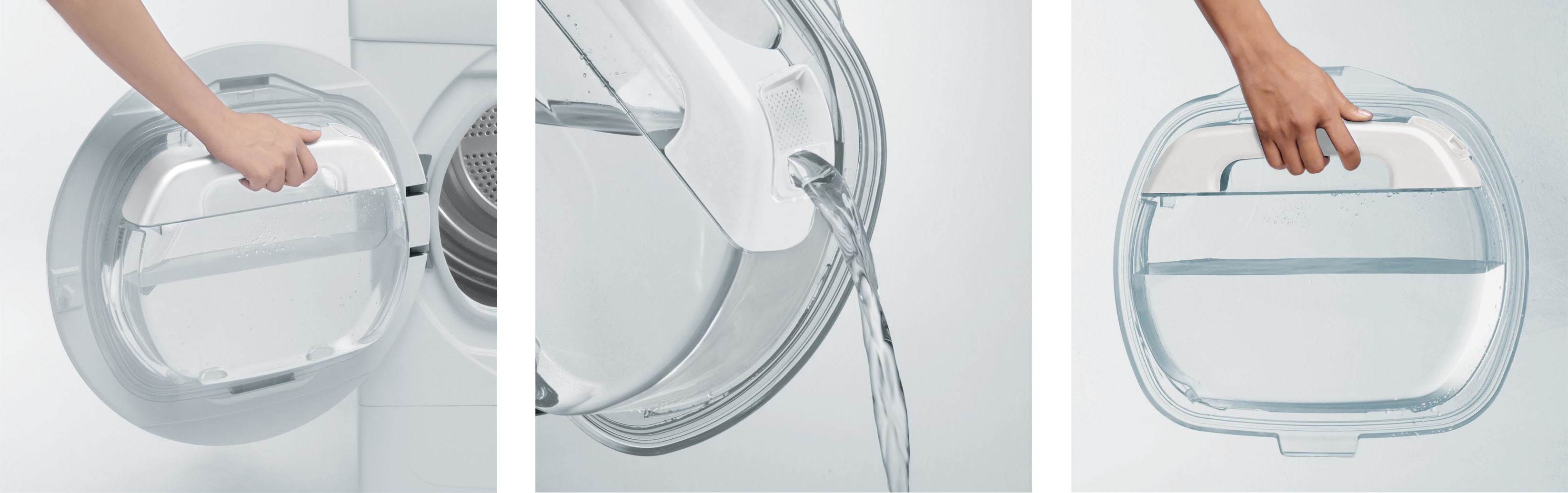
- clean the lint filter.
It's a good idea to wipe down the inside of the drum. It's important to leave the dryer slightly ajar for ventilation. Avoid running multiple drying cycles in a row. Be sure to let the machine "rest" for at least an hour.
Programs and additional functions
A description of all programs and additional options is provided in the machine's manual. To avoid any difficulties when starting the dryer for the first time, it's best to read the user manual. The quality of drying depends on the correct mode selected.
The range of programs varies depending on the dryer model. Let's look at the basic modes found on almost all Dexp dryers.
- Cotton. This drying algorithm is designed for cotton items. Three options are available. "Extra" and "Standard" dry the items thoroughly before storing them. "Iron" leaves the items damp and ready for ironing.
- Fast. This program is designed for drying clothes that don't benefit from prolonged drying. For example, items made from acrylic fibers.
- Mixed Fabrics. This mode is for when you load items made from different materials into the dryer.
- Synthetics. There are two options. "Extra" is for thoroughly drying thick or multi-layered synthetic items. "Standard" is for delicate fabrics that don't need ironing.
- Jeans. Drying instructions for very heavyweight fabrics. Before loading, spin the garments at maximum speed.
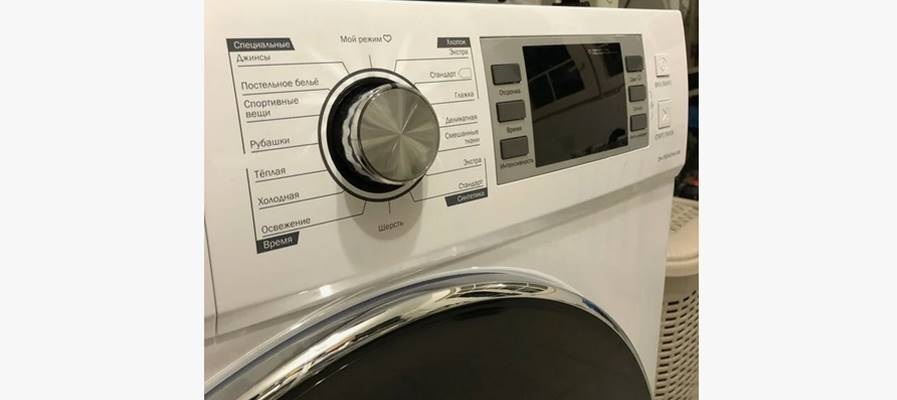
- Bedding. A program for drying sheets, bedspreads, pillowcases, and other large items.
- Sportswear. Delicate drying for delicate fabrics and polyester. For laundry that doesn't need ironing.
- Shirts. Drying instructions for men's shirts and women's blouses. At the end of the cycle, remove items from the drum immediately and hang them on hangers.
Many Dexp machines also allow you to set drying times. Several options are available.
- Warm – for multi-layered, bulky items, such as outerwear, pillows, and blankets. Drying will be performed with warm air, with cycle times ranging from 10 to 120 minutes.
- Cold – for delicate items. Dry the laundry with cold air for 10-30 minutes.
- Refresh. This program is designed for items stored in the closet for a long time or to combat unpleasant odors. Lasts from 20 to 150 minutes.
Modern Dexp dryers also feature additional features. These can be connected to the main cycle as needed. These options include: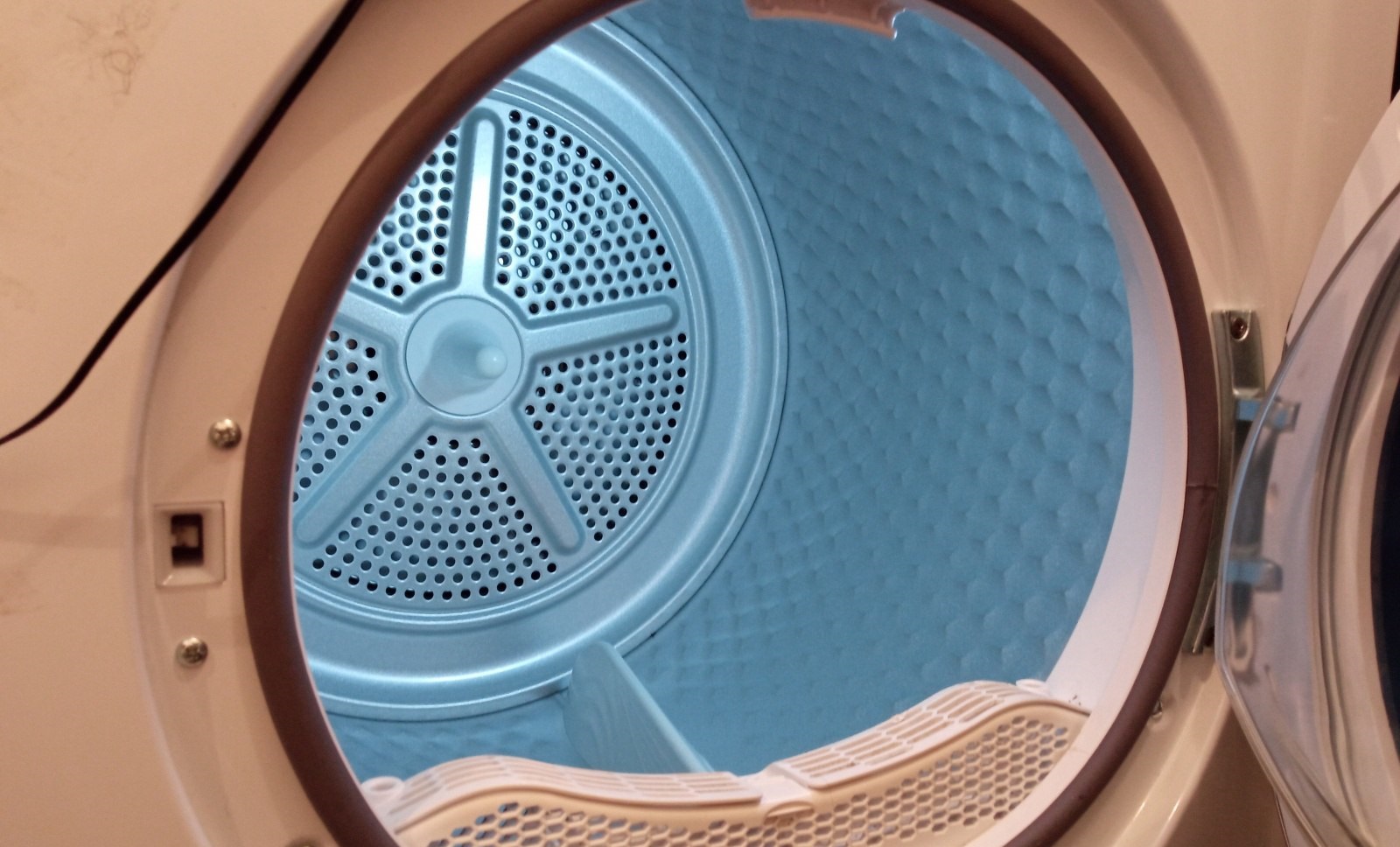
- Delay. You can delay the start of a cycle for up to 24 hours (depending on the washing machine model).
- Intensity. This add-on is used to adjust the dehumidification level. Settings can only be changed before the main mode starts. Cycle parameters are adjusted using the corresponding button on the control panel.
- Anti-crease. Used to make subsequent ironing easier. The default operation time is 30 minutes.
- Child lock. Prevents accidental pressing of control panel buttons.
- Drum Light. When you open the door, the interior light illuminates for a minute. This makes loading and unloading laundry easier.
Dexp dryers also feature a "My Mode" feature. This allows quick access to your most frequently used program. To do this, select the desired algorithm, enable additional features, and press the "Time" button for 3 seconds. The machine will then record the cycle parameters.
Interesting:

Readers' comments
Headings
Washing machine repair




For buyers




For users


Dishwasher




Add a comment