
Symbols on a Gorenje tumble dryer
 With a range of features and capabilities that are continually being improved, tumble dryers allow you to care for your laundry gently and effectively. The standard control panel of your "home helper" always includes icons that activate various modes. Today, we'll explore the icons on your Gorenje tumble dryer and help you understand their meanings.
Dryer panel images and their purpose
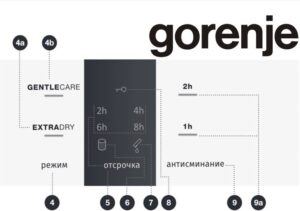
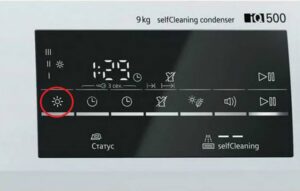
The dryer's display features various symbols that provide information about the device's features and modes. Each symbol has its own meaning and is essential for proper operation. For example, a glowing image of a cylinder covered in dots often appears on the panel. This symbol alerts the user to the need to clean the filter of dirt and dust.
If you don't keep your dryer clean, it will slow down and eventually stop working altogether!
Therefore, remember to keep the filter clean, especially when the appliance reminds you to do so with a special indicator. Gorenje dryer users also notice that an oblong rectangle with a droplet occasionally appears on the display. This symbol indicates that it's time to drain the condensate container. It accumulates slowly, so empty the container approximately every 5-6 drying cycles. The frequency of this procedure depends directly on the volume of laundry and the intensity of use of the appliance.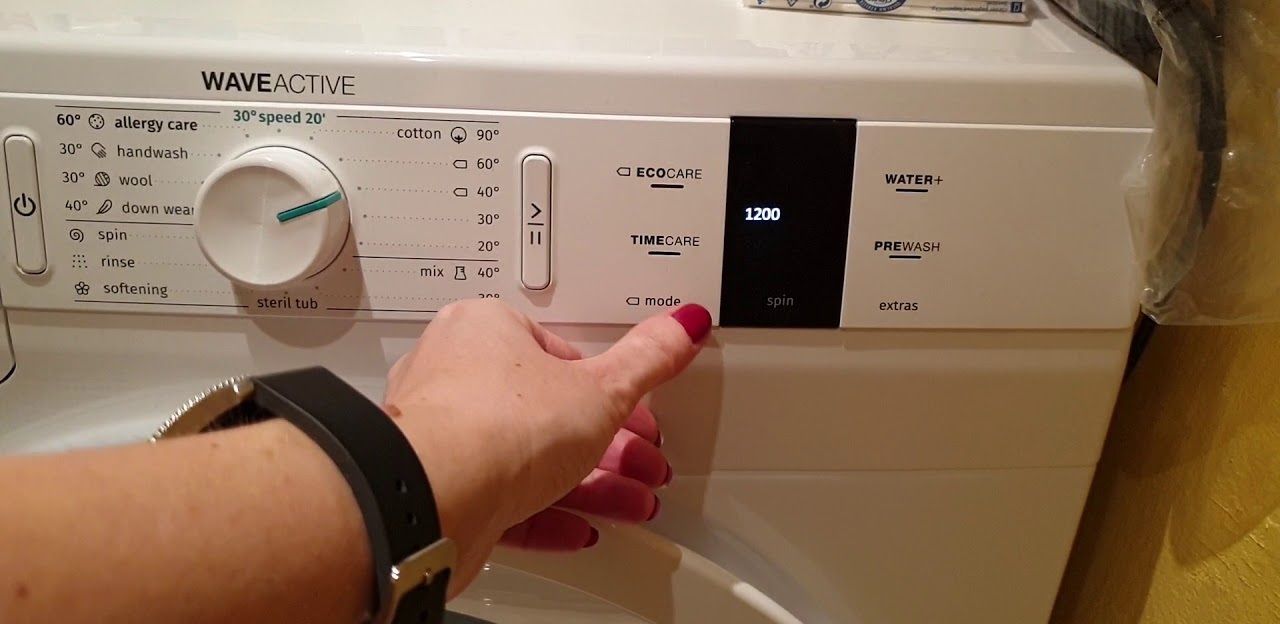
If you see the key light on the control panel, it means the Child Lock feature is activated. The "Delay" sign indicates that the delayed start mode is enabled. In addition to the symbols listed above, the display may also display cryptic English symbols, which can often be confusing for those who don't speak English well. In such cases, a decipherment is required.
For example, a label like "GENTLECARE" indicates that the user has selected the low-temperature drying option. In this mode, the machine will dry clothes thoroughly and thoroughly, but gently to avoid damaging the fabric. "EXTRADRY" indicates the drying intensity of the machine.
Equally important is the symbol indicating the drying temperature selection. It helps the user set the optimal air temperature for drying laundry, depending on its type and material. The control panel may also feature symbols indicating the availability of various programs. These features allow you to select the optimal drying mode based on the characteristics of your laundry and the desired result.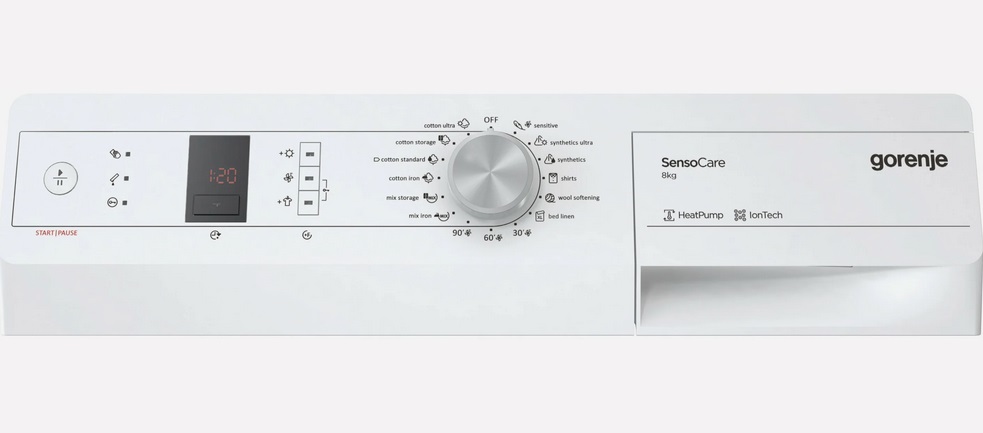
Other symbols indicate the presence of functions such as overheat protection, delayed start or sensor drying system. All these options contribute to the safe and efficient operation of the dryer and provide optimal conditions for drying laundry. In addition to those listed, there are other symbols:
- ANTI CREASE;
- TIME DRY;
- mute;
- NATURE DRY.
Understanding and using the symbols on your Gorenje dryer's control panel will help you customize the appliance to your needs. This will ensure high-quality drying results. Therefore, it's crucial to learn the meaning of all the symbols, as this will allow you to use your "home assistant" even more efficiently and safely.
Gorenje dryer programs
The Gorenje dryer offers a wide range of programs. They can be divided into several categories based on the fabric type or drying purpose. Let's take a closer look at some of them.
- Cotton. This program is designed for drying cotton items, including towels, sheets, and T-shirts. Drying occurs at a high temperature, allowing clothes to dry quickly.
- Synthetics. Suitable for synthetic and blended fabrics. This program runs at a low temperature to avoid possible damage to the material.
- Wool. This includes all fine and delicate wool garments. This option also features a special "GENTLECARE" cycle, which provides additional protection for the fabric.
In addition to these, there are also specialized programs. For example, "Quick Dry" is designed to quickly dry a small amount of clothes. This option is very useful, especially when you don't have time for a full cycle.
The device also has a hypoallergenic mode, which eliminates all bacteria from laundry during the drying process!
The appliance also features "Extra Drying" and "Refresh" functions. The former increases the drying time and intensity to achieve maximum dryness. The latter mode refreshes items without drying, simply bringing them to the desired temperature. That's not all. The Gorenje tumble dryer offers the following programs: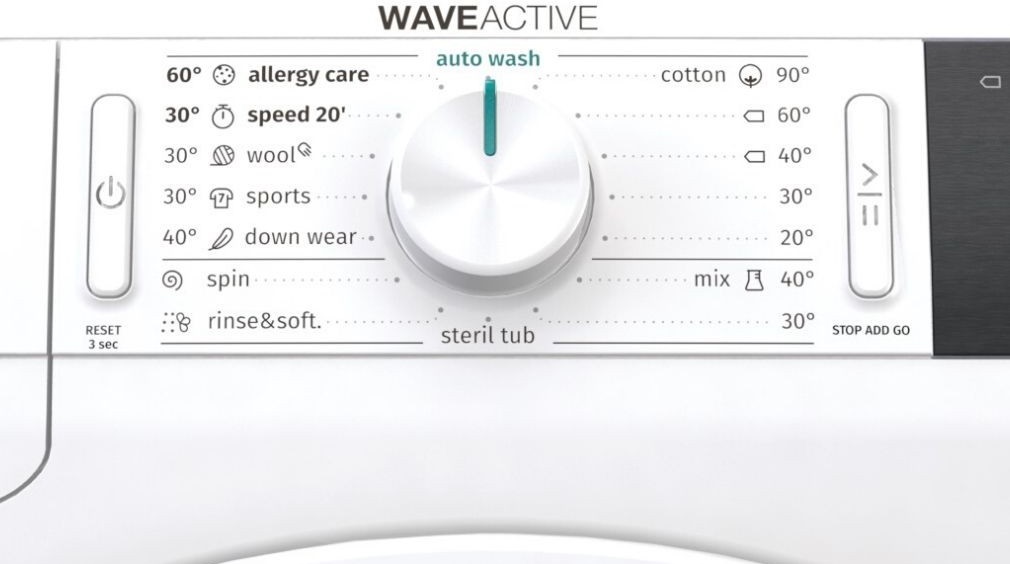
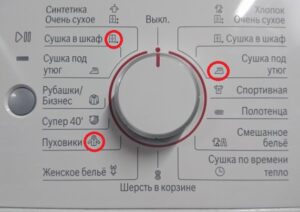
- In the closet. Designed for thick cotton items, it dries clothes completely and can be placed straight into the closet.
- Normal. This function is designed for non-sensitive cotton fabrics of uniform thickness. Once the cycle ends, the laundry is completely dry.
- Iron on. Use for delicate cotton items. This option leaves the laundry slightly damp, making it easy to iron after drying.
There's also a "Wool" program—a relatively short cycle that helps soften silk and wool items. They're dried strictly according to the manufacturer's instructions. The "Delicates" program is for synthetic fabrics. After the program ends, they'll remain slightly damp. The "Down Fill" option is for garments filled with down. It is worth noting that it is best to dry large items separately and, if possible, use the “EXTRADRY».
In addition to the modes mentioned above, there are those dedicated to children's clothing, sportswear, and shirts. There's also a "Timed Drying 90°, 60°, 30°" program. This is used when items are slightly damp and need to be dried further. If the laundry remains damp, repeat the drying process. Keep in mind that setting the program duration too long can overdry the laundry, which can affect the fabric: the garment will become stiff, wrinkled, or even shrink.
Manufacturers haven't overlooked bedding either, creating a special setting for large items. It allows them to dry completely. And the specially adapted drum rotation prevents fabrics from getting tangled.
As you can see, the Gorenje tumble dryer offers a wide range of drying program settings, allowing it to meet all user needs. This "home assistant" achieves optimal drying results for various fabrics, preserving their quality and preventing any potential damage.
Interesting:

Readers' comments
Headings
Washing machine repair




For buyers




For users


Dishwasher




Add a comment